FAQ
What do contractors ask about invoice templates?
Clear answers on contractor invoice templates, labor and materials billing, change orders, retention, and how solo contractors send professional PDFs from the job site.
What should be on a contractor invoice?
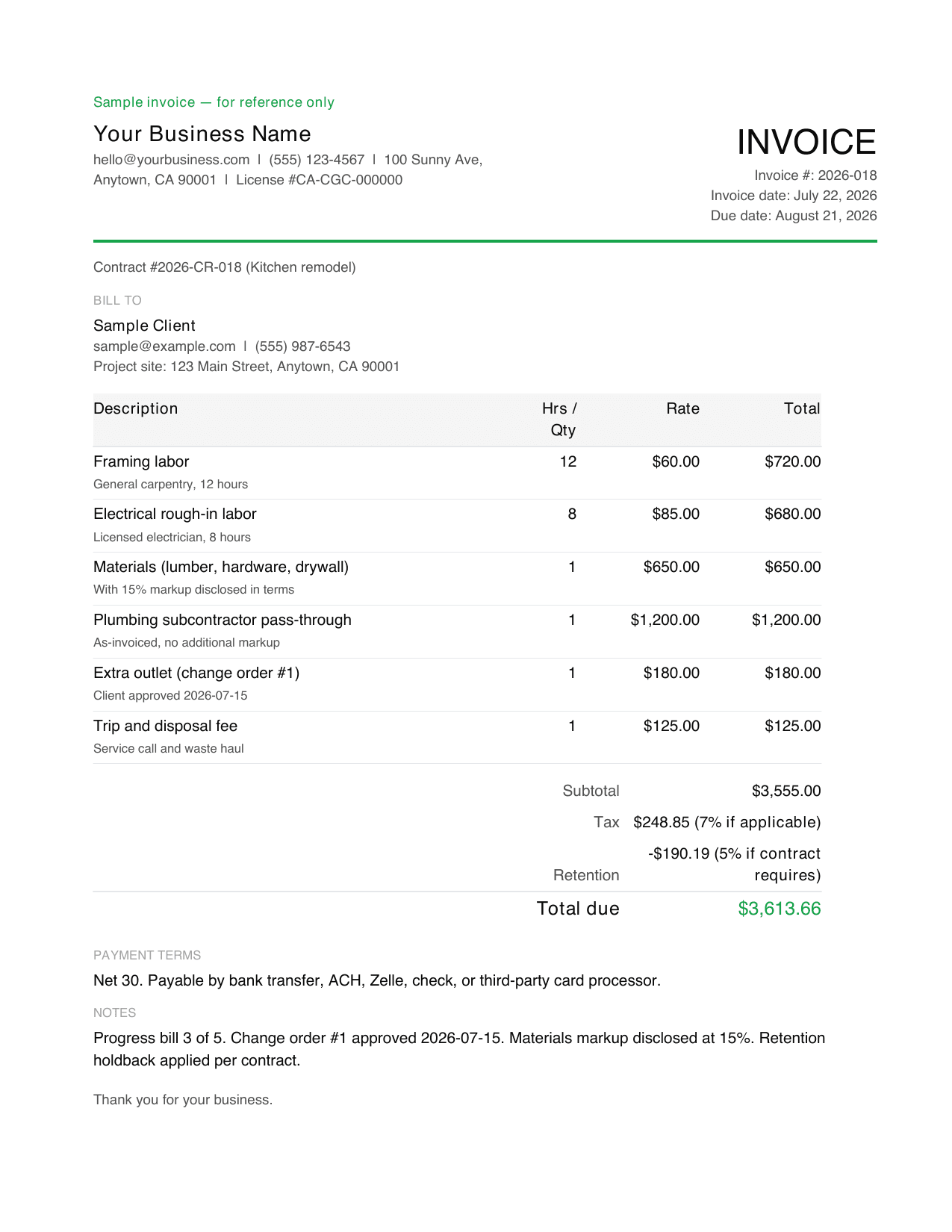
A contractor invoice should include your business name, contact information, and license number if your state requires it, the client's name and project address, a unique invoice number, contract or project reference, itemized labor with hours and rate, materials with disclosed markup, subcontractor pass-through if any, common fees such as trip or disposal, change order lines if applicable, subtotal, sales tax if it applies to labor or materials in your area, retention holdback if your contract requires it, total due, and payment terms.
Is this a general contractor invoice template?
Yes. This general contractor invoice template works for solo GCs, small crews, and specialty trades. It supports labor by trade, materials with markup, subcontractor pass-through, change orders, deposits, progress billing, and retention holdback if your contract requires it. Adapt the line items to your trade and market before sending.
Can independent contractors use this invoice template?
Yes. An independent contractor invoice template needs the same core fields as a general contractor invoice. Add your business info, the client's info and project address, itemized labor and materials, a specific due date, and payment terms. If you file 1099 income, keep a copy of every invoice for your tax records.
Should I send a contractor estimate before an invoice?
Send an estimate first when the job scope or price needs client approval before work starts. Send an invoice after the work is complete and payment is due, or after a milestone if you are progress-billing. If you already had a signed contract, deposit and progress invoices can go out immediately per the schedule you agreed to.
How do I invoice for labor and materials?
Break labor and materials into separate itemized lines on the same contractor billing invoice template. Show labor with unit, rate, and hours per line. Show materials with your disclosed markup so the client can verify the total. Passing subcontractor cost through as its own line, with or without your GC markup, is standard practice.
How do I invoice for deposits, partial payments, or change orders?
Send a deposit invoice for 30 to 50 percent upfront after contract signature. Bill progress payments at weekly or agreed milestones with percent complete referenced against the total contract. For change orders, add a separate line item after the client signs off on the change, and reference the approval date on the invoice.
Does Billgami process contractor payments?
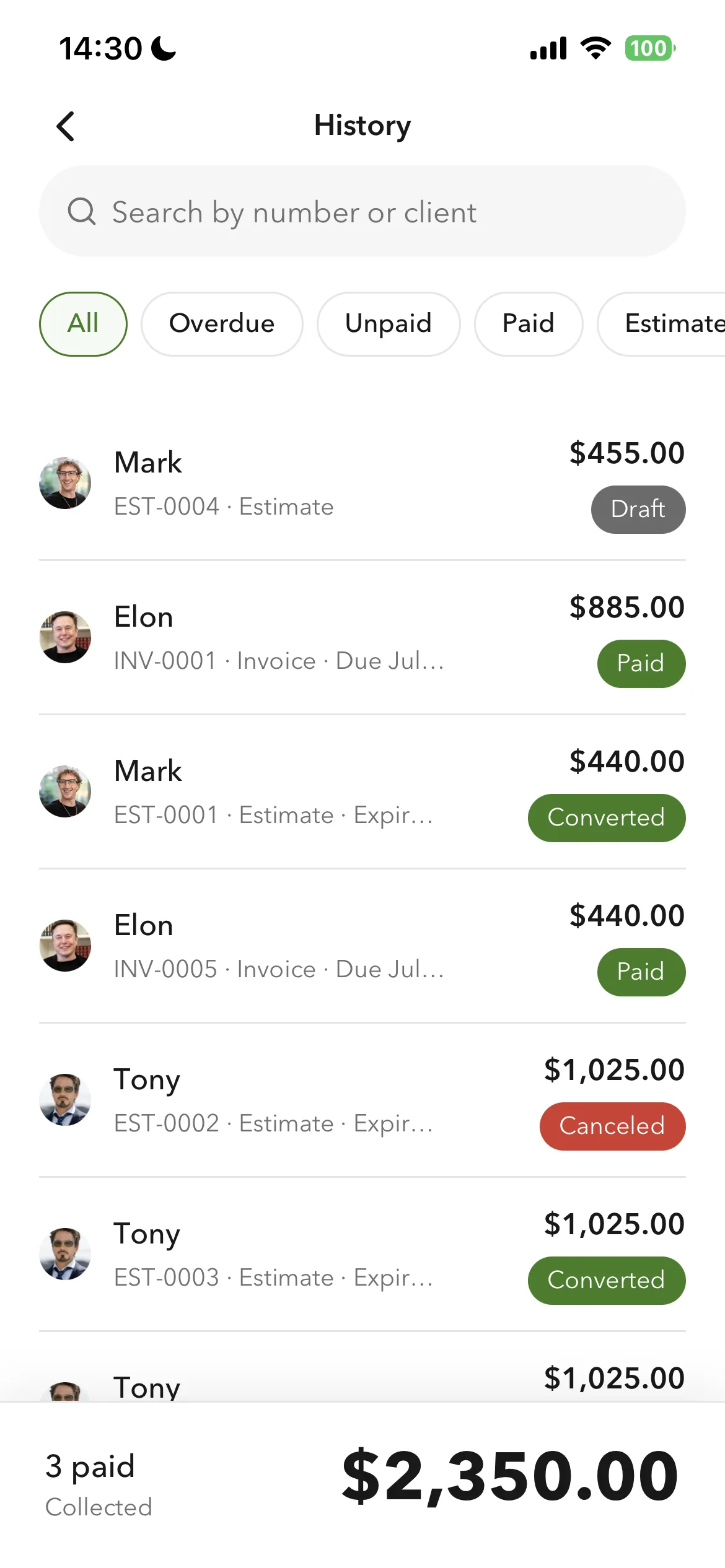
No. Billgami does not hold money, process payments, or collect on the invoice. The client pays you directly through the method you list on the invoice, such as bank transfer, ACH, Zelle, check, cash, or a third-party card processor you already use. Billgami helps you create, send, export, and manually track the invoice record.
What's the fastest way to send a contractor invoice from the job site?
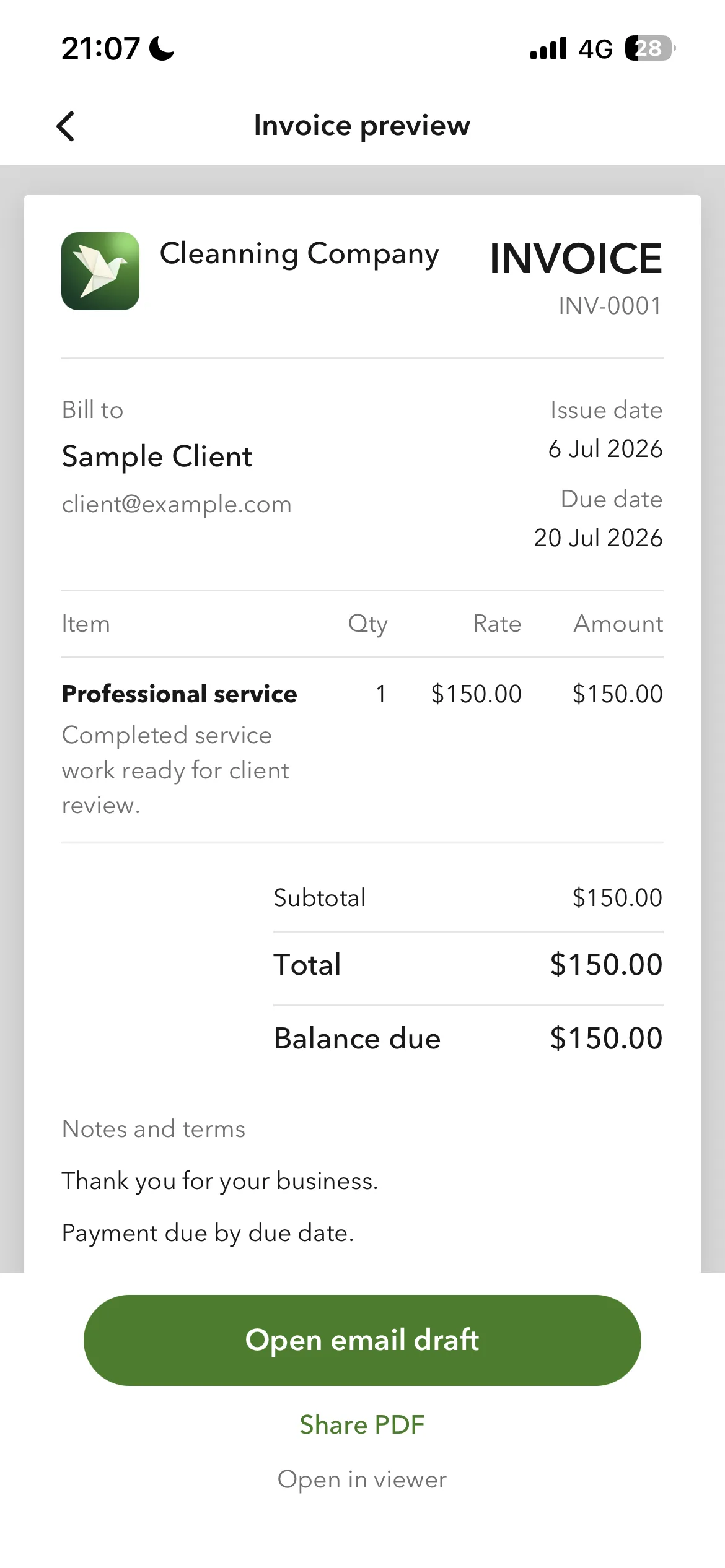
The fastest job-site workflow is to save your client, project details, and common labor and materials lines once, then reuse them on the next invoice. Billgami is built for that iPhone workflow: add the client, add line items, preview the PDF, and share it before you leave the site.
Is Billgami full accounting software?
No. Billgami is for invoices, estimates, quotes, receipts, PDF records, and manual status tracking. It is not tax, payroll, bookkeeping, or payment processing software.
Can I send PDFs from my iPhone?
Yes. Billgami is built around creating professional PDFs and sharing them through the iPhone share sheet or email workflows you already use.