Billgami
Joist app alternative

20 Joist app alternatives, judged on 1,000 real reviews

Joist is a good estimating app that changed its deal. It was free, then it was metered, and the complaint that barely existed before 2023 is now the fourth most common one: users losing access to their own invoices when they stop paying. This guide reads 1,000 App Store reviews by era, shows what actually changed, and names the alternatives worth moving to.

  • 1,000 Joist App Store reviews, split by era so old complaints are not sold as current ones
  • 20 alternatives with real 3-year cost math, grouped by what you actually need
  • Credits Joist for the problem it fixed, not just the ones it has

Last updated · July 27, 2026

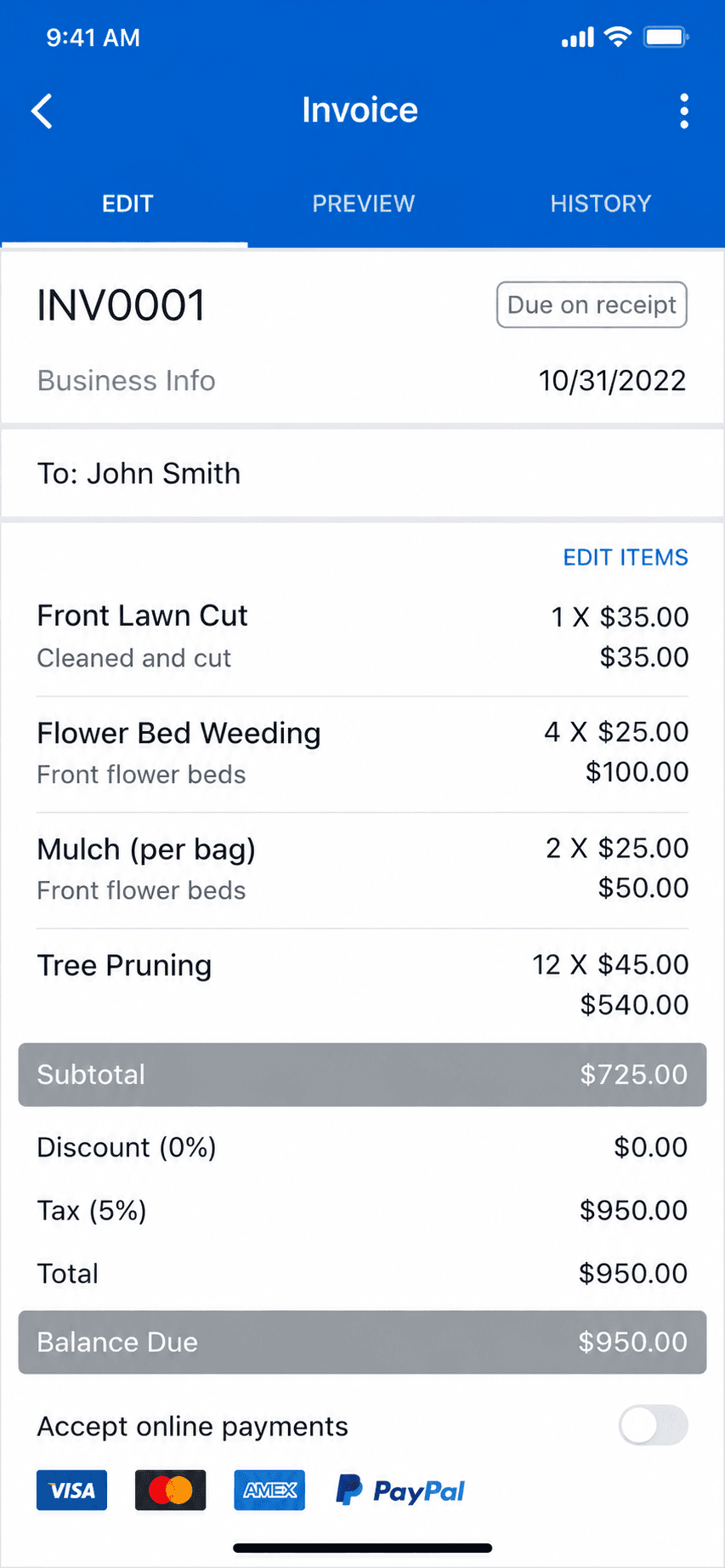
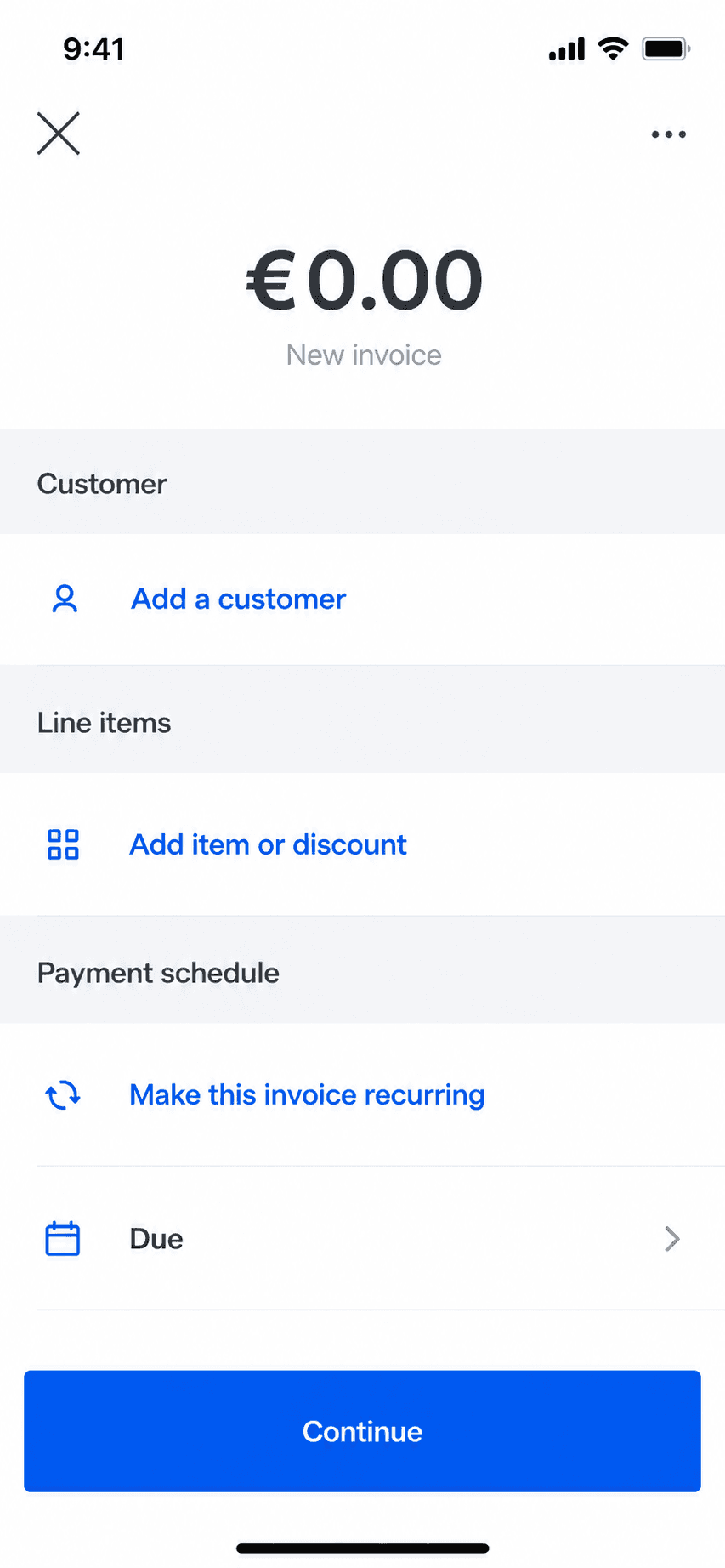
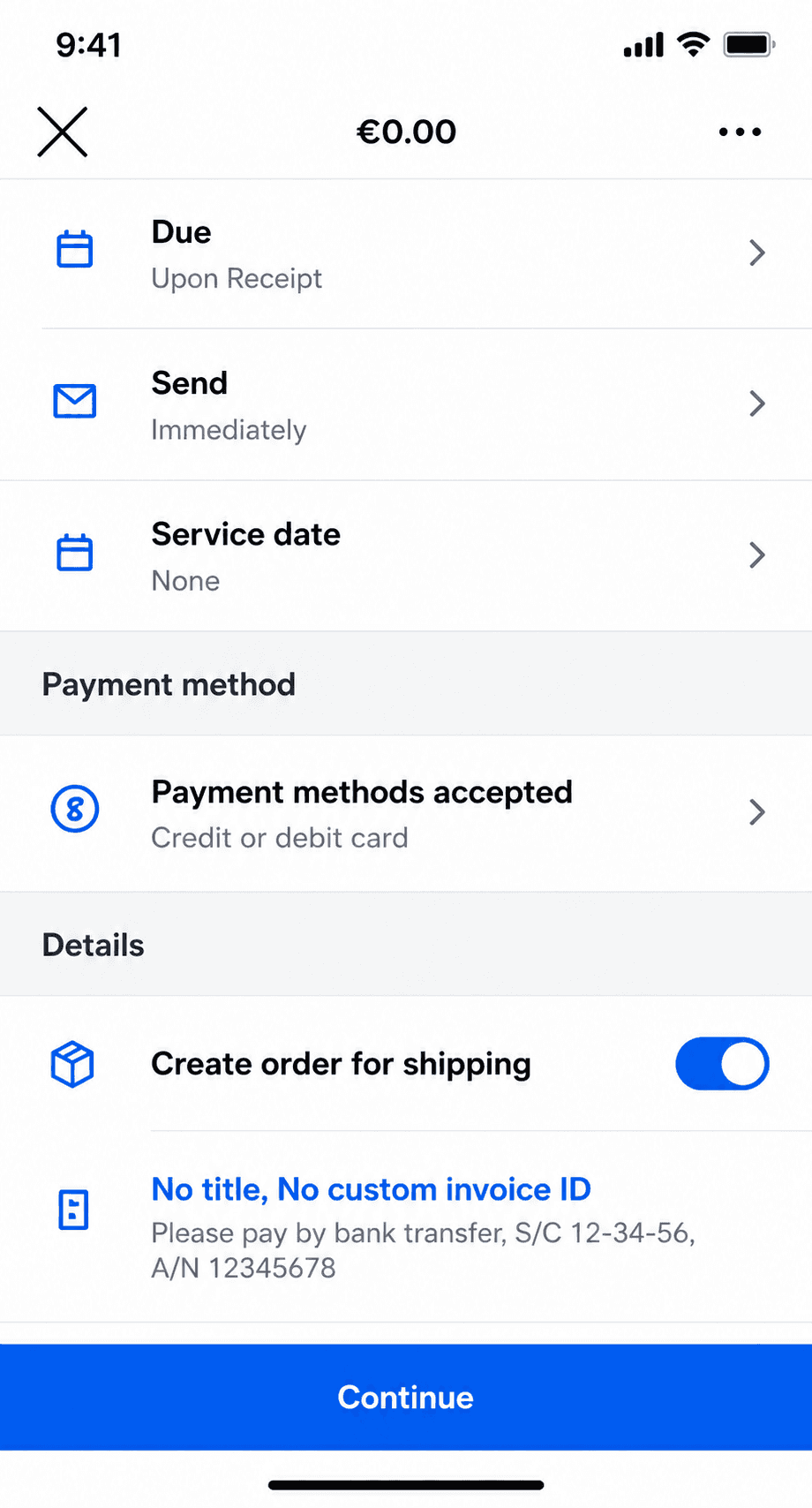
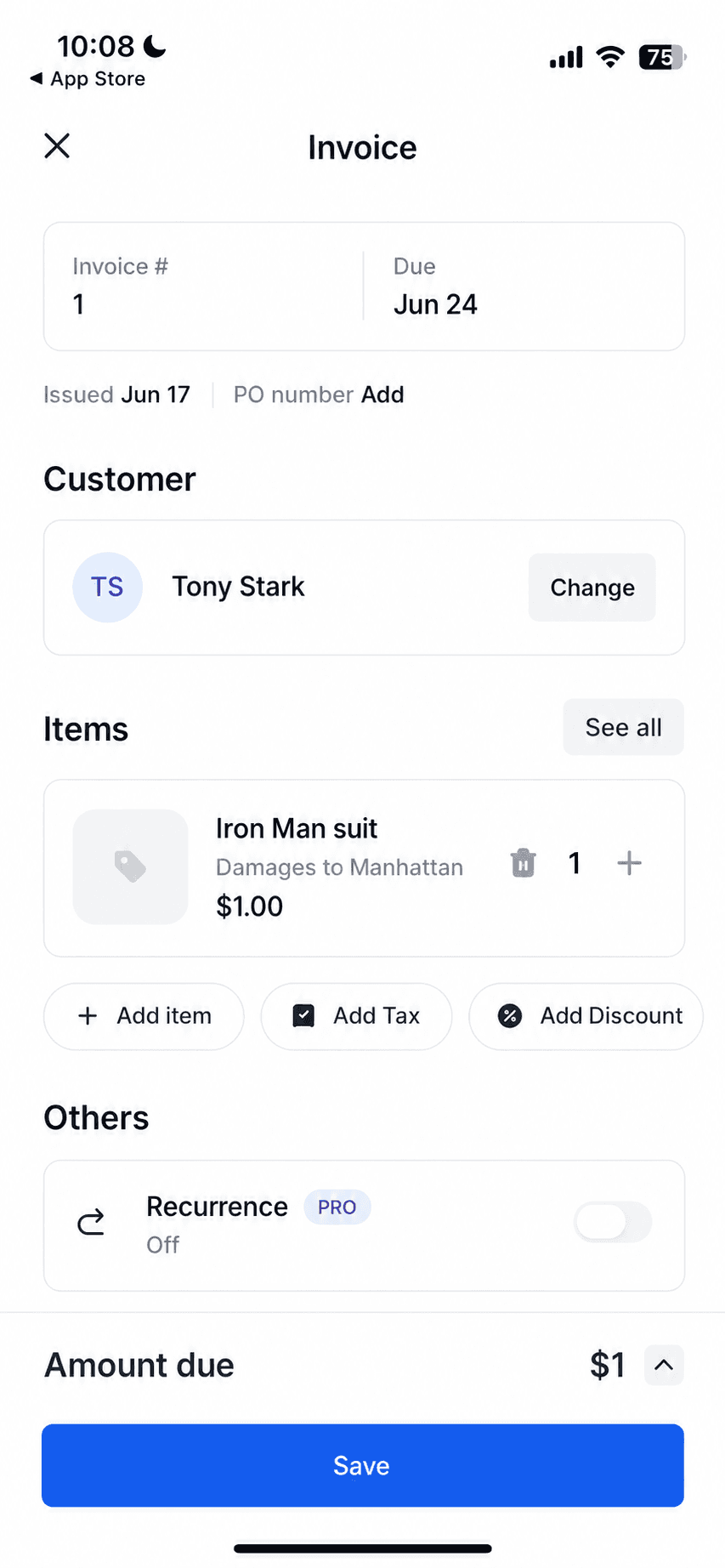
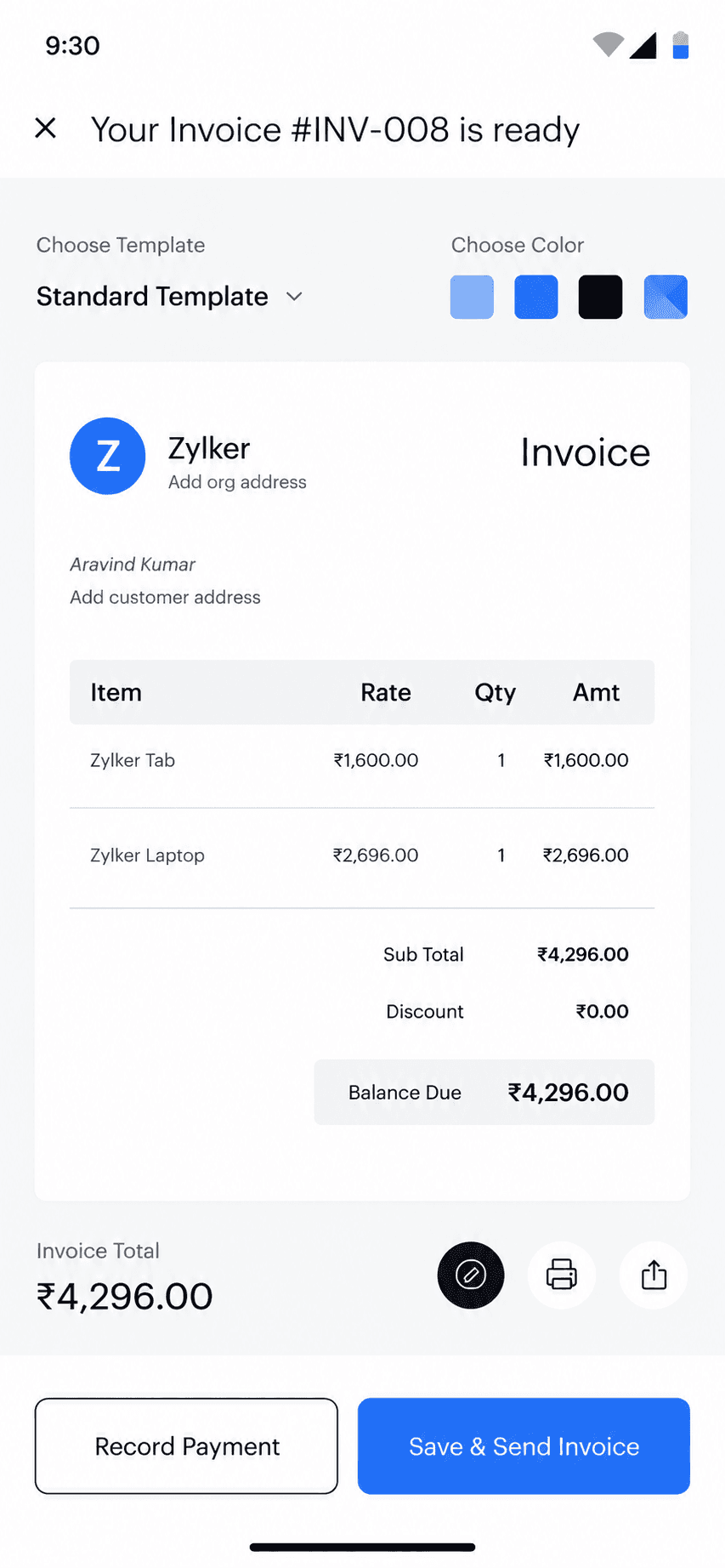
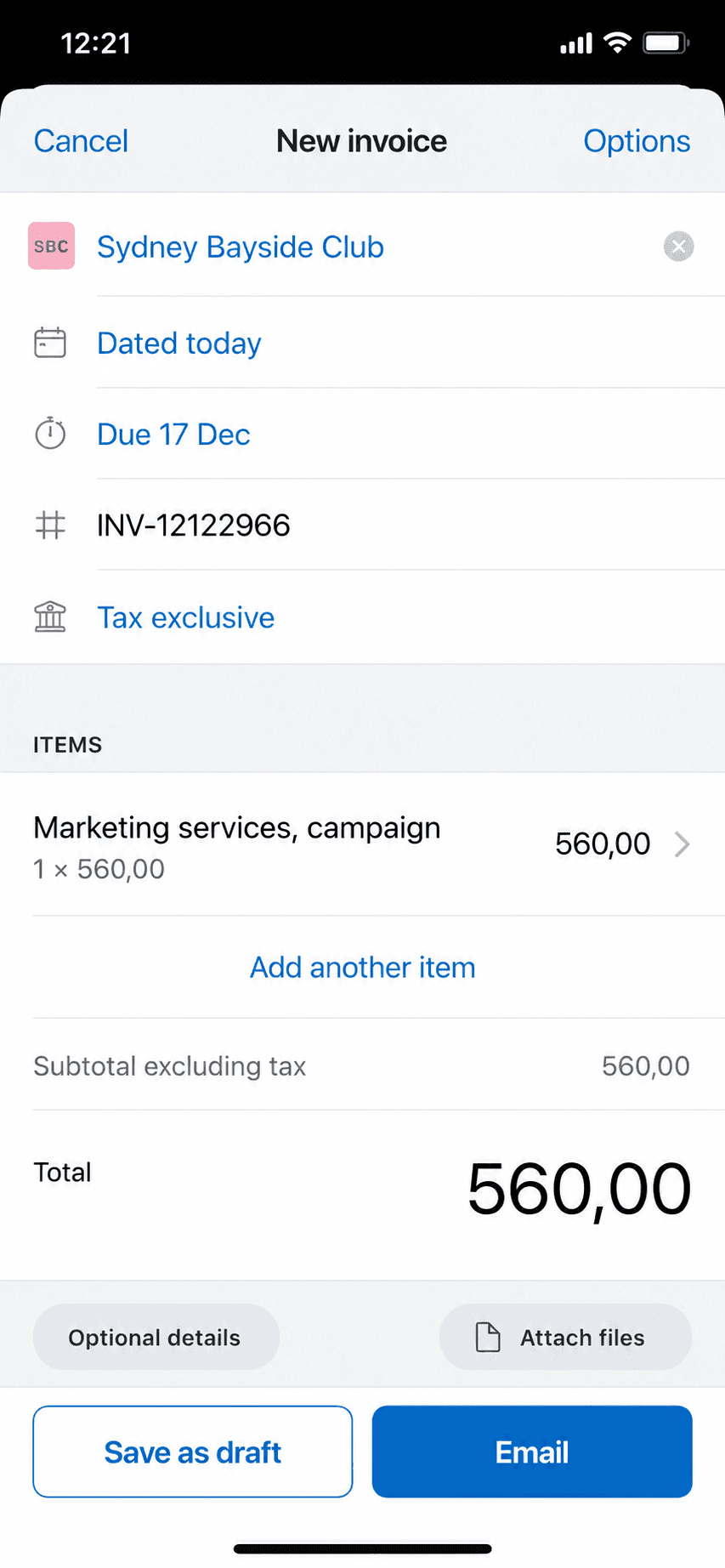
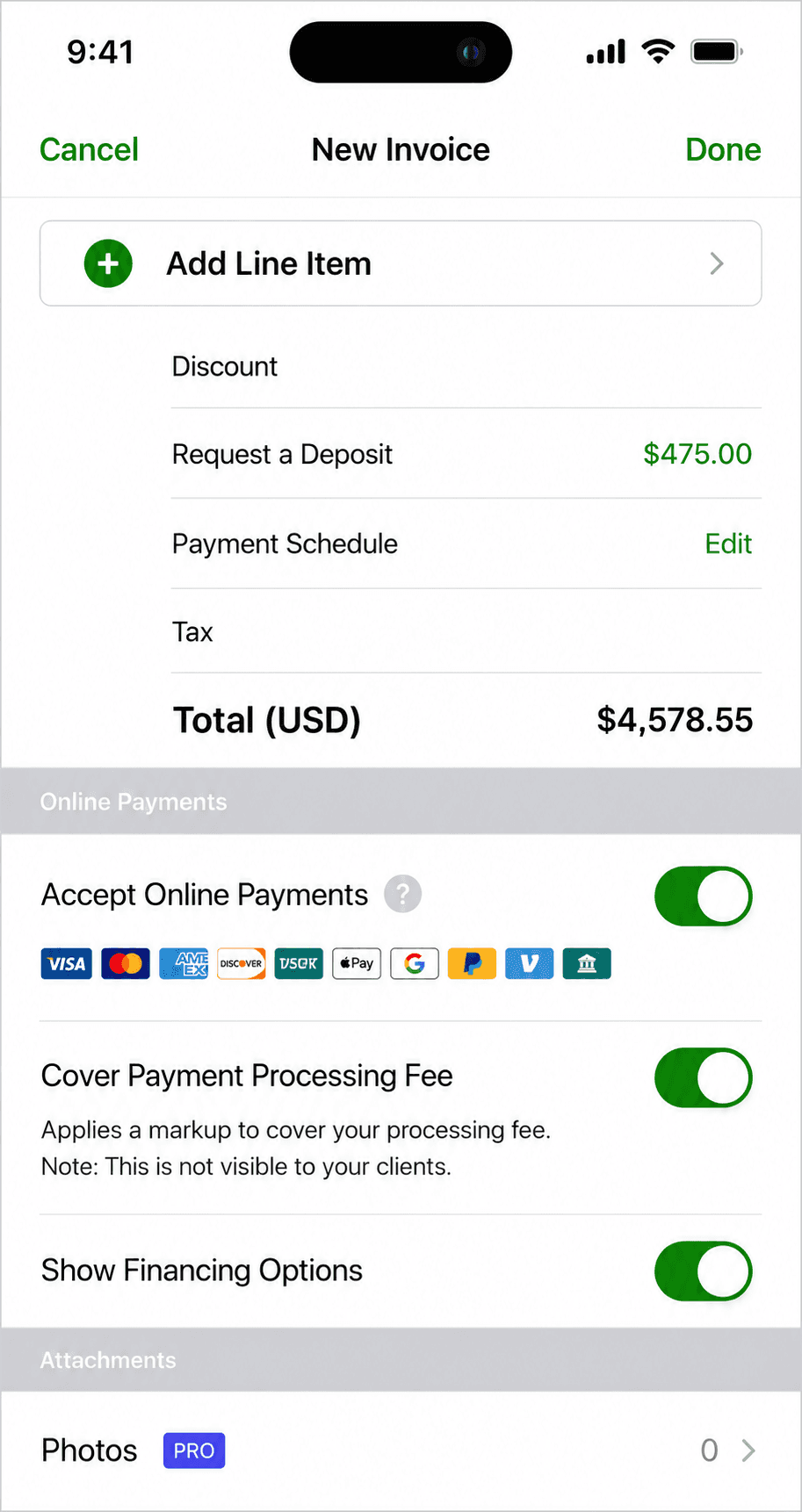
Joist invoice creation screen on iPhone, the app this guide helps you evaluate leaving
Quick takeaways

Which Joist alternative is right for you?

  • Just estimates and invoices

    • Billgami
  • You manage a crew

    • Jobber
    • Housecall Pro
  • You outgrew your books, not your estimating

    • Wave
    • QuickBooks
    • FreshBooks
    • Xero
    • Zoho Books
  • Genuinely free to send

    • Zoho Invoice
    • Square Invoices
    • PayPal Invoicing
  • Best offline

    • Billgami
    • Billdu
    • Tofu Invoice Maker
  • Most polished phone app

    • Invoice Simple
  • Closest to Joist's trade workflow

    • HoneyBook
    • Jobber
  • When to stay put

    • Stay on Joist
How we chose

How did we evaluate these Joist alternatives?

The joist competitors below were judged on the same rubric, so the picks are comparable rather than an affiliate ranking.

  • Lane fit: do you need a field-service suite, or just estimates and invoices?
  • Real 3-year cost, not this month's promo price.
  • What the tool caps: documents, clients, or seats.
  • How well it works on a phone, on a job site, offline.
  • What real users say in public, dated App Store reviews.
  • What it honestly gives up versus Joist's trade features.
Start here

Do you need more than estimates and invoices?

Most Joist alternative guides answer this by pushing you to a bigger, pricier platform, because that is what they sell. Check what you genuinely need first. Your lane picks your tool.

Lane A

You need more than invoicing

If you need to…

  • Schedule and dispatch a crew to job sites
  • Track technician locations or route them
  • Run a CRM with job history and follow-up automation
  • Job costing across materials, labour, and margin
  • Book jobs through an online customer portal
  • Keep real books or a general ledger
  • Reconcile bank and credit-card feeds
  • Run payroll for employees

Two different answers live here. If you are scheduling people other than yourself, Joist was already too small and a simple invoice app will be too, so move up to a field-service suite. If instead you checked the books rows, what you outgrew is your accounting, and an accounting package solves that without replacing your estimating.

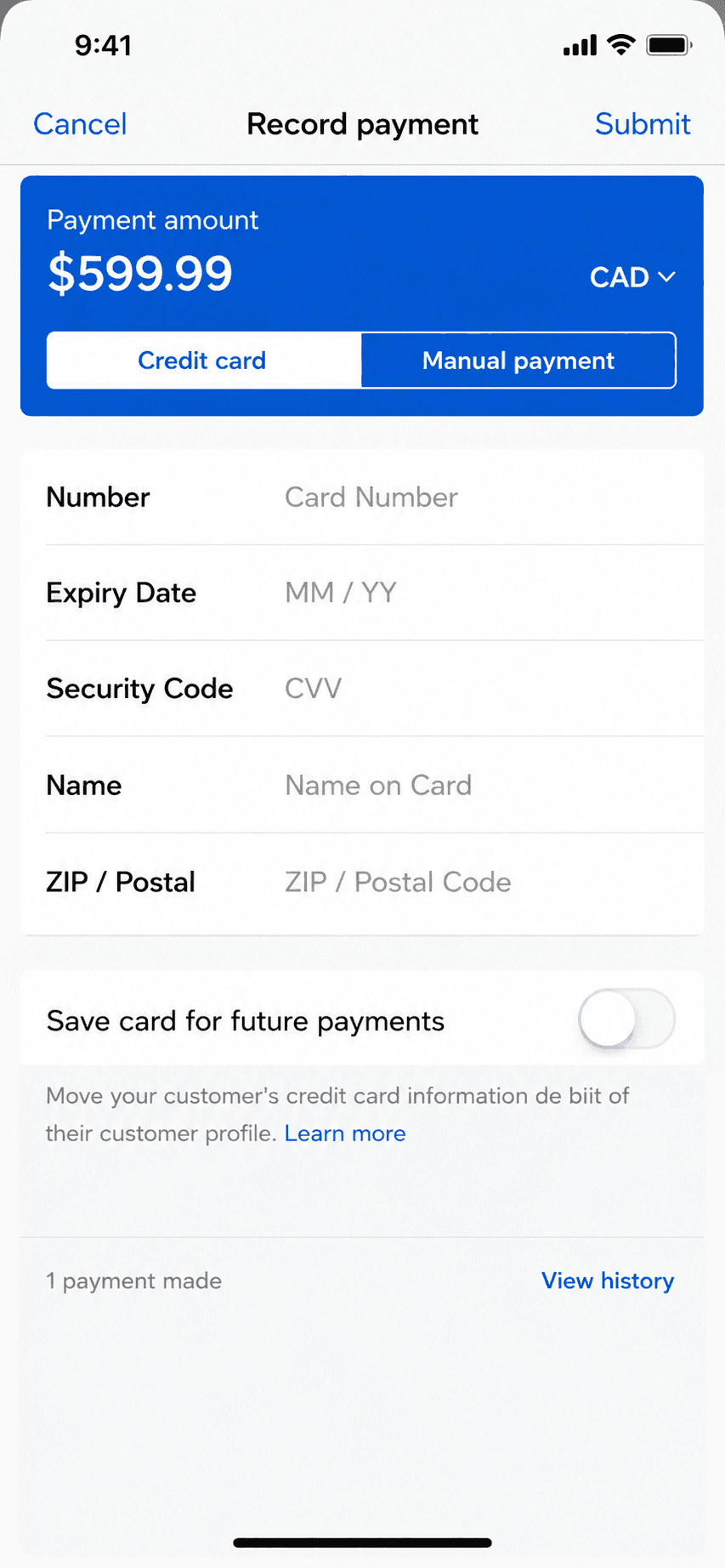
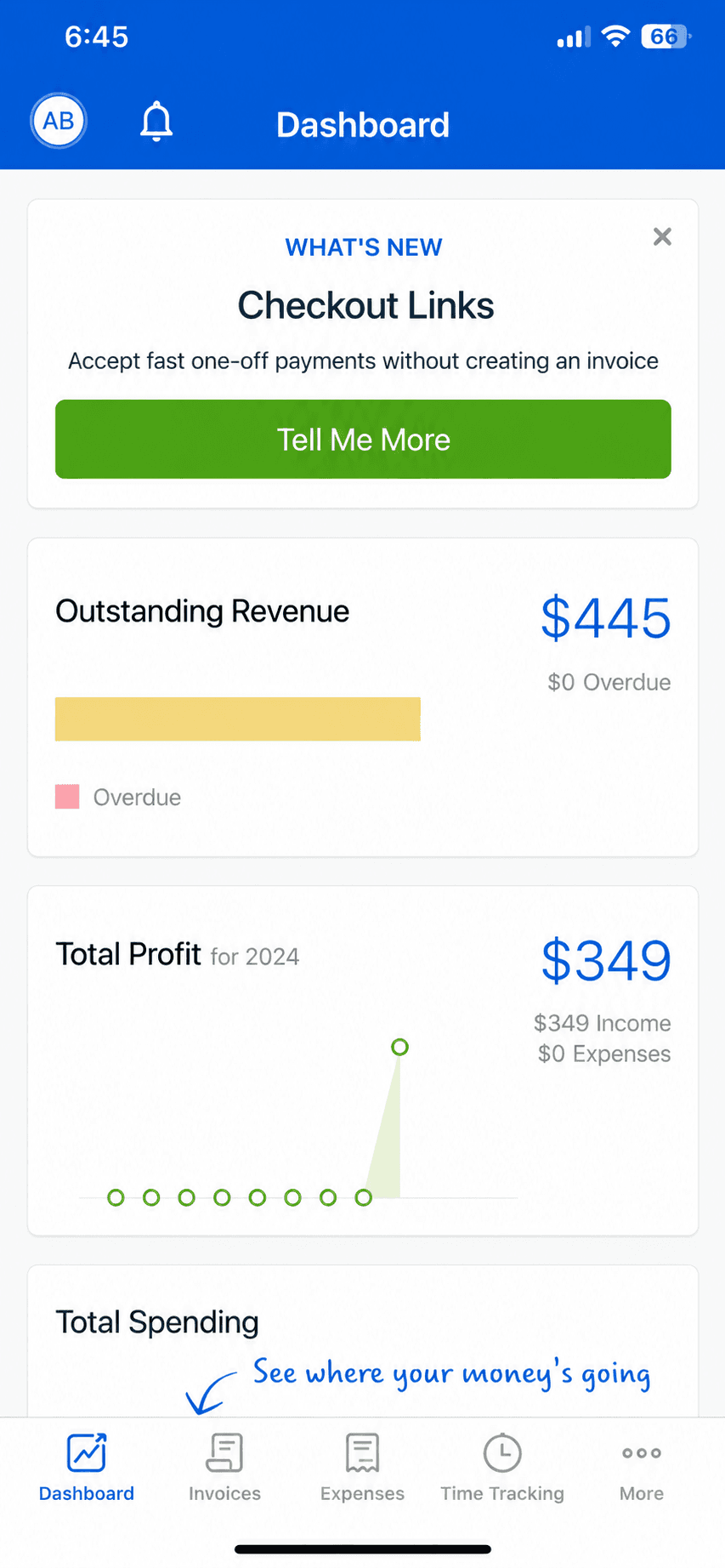
JobberHousecall ProWaveQuickBooksFreshBooksXero
See the suite and books picks

Suites run roughly five to eight times Joist's entry price. Accounting tools start free (Wave, Zoho Books under $50k revenue).

Lane B

You only need estimates and invoices

If you need to…

  • Send professional estimates and convert them to invoices
  • Track who has paid, who has not, and partials
  • Work offline in a basement or a new build with no signal
  • Keep PDF records of what you sent

This is most solo trades, and it is the lane Joist itself serves. You are choosing on price, caps, and whether the app works without signal, not on features you will never open.

BillgamiInvoice SimpleSquare InvoicesBilldu
See the simple picks

Billgami is in Lane B only: no scheduling, dispatch, CRM, job costing, or field-service management. If you checked anything in Lane A, this guide sends you to Jobber or Housecall Pro instead.

The honest picks

The 20 best Joist alternatives, grouped by what you need

Apps like Joist split into two very different lanes, and picking the wrong one is how a solo contractor ends up paying for a dispatch system nobody opens. No affiliate ranking here. Billgami leads because it is ours, disclosed up front. After it come the simple estimate and invoice apps that do Joist's actual job (Lane B), then the heavier tools that do more than invoicing (Lane A): field-service suites if you run a crew, and accounting packages if what you outgrew was your books rather than your estimating. The accounting tools in Lane A do not replace Joist's estimates, and this guide says so on each card rather than pretending otherwise. Each card is who the tool is genuinely for, what it gives up, its real prices and App Store rating, and a verbatim review where one exists.

ToolLaneBest forFromApp Store rating
BillgamiSimpleThe simplest, fastest way to send a professional invoice: pick a client, add services, preview, and send in about a minute.$0To be updated
Invoice SimpleSimplePeople who want the most popular, simplest invoice app and send few invoices.$6.99/mo4.87(122,610)
Square InvoicesSimpleSolo pros who want free invoicing and also take card or in-person payments.$0/mo4.83(92,439)
BillduSimpleSolo pros and tiny teams who want polished invoicing plus expenses on a modest subscription.$7.99/mo4.82(25,672)
Invoice2goSimpleEstablished mobile invoicers who send few invoices and want a polished, payments-connected app.$7.99/mo (iOS)4.85(55,391)
BookipiSimpleOccasional invoicers who fit inside 3 free invoices a month, or light users at $9.99.$04.89(16,493)
Zoho InvoiceSimpleInvoicing-only users who want a free, full-featured web and mobile invoicing tool.$04.86(13,770)
InvoiceFlySimpleMobile-first invoicers happy to pay a yearly subscription for a slick, fast app.$8.99/week4.76(94,699)
Tofu Invoice MakerSimplePhone-first invoicers who want offline invoicing and may grow into crew scheduling.$29/mo4.83(35,309)
PayPal InvoicingSimpleSolo pros whose clients already pay by PayPal, Venmo, or card.$0/mo4.19(29,377)
Invoice NinjaSimpleFreelancers who want free, customizable, or self-hosted invoicing.$0/mo4.59(173)
HoneyBookSimpleCreative and service freelancers who want proposals, contracts, scheduling, and invoicing in one place.$36/mo4.77(16,189)
Stay on JoistSimpleContractors who estimate frequently and want trade-specific tools like change orders and financing.$10/mo4.74(13,524)
JobberSuite or booksHome-service businesses with crews that need scheduling, dispatch, and invoicing in one system.$49/mo4.81(20,396)
Housecall ProSuite or booksHome-service businesses that want crew scheduling plus invoicing and will manage the add-on stack.$79/mo4.65(28,031)
QuickBooksSuite or booksEstablished books, an accountant who requires QuickBooks, or deep ecosystem reliance.$38/mo4.73(253,073)
WaveSuite or booksBusinesses that want real books at zero base cost.$0/mo4.38(6,601)
FreshBooksSuite or booksPeople who want modern invoicing plus some expense tracking and reports.$23/mo4.70(10,969)
XeroSuite or booksBusinesses that keep real accrual books and want the closest QuickBooks swap.$25/mo4.64(1,626)
Zoho BooksSuite or booksSmall businesses that want affordable full accounting inside an ecosystem.$0/mo4.81(4,983)

App Store ratings from Apple, pulled July 2026 (saved for audit). Prices as of July 2026; confirm current with each vendor.

1. Billgami

App Store rating: to be updated.

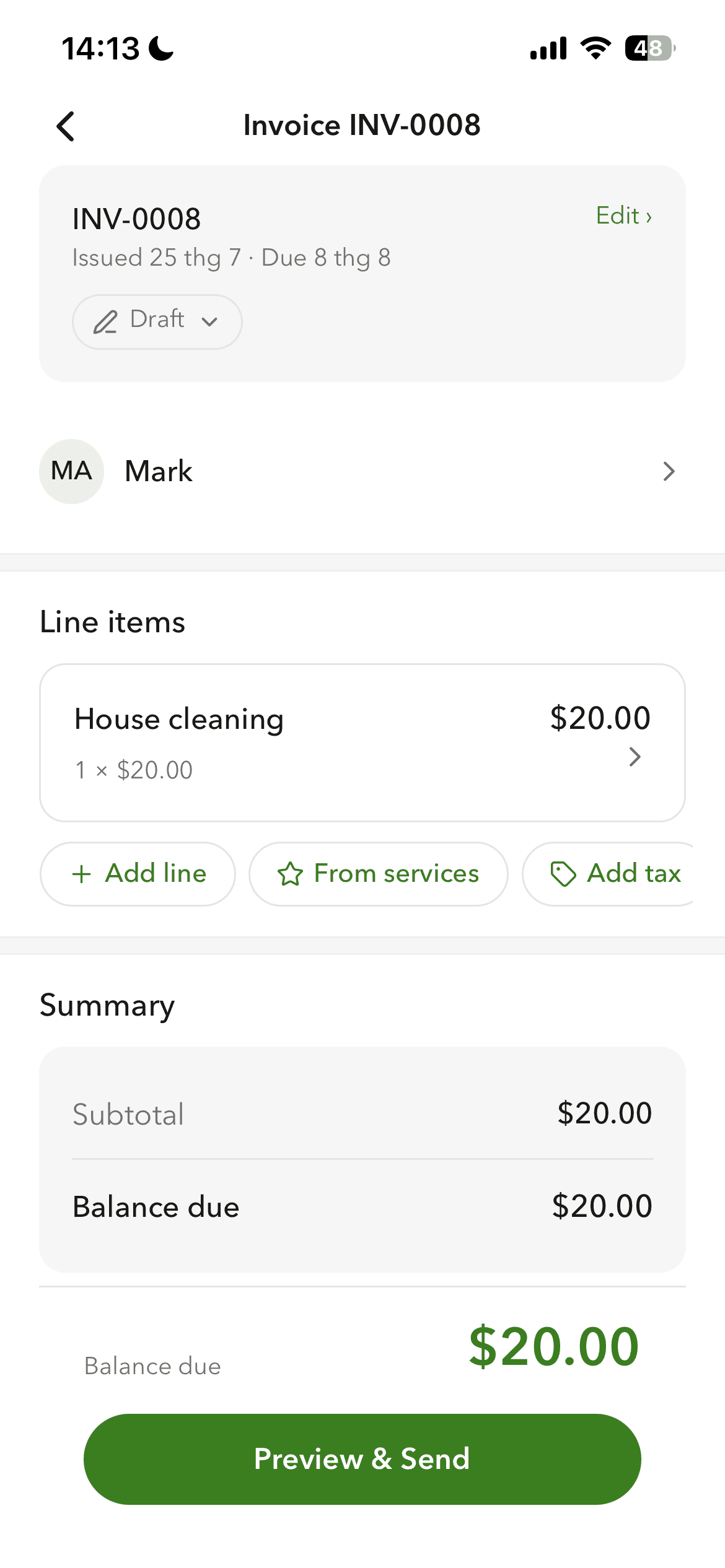
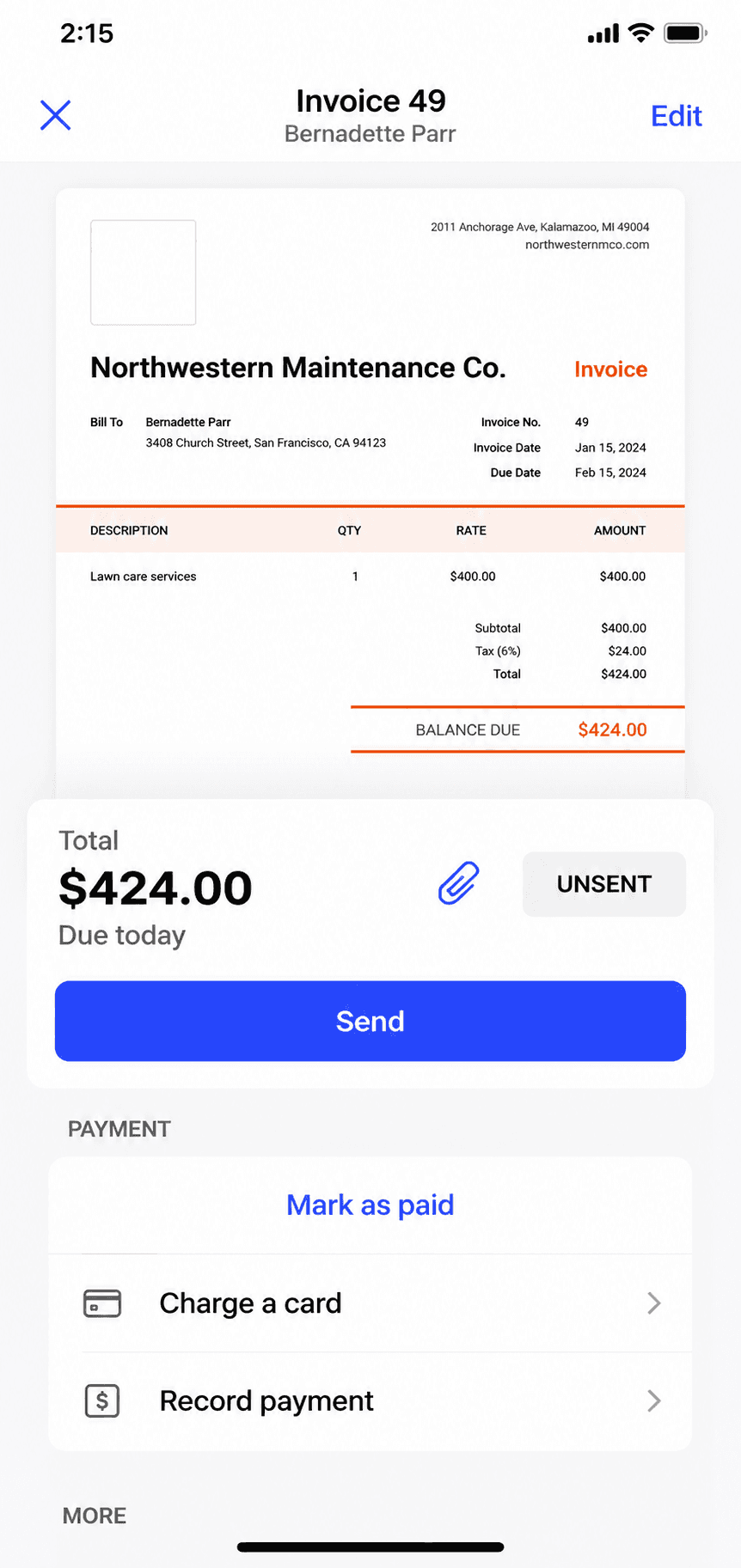
Billgami invoice creation screen on iPhone
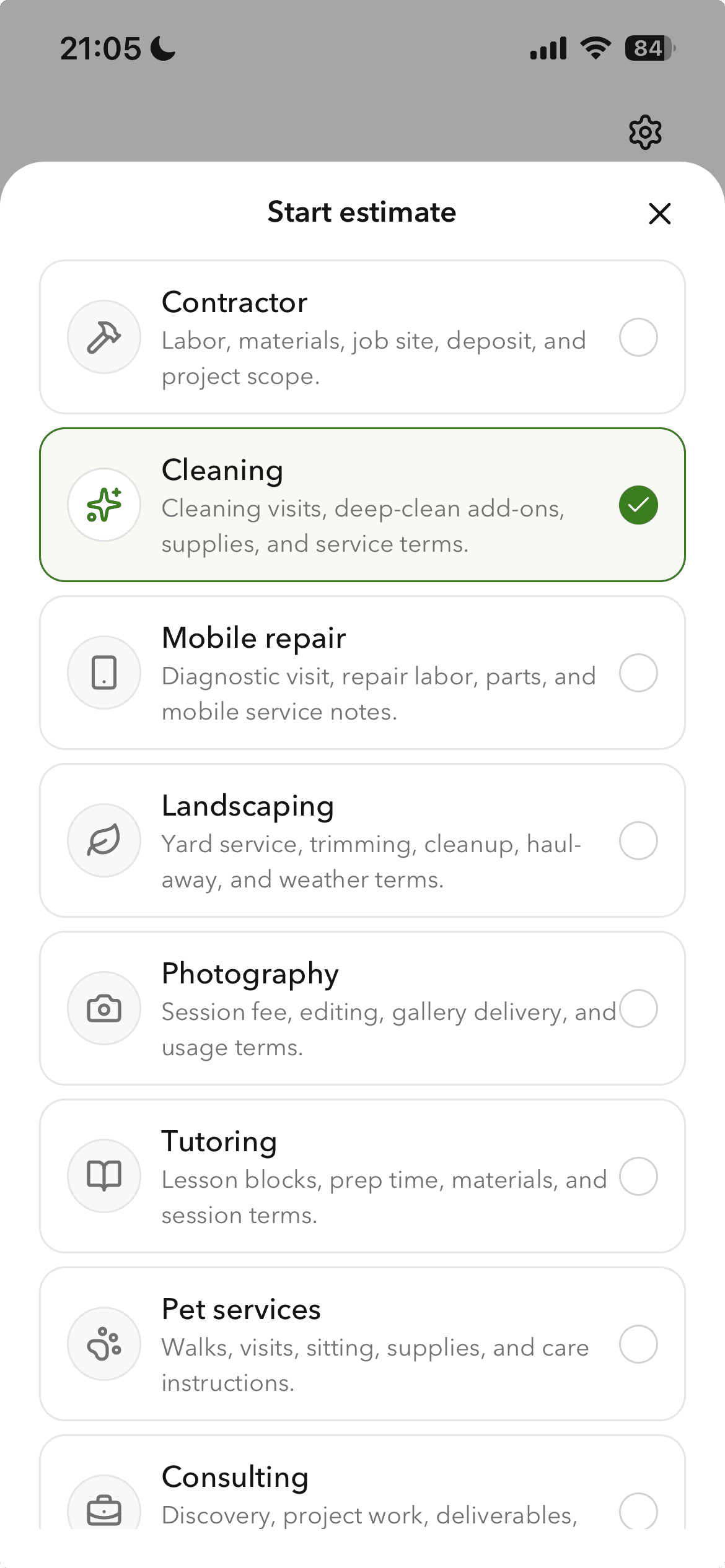
Create an invoice in a minute
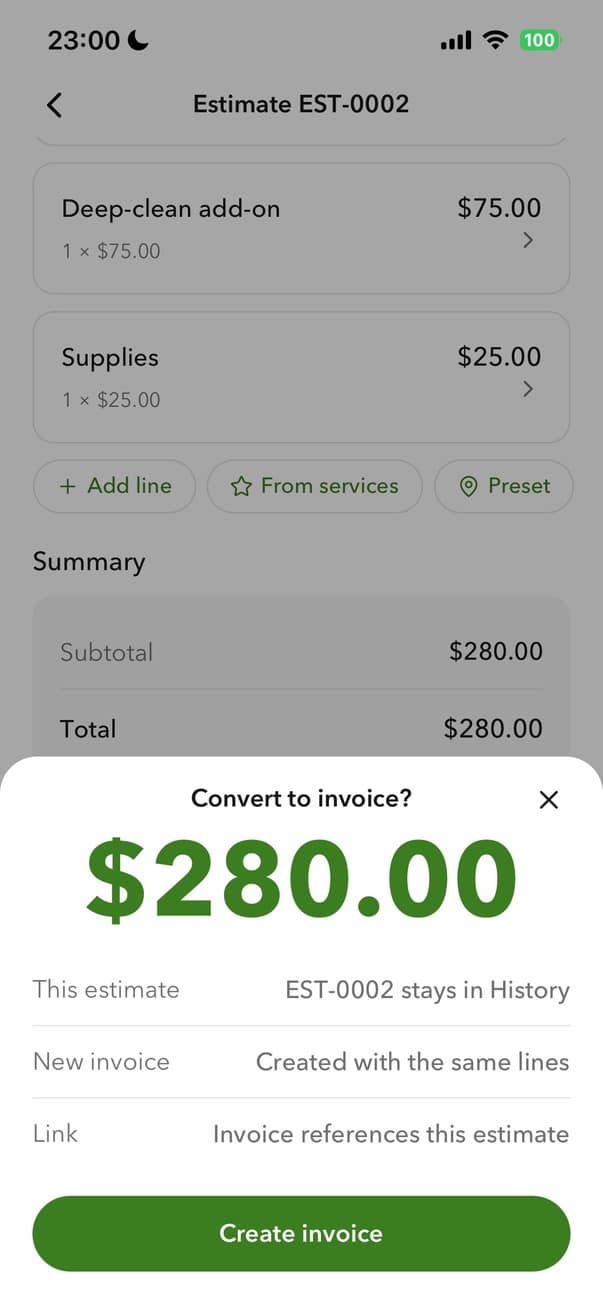
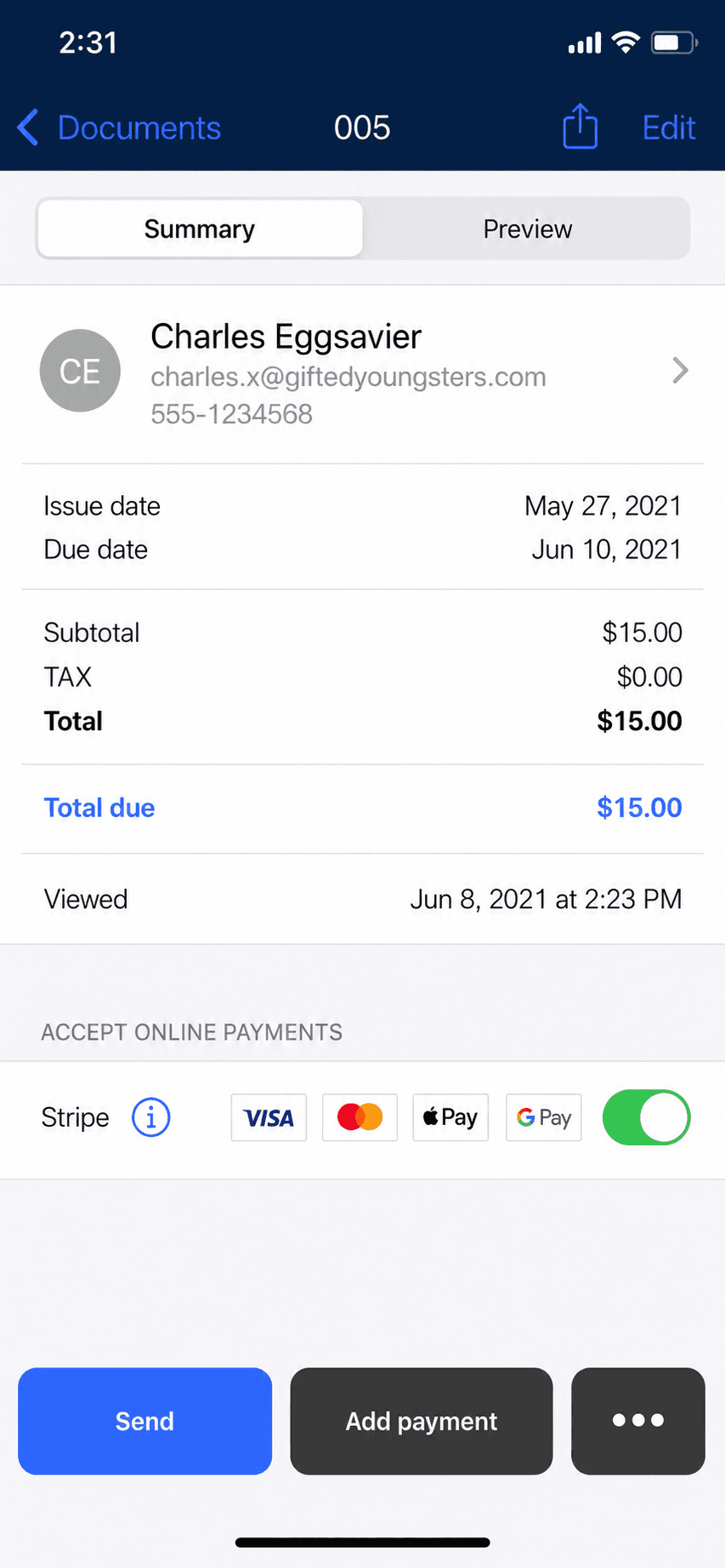
Billgami converting an estimate to an invoice
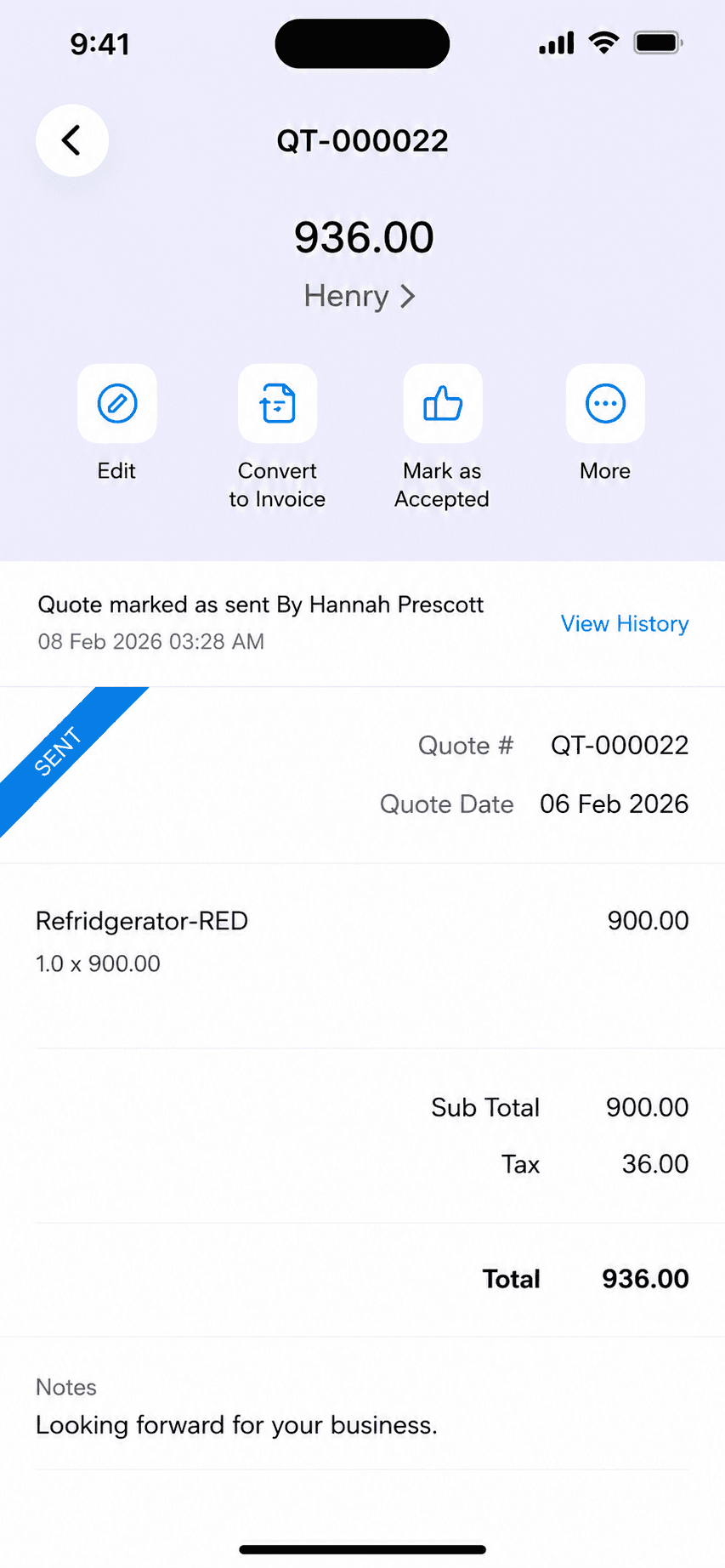
Turn an estimate into an invoice
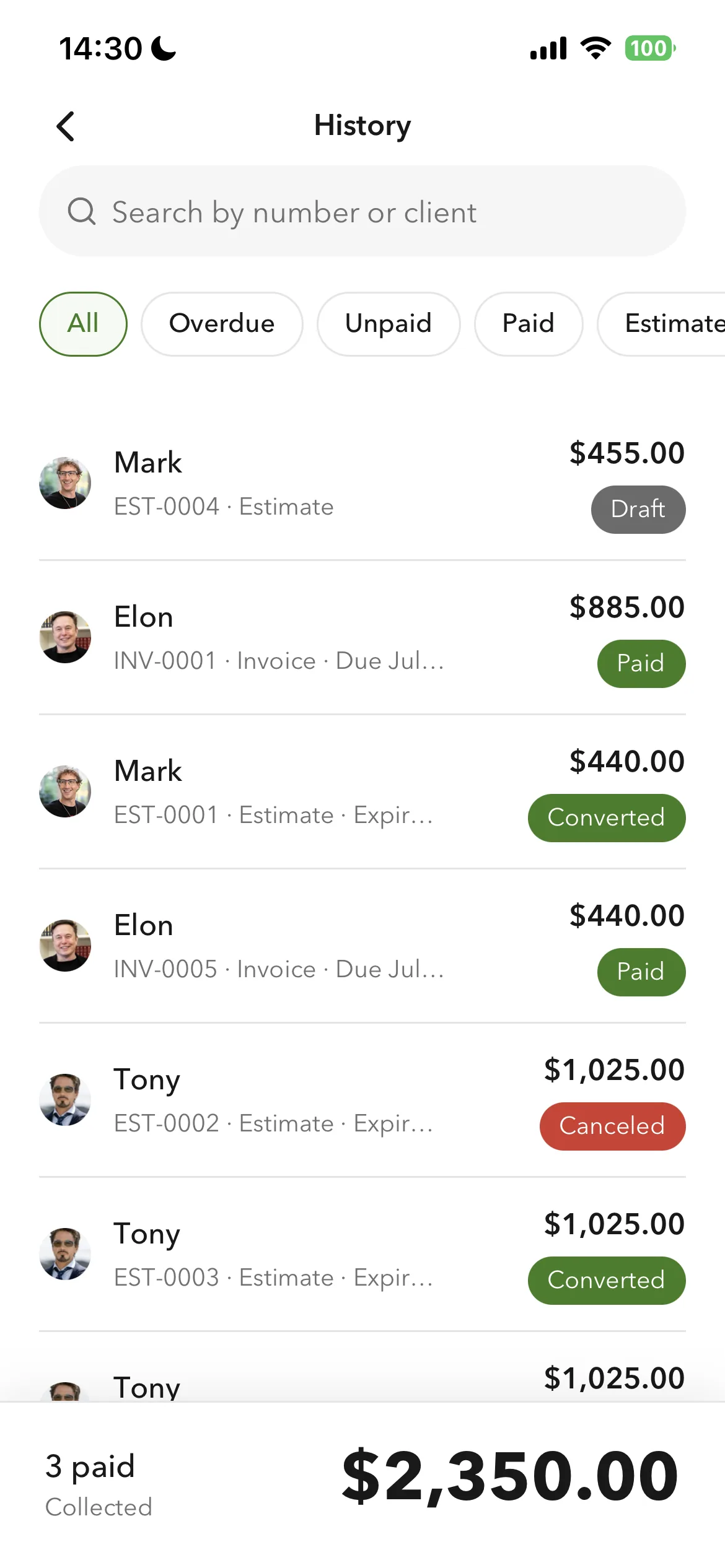
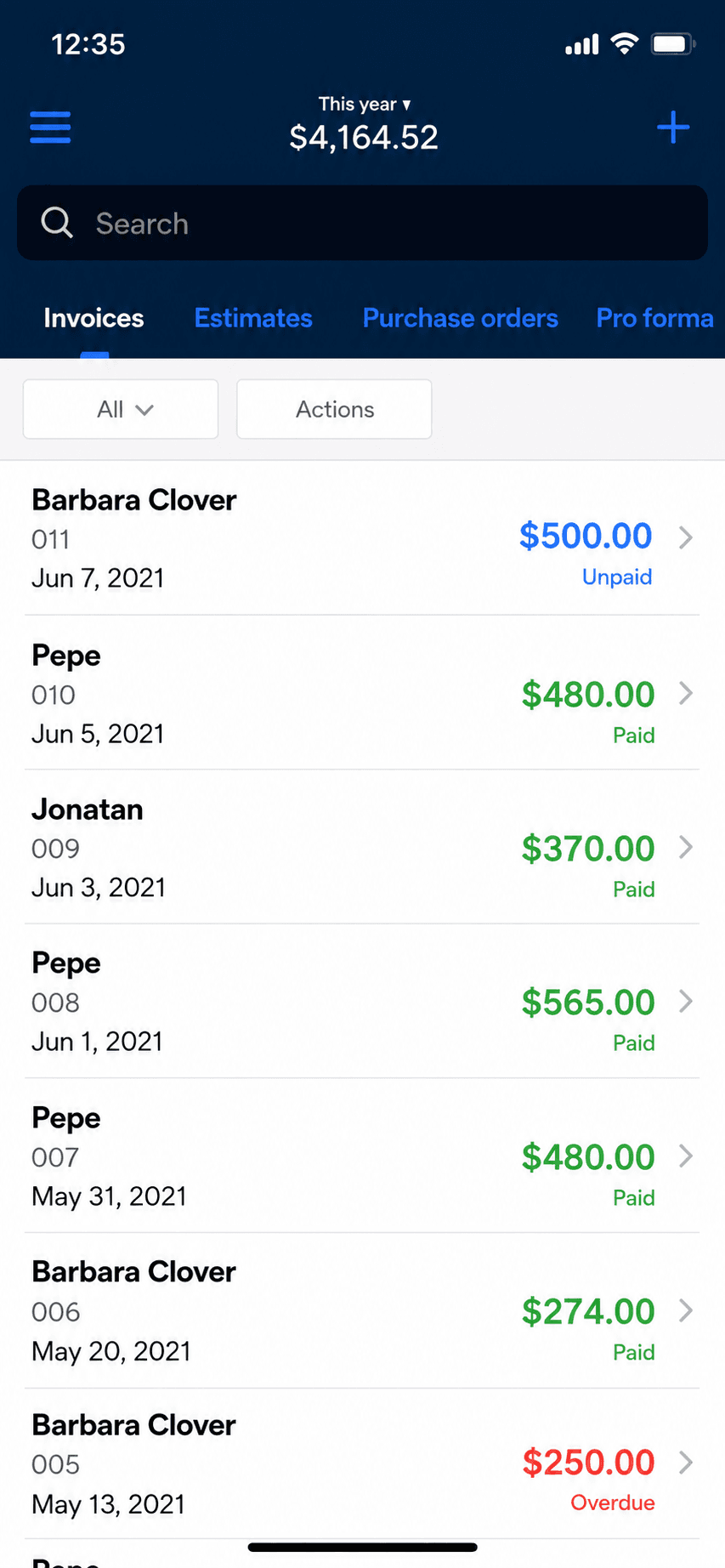
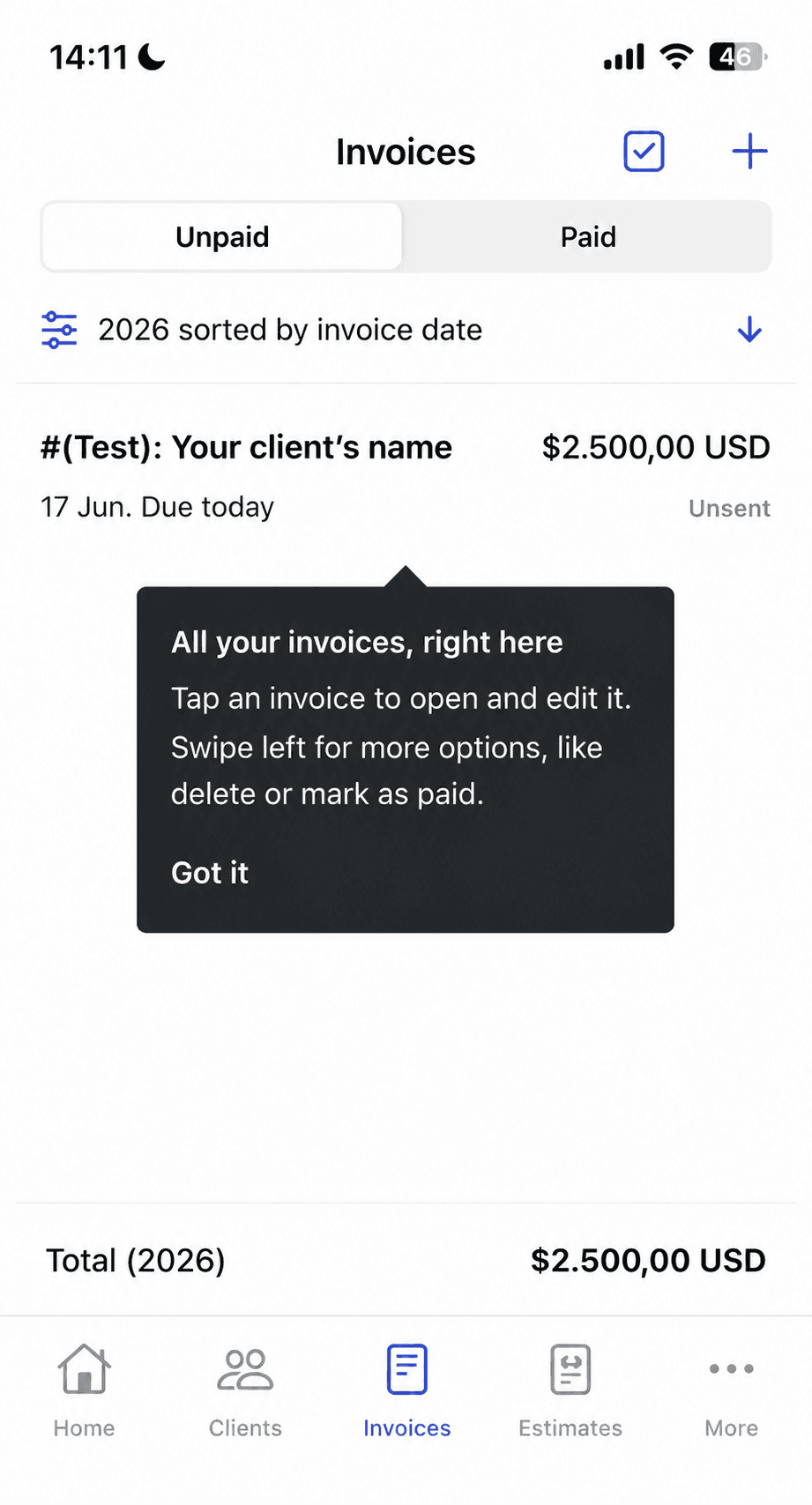
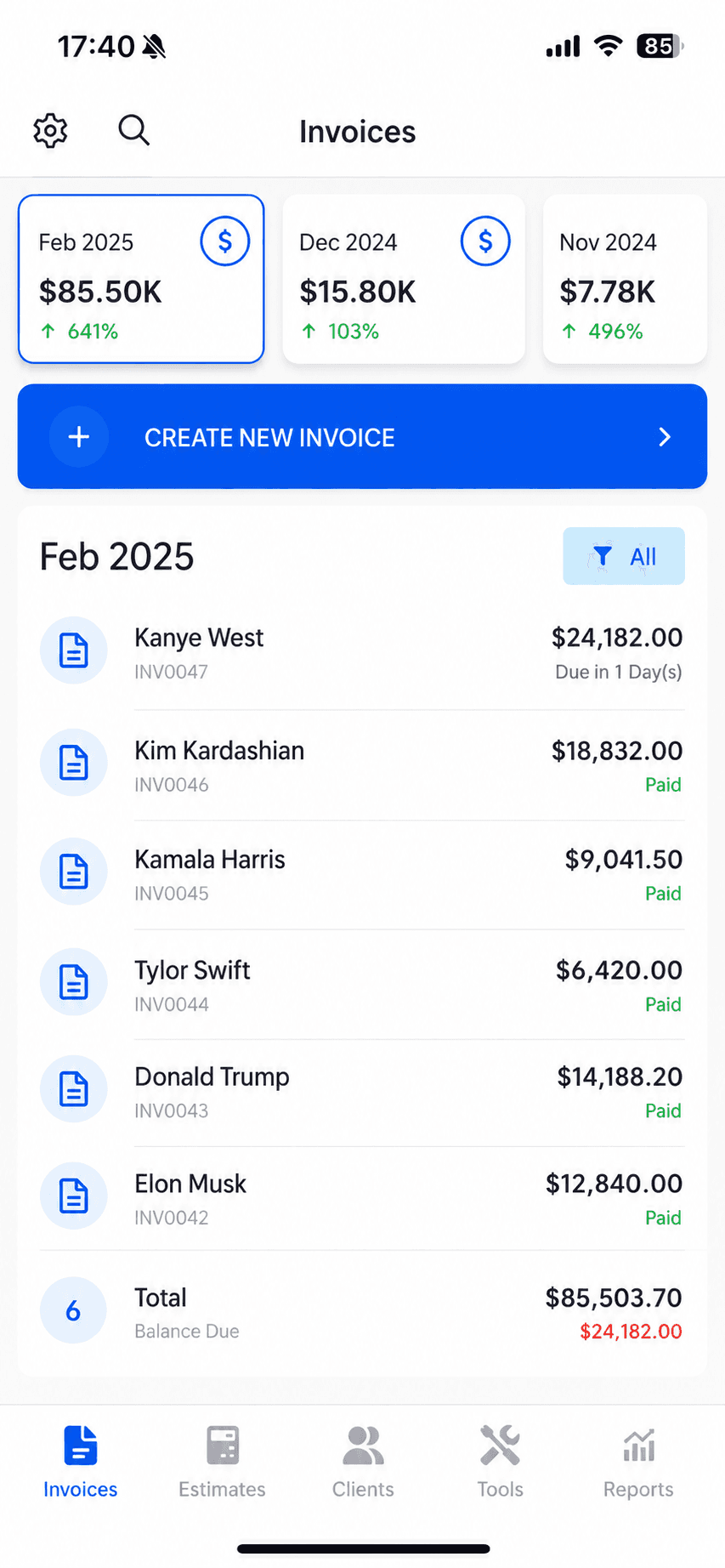
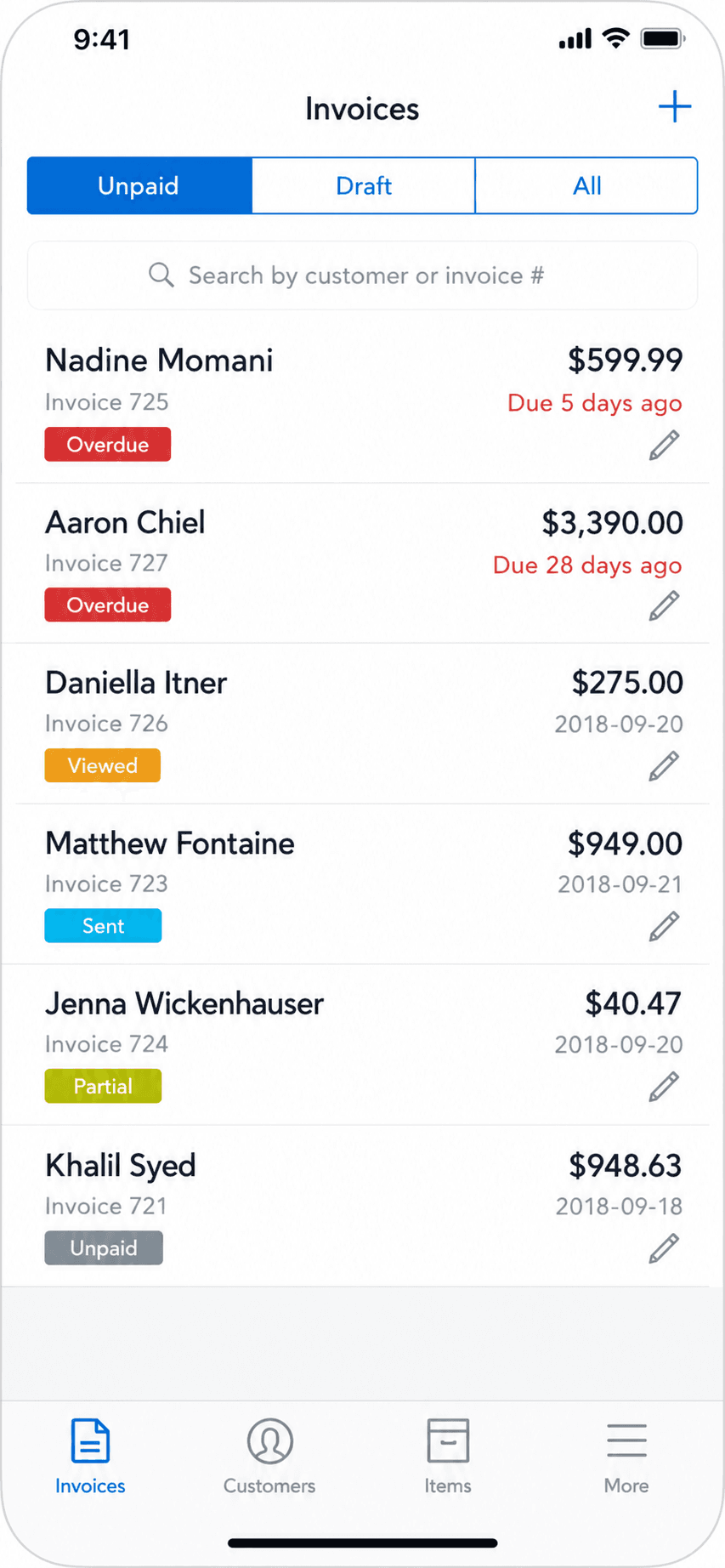
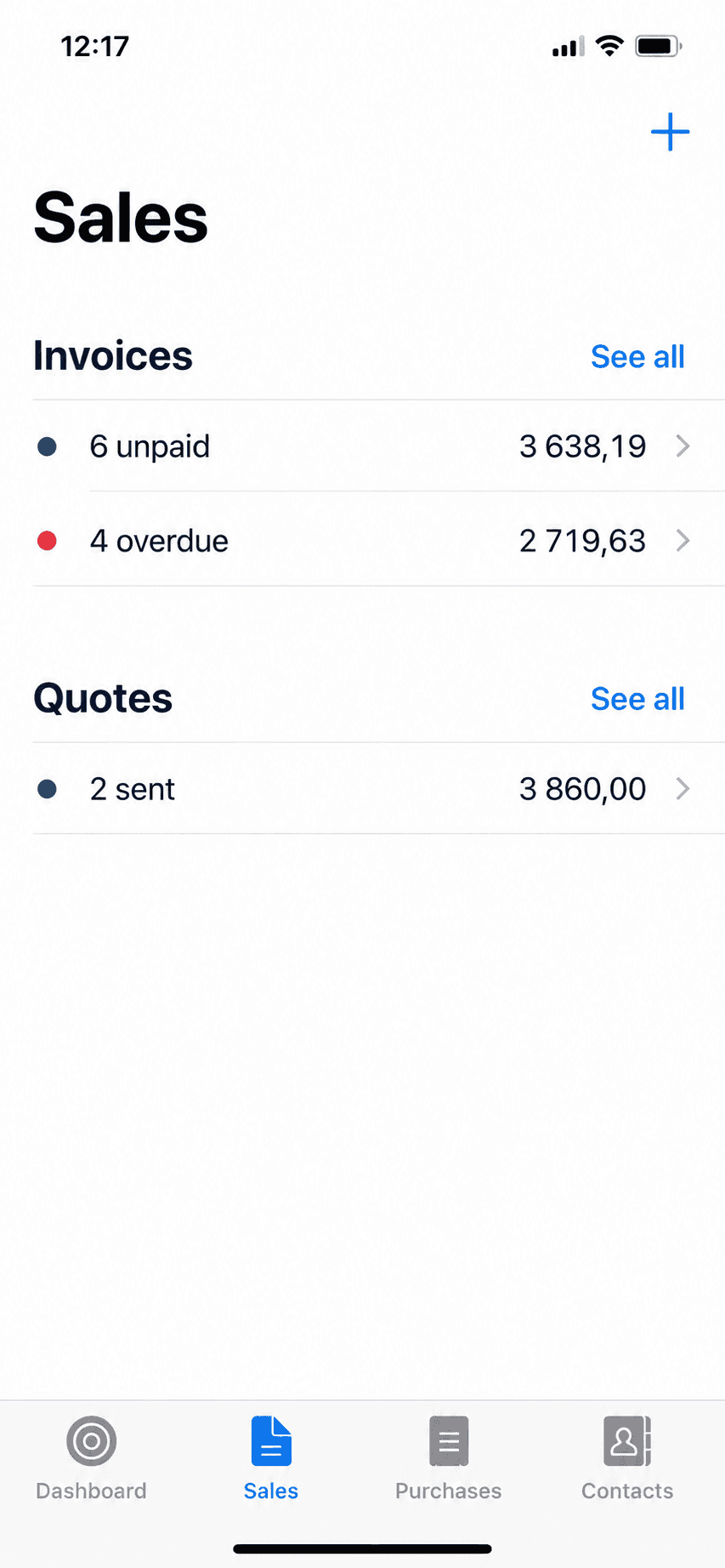
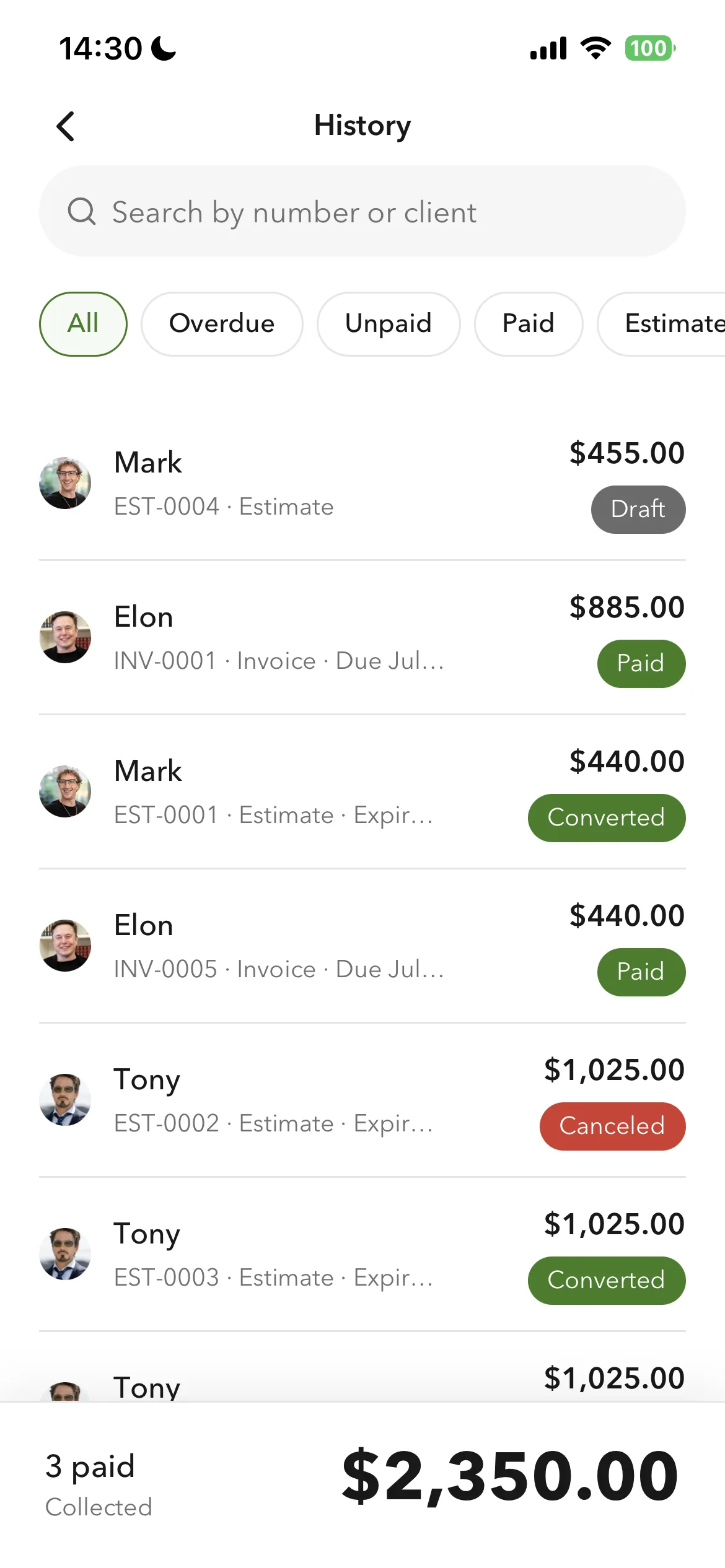
Billgami invoice history and payment tracking
Track paid, unpaid, and partial

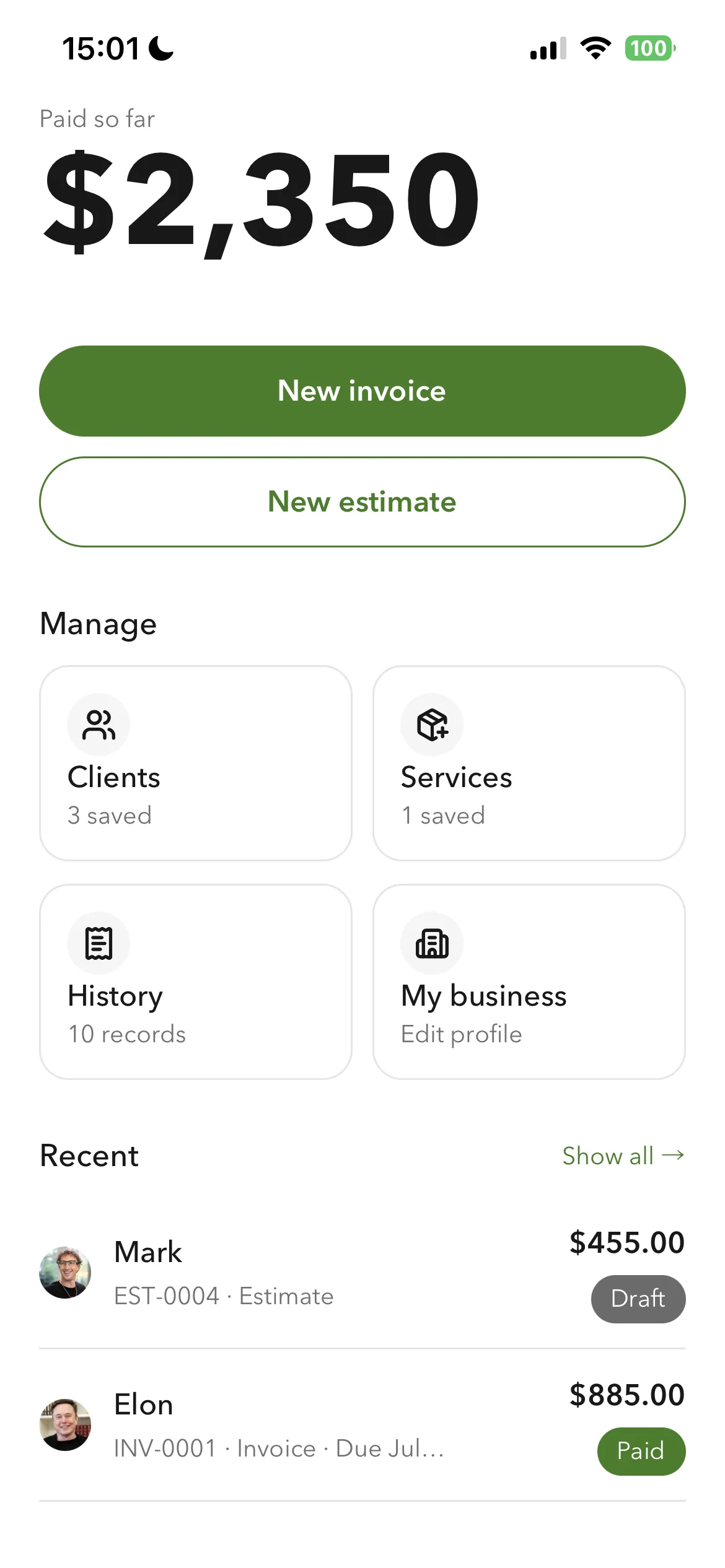
Clients and services save as you use them, so a repeat job is selection rather than retyping, and line totals calculate from quantity and rate. Each client holds a billing address and a separate job address, which matters on service work where the person paying and the site are rarely the same. An accepted estimate becomes an invoice without re-entering the line items, so the amount you quoted is the amount you bill.

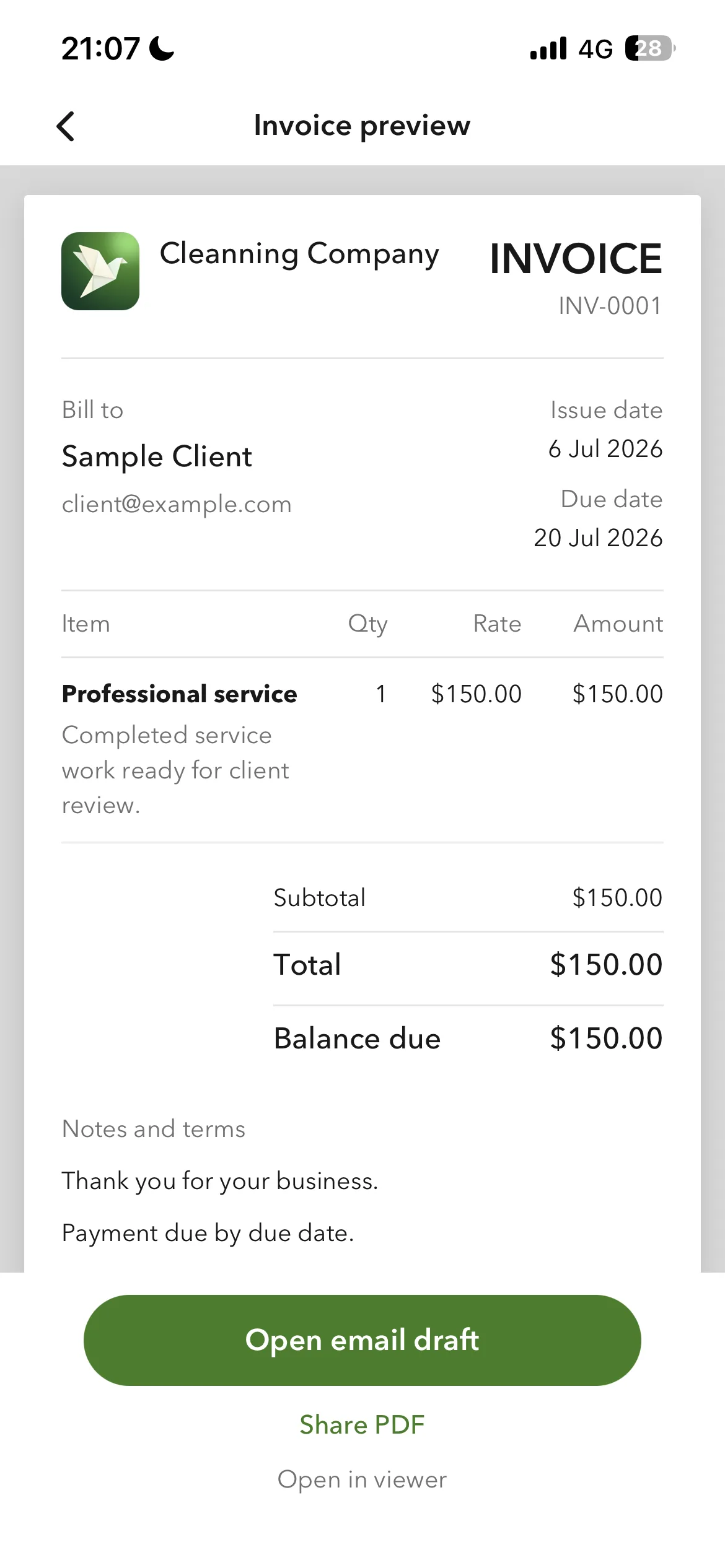
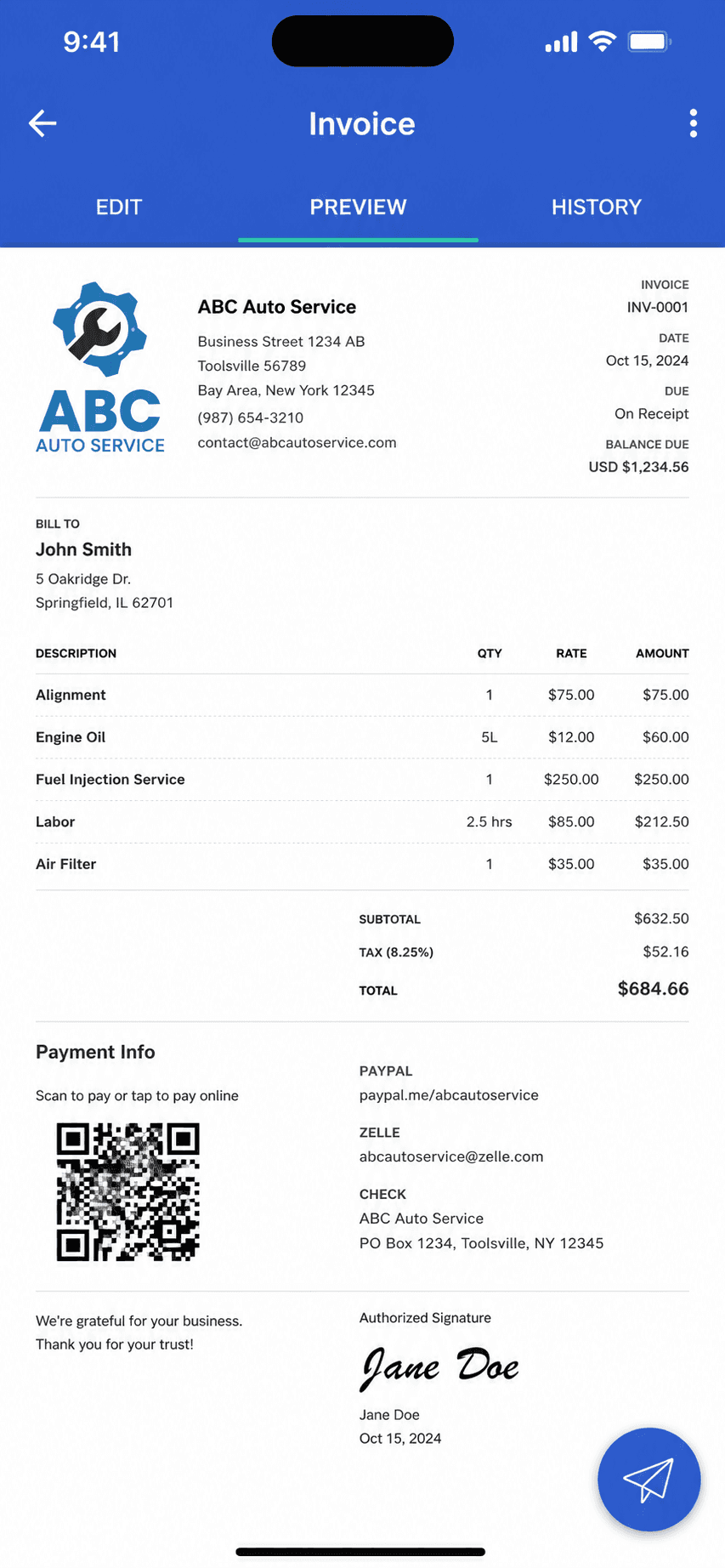
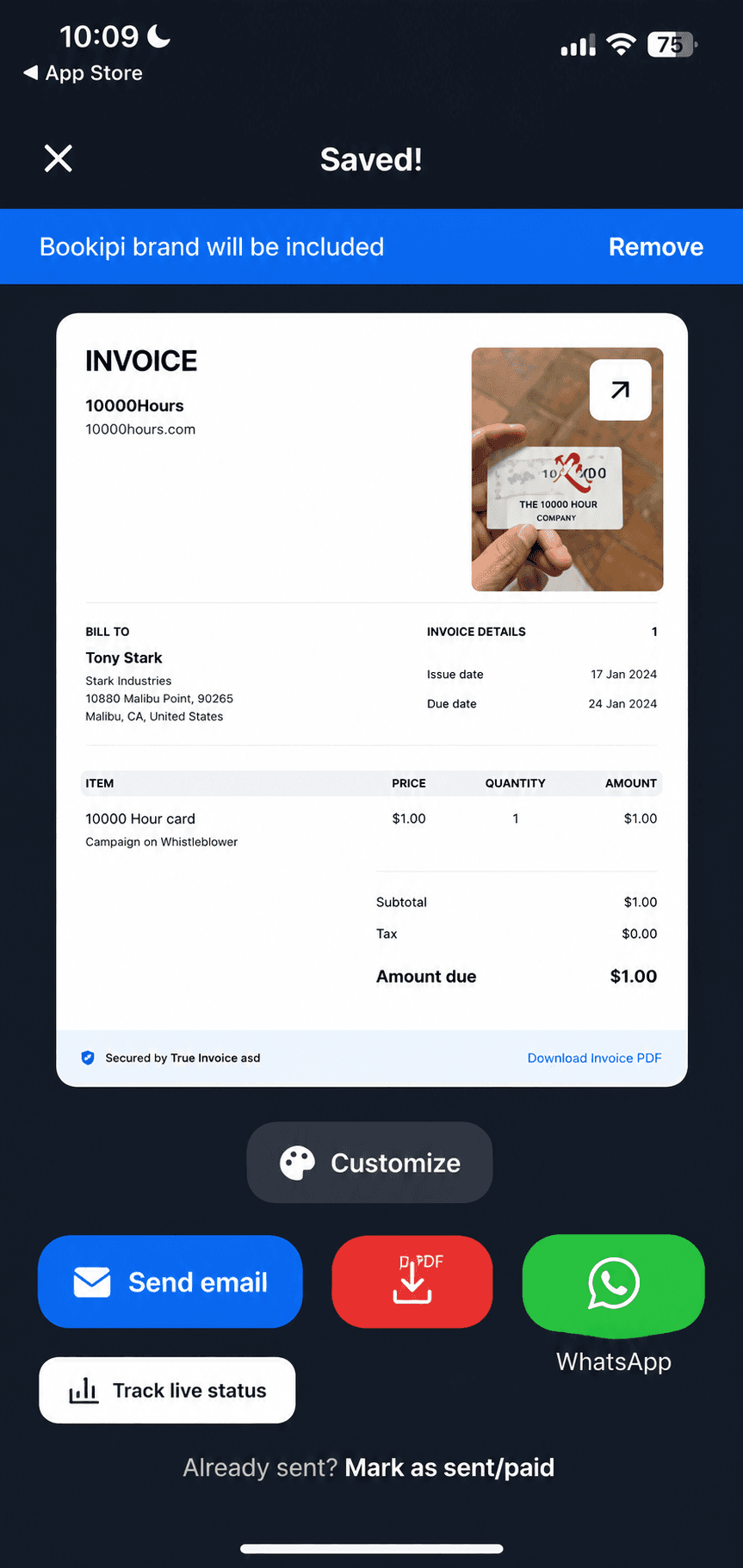
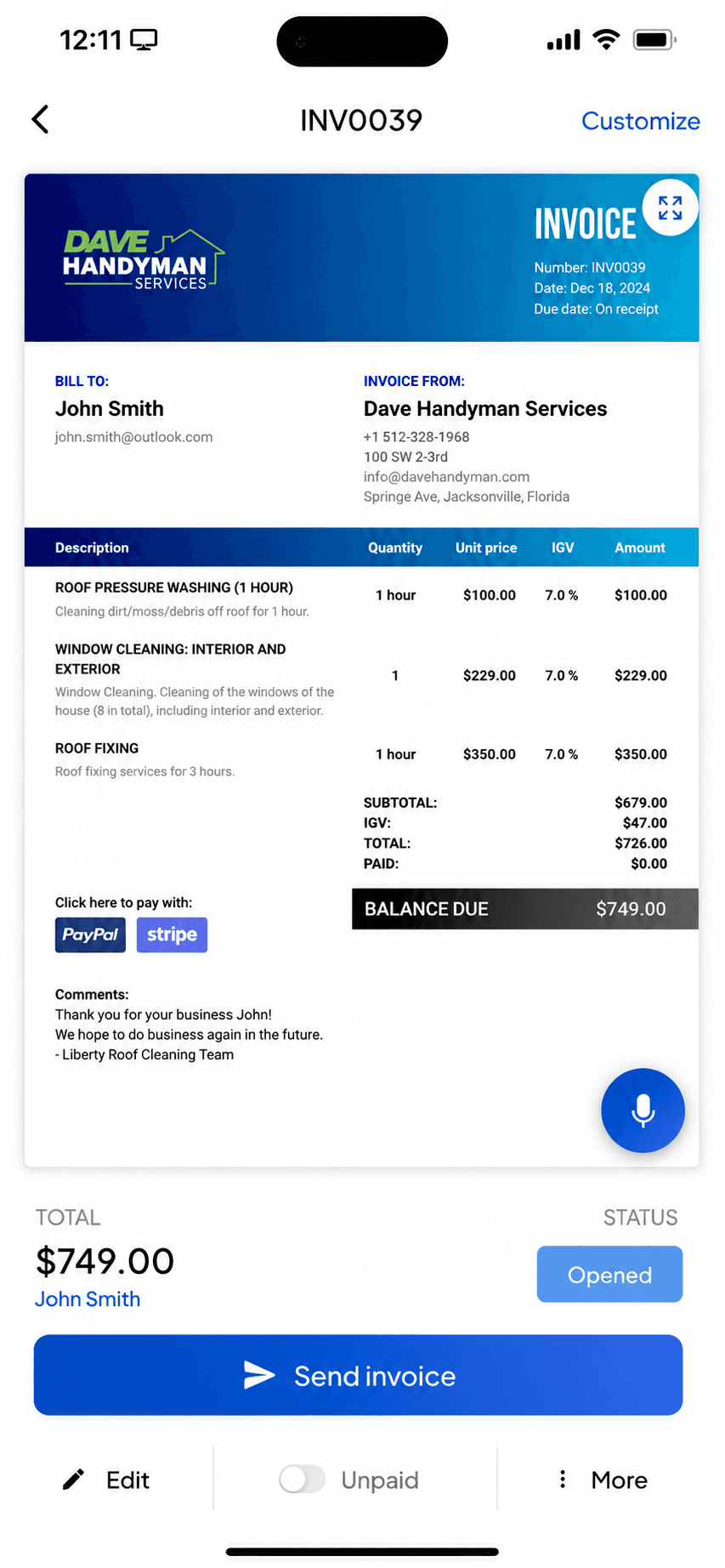
Billgami finished invoice preview
Preview and send as a PDF
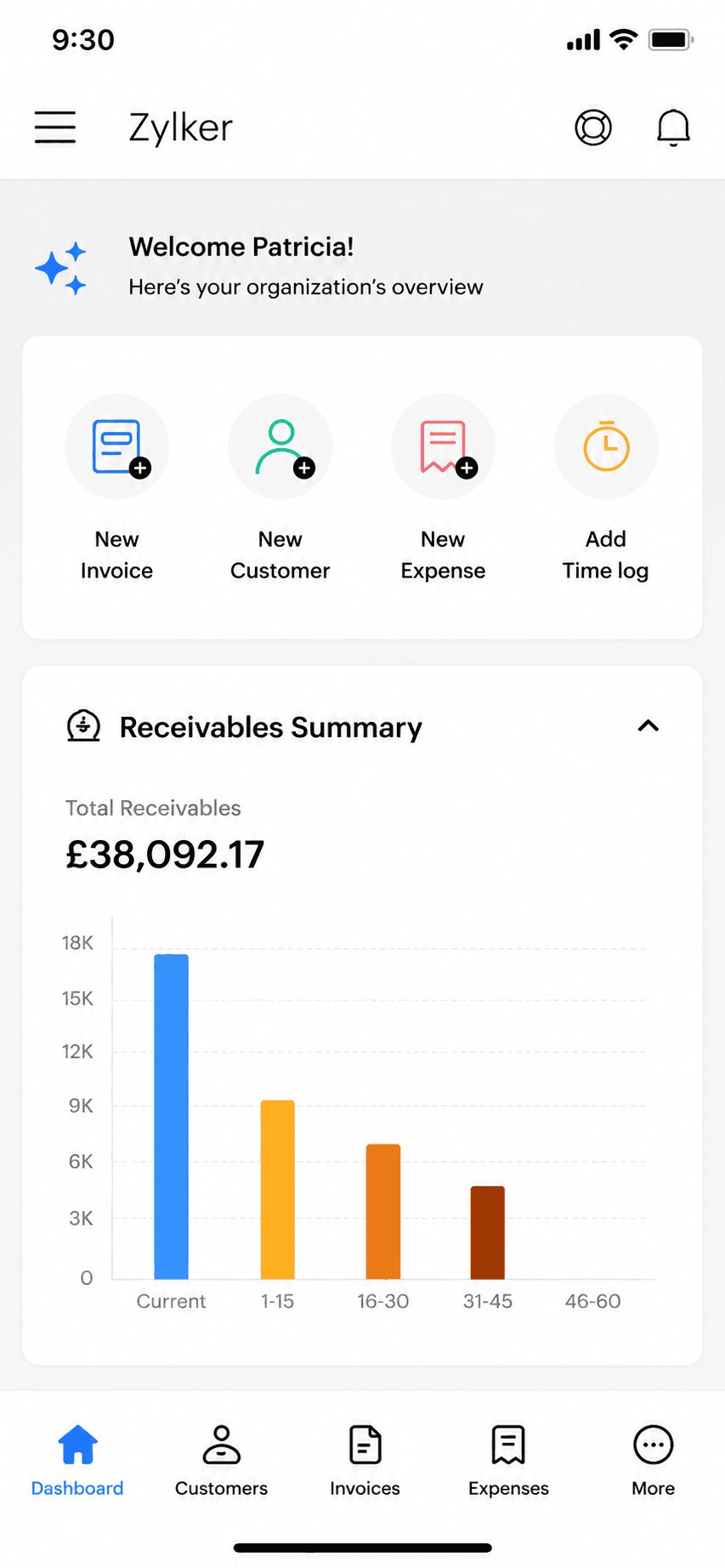
Billgami home screen
Everything from one home screen
Billgami prebuilt invoice templates
Prebuilt invoice templates

One business profile drives every document: your logo, business name, currency, your own tax label, and your payment instructions. You can export all your invoice PDFs, a records CSV, and a payments CSV at any time, on any plan. Customers pay you directly through the method they already use, so Billgami never holds your money. Not a field-service suite, on purpose: no scheduling, dispatch, CRM, or job costing.

A phone-first invoice app that does one job: send invoices and estimates, track who paid, keep PDF records. Not accounting software, on purpose.

Standout: Documents that carry your own logo, currency, and tax label, built from a saved client book and service catalogue.

Versus Joist: Runs the same estimate to invoice job as Joist, with your own logo and tax label on every document, and no cap on how many you send. Joist has no free tier and caps its cheapest plan at 5 documents a month.

Best for: The simplest, fastest way to send a professional invoice: pick a client, add services, preview, and send in about a minute.

Not for: Anyone who needs books, payroll, inventory, or bank reconciliation.

Key features

  • Your logo, currency, tax label, and payment instructions on every document
  • Searchable client book holding a billing address and a separate job address
  • Reusable service catalogue, each service with its own tax setting
  • Turn an accepted estimate into an invoice
  • Paid, unpaid, and partial payment tracking
  • Export every PDF, record, and payment on any plan
  • Automatic line-item totals
  • Prebuilt invoice templates
  • Works fully offline

Pros

  • One design system across the app, with purpose-built controls for money, dates, and discounts
  • Saved clients and services, so a repeat invoice is selection rather than retyping
  • Separate billing and job addresses, which generic invoice apps do not have
  • Full export of PDFs, records, and payments on any plan
  • Free tier, or a one-time $249.99 lifetime option instead of a subscription

Cons

  • No accounting, payroll, inventory, or bank reconciliation
  • Invoicing only, by design, so it cannot keep your books
  • New app, so no App Store rating history yet

Pricing

Free3 invoices in total (not per month); no time limit$0
Monthly$14.99/mo
Yearly$111.99/yr
LifetimePay once, then own it$249.99 one-time

Free: Free tier capped at 3 invoices in total, not per month, with no time limit; paid tiers from $14.99/mo, plus a $249.99 lifetime option if you want to skip subscriptions.

Platforms: iOS

Migrating from Joist: Almost none: if invoicing was all you used your old app for, export your client list and start invoicing in an afternoon.

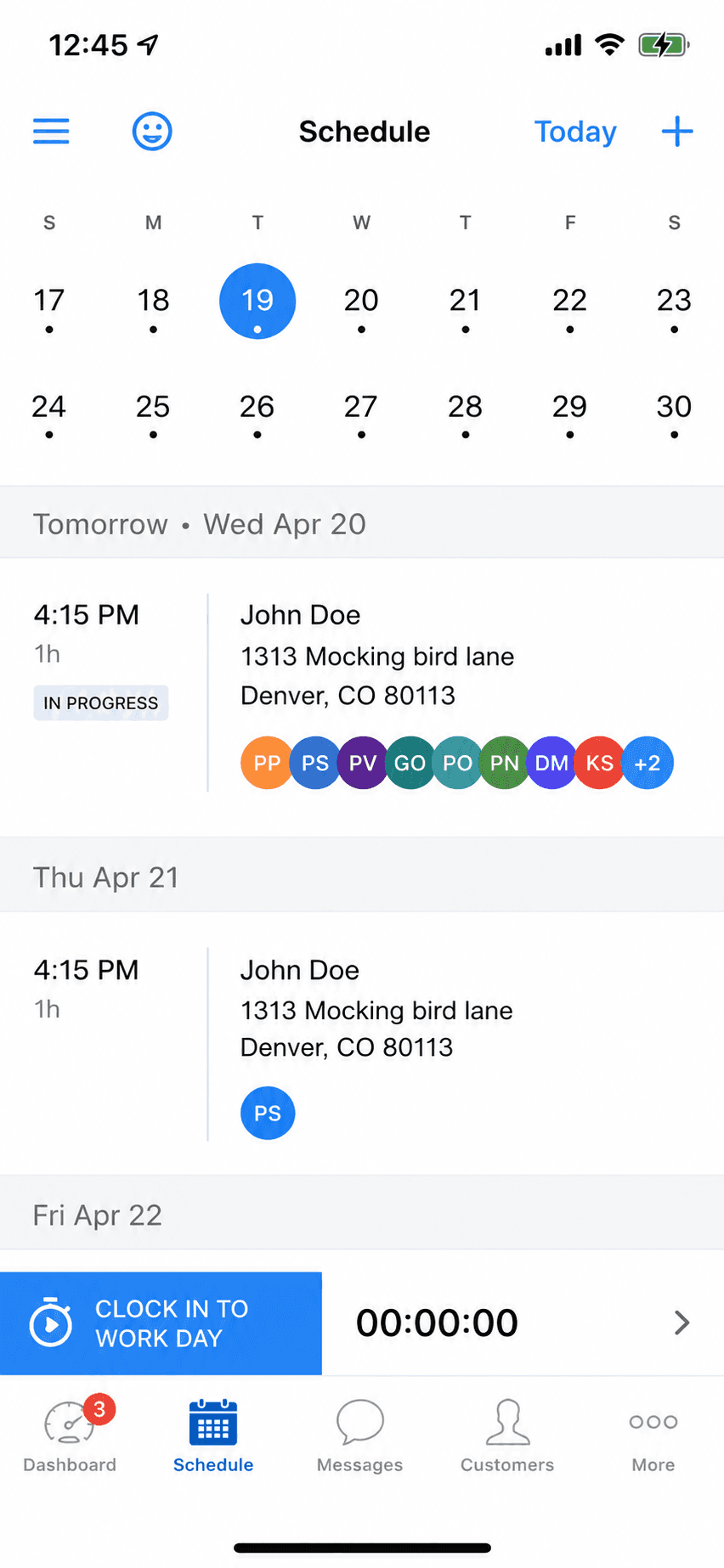
Bottom line: Pick Billgami if all you need is to send invoices and estimates and track who has paid. If you need books, use accounting software instead.

Simple

For solo pros who only send invoices and track who paid. No accounting engine, by design.

2. Invoice Simple

App Store rating: 4.87 out of 5 (122,610 ratings)

Invoice Simple invoice creation and editing screen
Create invoice
Invoice Simple finished invoice preview
Invoice preview

The biggest name in mobile invoice makers, now EverCommerce-owned: slick and simple, but every tier below $21.99/month meters your invoices.

Invoice Simple is the category's household name, with a 4.87 App Store rating across 122,000+ ratings. The product is genuinely easy: invoices, estimates, and payments in minutes. The business model is metering: $6.99/month buys just 3 invoices a month, 10 on the middle tier, and unlimited only at $21.99/month, with a documented history of price rises.

Standout: The largest brand and ratings base in mobile invoicing (122k+ iOS ratings).

Versus Joist: A bigger, more polished phone app, but its entry tier caps you at 3 invoices a month, tighter than Joist's 5.

Best for: People who want the most popular, simplest invoice app and send few invoices.

Not for: Regular invoicers on a budget; the per-month caps make the cheap tiers illusory.

Key features

  • Fast invoice and estimate creation
  • Card and PayPal payments
  • Receipt capture
  • Web and mobile apps

Pros

  • Category-leading ratings at scale
  • Very easy to learn
  • Mature payments integration

Cons

  • 3-invoice monthly cap at $6.99
  • Unlimited costs $21.99/month
  • Documented price-hike history

Integrations

  • Stripe
  • PayPal
  • Receipt capture

Pricing

EssentialsCapped at 3 invoices per MONTH; official pricing page blocks crawlers, price cross-verified via Apple IAP$6.99/mo
PlusCapped at 10 invoices/month$14.99/mo
PremiumUnlimited invoices$21.99/mo

Free: No permanent free tier verified; 14-day Premium trial.

Platforms: Web, iOS, Android

Migrating from Joist: Export clients and start sending; nothing else to move.

Very simple to use. Saves you time and money.
Invoice Simple user, App Store review (2026), App Store

Bottom line: Pick Invoice Simple if you want the most popular invoice app and your volume fits its meters.

3. Square Invoices

App Store rating: 4.83 out of 5 (92,439 ratings)

Square Invoices invoice creation screen
Create invoice
Square Invoices invoice creation, line items step
Create invoice (2)

Free invoicing and estimates that plug straight into Square's card payments, ideal if you also take payments in person.

Square Invoices lets you send unlimited invoices and estimates for free, and get paid by card through Square. Because it shares one account with Square Point of Sale, it is a natural fit for service pros who also sell or take payment in person. It is invoicing and payments, not accounting: there is no general ledger, reconciliation, or tax reporting.

Standout: Free unlimited invoicing tied to Square's payments and point-of-sale.

Versus Joist: Genuinely free to send unlimited invoices and estimates; you pay only when a client pays by card, so there is no monthly floor to clear.

Best for: Solo pros who want free invoicing and also take card or in-person payments.

Not for: Anyone who needs bookkeeping, expenses, or tax-ready reports.

Key features

  • Unlimited invoices and estimates
  • Card payments through Square
  • Recurring invoices and reminders
  • Shared account with Square Point of Sale

Pros

  • Free to send unlimited invoices
  • Fast card payments, online and in person
  • Very high App Store rating at scale

Cons

  • No accounting or bookkeeping
  • Free-plan card rate is 3.3% + $0.30; the lower rate needs a $49/month plan
  • Best value only inside the Square ecosystem

Integrations

  • Square Point of Sale
  • Square Payments
  • Square Payroll
  • Some accounting sync (Xero, QuickBooks) via connectors

Pricing

Square FreeUnlimited invoices and estimates; invoice/online card rate 3.3% + $0.30$0/mo
Square PlusReplaced the old $20 Invoices Plus; card rate drops to 2.9% + $0.30$49/mo per location
Square PremiumLowest processing rates; 24/7 support$149/mo per location

Free: Free forever to create and send invoices; you only pay when a client pays by card.

Platforms: Web, iOS, Android

Migrating from Joist: Trivial if invoicing was all you did: export your client list and start sending. Nothing to migrate if there were no books.

Square is by far the best. I love everything about it and it truly helps small businesses grow. We have grown!
Square user, App Store review (2026), App Store

Bottom line: Pick Square Invoices if you want free invoicing and already take card or in-person payments.

4. Billdu

App Store rating: 4.82 out of 5 (25,672 ratings)

Billdu finished invoice preview
Invoice preview
Billdu invoice management list
Invoice management

A polished mobile-and-web invoicing suite with offline mode and team seats, on a subscription with client-count caps and no free tier.

Billdu does invoicing well: invoices, estimates, expenses with receipt scanning, offline mode, and even small-team seats on higher tiers. There is no free plan; the entry tier caps you at 10 clients, and card fees fall only as your subscription rises. It is a strong subscription pick for a solo operator who wants a bit more than bare invoicing.

Standout: True offline mode with auto-sync, rare in this category.

Versus Joist: Works offline, which Joist does not, and adds team seats and client limits rather than document caps.

Best for: Solo pros and tiny teams who want polished invoicing plus expenses on a modest subscription.

Not for: Anyone who wants a free tier, or needs books and reconciliation.

Key features

  • Invoices and estimates on phone and web
  • Offline mode with auto-sync
  • Receipt scanner and expense dashboard
  • Team seats on higher tiers

Pros

  • Polished apps with offline support
  • Expense tracking included
  • Small-team support without suite pricing

Cons

  • No free tier, trial only
  • Client caps on lower tiers
  • Card fees drop only on pricier plans

Integrations

  • Stripe
  • Apple Pay and Google Pay
  • Online store module
  • Inventory companion app

Pricing

Lite$4.99/mo billed annually; max 10 clients, 1 user$7.99/mo
Standard$9.99/mo annually; 50 clients, 2 team members$14.99/mo
Premium$19.99/mo annually; unlimited clients, 10 team members, API$27.99/mo

Free: No free plan; 7-day free trial with all features, no card required.

Platforms: Web, iOS, Android

Migrating from Joist: Export clients and start sending; the 10-client Lite cap matters if you bring a big client list.

Works well, very user friendly. Made the switch because Quick Books was to expensive
Billdu user, App Store review (2026), App Store

Bottom line: Pick Billdu if you want invoicing plus expenses with offline mode and are happy paying a modest subscription.

5. Invoice2go

App Store rating: 4.85 out of 5 (55,391 ratings)

Invoice2go invoice preview before sending
Invoice preview
Invoice2go invoice management list
Invoice management

One of the oldest mobile invoicing apps, now owned by BILL: polished invoices and payments on a subscription with yearly invoice caps on the cheaper tiers.

Invoice2go pioneered phone-first invoicing and still does it well: invoices, estimates, payments, and light extras like time tracking and appointments. Since the BILL acquisition it is a subscription product whose entry tier caps you at 30 invoices a year, with card fees that only drop as you pay for higher tiers.

Standout: A veteran mobile invoicing brand with integrated payments and banking.

Versus Joist: The same subscription-only shape as Joist, metered by invoices per year instead of per month.

Best for: Established mobile invoicers who send few invoices and want a polished, payments-connected app.

Not for: Anyone sending more than a couple of invoices a month on a budget; the caps push you up-tier fast.

Key features

  • Invoices and estimates from your phone
  • Integrated card, PayPal, and ACH payments
  • Time tracking and appointments
  • Expense capture

Pros

  • Mature, polished mobile invoicing
  • Strong 4.85 App Store rating at scale
  • Free ACH payments on all tiers

Cons

  • Entry tier caps invoices at 30 per year
  • Card fees drop only on pricier tiers
  • No free plan, and trial requires a card

Integrations

  • Invoice2go payments (tiered fees)
  • PayPal
  • Invoice2go Money banking (TransPecos Banks)
  • QuickBooks/Xero export

Pricing

StarterCapped at 30 invoices per YEAR; web price unconfirmed (JS-rendered)$7.99/mo (iOS)
ProfessionalCapped at 100 invoices per year$11.95/mo (iOS)
PremiumUnlimited invoices; tier structure per invoice.2go.com/pricing$44.95/mo (iOS)

Free: No free plan; 30-day free trial (card required, refundable within 30 days).

Platforms: Web, iOS, Android

Migrating from Joist: Export clients and start sending; nothing to migrate if you kept no books.

I'm not great with tech and this app is very easy to use, I can create an estimate in 5 minutes that looks professional, definitely recommend
Invoice2go user, App Store review (2026), App Store

Bottom line: Pick Invoice2go if you send a handful of invoices, want integrated payments, and prefer a long-established brand.

6. Bookipi

App Store rating: 4.89 out of 5 (16,493 ratings)

Bookipi invoice creation screen
Create invoice
Bookipi finished invoice preview
Invoice preview

A simple mobile invoice maker with a genuinely free 3-invoices-a-month plan, from an independent Australian company.

Bookipi keeps invoicing simple: invoices, estimates, card payments, and reminders from your phone or the web. The free plan is real but tight at 3 invoices a month, which suits very occasional billers; everyone else lands on the $9.99 Starter tier. Its 4.89 App Store rating is among the highest in this set, though its Trustpilot service score is notably lower.

Standout: One of the highest App Store ratings of any invoice app (4.89).

Versus Joist: Its free plan is real but capped at 3 invoices a month, tighter than Joist's 5. Unlimited invoicing costs $9.99, roughly Joist Basics money without the document cap.

Best for: Occasional invoicers who fit inside 3 free invoices a month, or light users at $9.99.

Not for: Anyone needing books, teams, or heavy monthly volume on the free tier.

Key features

  • Invoices and estimates from your phone
  • Card payments and Tap to Pay
  • Recurring invoices and reminders
  • eSignatures (capped on free)

Pros

  • Real free plan, no card required
  • Top-tier App Store rating (4.89 across 16k ratings)
  • Simple to learn

Cons

  • Free plan caps at 3 invoices a month
  • Trustpilot service score is a middling 3.2
  • No accounting, teams, or time tracking

Integrations

  • Stripe
  • BookiPay (ProPay)
  • Tap to Pay
  • AI add-ons (receptionist, website builder)

Pricing

FreeUp to 3 invoices/month and 3 eSignatures/month$0
StarterUnlimited invoices; $91.20/yr billed annually$9.99/mo
Professional$468/yr billed annually$52/mo

Free: Free plan forever: up to 3 invoices and 3 eSignatures per month, card required for none of it.

Platforms: Web, iOS, Android

Migrating from Joist: Export clients and start sending; nothing else to move.

One of the best invoice apps to use, simple and easy to use.
Bookipi user, App Store review (2026), App Store

Bottom line: Pick Bookipi if you send a few invoices a month and want a well-rated free mobile app.

7. Zoho Invoice

App Store rating: 4.86 out of 5 (13,770 ratings)

Zoho Invoice mobile app invoice detail view
Invoice detail
Zoho Invoice mobile app home dashboard
Dashboard

Zoho's completely free invoicing app: invoices, estimates, and a client portal at no cost, as the front door to the wider Zoho ecosystem.

Zoho Invoice went completely free in 2021 and has stayed that way: unlimited-enough invoicing, estimates, time tracking, and a client portal with no paid tiers at all. The honest catch is strategic rather than hidden fees: it exists to bring small businesses into the paid Zoho ecosystem as they grow. It is a genuinely strong free pick if all you need is to send invoices.

Standout: Genuinely 100% free invoicing with no paid tiers at all.

Versus Joist: Completely free with no ads and no card, capped at 500 invoices a year. The strongest free answer here if you do not need Joist's contracts and change orders.

Best for: Invoicing-only users who want a free, full-featured web and mobile invoicing tool.

Not for: Anyone who needs books, or who wants to stay out of vendor ecosystems.

Key features

  • Free invoices, estimates, and client portal
  • Time tracking built in
  • Part of the Zoho ecosystem
  • Web, iOS, and Android apps

Pros

  • Completely free, no tiers or caps to hit
  • Full-featured for pure invoicing
  • Grows into Zoho Books if you ever need books

Cons

  • Caps: 500 invoices/year, 2 users, 3 projects
  • Exists to funnel you into paid Zoho products
  • More setup than a phone-first invoice app

Integrations

  • Zoho ecosystem (Books, CRM)
  • Stripe and PayPal
  • Zoho Payments

Pricing

Free (only plan)500 invoices/yr, 2 users, 3 projects; no ads, no data selling$0

Free: Entire product free: no ads, no card. Free-plan limits: 500 invoices/year, 2 users, 3 projects, 'Powered by Zoho' branding.

Platforms: Web, iOS, Android

Migrating from Joist: Export clients and start invoicing; nothing to migrate if you kept no books.

Run my business with this app for past 4 years and never had a problem and works perfect.
Zoho Invoice user, App Store review (2026), App Store

Bottom line: Pick Zoho Invoice if you want the most complete free invoicing tool and do not mind joining the Zoho ecosystem.

8. InvoiceFly

App Store rating: 4.76 out of 5 (94,699 ratings)

InvoiceFly finished invoice preview
Invoice preview
InvoiceFly invoice management list
Invoice management

A fast-growing mobile invoice maker with a huge ratings base, sold on a weekly-anchored subscription with no free tier.

InvoiceFly (by Barcelona studio Labhouse) is one of the most-downloaded invoice makers on the App Store, with 94,000+ ratings. It is quick and modern: invoices, estimates, expenses, and payments through your own Stripe or PayPal. The catch is the pricing: no free tier, a card-required trial, and an $8.99-per-week anchor that steers everyone to the $98.99 yearly plan.

Standout: One of the largest ratings bases of any mobile invoice app (94,699 on iOS).

Versus Joist: Priced by the week at $8.99, which reads cheaper than Joist and annualises to more than Joist Elite. No perpetual free tier.

Best for: Mobile-first invoicers happy to pay a yearly subscription for a slick, fast app.

Not for: Anyone who wants a free tier, a lifetime option, or any bookkeeping.

Key features

  • Fast invoice and estimate creation
  • Expense tracker and receipt scanner
  • Payments via your own Stripe or PayPal
  • Client time tracking

Pros

  • Big, fresh ratings base on both stores
  • Payments settle to your own accounts
  • Modern, fast interface

Cons

  • No free tier and a card-required trial
  • Weekly-anchored pricing nudges the yearly plan
  • Single-user only

Integrations

  • Stripe
  • PayPal
  • Receipt scanner
  • Expense tracker

Pricing

WeeklyFull access; auto-renews$8.99/week
YearlyMarketed as 78% off versus weekly$98.99/yr
Monthly (iOS)Apple in-app purchase tier$17.99/mo

Free: No perpetual free tier; free trial only, card required.

Platforms: iOS, Android, Web

Migrating from Joist: Export clients and start sending; nothing else to move.

Really helps everything look professional for $5 a week it's paid for itself in 70k of quotes
InvoiceFly user, App Store review (2026), App Store

Bottom line: Pick InvoiceFly if you want a slick, popular mobile invoice app and are comfortable with a yearly subscription.

9. Tofu Invoice Maker

App Store rating: 4.83 out of 5 (35,309 ratings)

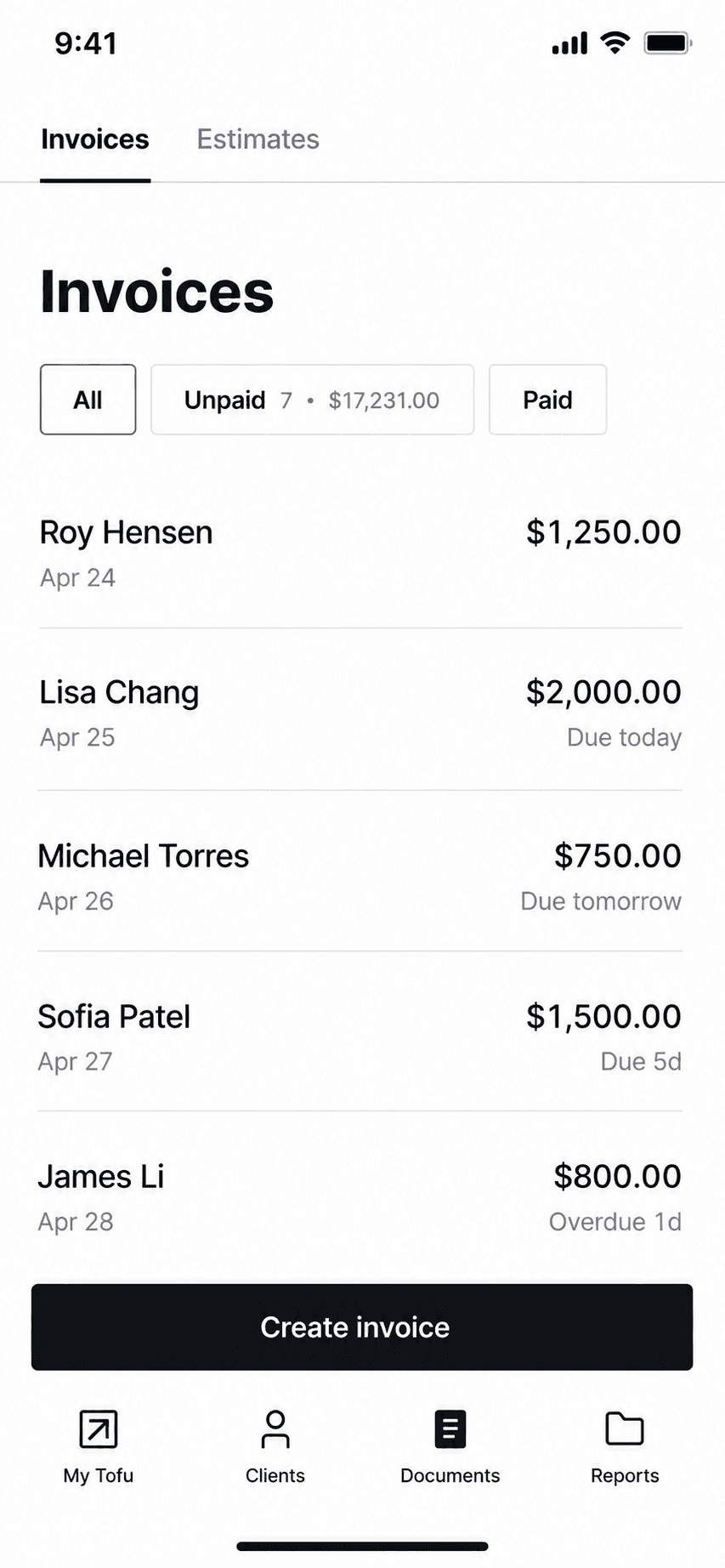
Tofu invoice management list
Invoice management
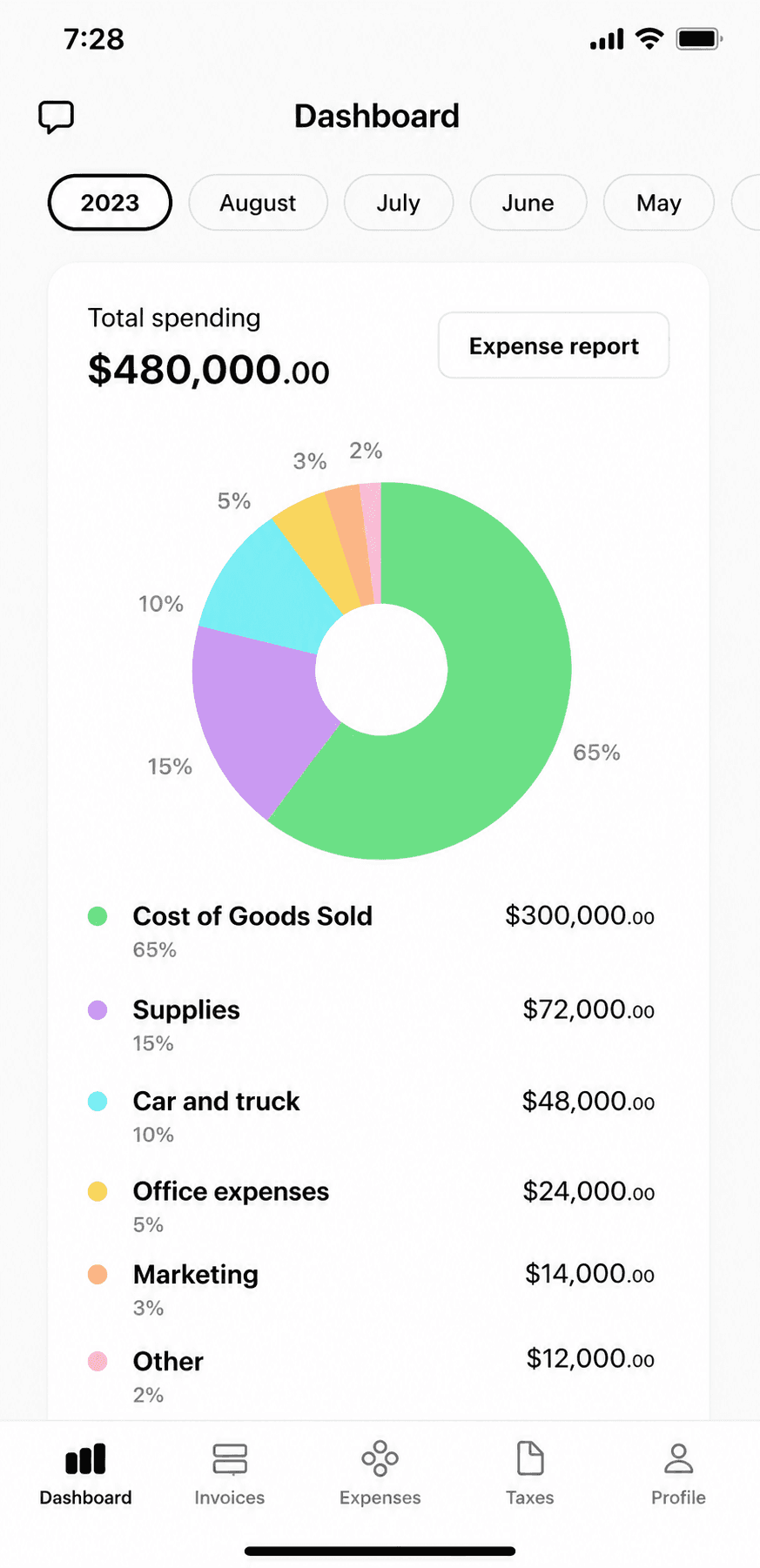
Tofu home dashboard
Dashboard

GetPaid's invoice maker (long known as 'Invoice Maker Tofu'): offline-capable mobile invoicing now repositioning into field-service plans, with a 1% platform fee on payments.

Tofu built a large iOS following (4.83 across 35,000 ratings) as a fast phone-first invoice and estimate maker with genuine offline support. It is now repositioning toward field-service management with Solo, Team, and Business web plans from $29 a month. Watch the payments math: Tofu adds its own 1% fee on top of Stripe's processing on every transaction.

Standout: True offline invoicing on a large, proven iOS app.

Versus Joist: Works offline, which Joist does not, but at $29 a month on the web it is the most expensive simple app on this list.

Best for: Phone-first invoicers who want offline invoicing and may grow into crew scheduling.

Not for: Anyone avoiding platform fees on payments, or needing any bookkeeping.

Key features

  • Invoices and estimates offline from your phone
  • Card, Apple Pay, Google Pay, Tap to Pay via Stripe
  • Price book for saved items
  • Crew and job plans as you grow

Pros

  • Strong iOS rating at scale (4.83, 35k ratings)
  • Real offline mode
  • Grows into field-service features

Cons

  • Adds a 1% platform fee on every payment on top of Stripe
  • Weekly-anchored iOS pricing with rotating promos
  • Marketing claims outrun verifiable reviews (Trustpilot shows 2 reviews)

Integrations

  • Stripe (card, Apple Pay, Google Pay, Tap to Pay)
  • Price book
  • Crew scheduling on FSM plans

Pricing

Solo (web)Single user; jobs, scheduling, invoicing, payments$29/mo
Team (web)Up to 5 workers$79/mo
Plus (iOS)In-app subscription differs from web pricing$9.99/week or $99.99/yr

Free: Free download; 7-day free trial on web plans, no payment upfront. No verified perpetual free tier.

Platforms: iOS, Android, Web

Migrating from Joist: Export clients and start sending; nothing else to move.

Great reliable app that's easy to use and affordable. looks professional to customers as well. Been using this app for about 3 years now and no complaints.
Tofu user, App Store review (2026), App Store

Bottom line: Pick Tofu if you want offline mobile invoicing and might need crew scheduling later, and accept the 1% payment fee.

10. PayPal Invoicing

App Store rating: 4.19 out of 5 (29,377 ratings)

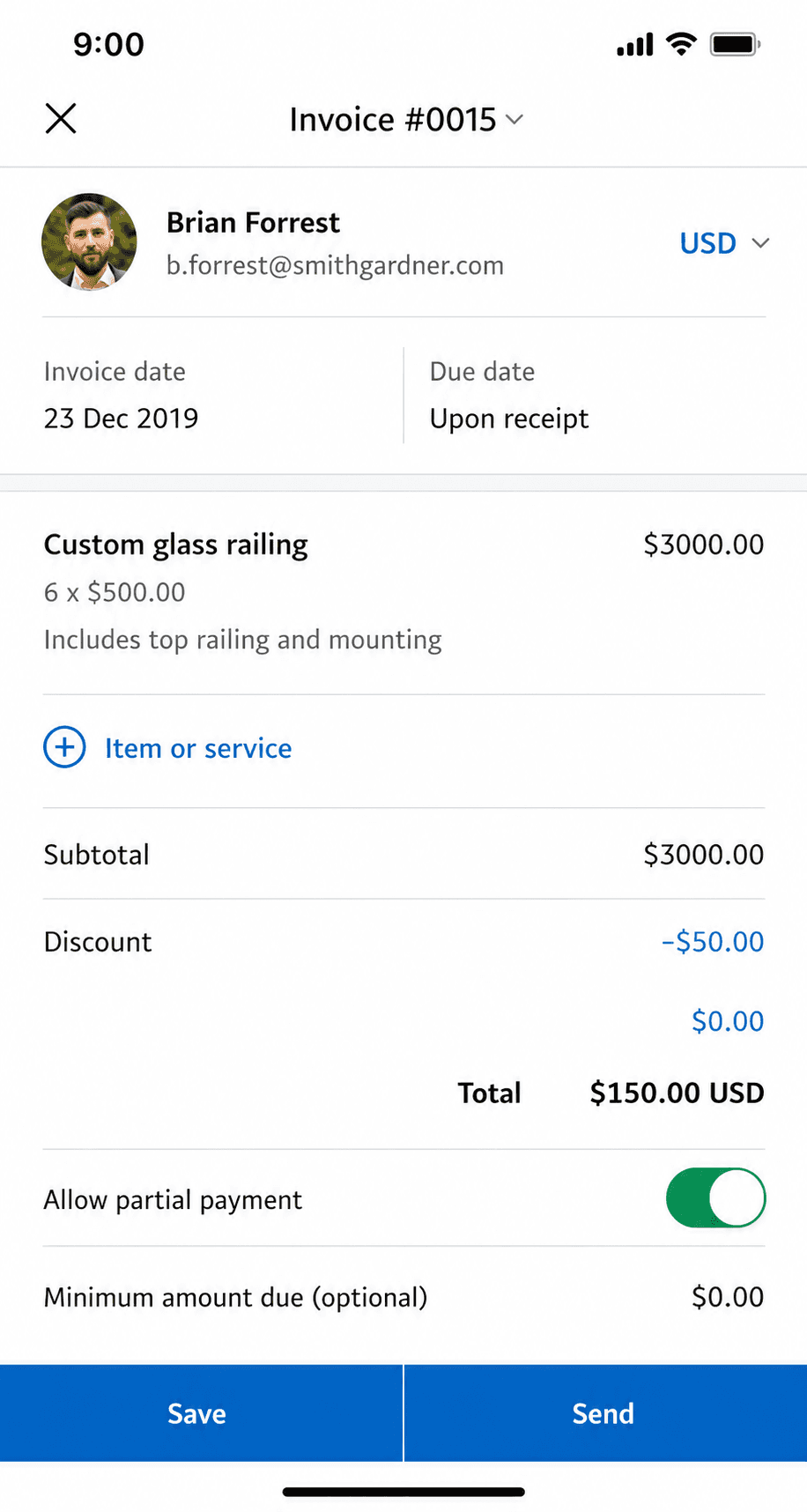
PayPal Business app invoice creation screen
Create invoice
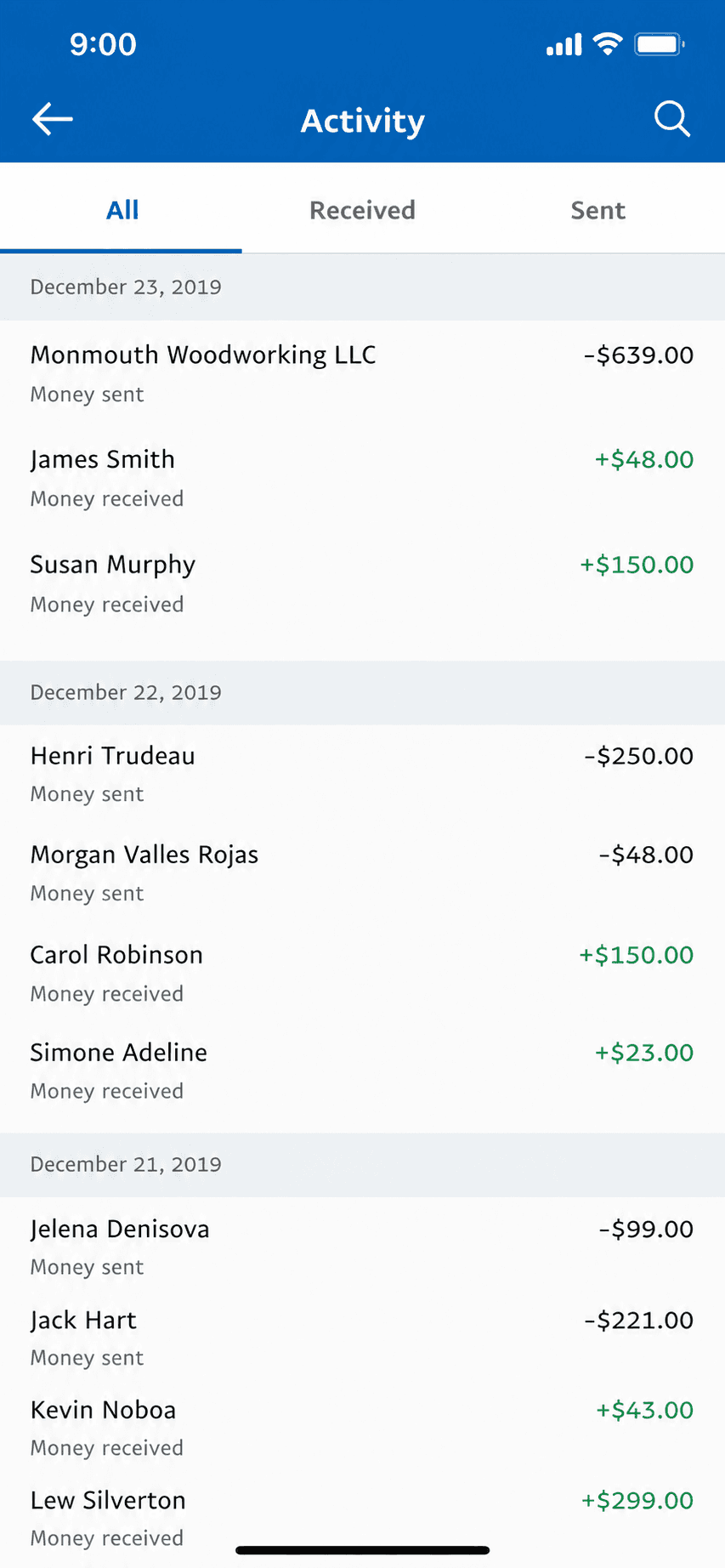
PayPal Business app invoice history
Invoice history

Free invoicing built into the PayPal Business app, where clients can pay with a method they already have.

PayPal Invoicing lets you create and send professional invoices for free from the PayPal Business app, and clients can pay by PayPal, card, or Venmo without an account. It is the path of least resistance for getting paid because so many customers already use PayPal. Like the other pure invoicing tools here, it does invoicing and payments only, with no accounting behind it.

Standout: The invoicing tool your clients already recognize and trust to pay.

Versus Joist: Free to send; you pay only when a client pays. Its 4.19 rating is the lowest here, and reviewers mostly fault the wider PayPal account experience rather than the invoicing itself.

Best for: Solo pros whose clients already pay by PayPal, Venmo, or card.

Not for: Anyone who needs bookkeeping, or who wants the lowest processing fees.

Key features

  • Free professional invoices
  • Clients pay by PayPal, card, or Venmo
  • Recurring invoices and reminders
  • Built into the PayPal Business app

Pros

  • Free to create and send invoices
  • Clients already trust and use PayPal
  • Fast setup with an existing PayPal account

Cons

  • No accounting or bookkeeping
  • Wallet/Venmo payments cost 3.49% + $0.49, the way most clients pay
  • The business app rates lower than the invoicing peers here

Integrations

  • PayPal and Venmo
  • Card payments
  • Accounting sync via connectors
  • E-commerce platforms

Pricing

Send invoicesNo fee to create or send$0/mo
Card / Apple Pay payment2.99% + $0.49 per transaction
PayPal / Venmo payment3.49% + $0.49 per transaction
ACH / pay by bank1%, capped at $10

Free: Free to create and send invoices; you only pay when a client pays.

Platforms: Web, iOS, Android

Migrating from Joist: Nothing to migrate: if invoicing was all you did, start sending from PayPal in minutes.

I've used PayPal for many years and I love it and I shall continue using PayPal.
PayPal user, App Store review (2026), App Store

Bottom line: Pick PayPal Invoicing if your clients already pay by PayPal and you want the least-friction way to get paid.

11. Invoice Ninja

App Store rating: 4.59 out of 5 (173 ratings)

Invoice Ninja invoice list and history
Invoice history
Invoice Ninja home dashboard
Dashboard

An open-source invoicing platform with a genuinely free hosted tier and a self-host option for people who want control.

Invoice Ninja is open-source-rooted invoicing built for freelancers and small businesses. Its hosted Forever Free plan covers real invoicing for up to 5 clients, and technical users can self-host the whole thing for free and own their data. It is invoicing, quotes, and payments, not accounting, with more customization than most invoicing apps.

Standout: Open-source invoicing you can self-host and own outright.

Versus Joist: Free for up to 5 clients hosted, or self-host at no licence cost. The technical option: most contractors will not want to run a server.

Best for: Freelancers who want free, customizable, or self-hosted invoicing.

Not for: Non-technical users wanting the simplest possible phone-first app, or anyone needing books.

Key features

  • Invoices, quotes, and recurring billing
  • Open-source and self-hostable
  • Many payment-gateway options
  • Deep customization and automation

Pros

  • Genuinely free hosted tier (up to 5 clients)
  • Self-host to own your data outright
  • Highly customizable for invoicing

Cons

  • No accounting or bookkeeping
  • Self-hosting is technical to set up and maintain
  • Smaller, more niche user base

Integrations

  • Stripe, PayPal, and 40+ gateways
  • Zapier
  • Self-hosted API

Pricing

Free (hosted)Up to 5 clients, unlimited invoicing (the old ~20-client limit is gone)$0/mo
Self-hostedFree to self-host; source-available (Elastic License v2)$0
Ninja Pro$140/yr (2 months free); unlimited clients$14/mo
Enterprise1-2 users; scales by user countfrom $18/mo

Free: Hosted Forever Free for up to 5 clients, or self-host the source-available app at no license cost.

Platforms: Web, iOS, Android, Self-hosted

Migrating from Joist: Import a client list and start invoicing; self-hosting adds setup time but nothing to port if there were no books.

Can't beat the price. Self-hosting on a VPS is insanely cheap.
Invoice Ninja user, App Store review (2026), App Store

Bottom line: Pick Invoice Ninja if you want free, customizable, or self-hosted invoicing and are comfortable with setup.

12. HoneyBook

App Store rating: 4.77 out of 5 (16,189 ratings)

HoneyBook project view with client workflow
Project

A client-flow suite for service freelancers: proposals, contracts, invoices, scheduling, and payments in one subscription, with real lock-in on both workflow and money.

HoneyBook bundles the whole client lifecycle: lead forms, proposals that combine quote-contract-payment, scheduling, automations, and invoicing, from $36 a month. For photographers, planners, and creative freelancers who want one system, it is compelling. Know what you are signing up for: HoneyBook processes your payments (with documented 60-to-90-day dispute holds), and leaving means migrating your entire client workflow, not just invoices.

Standout: The most complete client-flow bundle in this set: proposal to payment in one file.

Versus Joist: Runs the same estimate to contract to invoice flow Joist does, but aimed at client-service businesses rather than trades. At $36 a month it costs more than Joist Elite.

Best for: Creative and service freelancers who want proposals, contracts, scheduling, and invoicing in one place.

Not for: Anyone who only needs invoicing, or who wants payments settled outside the platform.

Key features

  • Proposals combining quote, contract, and payment
  • Scheduling and automations
  • Invoicing and payment plans
  • Client CRM and lead forms

Pros

  • Genuinely all-in-one for client work
  • Strong automations from Essentials up
  • Well-rated apps on both stores

Cons

  • Suite lock-in: leaving means moving your whole workflow
  • HoneyBook processes and can hold funds during disputes
  • Widely discussed 2025-era price restructure

Integrations

  • QuickBooks Online (Essentials+)
  • Calendly-style scheduler
  • Zapier
  • Gmail/Google Calendar

Pricing

Starter$29/mo billed annually$36/mo
Essentials$49/mo annually; adds scheduler, automations, QuickBooks, 2 seats$59/mo
Premium$109/mo annually; unlimited seats$129/mo

Free: No free plan; 30-day free trial, no card required.

Platforms: Web, iOS, Android

Migrating from Joist: Moving IN is a project (proposals, contracts, automations); moving OUT is too. Budget setup time either way.

This software keeps my business running! The smart files are incredible and the reminders are are absolute must have!
HoneyBook user, App Store review (2026), App Store

Bottom line: Pick HoneyBook if you want the whole client workflow managed in one subscription and accept platform payment processing.

13. Stay on Joist

App Store rating: 4.74 out of 5 (13,524 ratings)

Joist invoice creation screen
Create invoice

Sometimes the honest answer is not to switch. No other Joist alternative page will say this, because they are all selling the move.

If you use change orders, contracts with eSignatures, or homeowner financing to close jobs, nothing else on this list replaces them, and the subscription is buying you something real. Joist also fixed the problem that generated its worst reviews: the payment holds that dominated 2017 and 2018 are absent from recent ones. The case against staying is the pricing trajectory and what happens to your records if you ever stop paying, not the app itself.

Standout: Contractor-specific workflow: estimates, contracts, change orders, financing.

Versus Joist: The incumbent. Worth keeping if you actually use the trade features you are paying for.

Best for: Contractors who estimate frequently and want trade-specific tools like change orders and financing.

Not for: Anyone wanting a free tier or native bookkeeping.

Key features

  • Estimates built for winning jobs
  • Contracts and eSignatures
  • Change orders and reports on Elite
  • QuickBooks Online sync

Pros

  • Deep contractor workflow
  • Established brand among trades
  • Financing offers can close bigger jobs

Cons

  • 5-document monthly cap on the cheap tier
  • Formerly free features now paywalled
  • Chat-only support with reported payment-issue delays

Integrations

  • QuickBooks Online sync (Pro+)
  • Stripe payments
  • Homeowner financing offers

Pricing

BasicsCapped at 5 documents/month; $100/yr annually$10/mo
ProUnlimited docs, contracts + eSignatures, QuickBooks sync; $170/yr$17/mo
EliteAdds reports, change orders, review automation; $320/yr$32/mo

Free: No free tier; 14-day Elite trial, no card required.

Platforms: Web, iOS, Android

Migrating from Joist: Export clients and start sending; its accounting-software sync eases the handoff if you keep books.

Joist is a great app. It helps me with my estimates and payments. I recommend Joist to any Contractor. Great tool to have.
Joist user, App Store review (2026), App Store

Bottom line: Pick Joist if you are a contractor who lives on estimates and change orders and will use its trade features.

Suite or books

For businesses that keep books: reconciliation, expenses, payroll, reports, tax-ready records.

14. Jobber

App Store rating: 4.81 out of 5 (20,396 ratings)

Jobber invoice screen
Invoice
Jobber home screen with schedule
Home

The leading field-service platform for growing home-service companies: scheduling, dispatch, CRM, and invoicing, priced for crews rather than solo operators.

Jobber runs the whole operation for home-service businesses: scheduling, dispatching, quotes, invoicing, payments, and a client hub. It earns its reputation for teams; for a solo operator the math is harsher: month-to-month starts at $49 for one user, the advertised cheaper rates need a 1-year commitment, and the features people want most sit on the $199 Grow tier. Its own payment arm documents payout holds during risk reviews.

Standout: The most complete field-service operations platform in this set.

Versus Joist: The step up Joist users get pushed toward: scheduling, dispatch, and a CRM, starting around five times Joist's entry price.

Best for: Home-service businesses with crews that need scheduling, dispatch, and invoicing in one system.

Not for: Solo operators who only need invoices and estimates; you would pay for a platform you will not use.

Key features

  • Scheduling and dispatching
  • Quotes and invoicing with payments
  • Client hub and CRM
  • Job costing and automations on higher tiers

Pros

  • Best-in-class field-service workflow
  • Strong G2 rating (4.6)
  • Scales from crew to fleet

Cons

  • $49/month true month-to-month entry for one user
  • Promo prices require a 1-year commitment
  • Documented payout holds via Jobber Payments

Integrations

  • QuickBooks Online sync
  • Jobber Payments (Stripe)
  • Zapier
  • Marketing Suite add-on

Pricing

Core1 user; $39/mo with a 1-year commitment, $29/mo prepaid annually. Advertised promo rates require commitment.$49/mo
Connect5 users; extra users $29/mo each$139/mo
Grow10 users; job costing and automations live here$199/mo
Plus15 users$499/mo

Free: No free plan; 14-day free trial on Grow, no card required.

Platforms: Web, iOS, Android

Migrating from Joist: Adopting Jobber is an operations migration (clients, jobs, schedules), not an afternoon export.

I have a window cleaning business and Jobber has made the organization, scheduling, and customer relations much better. The software is very user friendly.
Jobber user, App Store review (2026), App Store

Bottom line: Pick Jobber when you are scheduling crews, not just sending invoices; that is the point where its price starts paying for itself.

15. Housecall Pro

App Store rating: 4.65 out of 5 (28,031 ratings)

Housecall Pro schedule view
Schedule

A popular field-service platform for home-service pros: scheduling, dispatch, and invoicing with aggressive add-on pricing and a $79/month single-user entry.

Housecall Pro competes head-to-head with Jobber for home-service crews: scheduling, dispatch, estimates, invoicing, and payments with a well-rated mobile app. The advertised $59 entry is the annual-billing rate ($79 month-to-month), QuickBooks sync requires the $189 tier, and the add-on stack (payroll, pipeline, campaigns, proposals) is where budgets quietly grow. Its Trustpilot score has slid to around 3.0 while its app-store ratings remain strong.

Standout: Strong mobile apps for field crews (4.65 iOS, 4.5 Android).

Versus Joist: A full field-service suite with dispatch and a team. Worth it only if you manage crews, not if you just send estimates.

Best for: Home-service businesses that want crew scheduling plus invoicing and will manage the add-on stack.

Not for: Solo operators who only need invoices; the platform and its add-ons are built for bigger operations.

Key features

  • Scheduling and dispatch
  • Estimates and invoicing with payments
  • GPS tracking on Essentials+
  • Add-on marketplace (payroll, campaigns, proposals)

Pros

  • Complete field-service feature set
  • Well-rated field mobile apps
  • Large user community

Cons

  • $79/month true month-to-month entry for one user
  • QuickBooks sync withheld from the entry tier
  • Documented payout holds and add-on cost creep

Integrations

  • QuickBooks Online sync (Essentials+)
  • Stripe-based payments
  • Payroll add-on
  • Marketing campaigns add-on

Pricing

Basic1 user; $59/mo billed annually. No QuickBooks sync on this tier.$79/mo
Essentials5 users; $149/mo annually; adds QuickBooks sync and GPS$189/mo
Max8 users; $299/mo annually; extra users $35/mo$329/mo

Free: No free plan; 14-day free trial, no card required.

Platforms: Web, iOS, Android

Migrating from Joist: An operations migration like any field-service platform; plan for setup time, not an afternoon.

It has everything needed in one app. And it’s user friendly. Everything flows seamlessly from estimate to job to receipt.
Housecall Pro user, App Store review, App Store

Bottom line: Pick Housecall Pro if you run crews and prefer its field apps, and budget for the add-ons you will actually need.

16. QuickBooks

App Store rating: 4.73 out of 5 (253,073 ratings)

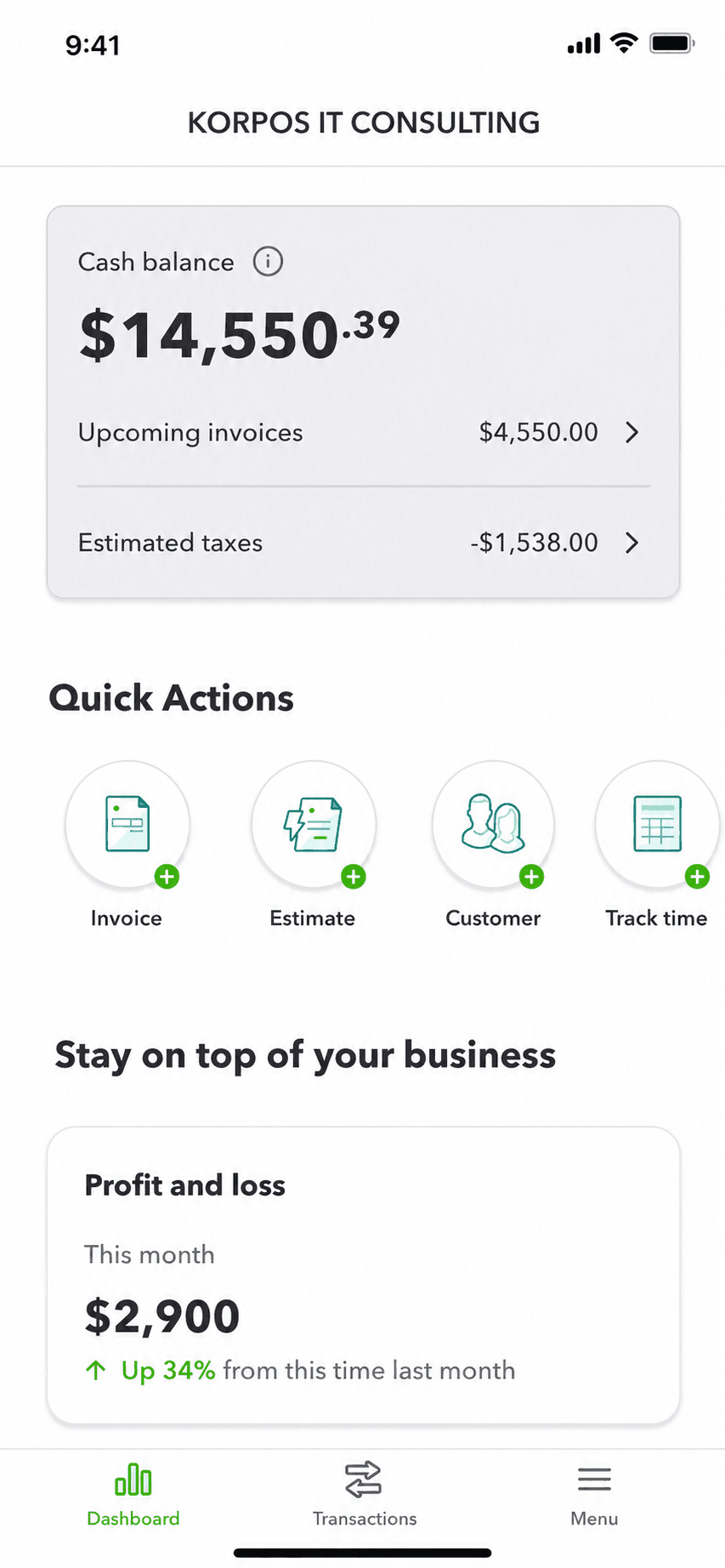
QuickBooks mobile app cash balance dashboard
Money dashboard
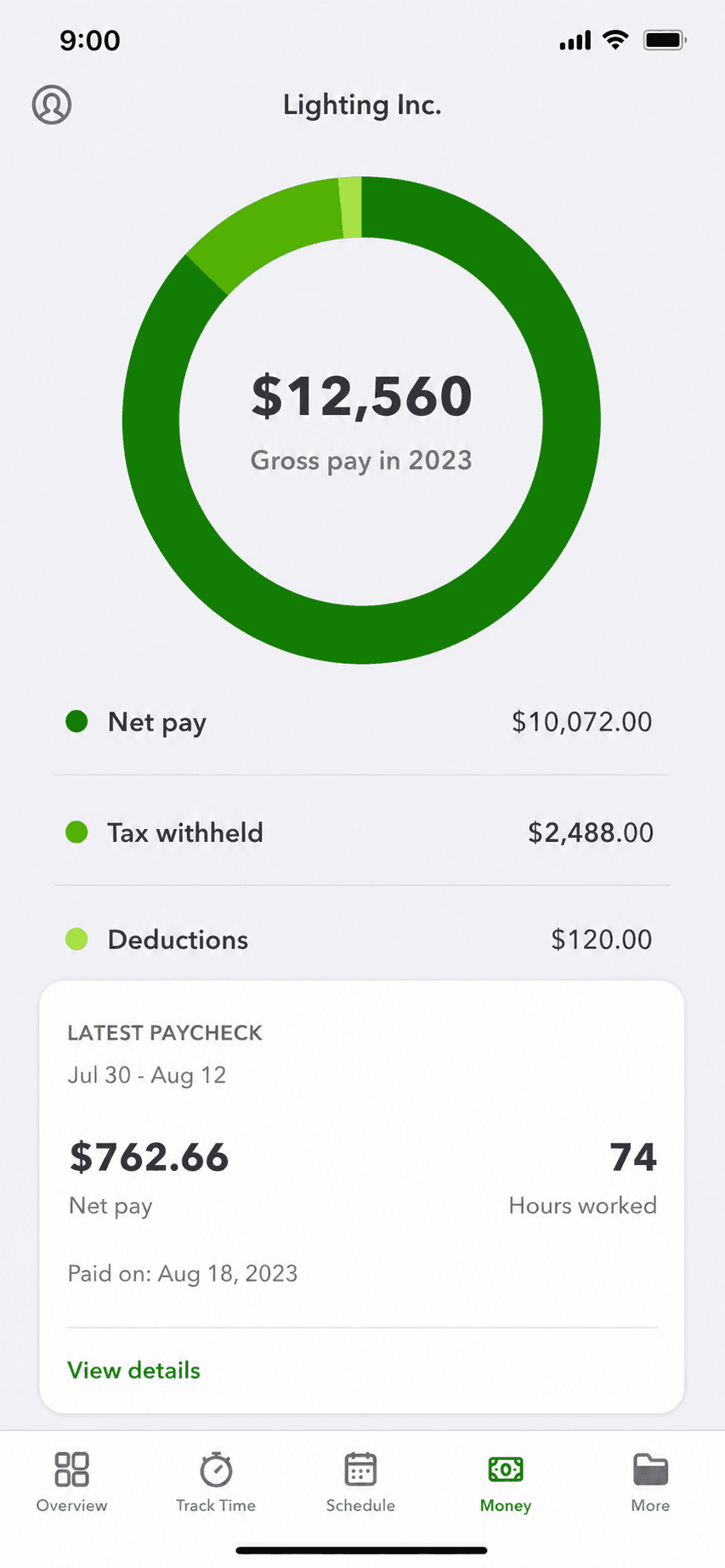
QuickBooks mobile app payroll overview with gross pay breakdown
Payroll overview

The US small-business accounting incumbent: the deepest ecosystem and accountant network, at the highest price in its class.

QuickBooks Online is the default accounting product for US small businesses, with payroll, inventory, reporting, and the largest accountant and app ecosystem in one place. It is capable software for people who genuinely need accounting; the recurring complaints are price increases and update churn, and it is the heaviest tool anyone could pick if all they do is invoice.

Standout: The largest US accountant network and app ecosystem, already holding your history.

Versus Joist: Joist Pro's headline integration, so a lot of contractors already pay for both. It keeps books well and does not do trade estimating; if you are paying for both, work out which one you are actually using.

Best for: Established books, an accountant who requires QuickBooks, or deep ecosystem reliance.

Not for: A solo operator who only ever used it to send invoices.

Key features

  • Years of history and reconciliations already in place
  • Accountant workflows built around it
  • The largest third-party app ecosystem
  • Payroll, inventory, and reporting in one place

Pros

  • Zero migration risk or data loss
  • Keeps your accountant's workflow intact
  • Deepest ecosystem and reporting of any option here

Cons

  • The most expensive option over three years
  • Heaviest tool if you only invoice
  • Frequent price increases and update churn

Integrations

  • 750+ app marketplace
  • QuickBooks Payroll and Gusto
  • Stripe and PayPal via apps
  • Bank feeds
  • Most accountant tools

Pricing

Simple StartUnchanged in the announced Aug 2026 increase$38/mo
EssentialsRises to $85/mo at renewals on/after Aug 1, 2026; up ~88% from $40/mo in 2021$75/mo
PlusRises to $140/mo at renewals on/after Aug 1, 2026$115/mo
AdvancedRises to $340/mo at renewals on/after Aug 1, 2026$275/mo

Free: No free plan; 30-day free trial or an introductory discount.

Platforms: Web, iOS, Android, Desktop (limited)

Migrating from Joist: No migration at all if you stay; that is the entire point of this option.

I love it because it keeps me organized in bookkeeping and it helps me really look at how much I'm bringing in.
QuickBooks user, App Store review (2026), App Store

Bottom line: Stay on QuickBooks if your accountant requires it, your books are established, or migration would cost more than you would save.

17. Wave

App Store rating: 4.38 out of 5 (6,601 ratings)

Wave mobile app invoice list and history
Invoice history
Wave mobile app payment recording screen
Payment record

Free accounting that covers invoicing, expenses, and basic books, funded by payment and payroll fees rather than a subscription.

Wave is the rare accounting tool with a genuinely free core: invoicing, income and expense tracking, and basic financial reports at no monthly cost. It funds itself through payment processing when clients pay by card and through a paid payroll add-on, so the 'free' holds as long as your card volume stays low. The mobile app is lighter than the web version, so heavy bookkeeping still happens at a desk.

Standout: A genuinely free accounting core, not a limited trial.

Versus Joist: Free accounting including invoicing, funded by payment and payroll fees. The right answer if what you outgrew was bookkeeping rather than estimating.

Best for: Businesses that want real books at zero base cost.

Not for: Anyone with heavy card volume, where per-transaction fees add up fast.

Key features

  • Invoicing, expense tracking, and basic reports
  • Double-entry accounting under the hood
  • Add payments and payroll when you need them
  • Receipt scanning on mobile

Pros

  • Genuinely free base plan, not a trial
  • Real double-entry books, not just invoicing
  • Simple enough for a non-accountant to start

Cons

  • Revenue comes from per-transaction payment fees
  • Mobile app is thinner than the desktop version
  • Support and integrations are limited versus paid tools

Integrations

  • Bank and credit-card feeds
  • Wave Payments
  • Wave Payroll
  • Receipt scanning

Pricing

StarterInvoicing, accounting, receipts$0/mo
Pro$190/yr (about $15.83/mo) billed annually; adds auto-import and unlimited receipts$19/mo
PaymentsAmex 3.4% + $0.60about 2.9% + $0.60 per card transaction

Free: Free forever for invoicing and accounting; you only pay to take card payments or run payroll.

Platforms: Web, iOS, Android

Migrating from Joist: Easy for invoicing; light lift for books since Wave imports bank feeds and a customer list, though deep prior-system history does not transfer cleanly.

I am satisfied with what this service provides for how much it costs.
Wave user, App Store review (2026), App Store

Bottom line: Pick Wave if you need real books at zero base cost and are fine paying per-transaction payment fees.

18. FreshBooks

App Store rating: 4.70 out of 5 (10,969 ratings)

FreshBooks mobile app dashboard
Dashboard

The friendliest of the accounting tools, built around invoicing with light books bolted on.

FreshBooks is the friendliest tool in this group, built invoicing-first with light bookkeeping added on rather than the other way around. If you want modern, painless invoicing but still need some expense tracking, time tracking, and simple reports, it sits neatly between a pure invoice app and full accounting. It is still a monthly subscription, and its books are lighter than Xero's or QuickBooks'.

Standout: The most pleasant invoicing experience of any accounting tool here.

Versus Joist: Invoicing with light books from $23 a month. Closer to Joist's actual job than QuickBooks is, but with no change orders or financing.

Best for: People who want modern invoicing plus some expense tracking and reports.

Not for: Businesses that need deep accounting, inventory, or heavy reporting.

Key features

  • Invoicing-first workflow
  • Light expense tracking and reports
  • Time tracking and simple projects
  • Client portal for proposals and payments

Pros

  • Easiest of the accounting tools to learn
  • Great invoicing without full-accounting overhead
  • Strong time tracking for billable work

Cons

  • Still a monthly subscription
  • Books are lighter than Xero or QuickBooks
  • Billable-client limits on lower tiers

Integrations

  • Stripe and PayPal
  • Gusto payroll
  • Zapier
  • Google Workspace
  • Bank feeds

Pricing

LiteUp to 5 billable clients; $248.40/yr (about $20.70/mo) billed yearly$23/mo
PlusUp to 50 billable clients; about $38.70/mo billed yearly$43/mo
PremiumUnlimited billable clients; about $63/mo billed yearly$70/mo

Free: No free plan; 30-day free trial.

Platforms: Web, iOS, Android

Migrating from Joist: Easy for invoicing and clients; its lighter books mean less to migrate, but also less to migrate into.

I love FreshBooks. User friendly and not as complicated as Quickbooks.
FreshBooks user, App Store review (2026), App Store

Bottom line: Pick FreshBooks if you want great invoicing plus light accounting and do not mind a monthly subscription.

19. Xero

App Store rating: 4.64 out of 5 (1,626 ratings)

Xero mobile app invoice creation screen
Create invoice
Xero mobile app sales history list
Sales history

The strongest full-featured QuickBooks replacement for growing businesses: clean reconciliation, unlimited users, accountant-friendly.

Xero is the cleanest full-accounting replacement for QuickBooks once a business is genuinely keeping books: bank reconciliation, accrual accounting, and unlimited users on every plan, backed by a large app marketplace and strong accountant support. It is less quirky than QuickBooks and scales further than any solo tool. The trade-off is that it is more software than a one-person invoicer needs, and the mobile app is a companion to the web app rather than a full replacement.

Standout: Unlimited users on every plan, which QuickBooks caps and charges for.

Versus Joist: Real double-entry books from $25 a month. Pick it only if you need accounting; it will not replace Joist's estimates.

Best for: Businesses that keep real accrual books and want the closest QuickBooks swap.

Not for: A solo operator who only sends invoices and never touches reconciliation.

Key features

  • Bank reconciliation and accrual books
  • Unlimited users on every plan
  • Deep accountant and app ecosystem
  • Fixed-asset and inventory tracking

Pros

  • Cleanest full-accounting replacement for QuickBooks
  • Unlimited users on every plan
  • Less quirky and more scalable than QuickBooks

Cons

  • More than a solo invoicer needs
  • Mobile app is a lighter companion to the web app
  • Fewer US accountants than QuickBooks

Integrations

  • 1,000+ app marketplace
  • Stripe and GoCardless
  • Shopify and HubSpot
  • Gusto payroll
  • Bank feeds

Pricing

EarlyLimited invoices and bills; standard price after intro promo (raised from $20 in March 2026)$25/mo
GrowingUnlimited invoices and bills$55/mo
EstablishedAdds multi-currency and projects$90/mo

Free: No free plan; intro offers (e.g. 80% off first 3 months) instead of a standing free trial.

Platforms: Web, iOS, Android

Migrating from Joist: Well-trodden path: Xero and many accountants offer conversion tools from legacy accounting software, though verifying migrated balances still takes time.

This is one of the easiest pieces of accounting software to use and the functionality of the app is superior to rivals
Xero user, App Store review (2026), App Store

Bottom line: Pick Xero if you keep real accrual books and want the closest full-featured QuickBooks replacement.

20. Zoho Books

App Store rating: 4.81 out of 5 (4,983 ratings)

Zoho Books mobile app invoice detail view
Invoice detail
Zoho Books mobile app home dashboard
Dashboard

A capable, low-cost accounting suite, strongest if you already use other Zoho apps. A genuine alternative to QuickBooks for small business owners who want an ecosystem.

Zoho Books is a capable, low-cost accounting suite that shines when you already use other Zoho apps like CRM or Inventory, because everything shares one login and data model. On its own it is still affordable full accounting with solid automation and workflow rules. It is more than a solo invoicer needs, and its best value shows up only once you are inside the Zoho ecosystem.

Standout: A free plan for small revenue, plus the deepest app ecosystem at this price.

Versus Joist: Free under $50k of annual revenue, then from $15 a month. Books rather than estimating, and the cheapest honest route into real accounting.

Best for: Small businesses that want affordable full accounting inside an ecosystem.

Not for: Anyone who wants a standalone tool and will never touch the rest of Zoho.

Key features

  • Full accounting at a low price point
  • Tight integration with the Zoho suite
  • Automation and workflow rules
  • Client portal and time tracking

Pros

  • Free tier for small revenue
  • Affordable full accounting with strong automation
  • Excellent value inside the Zoho ecosystem

Cons

  • More than a solo invoicer needs
  • Best value only inside the Zoho ecosystem
  • Fewer US accountants than QuickBooks

Integrations

  • Zoho suite (CRM, Inventory, Projects)
  • Stripe and PayPal
  • Bank feeds
  • Zapier

Pricing

FreeWhile revenue under $50k/yr; 1 user + 1 accountant, 1,000 invoices/yr$0/mo
Standard3 users$20/mo ($15/mo billed annually)
Professional5 users; adds projects and more automation$50/mo ($40/mo billed annually)

Free: Free plan for businesses under $50k annual revenue; 14-day trial on paid plans.

Platforms: Web, iOS, Android

Migrating from Joist: Zoho provides import tools from other accounting software; the move is smoother if you also adopt other Zoho apps.

Absolutely love Zoho Books and so much cheaper then the competitors
Zoho Books user, App Store review (2026), App Store

Bottom line: Pick Zoho Books if you want affordable full accounting and already live in the Zoho ecosystem.

Head-to-head

How does Joist compare to the alternatives?

FeatureBillgamiJoistInvoice SimpleSquare InvoicesJobber
Send estimates and invoicesYesYesYesYesYes
Real free tierYesNoNoYesNo
Works offlineYesNoNoPartialPartial
Document or invoice cap on entry tierNo5/month3/monthNoneNone
Scheduling and dispatchNoNoNoNoYes
Change orders and contractsNoYesNoNoYes
Starting priceFree tier$10/mo$6.99/moFree$49/mo
Lifetime option$249.99 lifetimeNoNoNoNo
Best forSolo, estimates and invoicesContractors wanting trade featuresPolished phone invoicingFree invoicing with card paymentsCrews and dispatch

Joist wins the trade-features row outright: change orders, contracts with eSignatures, and financing offers are real advantages Billgami does not have. This table is here so you can see which rows you actually need before you pay for the ones you do not.

The real cost

What does Joist actually cost over 3 years?

Joist's entry plan looks cheap until you notice it caps you at 5 documents a month. If you send more than five estimates and invoices combined, Pro is your real starting price, and the honest comparison starts there.

PlanPer month1 year3 years
Billgami FreeReal free tier, invoicing and estimates$0$0$0
Billgami subscriptionOr $111.99/yr billed annually: $335.97 over 3 years$14.99$179.88$539.64
Billgami LifetimeOne-time $249.99; cheaper than Joist Basics from month 25one-time$249.99$249.99
Joist BasicsCapped at 5 documents a month$10$120$360
Joist ProUnlimited documents, contracts, QuickBooks sync$17$204$612
Joist EliteAdds reports, change orders, review automation$32$384$1,152
Square InvoicesFree to send; 3.3% + $0.30 per card payment$0$0$0
Invoice2go ProfessionalCapped at 100 invoices per year$11.95$143.40$430.20
Billdu Standard$9.99/mo billed annually; 50 clients, 2 seats$14.99$179.88$539.64
Invoice Simple PremiumUnlimited invoices; cheaper tiers cap at 3 and 10 a month$21.99$263.88$791.64
Jobber Core1 user; $29/mo prepaid annually$49$588$1,764
Housecall Pro Basic1 user; $59/mo billed annually$79$948$2,844

Prices as of July 2026. Joist bills monthly or annually, with roughly two months free on annual: $100/yr Basics, $170/yr Pro, $320/yr Elite, which is $300, $510, and $960 over three years. Card payments add 3.49% + $0.49 on top, and an AI add-on is sold separately at $49/month. Confirm current rates on joist.com before deciding. Source: Joist pricing page and each vendor's published rates, July 2026 (https://www.joist.com/pricing/)

Why people leave

Why do people actually leave Joist, and what changed?

First, fairness: Joist holds a 4.74 out of 5 App Store average across 13,524 ratings, and most written reviews are still positive. It is a genuinely good estimating app. This breakdown is its one- and two-star reviews specifically, and only the recent ones. We pulled 1,000 written reviews spanning 2017 to 2026, and 840 of them predate 2023, so the lifetime averages describe a product that no longer exists. The shares below are the 63 negative reviews from 2023 onward. The pattern worth noting: the top complaint is not a broken app, it is a deal that kept changing.

ComplaintShareWhat reviewers say
Price and subscription cost58.7%"Was free to do so then they jumped from free to 14 dollars month. Then raised the prices a buck within a year of that."
It used to be free27.0%"This app should be $10-$20 ONE TIME FEE."
Customer support27.0%"they are forcing you to pay if not you can't even access your old invoices"
Lost access to own records19.0%"they no longer allow me access to THOUSANDS of invoices, contracts, quotes, and customer database unless I upgrade to a higher plan"
Features removed or moved up a tier17.5%"now limited to only 5 per month unless I pay a ransom?"
Bugs, sync, or login errors11.1%"if you decide not to use them anymore you will not have access to your old information, that means you will lose all your invoices unless you manually download"

Share is the percent of the 63 one- and two-star reviews updated in 2023 or later that mention each theme; a review can mention more than one, so shares do not sum to 100. This is a modest sample and should be read as direction, not precision. Per-review theme tags are saved for audit. Quotes are verbatim: spelling and punctuation are preserved as written. Joist App Store reviews (Apple, 1,000 written reviews 2017-2026; the 63 rated one or two stars and updated 2023 or later were tagged by theme and counted), pulled June 2026; per-review tags saved for audit.

Free options

Is Joist still free?

No. This is the most common question about Joist now, and the honest answer is that the free plan is gone: there is a 14-day Elite trial with no card required, and after that the cheapest plan is $10 a month capped at 5 documents. Here is what genuinely is free, with every catch named.

ToolWhat's actually freeThe catch
JoistA 14-day trial of Elite, no card requiredNo free tier after the trial; Basics is $10/mo and caps you at 5 documents a month
BillgamiFree tier: send invoices and estimates, track payments, export PDFsInvoicing only; no scheduling, dispatch, CRM, or job costing
Square InvoicesUnlimited invoices and estimates, free forever to sendFunded by card processing at 3.3% + $0.30 when a client pays

Free tiers as described by each vendor as of July 2026; confirm current limits before relying on them.

What did EverCommerce ownership change, and what did it fix?

Joist was acquired by EverCommerce in 2018. Reading 1,000 reviews in date order makes the effect unusually legible, and it cuts both ways. Start with the part that is genuinely to Joist's credit. In 2017 and 2018, the loudest complaint by far was money: payments held for weeks, accounts closed without explanation, funds stuck in review. Those reviews name WePay, the processor Joist used at the time. In the 2023 to 2026 reviews, that complaint appears zero times. Joist moved to Stripe and the problem went away. Any guide still citing held funds as a reason to leave Joist is quoting an eight-year-old product. What replaced it is a pricing story. The app that reviewers in 2019 described as free now has no free tier. The cheapest plan meters you at 5 documents a month. Contracts, eSignatures, and QuickBooks sync moved to Pro; reports and change orders moved to Elite. Card payments carry 3.49% plus $0.49, and an AI add-on is sold separately at $49 a month. None of that is unusual for a venture-owned app finding its margin, and none of it is dishonest. It is simply a different deal from the one long-time users signed up for, which is why the reviews read the way they do.

  • Fixed: payment holds and processor freezes, the dominant 2017-2018 complaint, now absent from recent reviews.
  • Changed: no free tier, a 5-document monthly cap on the entry plan, trade features moved to higher tiers.
  • Unchanged: the estimating workflow itself, which recent reviewers still rate highly.

What happens to your records when you stop paying?

This is the complaint that barely existed before 2023 and now appears in roughly one in five negative reviews, a rise from 0.9% to 19.0% on the same tagger. It is worth understanding precisely, because it is the one that costs real money to get wrong. Reviewers describe two distinct situations. The first is being locked out of history they built while paying: "they no longer allow me access to THOUSANDS of invoices, contracts, quotes, and customer database unless I upgrade to a higher plan." The second is what happens on the way out: "if you decide not to use them anymore you will not have access to your old information, that means you will lose all your invoices unless you manually download." The practical lesson is not specific to Joist. Any cloud invoicing app can put your history behind a plan, and invoices are business records you may need years later for a tax question, a warranty claim, or a dispute. So the question to ask of any invoicing app, before you commit rather than when you are cancelling, is what leaving looks like: can you get everything out, in a format you can actually read, without paying to do it? For what it is worth, this is the one place where we will point at our own app directly. Billgami exports all of your invoice PDFs, a records CSV, and a payments CSV, and those exports are available on every plan including the free one. That is not a claim that Billgami is better at estimating than Joist, because on trade features it is not. It is that your records should never be the thing that keeps you subscribed.

  • Export invoice PDFs periodically and store them somewhere you own, whatever app you use.
  • Check the export path before you commit, not when you are cancelling.
  • Treat invoice history as a business record with a retention need, not app data.
  • A plan that gates access to documents you already created is a switching cost, not a feature.

When Billgami is the wrong answer

Being honest about this is the point of the page.

  • You use Joist's change orders, contracts with eSignatures, or homeowner financing. Billgami has none of these, and they are real reasons to stay.
  • You schedule or dispatch a crew. Billgami is single-user and has no scheduling.
  • You need QuickBooks sync. Joist Pro has it; Billgami does not.
  • You want purchase orders, recurring invoices, or automatic payment reminders. Billgami does none of the three.

If any of these is you, stay on Joist or move up to Jobber. Come back to Billgami only if what you actually need is estimates, invoices, and payment tracking.

If you just need estimates and invoices, try Billgami

Your clients and services save as you go, so a repeat job is a few taps. Every document carries your logo, your currency, your own tax label, and your payment instructions. Accepted estimates convert to invoices without re-entering anything, and you can export every PDF, record, and payment whenever you want, on any plan. Not a field-service suite, and proud of it.

Last updated: July 27, 2026 | Written by Phuc Doan

Billgami invoice history with paid, unpaid, and partial status on iPhone

FAQ

Common questions

Is Joist still free?

No. Joist removed its free plan. There is a 14-day trial of the Elite tier with no card required, and after that the cheapest paid plan is Basics at $10 a month, which caps you at 5 documents per month. Unlimited documents start at Pro, $17 a month. This is the single most common thing people search about Joist now, and it is why a large share of its recent negative reviews mention that the app used to be free.

How much does the Joist app cost?

As of July 2026, Joist has three tiers: Basics at $10 a month, Pro at $17 a month, and Elite at $32 a month. Billed annually they work out to roughly $100, $170, and $320 a year, about two months free. Basics caps you at 5 documents a month, so if you send more than five estimates and invoices combined, Pro is your real entry price. Card payments add 3.49% plus $0.49 on top, and an AI add-on is sold separately at $49 a month.

What is the best Joist alternative?

It depends on whether you manage a crew. If you schedule or dispatch other people, Joist was already too small for you and so is any simple invoice app; Jobber or Housecall Pro are the honest answers, at roughly five to eight times the price. If you work alone and need estimates, invoices, and payment tracking, a simple app covers it: Billgami has a real free tier and a lifetime option, Square Invoices is free to send with card fees when clients pay, and Invoice Simple is the most polished phone app if you do not mind its invoice caps.

Why do people say Joist took away features?

Because it did, in stages. Long-time reviewers describe an app that was free, then added a paid Pro tier for extra features, then moved features they had been using into that paid tier, then added Elite above it and moved more. Roughly 17.5% of recent negative reviews mention features being removed or moved up a tier. That is a normal monetization path for an acquired app, but it reads as loss to someone who has been using the app since 2015 and now finds their workflow behind two upgrades.

Does Joist hold your payments?

Not any more, and this is worth stating clearly because a lot of older commentary still says otherwise. In 2017 and 2018 Joist used WePay to process payments, and held funds, reserve limits, and closed accounts were the single largest source of one-star reviews. Joist now processes through Stripe, and across the 63 one- and two-star reviews from 2023 onward we counted zero mentions of held funds. If you are reading a guide that lists frozen payments as a current reason to leave Joist, it is quoting a product that no longer exists.

Can I keep my invoices if I cancel Joist?

Reviewers report that you cannot simply keep browsing them in the app. Recent one-star reviews describe losing access to past invoices, contracts, and customer records after downgrading or cancelling, unless the documents were manually downloaded first. About 19% of recent negative reviews mention losing access to their own records, up from under 1% before 2023. Whatever app you use, export your invoice PDFs on a schedule and keep them somewhere you control, because invoices are business records you may need long after you stop using the software.

When is it worth moving up to a field-service platform?

When you start scheduling people other than yourself. Joist is an estimating and invoicing app for a contractor working alone or with a helper, starting at $10 a month. A platform like Jobber or Housecall Pro adds scheduling, dispatch, a client CRM, and job costing, starting around $49 and $79 a month for a single user. If you are not routing a crew, that core value is wasted on you and you are paying roughly five to eight times as much for it. If you are, Joist will keep feeling thin no matter which tier you buy.

Is the Joist app any good?

Yes, and the reviews say so. Joist holds 4.74 out of 5 across 13,524 App Store ratings, and its estimating workflow is genuinely well built: fast estimate creation, contracts with eSignatures, change orders, and homeowner financing offers are real trade features most simple invoice apps do not have. The complaints in its recent reviews are almost entirely about pricing and access, not about whether the app works. If Joist's price and caps suit you, it is a good tool and this guide is not trying to talk you out of it.

What is Joist by EverPro?

EverPro is the brand EverCommerce uses for its trades and home-services software, and Joist sits inside that portfolio after EverCommerce acquired it in 2018. In practice it is the same Joist app; the naming reflects the parent company rather than a different product. The acquisition is relevant mainly because it marks the point after which the pricing model changed, from a free app with a paid upgrade to a fully metered subscription.

Is the Joist app legit?

Yes. Joist is a real product from Joist Software Inc., owned by EverCommerce since 2018, holding a 4.74 out of 5 average across 13,524 App Store ratings. The question surfaces for two reasons and neither makes the app illegitimate. In 2017 and 2018 reviewers used strong language about payments held by its old processor, and those reviews are still findable years later even though the problem is gone. More recently, long-time users who had the app for free have read the move to paid tiers as a bait and switch. The first is fixed history and the second is a pricing decision.

What is the Joist app used for?

Contractors use Joist estimates and invoices to quote jobs and bill for them from a phone. The core loop is building an estimate on site, sending it for approval, converting it to an invoice, and tracking payment against it. Higher tiers add contracts with eSignatures, change orders, and homeowner financing you can present at the door. It is joist software for the paperwork side of a trade business rather than for running one: no scheduling, no dispatch, and no bookkeeping, with QuickBooks sync on Pro standing in for accounts. That focus is why joist for contractors is the phrase most people search, because the app is built around a contractor's document flow rather than general small-business admin.

Is there a better Joist app for contractors?

Better depends on what you are paying for. If you use change orders, contracts with eSignatures, or homeowner financing, nothing on this list replaces Joist and you should stay. If you are on Joist purely as a joist invoice app, sending estimates and invoices and tracking who has paid, then you are paying a metered subscription for a job several simpler tools do without caps. Billgami has a real free tier and a lifetime option, Square Invoices is free to send, and Billdu works offline like Billgami does. Match the tool to the features you actually open.

Does Joist work offline?

No. Joist requires a connection, which matters more than it sounds if you write estimates in basements, new builds, or rural properties. Among the alternatives here, Billgami and Billdu work offline, and Square Invoices and Jobber are partial. If you have ever lost an estimate because you had no signal on site, make this a filter rather than a nice-to-have.

How this guide was built

Pricing figures are Joist's and each competitor's published prices as of July 2026, taken from their own pricing pages and dated here; they change, so confirm current rates. The 3-year totals are simple arithmetic (monthly x 36) locked in code so they cannot drift. The complaint data comes from a pull of 1,000 written Joist App Store reviews spanning 2017 to 2026. Because 840 of those predate 2023, lifetime aggregates would describe a product that no longer exists, so the taxonomy uses only the 63 one- and two-star reviews updated in 2023 or later, tagged by theme with per-review tags saved for audit. The same tagger was run on the earlier era so the shift is a like-for-like comparison rather than an artifact of two pattern sets. Complaints about held funds are reported as historical and fixed, not current, because every such review names WePay, a processor Joist replaced after the 2018 EverCommerce acquisition. App Store ratings and counts come from a saved Apple lookup pull. Billgami is scoped strictly to its confirmed features and recommended only in the estimates-and-invoices lane.

  • Joist pricing Source
  • Joist App Store reviews (Apple) Source
  • EverCommerce acquires Joist (2018) Source
Phuc Doan

Phuc Doan

Founder of Billgami·Last updated July 27, 2026

MethodologyPricing is Joist's and each competitor's published rates as of July 2026, dated on the page. The 3-year totals are arithmetic locked in code. The complaint shares come from 1,000 written Joist App Store reviews split by era, using only the 63 one- and two-star reviews from 2023 onward, tagged by theme with the tags saved for audit. Joist's payment-hold complaints are reported as fixed rather than current. Billgami is scoped to its confirmed features.

This guide is general information, not accounting, tax, or legal advice. Software prices and features change; confirm current details with each vendor before deciding.