Billgami
Best invoice apps

The best invoice apps in 2026, judged on 8,000 real reviews

Every invoicing app meters you. Almost none of them tells you what on. One caps invoices per month, another per year, another counts your clients, another takes a cut of every payment. This guide puts all twelve on the same table, works out what each one actually costs per invoice you send, and reads 8,000 App Store reviews to see what goes wrong after you commit.

  • 8,000 App Store reviews read across 12 apps, recent reviews only
  • Cost per invoice sent, not just the monthly price
  • No app is named best overall, including ours

Last updated · July 27, 2026

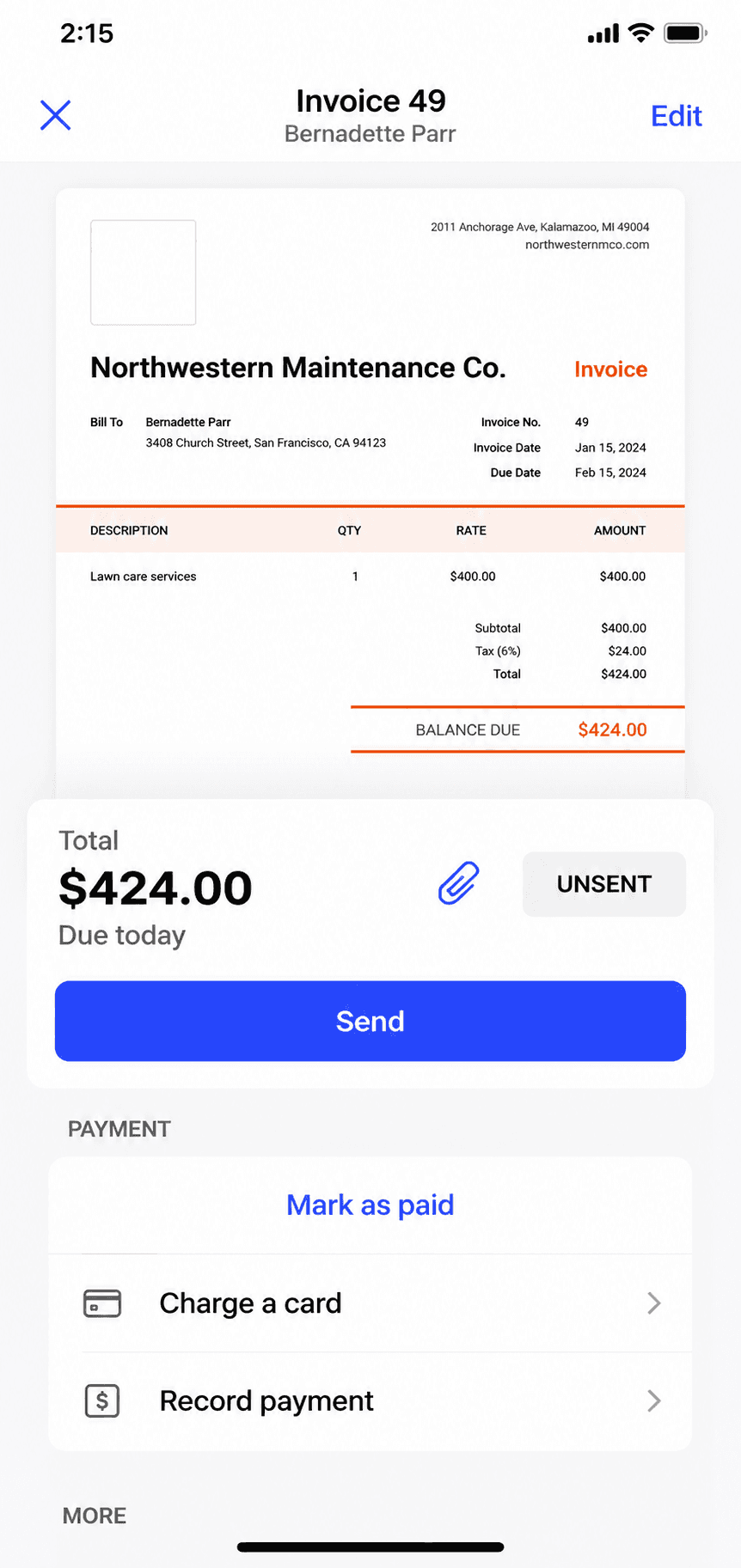
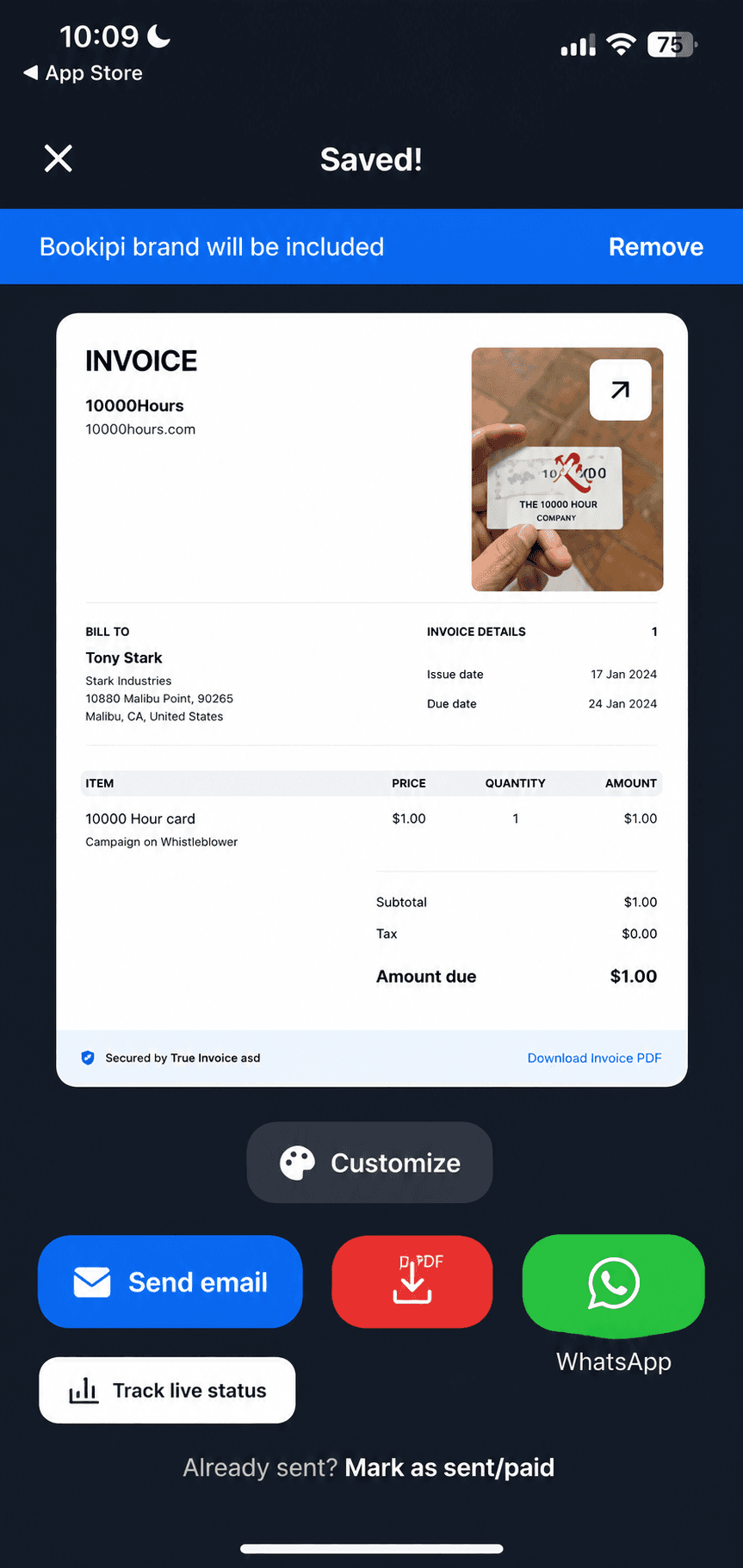
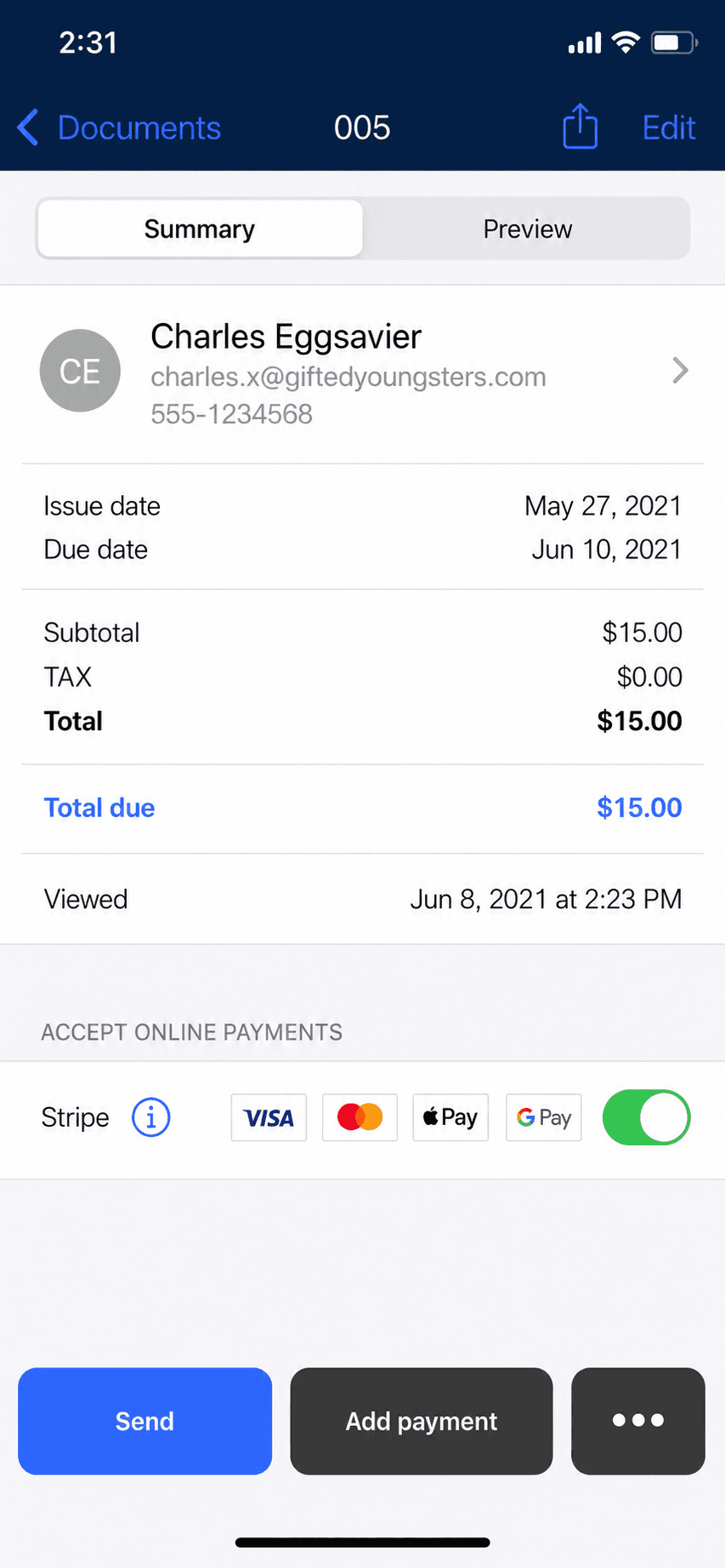
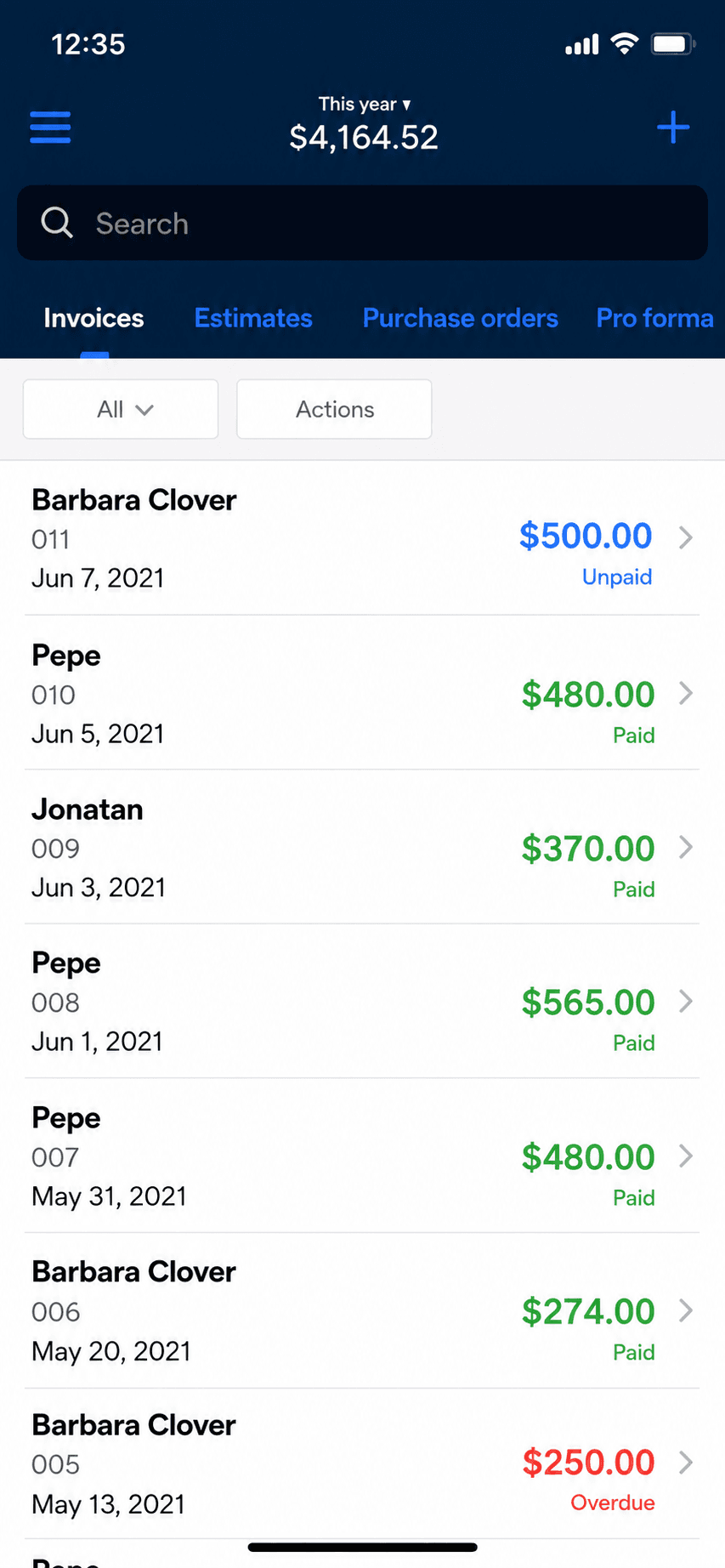
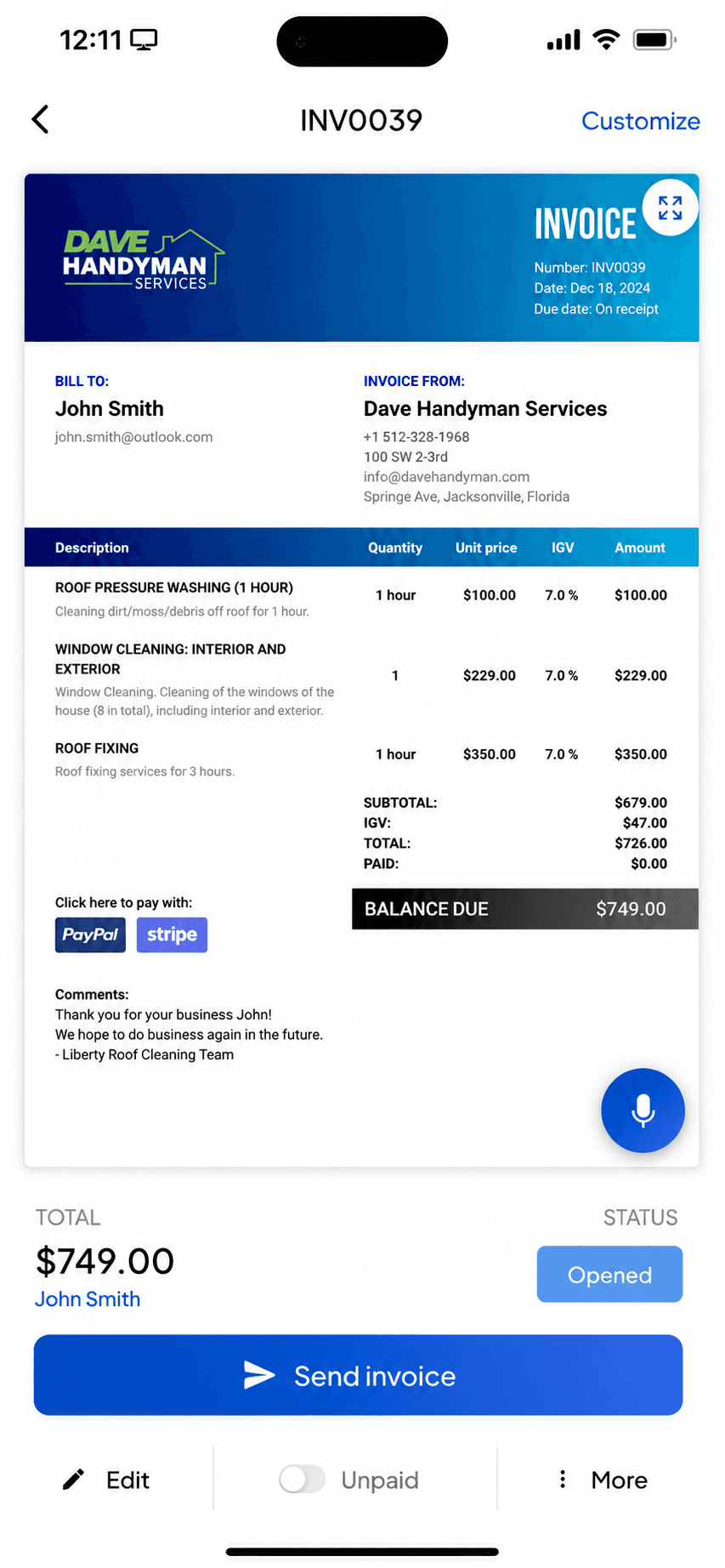
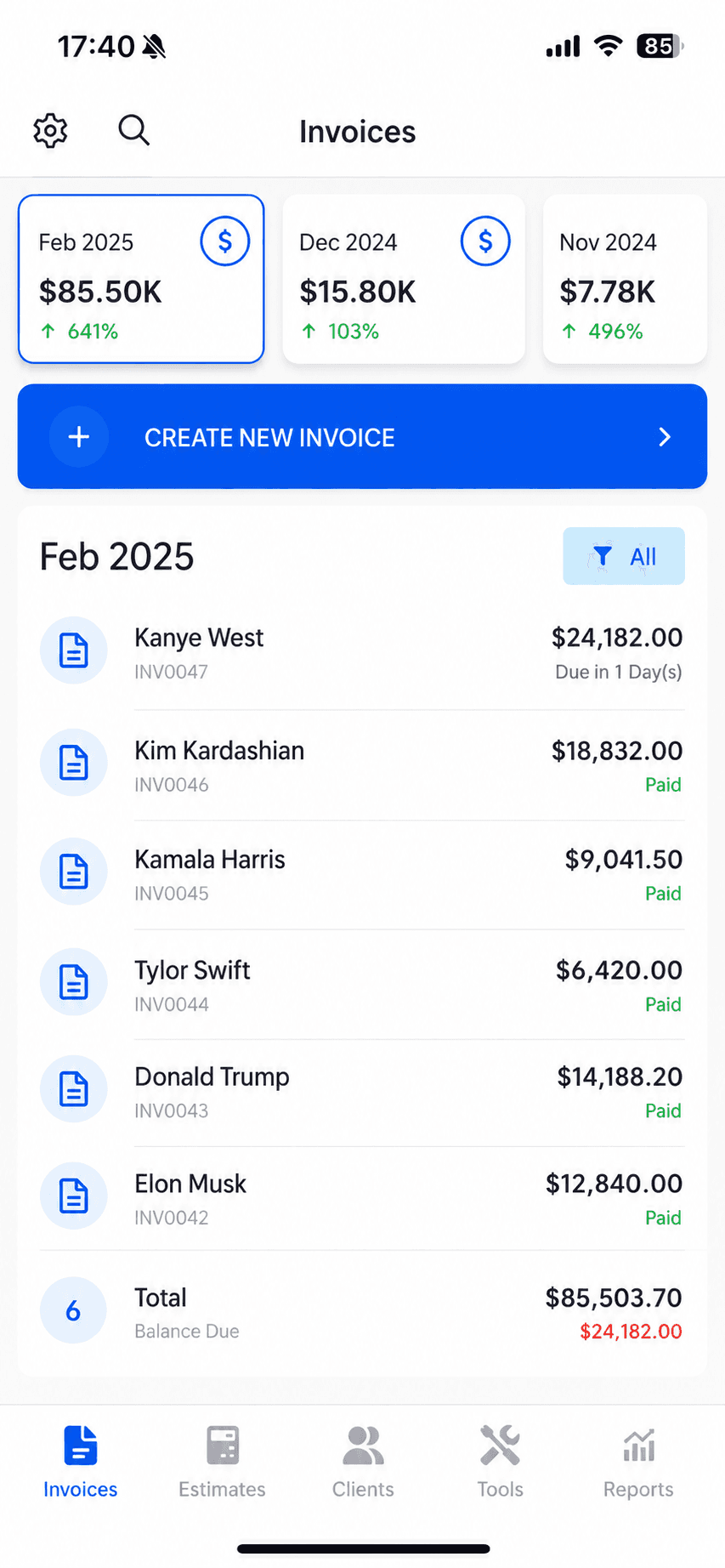
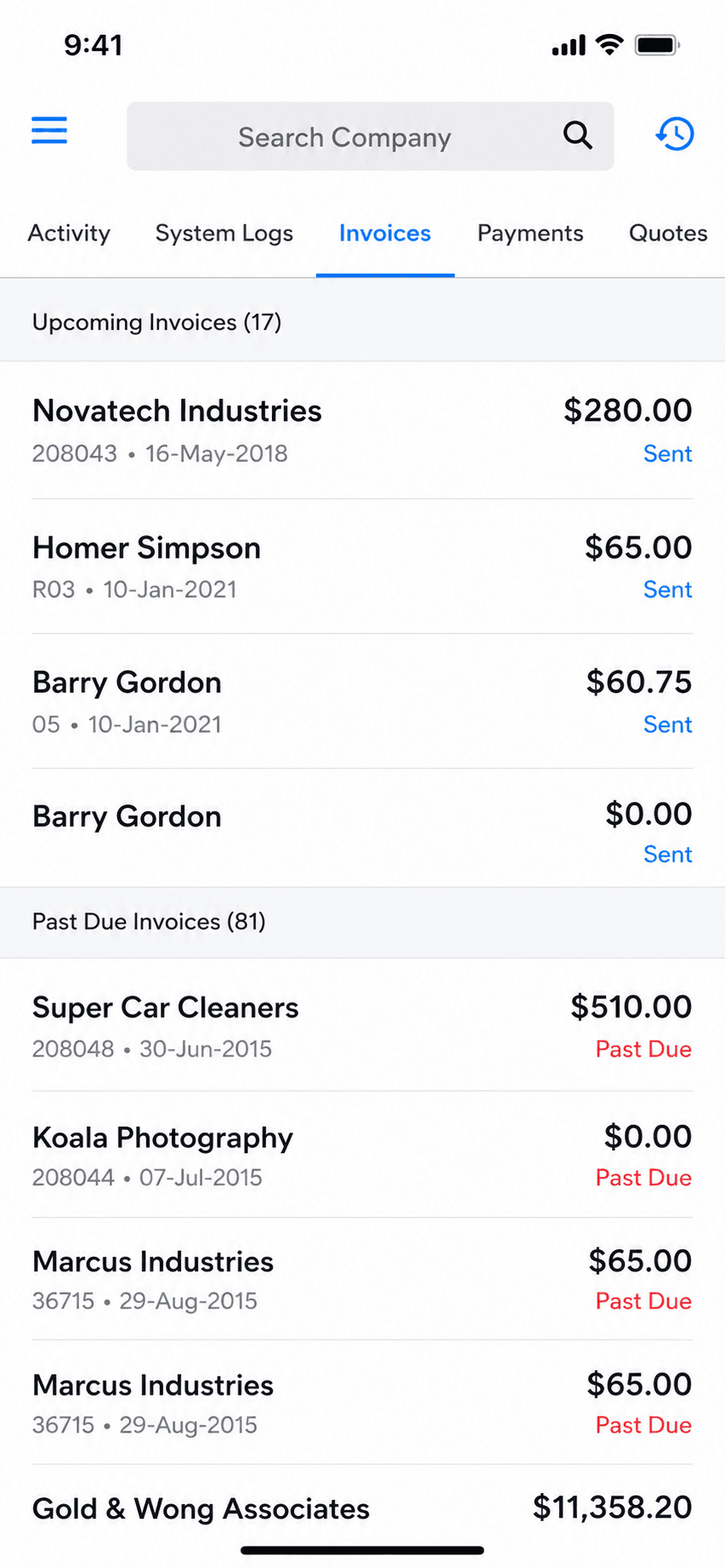
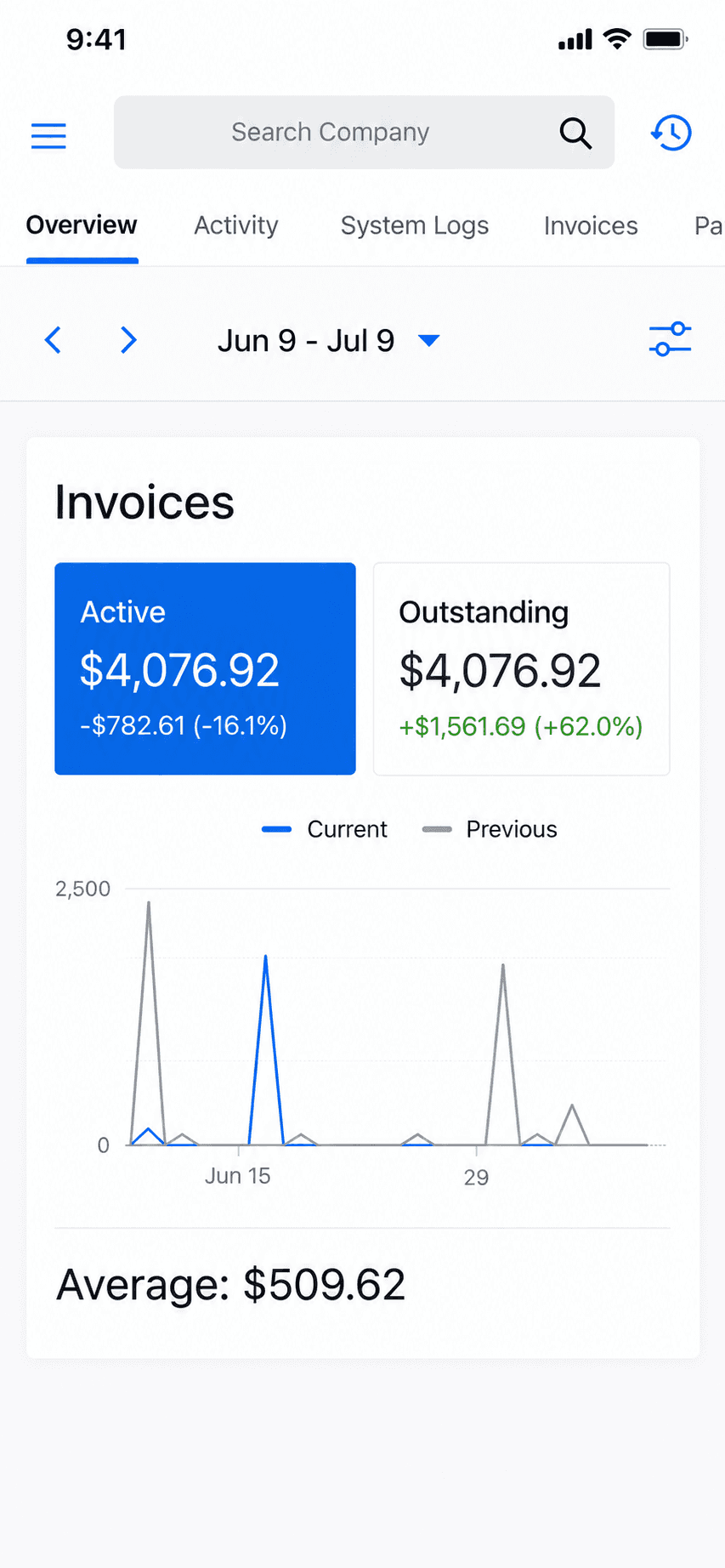
A finished invoice previewed on iPhone in Billgami, one of the twelve apps compared in this guide
Quick takeaways

Which is the best invoicing app for you?

  • Our pick for phone-first invoicing

    • Billgami
  • Free and genuinely unlimited

    • Square Invoices
    • PayPal Invoicing
  • Free with no payment cut

    • Zoho Invoice
  • Cheapest per invoice at volume

    • Billdu
    • Bookipi
  • Most polished phone app

    • Invoice Simple
  • Best for contractors

    • Joist
  • Web-first or self-hosted

    • Invoice Ninja
  • Fewest recent complaints

    • Billdu
How we chose

How did we judge these invoice apps?

Most best invoice app roundups rank software from its own marketing page. This invoice app comparison measures every app the same way, and says up front that one of them is ours. Billgami is listed first and disclosed, not crowned: where a competitor wins a category on the evidence, this guide gives it the category.

  • What it costs per invoice you actually send, not the headline monthly price.
  • What it meters: invoices, clients, seats, or a cut of each payment.
  • What its recent App Store reviewers complain about, counted.
  • Whether the app is genuinely usable from a phone on a job.
  • How quickly a first invoice goes out.
  • Whether you can get your records back out again.
The twelve

The 12 best invoice apps, and who each one is genuinely for

Billgami is first because it is ours, and we say so rather than burying the disclosure. It is not named best overall, and neither is anything else here: that is the one claim on a roundup nobody can verify. Where a competitor wins a category on the evidence, it gets the category. Each card carries the tool's real prices, its App Store rating, and a verbatim review.

ToolBest forFromApp Store rating
BillgamiThe simplest, fastest way to send a professional invoice: pick a client, add services, preview, and send in about a minute.$0To be updated
Invoice SimplePeople who want the most popular, simplest invoice app and send few invoices.$6.99/mo4.87(122,610)
Invoice2goEstablished mobile invoicers who send few invoices and want a polished, payments-connected app.$7.99/mo (iOS)4.85(55,391)
BookipiOccasional invoicers who fit inside 3 free invoices a month, or light users at $9.99.$04.89(16,493)
BillduSolo pros and tiny teams who want polished invoicing plus expenses on a modest subscription.$7.99/mo4.82(25,672)
InvoiceFlyMobile-first invoicers happy to pay a yearly subscription for a slick, fast app.$8.99/week4.76(94,699)
Tofu Invoice MakerPhone-first invoicers who want offline invoicing and may grow into crew scheduling.$29/mo4.83(35,309)
Zoho InvoiceInvoicing-only users who want a free, full-featured web and mobile invoicing tool.$04.86(13,770)
Square InvoicesSolo pros who want free invoicing and also take card or in-person payments.$0/mo4.83(92,439)
PayPal InvoicingSolo pros whose clients already pay by PayPal, Venmo, or card.$0/mo4.19(29,377)
Invoice NinjaFreelancers who want free, customizable, or self-hosted invoicing.$0/mo4.59(173)
JoistContractors who estimate frequently and want trade-specific tools like change orders and financing.$10/mo4.74(13,524)

App Store ratings from Apple, pulled July 2026 (saved for audit). Prices as of July 2026; confirm current with each vendor.

1. Billgami

App Store rating: to be updated.

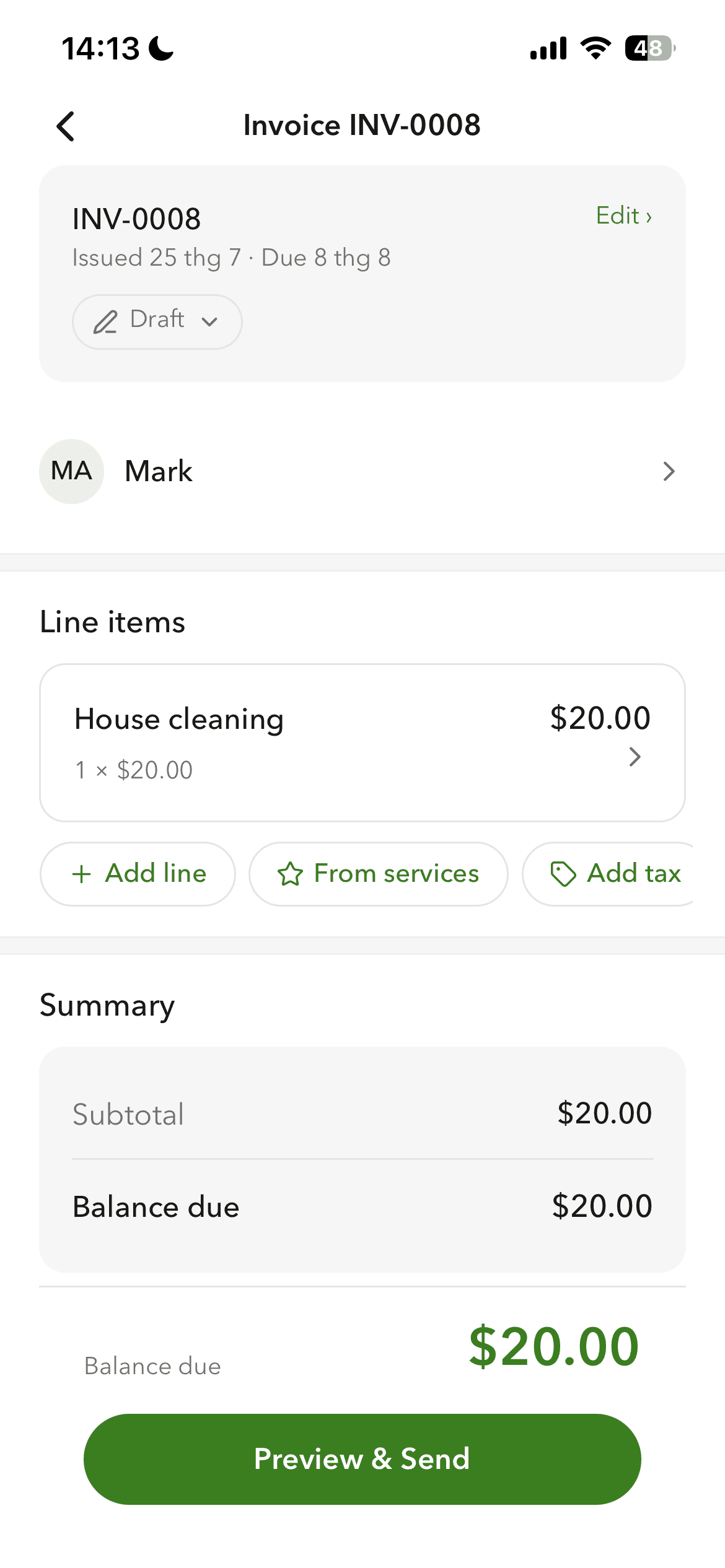
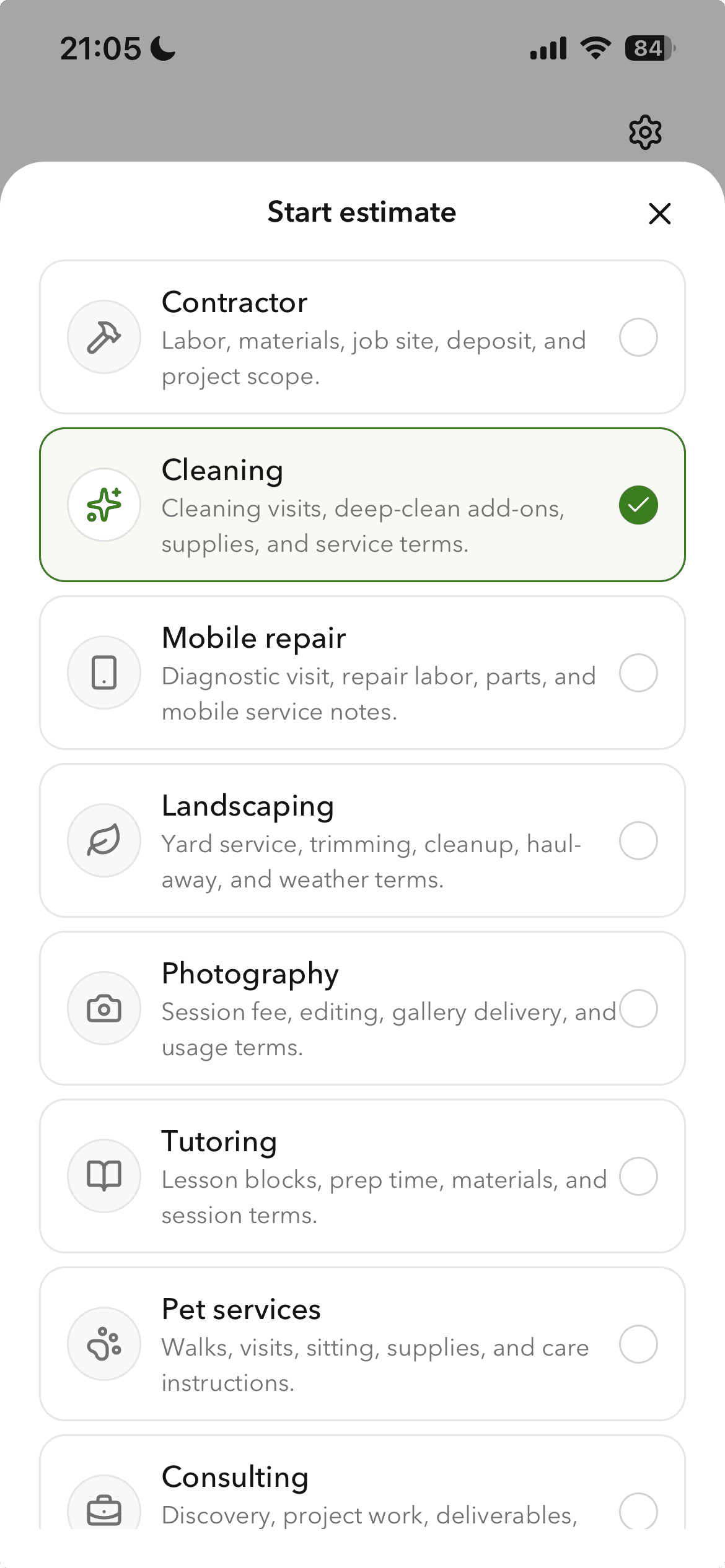
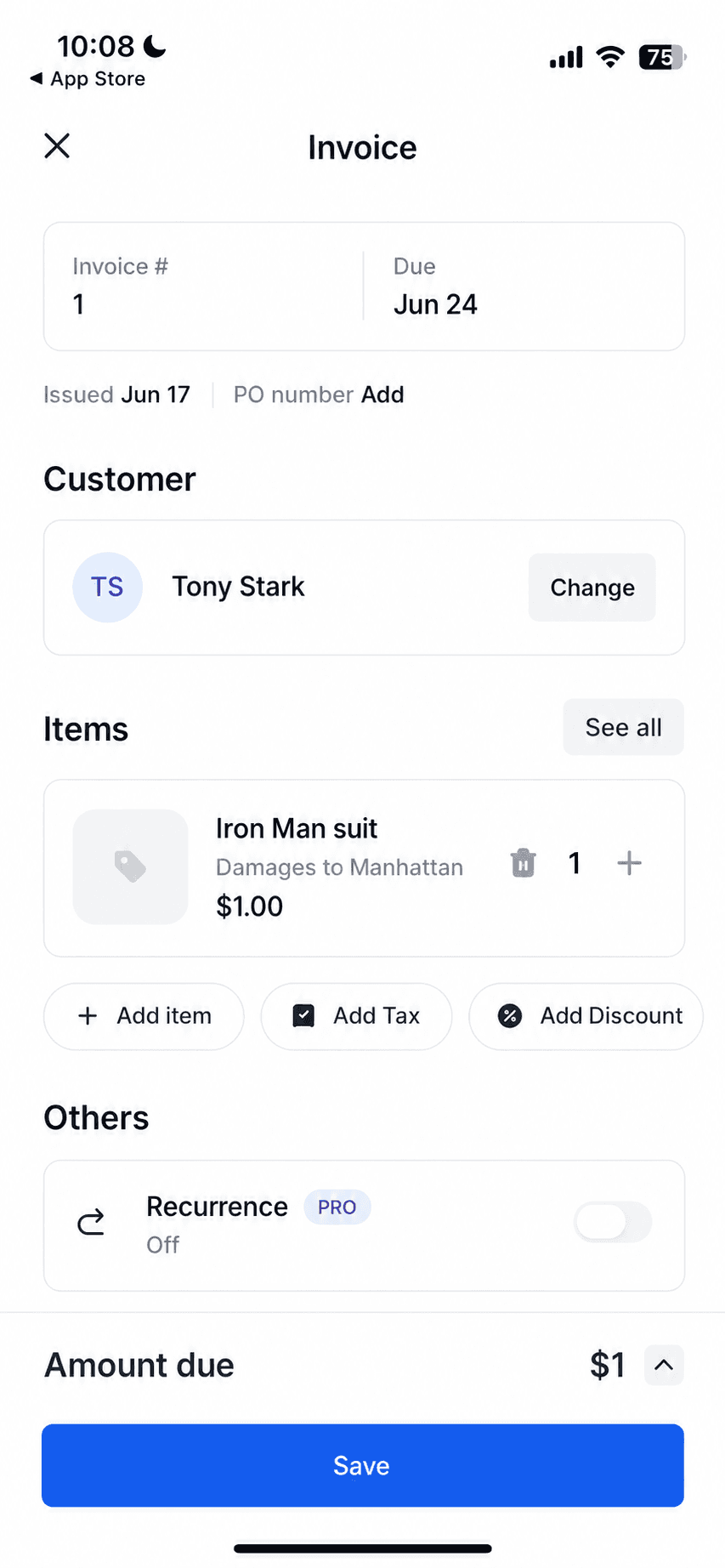
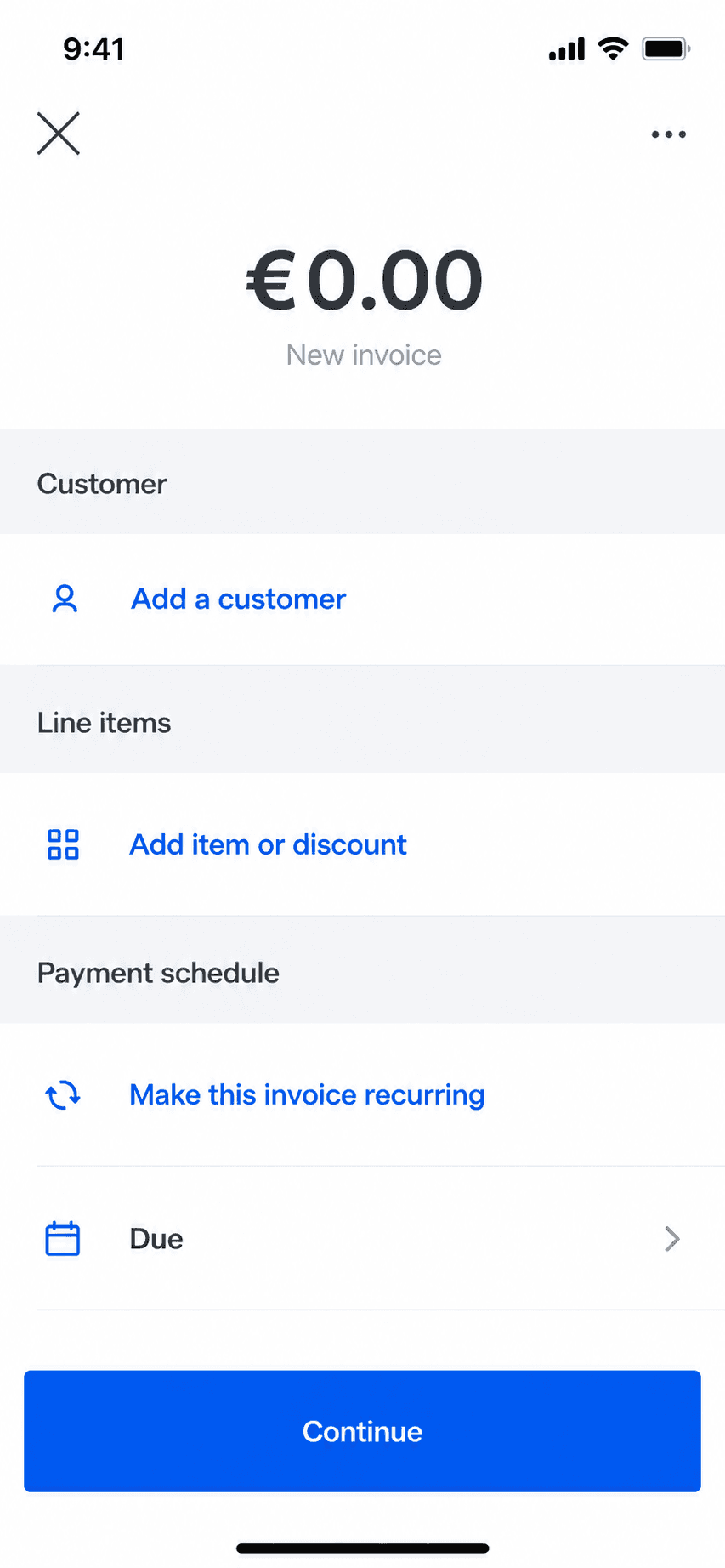
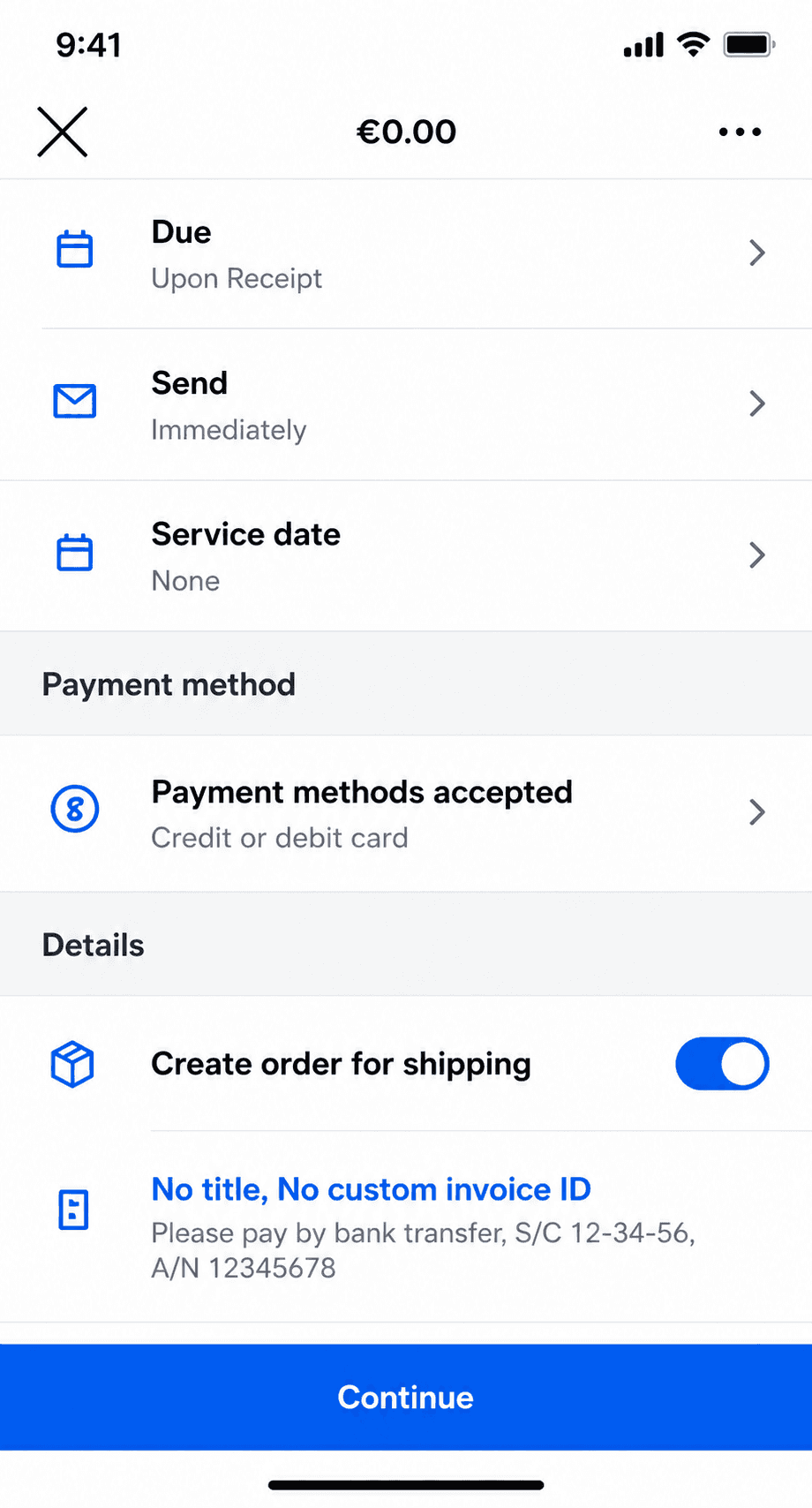
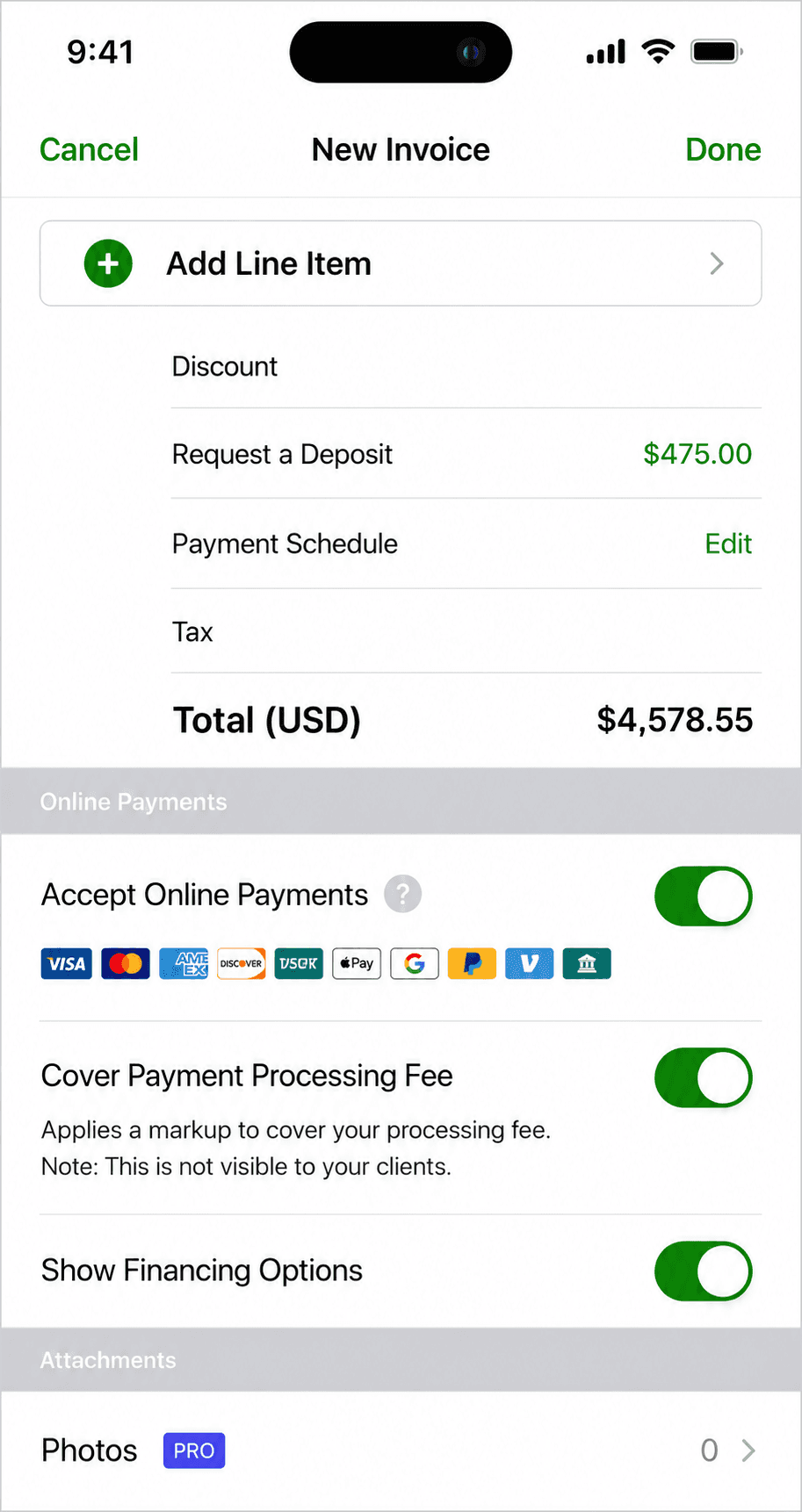
Billgami invoice creation screen on iPhone
Create an invoice in a minute
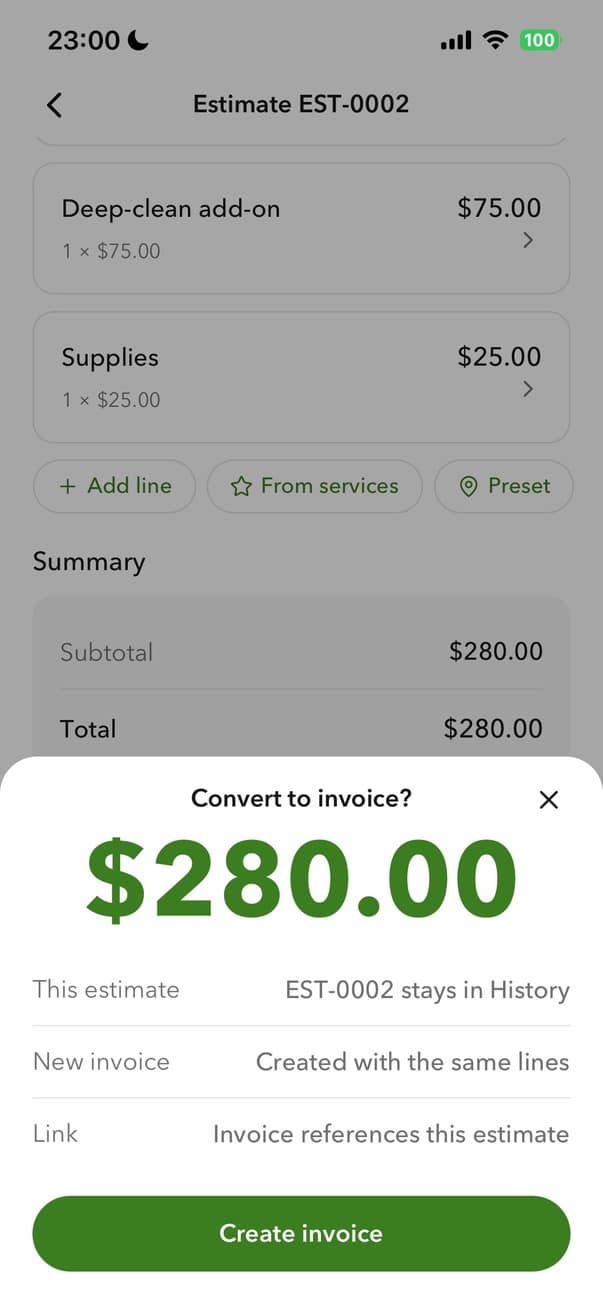
Billgami converting an estimate to an invoice
Turn an estimate into an invoice
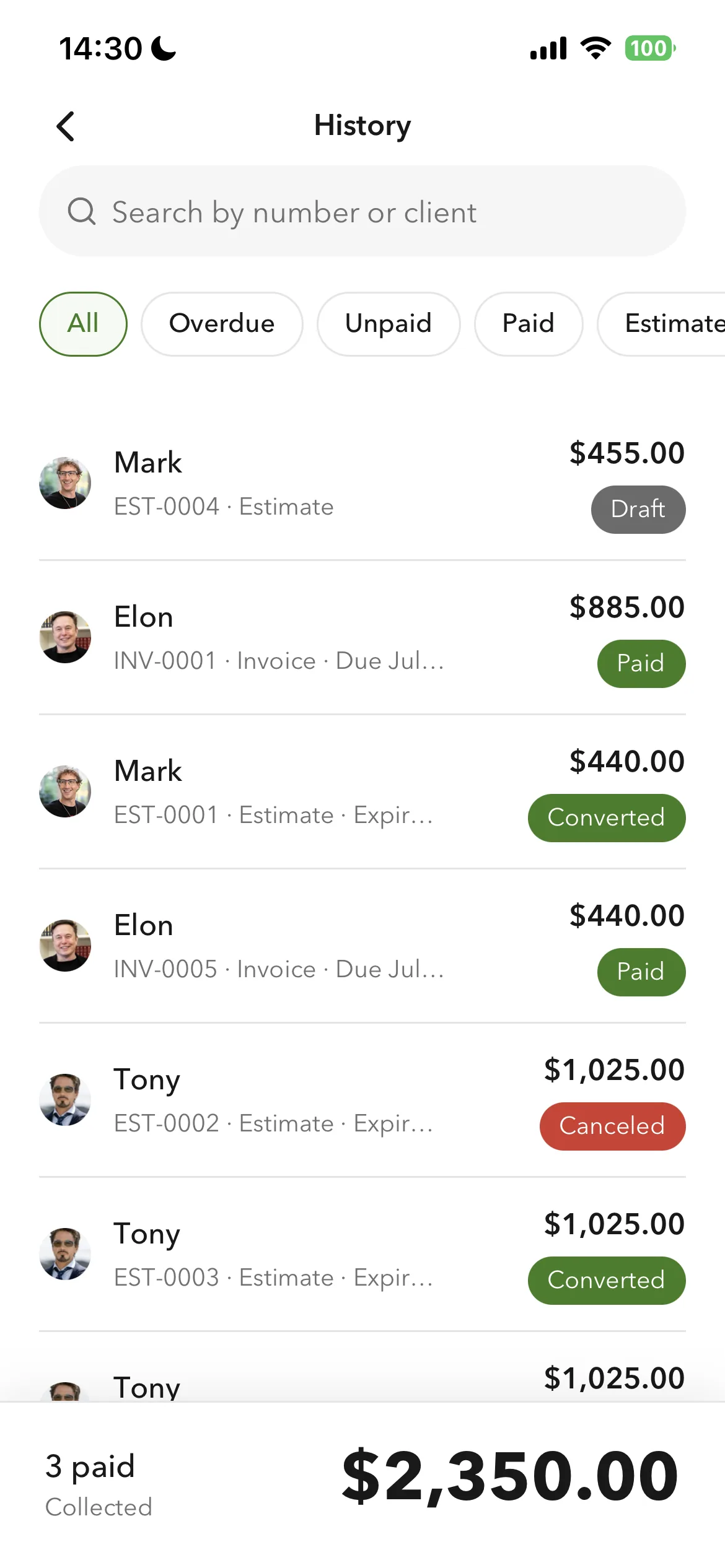
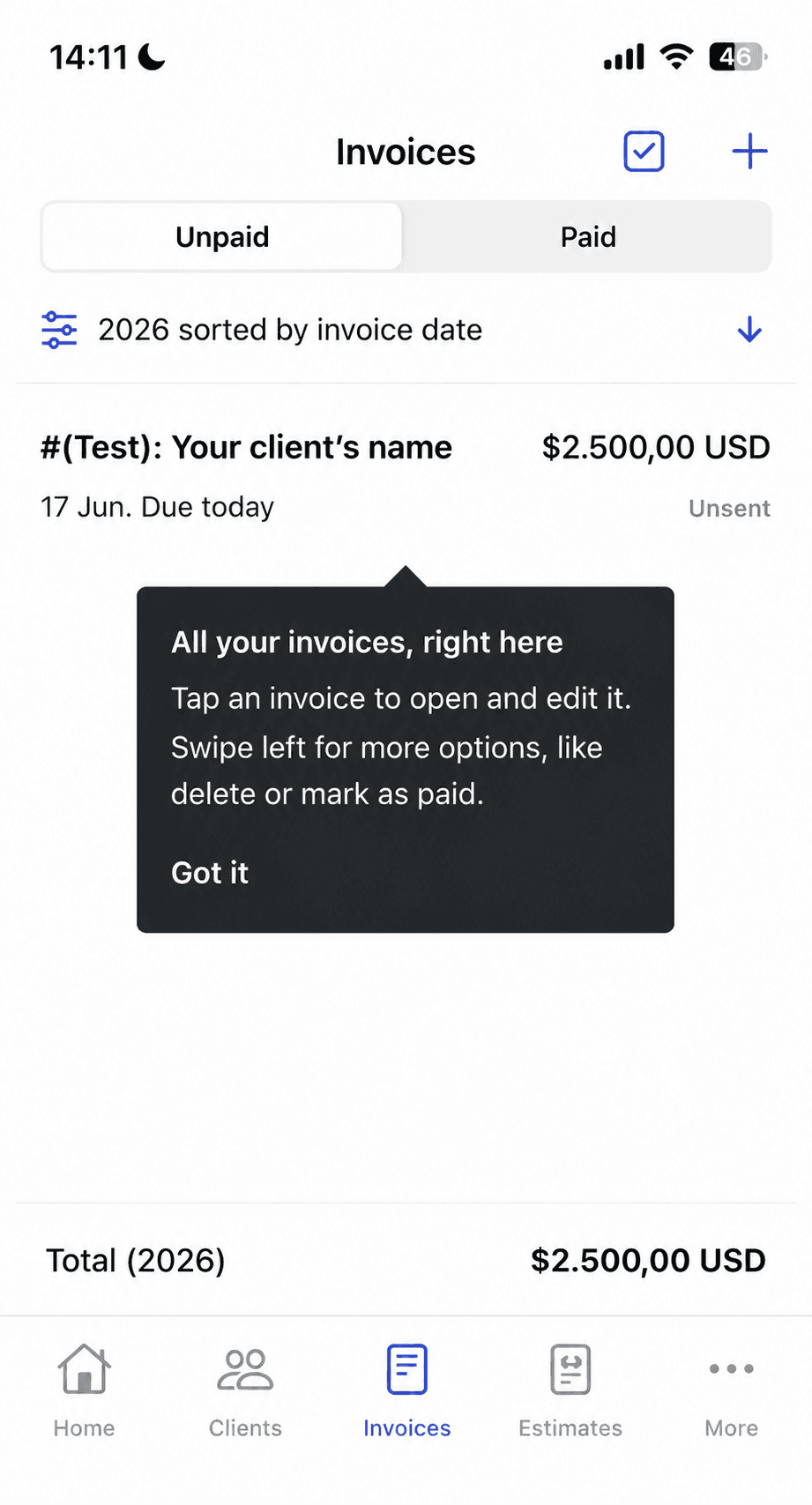
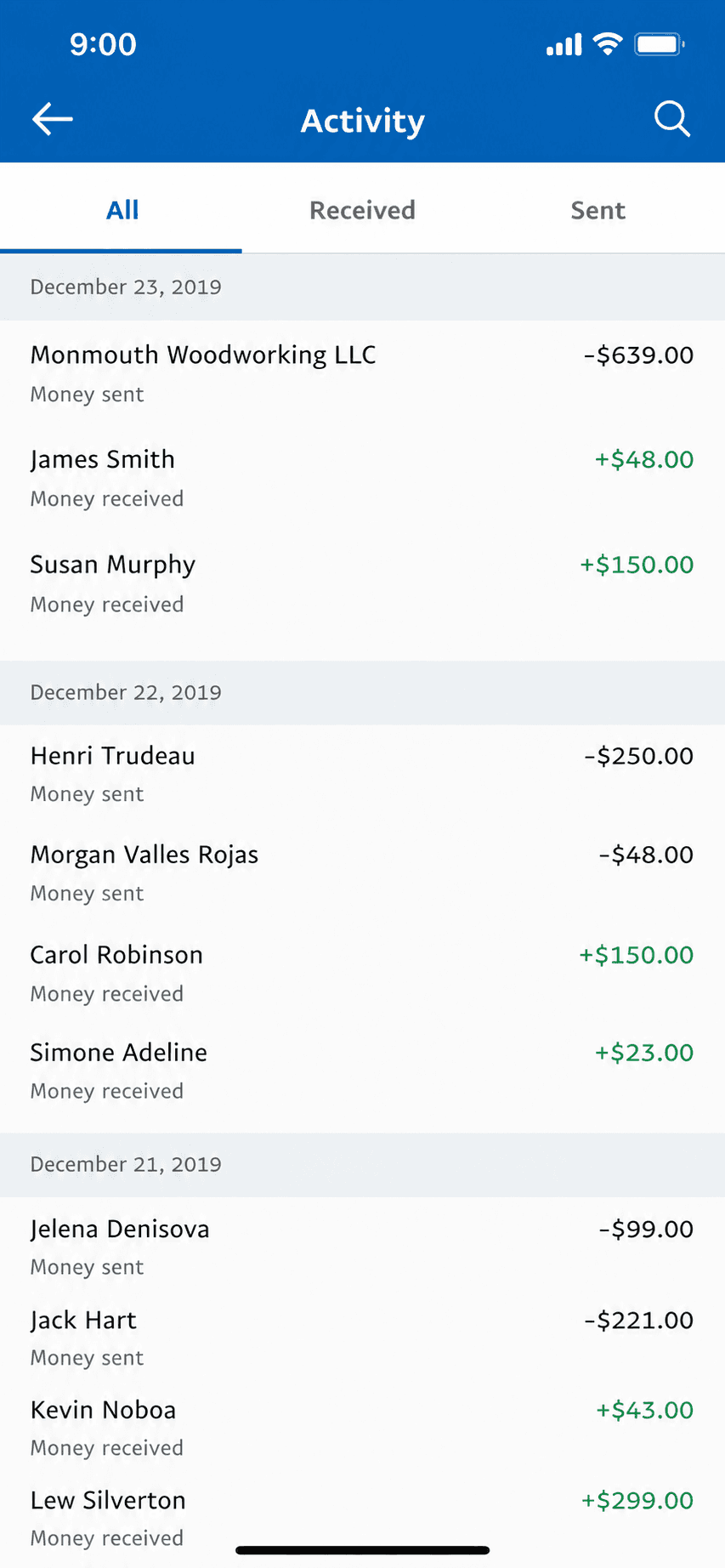
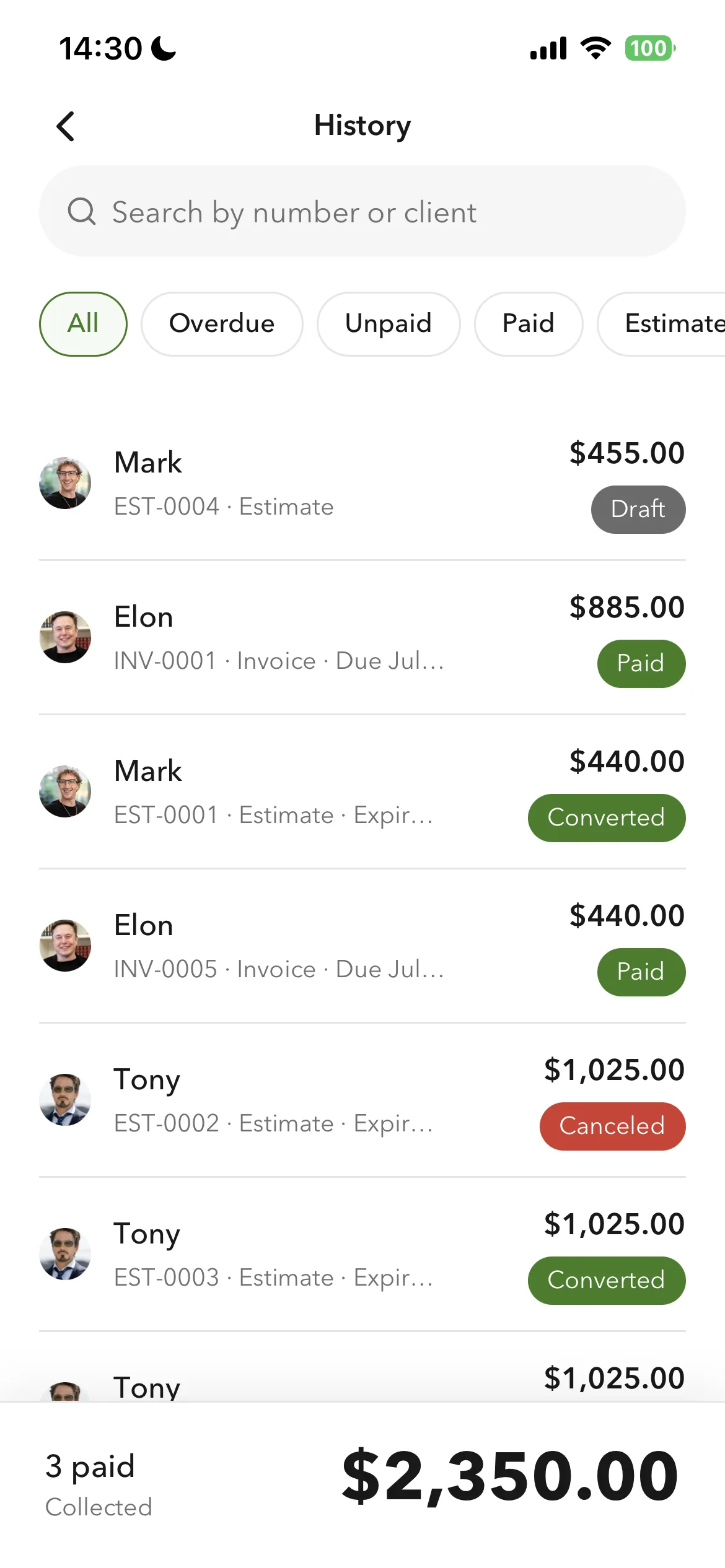
Billgami invoice history and payment tracking
Track paid, unpaid, and partial

Clients and services save as you use them, so a repeat job is selection rather than retyping, and line totals calculate from quantity and rate. Each client holds a billing address and a separate job address.

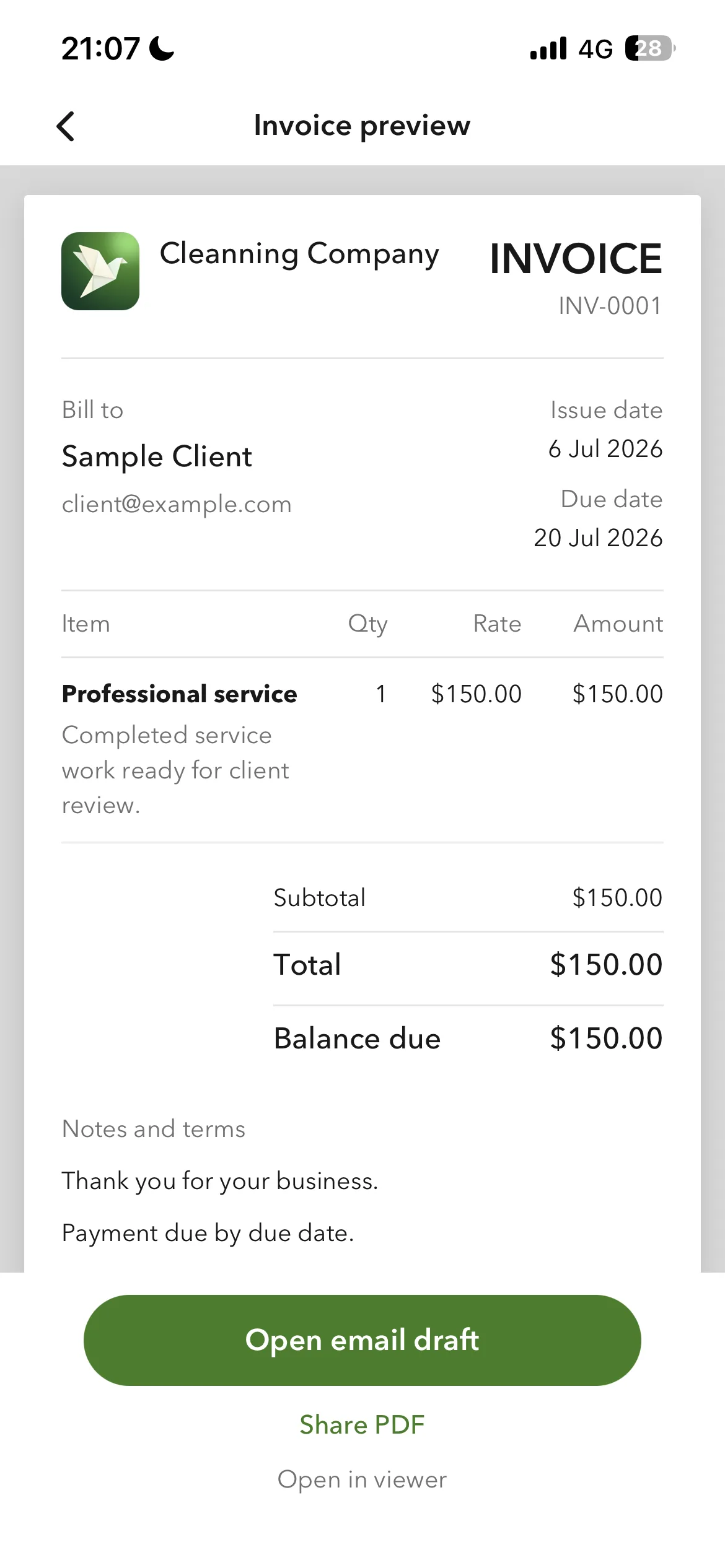
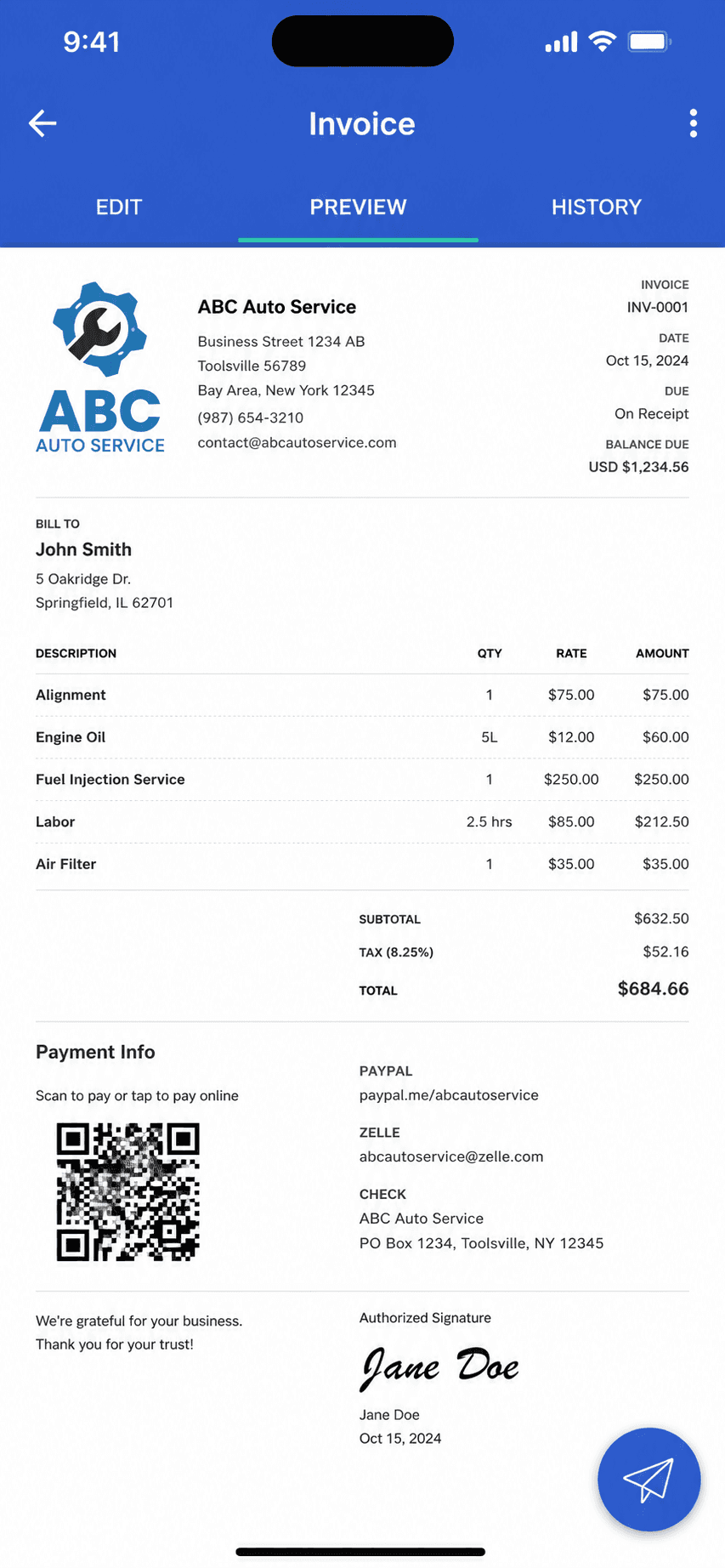
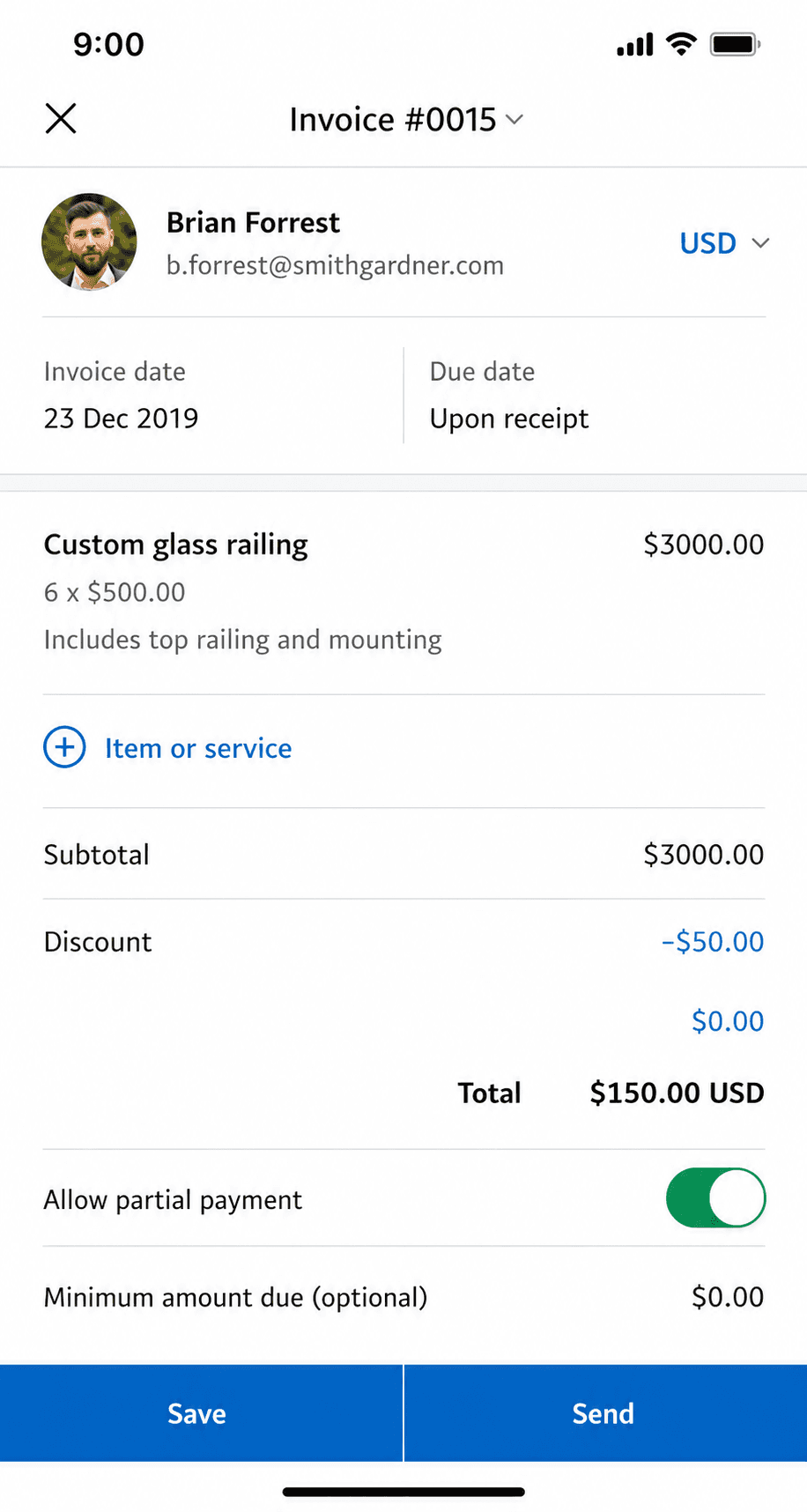
Billgami finished invoice preview
Preview and send as a PDF
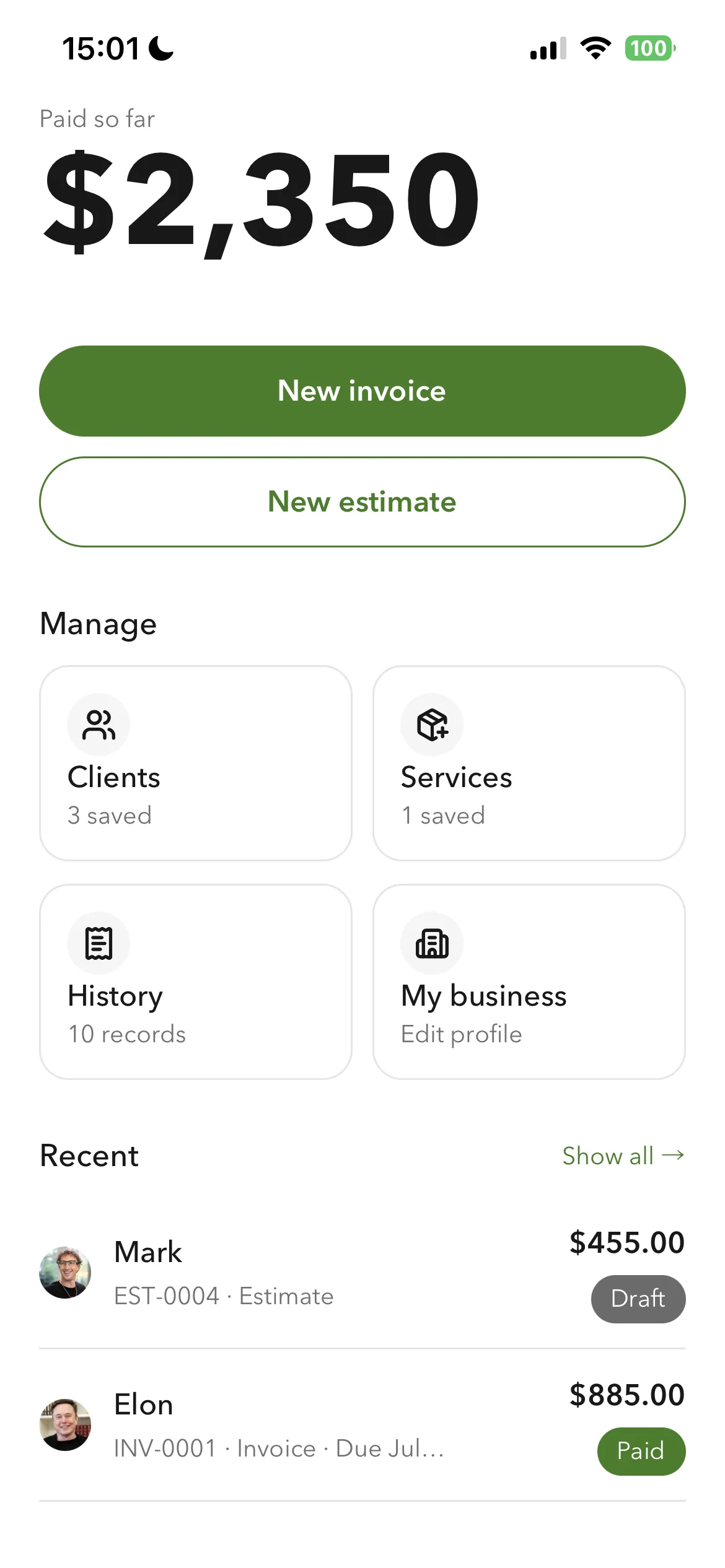
Billgami home screen
Everything from one home screen
Billgami prebuilt invoice templates
Prebuilt invoice templates

One business profile drives every document: your logo, currency, your own tax label, and your payment instructions. Export every PDF, a records CSV, and a payments CSV on any plan. Billgami does not process payments, so nothing sits between you and your money, and if you want card payments inside the app, Square or PayPal is the better pick.

A phone-first invoice app that does one job: send invoices and estimates, track who paid, keep PDF records. Not accounting software, on purpose.

Standout: Documents that carry your own logo, currency, and tax label, built from a saved client book and service catalogue.

Where it fits: Our pick for phone-first invoicing. Saved clients and services, your own branding on every document, and exports on every plan.

Best for: The simplest, fastest way to send a professional invoice: pick a client, add services, preview, and send in about a minute.

Not for: Anyone who needs books, payroll, inventory, or bank reconciliation.

Key features

  • Your logo, currency, tax label, and payment instructions on every document
  • Searchable client book holding a billing address and a separate job address
  • Reusable service catalogue, each service with its own tax setting
  • Turn an accepted estimate into an invoice
  • Paid, unpaid, and partial payment tracking
  • Export every PDF, record, and payment on any plan
  • Automatic line-item totals
  • Prebuilt invoice templates
  • Works fully offline

Pros

  • One design system across the app, with purpose-built controls for money, dates, and discounts
  • Saved clients and services, so a repeat invoice is selection rather than retyping
  • Separate billing and job addresses, which generic invoice apps do not have
  • Full export of PDFs, records, and payments on any plan
  • Free tier, or a one-time $249.99 lifetime option instead of a subscription

Cons

  • No accounting, payroll, inventory, or bank reconciliation
  • Invoicing only, by design, so it cannot keep your books
  • New app, so no App Store rating history yet

Pricing

Free3 invoices in total (not per month); no time limit$0
Monthly$14.99/mo
Yearly$111.99/yr
LifetimePay once, then own it$249.99 one-time

Free: Free tier capped at 3 invoices in total, not per month, with no time limit; paid tiers from $14.99/mo, plus a $249.99 lifetime option if you want to skip subscriptions.

Platforms: iOS

Bottom line: Pick Billgami if all you need is to send invoices and estimates and track who has paid. If you need books, use accounting software instead.

2. Invoice Simple

App Store rating: 4.87 out of 5 (122,610 ratings)

Invoice Simple invoice creation and editing screen
Create invoice
Invoice Simple finished invoice preview
Invoice preview

The biggest name in mobile invoice makers, now EverCommerce-owned: slick and simple, but every tier below $21.99/month meters your invoices.

Invoice Simple is the category's household name, with a 4.87 App Store rating across 122,000+ ratings. The product is genuinely easy: invoices, estimates, and payments in minutes. The business model is metering: $6.99/month buys just 3 invoices a month, 10 on the middle tier, and unlimited only at $21.99/month, with a documented history of price rises.

Standout: The largest brand and ratings base in mobile invoicing (122k+ iOS ratings).

Where it fits: The most polished phone app of the twelve, and the largest by review count. Its meter is the catch: 3 invoices a month on the entry tier, 10 on the middle one.

Best for: People who want the most popular, simplest invoice app and send few invoices.

Not for: Regular invoicers on a budget; the per-month caps make the cheap tiers illusory.

Key features

  • Fast invoice and estimate creation
  • Card and PayPal payments
  • Receipt capture
  • Web and mobile apps

Pros

  • Category-leading ratings at scale
  • Very easy to learn
  • Mature payments integration

Cons

  • 3-invoice monthly cap at $6.99
  • Unlimited costs $21.99/month
  • Documented price-hike history

Integrations

  • Stripe
  • PayPal
  • Receipt capture

Pricing

EssentialsCapped at 3 invoices per MONTH; official pricing page blocks crawlers, price cross-verified via Apple IAP$6.99/mo
PlusCapped at 10 invoices/month$14.99/mo
PremiumUnlimited invoices$21.99/mo

Free: No permanent free tier verified; 14-day Premium trial.

Platforms: Web, iOS, Android

Very simple to use. Saves you time and money.
Invoice Simple user, App Store review (2026), App Store

Bottom line: Pick Invoice Simple if you want the most popular invoice app and your volume fits its meters.

3. Invoice2go

App Store rating: 4.85 out of 5 (55,391 ratings)

Invoice2go invoice preview before sending
Invoice preview
Invoice2go invoice management list
Invoice management

One of the oldest mobile invoicing apps, now owned by BILL: polished invoices and payments on a subscription with yearly invoice caps on the cheaper tiers.

Invoice2go pioneered phone-first invoicing and still does it well: invoices, estimates, payments, and light extras like time tracking and appointments. Since the BILL acquisition it is a subscription product whose entry tier caps you at 30 invoices a year, with card fees that only drop as you pay for higher tiers.

Standout: A veteran mobile invoicing brand with integrated payments and banking.

Where it fits: Long-established and owned by BILL since 2021. Quotes its price monthly and its cap annually, which makes 30 invoices a year read as more generous than it is.

Best for: Established mobile invoicers who send few invoices and want a polished, payments-connected app.

Not for: Anyone sending more than a couple of invoices a month on a budget; the caps push you up-tier fast.

Key features

  • Invoices and estimates from your phone
  • Integrated card, PayPal, and ACH payments
  • Time tracking and appointments
  • Expense capture

Pros

  • Mature, polished mobile invoicing
  • Strong 4.85 App Store rating at scale
  • Free ACH payments on all tiers

Cons

  • Entry tier caps invoices at 30 per year
  • Card fees drop only on pricier tiers
  • No free plan, and trial requires a card

Integrations

  • Invoice2go payments (tiered fees)
  • PayPal
  • Invoice2go Money banking (TransPecos Banks)
  • QuickBooks/Xero export

Pricing

StarterCapped at 30 invoices per YEAR; web price unconfirmed (JS-rendered)$7.99/mo (iOS)
ProfessionalCapped at 100 invoices per year$11.95/mo (iOS)
PremiumUnlimited invoices; tier structure per invoice.2go.com/pricing$44.95/mo (iOS)

Free: No free plan; 30-day free trial (card required, refundable within 30 days).

Platforms: Web, iOS, Android

I'm not great with tech and this app is very easy to use, I can create an estimate in 5 minutes that looks professional, definitely recommend
Invoice2go user, App Store review (2026), App Store

Bottom line: Pick Invoice2go if you send a handful of invoices, want integrated payments, and prefer a long-established brand.

4. Bookipi

App Store rating: 4.89 out of 5 (16,493 ratings)

Bookipi invoice creation screen
Create invoice
Bookipi finished invoice preview
Invoice preview

A simple mobile invoice maker with a genuinely free 3-invoices-a-month plan, from an independent Australian company.

Bookipi keeps invoicing simple: invoices, estimates, card payments, and reminders from your phone or the web. The free plan is real but tight at 3 invoices a month, which suits very occasional billers; everyone else lands on the $9.99 Starter tier. Its 4.89 App Store rating is among the highest in this set, though its Trustpilot service score is notably lower.

Standout: One of the highest App Store ratings of any invoice app (4.89).

Where it fits: A real free plan at 3 invoices a month, and the cheapest unlimited tier here at $9.99. Good value once you outgrow free.

Best for: Occasional invoicers who fit inside 3 free invoices a month, or light users at $9.99.

Not for: Anyone needing books, teams, or heavy monthly volume on the free tier.

Key features

  • Invoices and estimates from your phone
  • Card payments and Tap to Pay
  • Recurring invoices and reminders
  • eSignatures (capped on free)

Pros

  • Real free plan, no card required
  • Top-tier App Store rating (4.89 across 16k ratings)
  • Simple to learn

Cons

  • Free plan caps at 3 invoices a month
  • Trustpilot service score is a middling 3.2
  • No accounting, teams, or time tracking

Integrations

  • Stripe
  • BookiPay (ProPay)
  • Tap to Pay
  • AI add-ons (receptionist, website builder)

Pricing

FreeUp to 3 invoices/month and 3 eSignatures/month$0
StarterUnlimited invoices; $91.20/yr billed annually$9.99/mo
Professional$468/yr billed annually$52/mo

Free: Free plan forever: up to 3 invoices and 3 eSignatures per month, card required for none of it.

Platforms: Web, iOS, Android

One of the best invoice apps to use, simple and easy to use.
Bookipi user, App Store review (2026), App Store

Bottom line: Pick Bookipi if you send a few invoices a month and want a well-rated free mobile app.

5. Billdu

App Store rating: 4.82 out of 5 (25,672 ratings)

Billdu finished invoice preview
Invoice preview
Billdu invoice management list
Invoice management

A polished mobile-and-web invoicing suite with offline mode and team seats, on a subscription with client-count caps and no free tier.

Billdu does invoicing well: invoices, estimates, expenses with receipt scanning, offline mode, and even small-team seats on higher tiers. There is no free plan; the entry tier caps you at 10 clients, and card fees fall only as your subscription rises. It is a strong subscription pick for a solo operator who wants a bit more than bare invoicing.

Standout: True offline mode with auto-sync, rare in this category.

Where it fits: Meters clients and seats rather than invoices, works offline, and has the cleanest recent complaint profile of any paid app on this page.

Best for: Solo pros and tiny teams who want polished invoicing plus expenses on a modest subscription.

Not for: Anyone who wants a free tier, or needs books and reconciliation.

Key features

  • Invoices and estimates on phone and web
  • Offline mode with auto-sync
  • Receipt scanner and expense dashboard
  • Team seats on higher tiers

Pros

  • Polished apps with offline support
  • Expense tracking included
  • Small-team support without suite pricing

Cons

  • No free tier, trial only
  • Client caps on lower tiers
  • Card fees drop only on pricier plans

Integrations

  • Stripe
  • Apple Pay and Google Pay
  • Online store module
  • Inventory companion app

Pricing

Lite$4.99/mo billed annually; max 10 clients, 1 user$7.99/mo
Standard$9.99/mo annually; 50 clients, 2 team members$14.99/mo
Premium$19.99/mo annually; unlimited clients, 10 team members, API$27.99/mo

Free: No free plan; 7-day free trial with all features, no card required.

Platforms: Web, iOS, Android

Works well, very user friendly. Made the switch because Quick Books was to expensive
Billdu user, App Store review (2026), App Store

Bottom line: Pick Billdu if you want invoicing plus expenses with offline mode and are happy paying a modest subscription.

6. InvoiceFly

App Store rating: 4.76 out of 5 (94,699 ratings)

InvoiceFly finished invoice preview
Invoice preview
InvoiceFly invoice management list
Invoice management

A fast-growing mobile invoice maker with a huge ratings base, sold on a weekly-anchored subscription with no free tier.

InvoiceFly (by Barcelona studio Labhouse) is one of the most-downloaded invoice makers on the App Store, with 94,000+ ratings. It is quick and modern: invoices, estimates, expenses, and payments through your own Stripe or PayPal. The catch is the pricing: no free tier, a card-required trial, and an $8.99-per-week anchor that steers everyone to the $98.99 yearly plan.

Standout: One of the largest ratings bases of any mobile invoice app (94,699 on iOS).

Where it fits: No invoice cap, but priced by the week at $8.99. Take the annual plan or the cadence costs you about $467 a year.

Best for: Mobile-first invoicers happy to pay a yearly subscription for a slick, fast app.

Not for: Anyone who wants a free tier, a lifetime option, or any bookkeeping.

Key features

  • Fast invoice and estimate creation
  • Expense tracker and receipt scanner
  • Payments via your own Stripe or PayPal
  • Client time tracking

Pros

  • Big, fresh ratings base on both stores
  • Payments settle to your own accounts
  • Modern, fast interface

Cons

  • No free tier and a card-required trial
  • Weekly-anchored pricing nudges the yearly plan
  • Single-user only

Integrations

  • Stripe
  • PayPal
  • Receipt scanner
  • Expense tracker

Pricing

WeeklyFull access; auto-renews$8.99/week
YearlyMarketed as 78% off versus weekly$98.99/yr
Monthly (iOS)Apple in-app purchase tier$17.99/mo

Free: No perpetual free tier; free trial only, card required.

Platforms: iOS, Android, Web

Really helps everything look professional for $5 a week it's paid for itself in 70k of quotes
InvoiceFly user, App Store review (2026), App Store

Bottom line: Pick InvoiceFly if you want a slick, popular mobile invoice app and are comfortable with a yearly subscription.

7. Tofu Invoice Maker

App Store rating: 4.83 out of 5 (35,309 ratings)

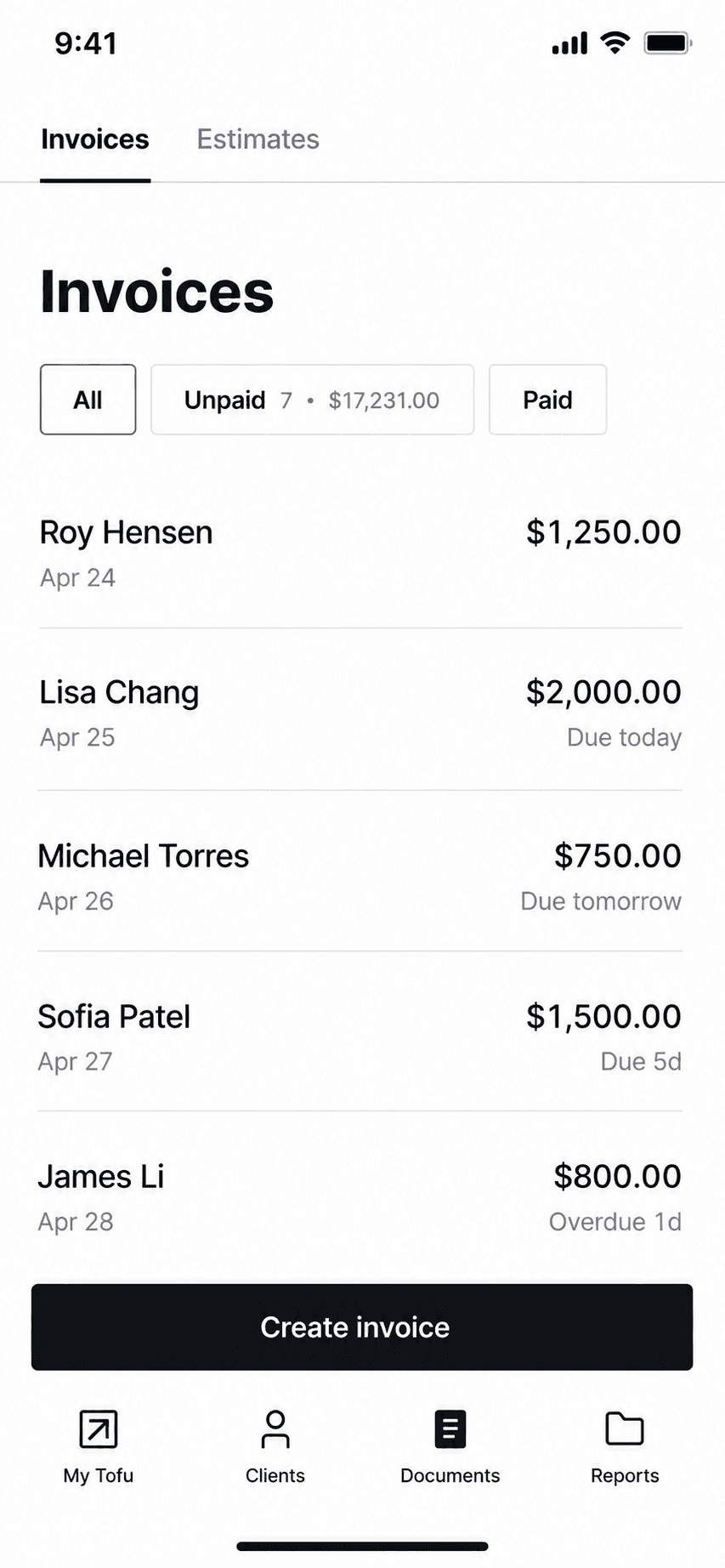
Tofu invoice management list
Invoice management
Tofu home dashboard
Dashboard

GetPaid's invoice maker (long known as 'Invoice Maker Tofu'): offline-capable mobile invoicing now repositioning into field-service plans, with a 1% platform fee on payments.

Tofu built a large iOS following (4.83 across 35,000 ratings) as a fast phone-first invoice and estimate maker with genuine offline support. It is now repositioning toward field-service management with Solo, Team, and Business web plans from $29 a month. Watch the payments math: Tofu adds its own 1% fee on top of Stripe's processing on every transaction.

Standout: True offline invoicing on a large, proven iOS app.

Where it fits: Works offline and covers jobs and scheduling, but carries both a weekly price anchor and a 1% cut of payments.

Best for: Phone-first invoicers who want offline invoicing and may grow into crew scheduling.

Not for: Anyone avoiding platform fees on payments, or needing any bookkeeping.

Key features

  • Invoices and estimates offline from your phone
  • Card, Apple Pay, Google Pay, Tap to Pay via Stripe
  • Price book for saved items
  • Crew and job plans as you grow

Pros

  • Strong iOS rating at scale (4.83, 35k ratings)
  • Real offline mode
  • Grows into field-service features

Cons

  • Adds a 1% platform fee on every payment on top of Stripe
  • Weekly-anchored iOS pricing with rotating promos
  • Marketing claims outrun verifiable reviews (Trustpilot shows 2 reviews)

Integrations

  • Stripe (card, Apple Pay, Google Pay, Tap to Pay)
  • Price book
  • Crew scheduling on FSM plans

Pricing

Solo (web)Single user; jobs, scheduling, invoicing, payments$29/mo
Team (web)Up to 5 workers$79/mo
Plus (iOS)In-app subscription differs from web pricing$9.99/week or $99.99/yr

Free: Free download; 7-day free trial on web plans, no payment upfront. No verified perpetual free tier.

Platforms: iOS, Android, Web

Great reliable app that's easy to use and affordable. looks professional to customers as well. Been using this app for about 3 years now and no complaints.
Tofu user, App Store review (2026), App Store

Bottom line: Pick Tofu if you want offline mobile invoicing and might need crew scheduling later, and accept the 1% payment fee.

8. Zoho Invoice

App Store rating: 4.86 out of 5 (13,770 ratings)

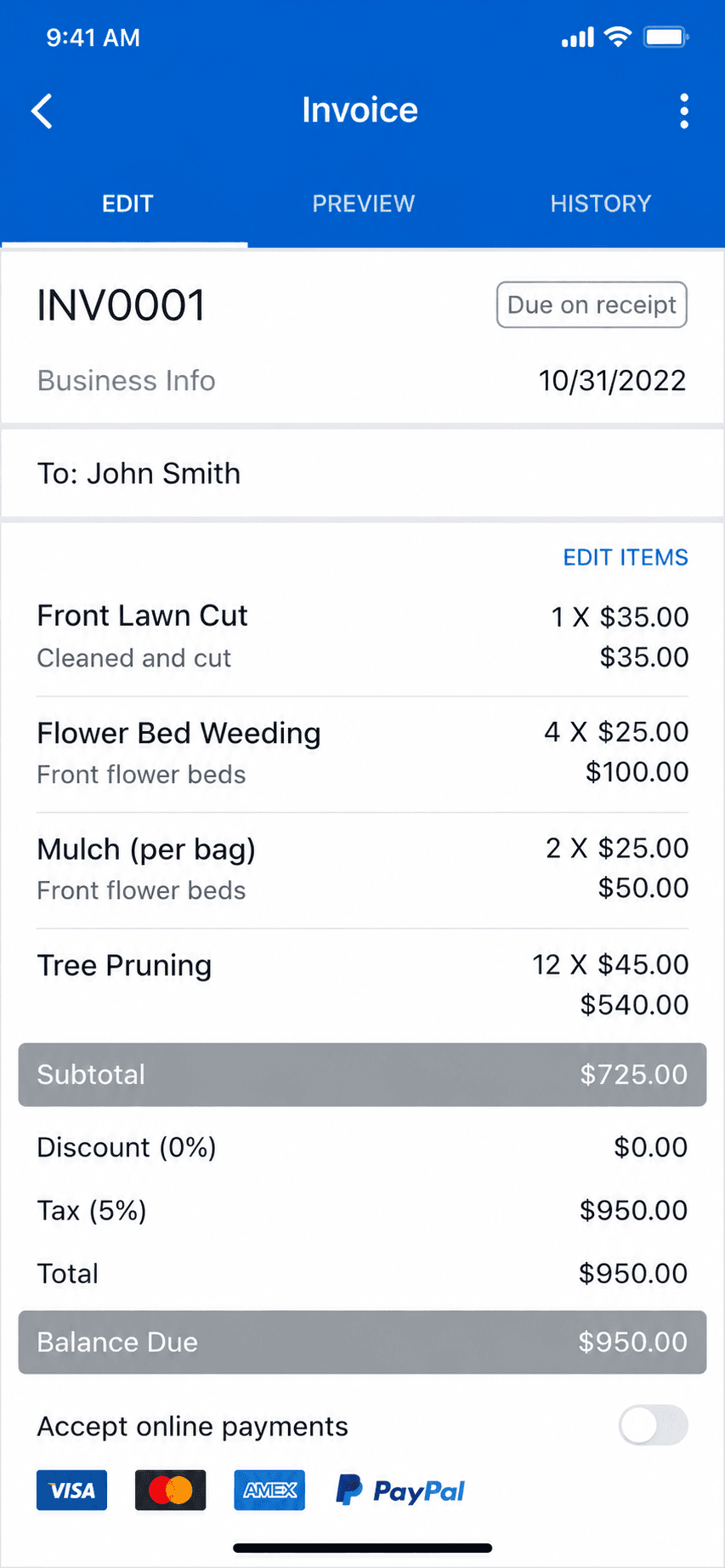
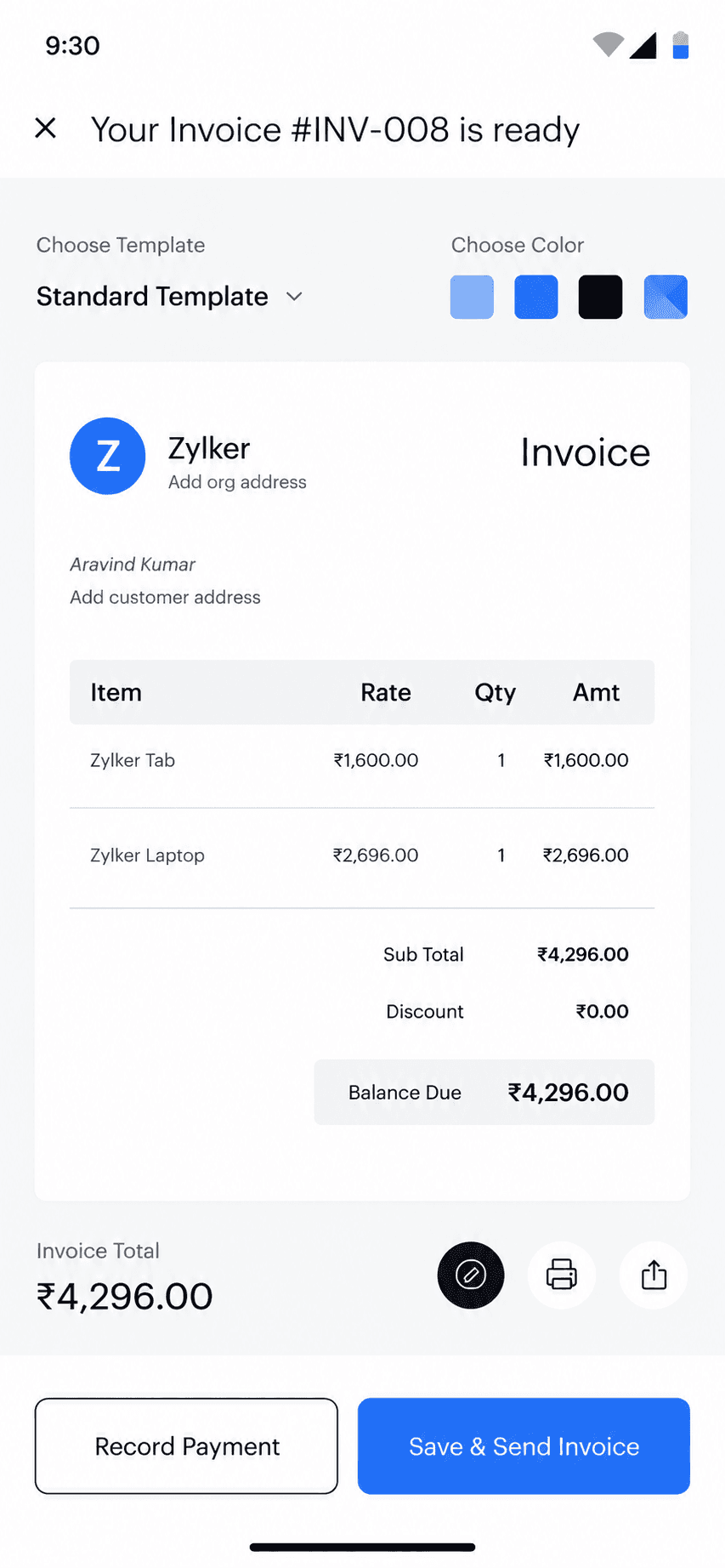
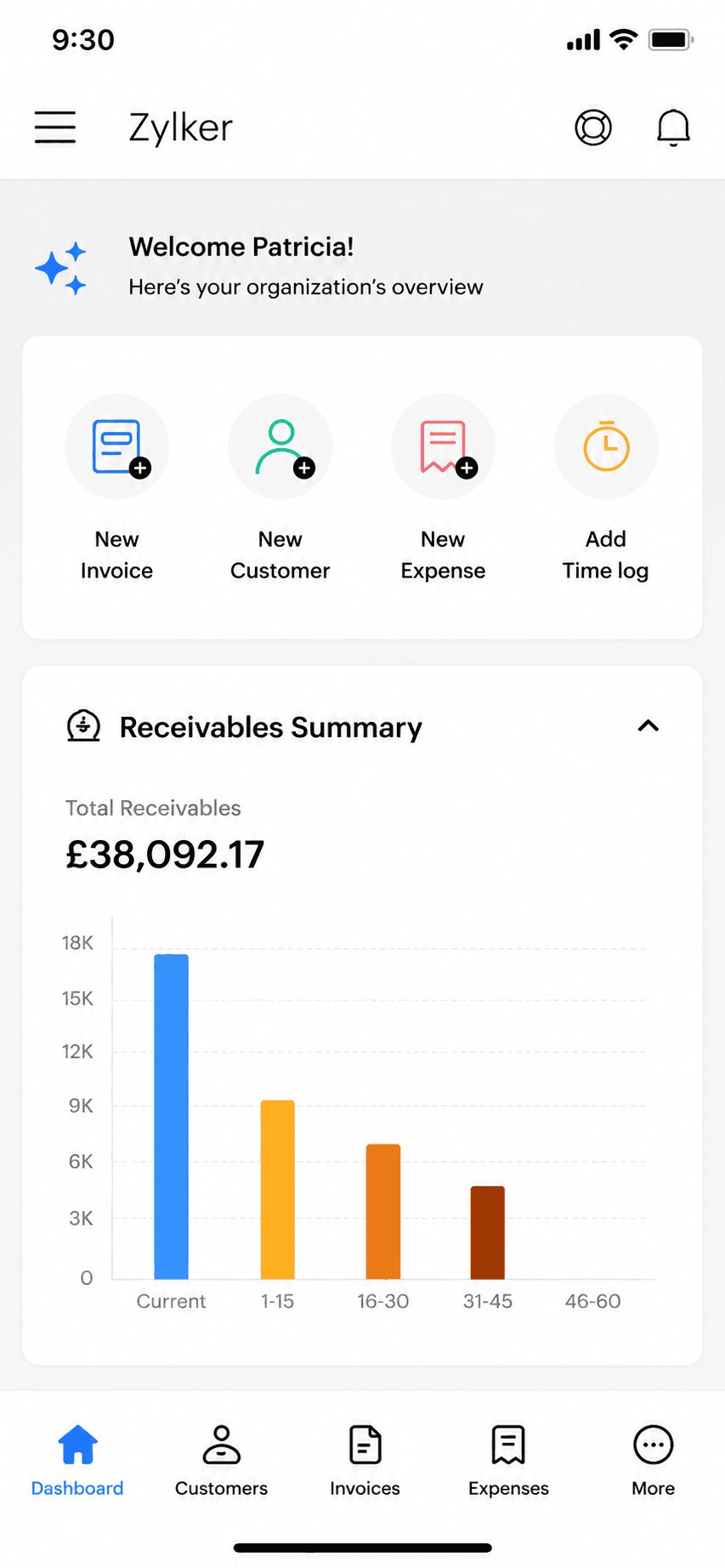
Zoho Invoice mobile app invoice detail view
Invoice detail
Zoho Invoice mobile app home dashboard
Dashboard

Zoho's completely free invoicing app: invoices, estimates, and a client portal at no cost, as the front door to the wider Zoho ecosystem.

Zoho Invoice went completely free in 2021 and has stayed that way: unlimited-enough invoicing, estimates, time tracking, and a client portal with no paid tiers at all. The honest catch is strategic rather than hidden fees: it exists to bring small businesses into the paid Zoho ecosystem as they grow. It is a genuinely strong free pick if all you need is to send invoices.

Standout: Genuinely 100% free invoicing with no paid tiers at all.

Where it fits: Genuinely free with no ads, no card, and no cut of your payments, up to 500 invoices a year. The strongest free pick if you do not need card payments in-app.

Best for: Invoicing-only users who want a free, full-featured web and mobile invoicing tool.

Not for: Anyone who needs books, or who wants to stay out of vendor ecosystems.

Key features

  • Free invoices, estimates, and client portal
  • Time tracking built in
  • Part of the Zoho ecosystem
  • Web, iOS, and Android apps

Pros

  • Completely free, no tiers or caps to hit
  • Full-featured for pure invoicing
  • Grows into Zoho Books if you ever need books

Cons

  • Caps: 500 invoices/year, 2 users, 3 projects
  • Exists to funnel you into paid Zoho products
  • More setup than a phone-first invoice app

Integrations

  • Zoho ecosystem (Books, CRM)
  • Stripe and PayPal
  • Zoho Payments

Pricing

Free (only plan)500 invoices/yr, 2 users, 3 projects; no ads, no data selling$0

Free: Entire product free: no ads, no card. Free-plan limits: 500 invoices/year, 2 users, 3 projects, 'Powered by Zoho' branding.

Platforms: Web, iOS, Android

Run my business with this app for past 4 years and never had a problem and works perfect.
Zoho Invoice user, App Store review (2026), App Store

Bottom line: Pick Zoho Invoice if you want the most complete free invoicing tool and do not mind joining the Zoho ecosystem.

9. Square Invoices

App Store rating: 4.83 out of 5 (92,439 ratings)

Square Invoices invoice creation screen
Create invoice
Square Invoices invoice creation, line items step
Create invoice (2)

Free invoicing and estimates that plug straight into Square's card payments, ideal if you also take payments in person.

Square Invoices lets you send unlimited invoices and estimates for free, and get paid by card through Square. Because it shares one account with Square Point of Sale, it is a natural fit for service pros who also sell or take payment in person. It is invoicing and payments, not accounting: there is no general ledger, reconciliation, or tax reporting.

Standout: Free unlimited invoicing tied to Square's payments and point-of-sale.

Where it fits: Free and unlimited to send, and the best answer if you want clients paying by card inside the tool. You pay 3.3% + $0.30 when they do.

Best for: Solo pros who want free invoicing and also take card or in-person payments.

Not for: Anyone who needs bookkeeping, expenses, or tax-ready reports.

Key features

  • Unlimited invoices and estimates
  • Card payments through Square
  • Recurring invoices and reminders
  • Shared account with Square Point of Sale

Pros

  • Free to send unlimited invoices
  • Fast card payments, online and in person
  • Very high App Store rating at scale

Cons

  • No accounting or bookkeeping
  • Free-plan card rate is 3.3% + $0.30; the lower rate needs a $49/month plan
  • Best value only inside the Square ecosystem

Integrations

  • Square Point of Sale
  • Square Payments
  • Square Payroll
  • Some accounting sync (Xero, QuickBooks) via connectors

Pricing

Square FreeUnlimited invoices and estimates; invoice/online card rate 3.3% + $0.30$0/mo
Square PlusReplaced the old $20 Invoices Plus; card rate drops to 2.9% + $0.30$49/mo per location
Square PremiumLowest processing rates; 24/7 support$149/mo per location

Free: Free forever to create and send invoices; you only pay when a client pays by card.

Platforms: Web, iOS, Android

Square is by far the best. I love everything about it and it truly helps small businesses grow. We have grown!
Square user, App Store review (2026), App Store

Bottom line: Pick Square Invoices if you want free invoicing and already take card or in-person payments.

10. PayPal Invoicing

App Store rating: 4.19 out of 5 (29,377 ratings)

PayPal Business app invoice creation screen
Create invoice
PayPal Business app invoice history
Invoice history

Free invoicing built into the PayPal Business app, where clients can pay with a method they already have.

PayPal Invoicing lets you create and send professional invoices for free from the PayPal Business app, and clients can pay by PayPal, card, or Venmo without an account. It is the path of least resistance for getting paid because so many customers already use PayPal. Like the other pure invoicing tools here, it does invoicing and payments only, with no accounting behind it.

Standout: The invoicing tool your clients already recognize and trust to pay.

Where it fits: Free to send with no cap, and clients already trust the brand. Its 4.19 rating is the lowest here, and reviewers mostly fault the wider PayPal account experience rather than the invoicing.

Best for: Solo pros whose clients already pay by PayPal, Venmo, or card.

Not for: Anyone who needs bookkeeping, or who wants the lowest processing fees.

Key features

  • Free professional invoices
  • Clients pay by PayPal, card, or Venmo
  • Recurring invoices and reminders
  • Built into the PayPal Business app

Pros

  • Free to create and send invoices
  • Clients already trust and use PayPal
  • Fast setup with an existing PayPal account

Cons

  • No accounting or bookkeeping
  • Wallet/Venmo payments cost 3.49% + $0.49, the way most clients pay
  • The business app rates lower than the invoicing peers here

Integrations

  • PayPal and Venmo
  • Card payments
  • Accounting sync via connectors
  • E-commerce platforms

Pricing

Send invoicesNo fee to create or send$0/mo
Card / Apple Pay payment2.99% + $0.49 per transaction
PayPal / Venmo payment3.49% + $0.49 per transaction
ACH / pay by bank1%, capped at $10

Free: Free to create and send invoices; you only pay when a client pays.

Platforms: Web, iOS, Android

I've used PayPal for many years and I love it and I shall continue using PayPal.
PayPal user, App Store review (2026), App Store

Bottom line: Pick PayPal Invoicing if your clients already pay by PayPal and you want the least-friction way to get paid.

11. Invoice Ninja

App Store rating: 4.59 out of 5 (173 ratings)

Invoice Ninja invoice list and history
Invoice history
Invoice Ninja home dashboard
Dashboard

An open-source invoicing platform with a genuinely free hosted tier and a self-host option for people who want control.

Invoice Ninja is open-source-rooted invoicing built for freelancers and small businesses. Its hosted Forever Free plan covers real invoicing for up to 5 clients, and technical users can self-host the whole thing for free and own their data. It is invoicing, quotes, and payments, not accounting, with more customization than most invoicing apps.

Standout: Open-source invoicing you can self-host and own outright.

Where it fits: The web-first and self-hosted pick. Free for 5 clients hosted, or run it yourself for nothing if you are comfortable with a server.

Best for: Freelancers who want free, customizable, or self-hosted invoicing.

Not for: Non-technical users wanting the simplest possible phone-first app, or anyone needing books.

Key features

  • Invoices, quotes, and recurring billing
  • Open-source and self-hostable
  • Many payment-gateway options
  • Deep customization and automation

Pros

  • Genuinely free hosted tier (up to 5 clients)
  • Self-host to own your data outright
  • Highly customizable for invoicing

Cons

  • No accounting or bookkeeping
  • Self-hosting is technical to set up and maintain
  • Smaller, more niche user base

Integrations

  • Stripe, PayPal, and 40+ gateways
  • Zapier
  • Self-hosted API

Pricing

Free (hosted)Up to 5 clients, unlimited invoicing (the old ~20-client limit is gone)$0/mo
Self-hostedFree to self-host; source-available (Elastic License v2)$0
Ninja Pro$140/yr (2 months free); unlimited clients$14/mo
Enterprise1-2 users; scales by user countfrom $18/mo

Free: Hosted Forever Free for up to 5 clients, or self-host the source-available app at no license cost.

Platforms: Web, iOS, Android, Self-hosted

Can't beat the price. Self-hosting on a VPS is insanely cheap.
Invoice Ninja user, App Store review (2026), App Store

Bottom line: Pick Invoice Ninja if you want free, customizable, or self-hosted invoicing and are comfortable with setup.

12. Joist

App Store rating: 4.74 out of 5 (13,524 ratings)

Joist invoice creation screen
Create invoice

Contractor-focused estimating and invoicing (EverCommerce-owned): strong trade features like change orders and financing, on metered subscription tiers.

Joist is built for contractors: estimates that win jobs, invoices, contracts with eSignatures, change orders, and homeowner financing offers. It has no free tier anymore; the $10 Basics plan caps you at 5 documents a month, and the trade features that matter live on Pro and Elite. QuickBooks sync stands in for native books.

Standout: Contractor-specific workflow: estimates, contracts, change orders, financing.

Where it fits: The contractor pick: estimates, contracts with eSignatures, change orders, and homeowner financing. Meters documents at 5 a month on the entry plan.

Best for: Contractors who estimate frequently and want trade-specific tools like change orders and financing.

Not for: Anyone wanting a free tier or native bookkeeping.

Key features

  • Estimates built for winning jobs
  • Contracts and eSignatures
  • Change orders and reports on Elite
  • QuickBooks Online sync

Pros

  • Deep contractor workflow
  • Established brand among trades
  • Financing offers can close bigger jobs

Cons

  • 5-document monthly cap on the cheap tier
  • Formerly free features now paywalled
  • Chat-only support with reported payment-issue delays

Integrations

  • QuickBooks Online sync (Pro+)
  • Stripe payments
  • Homeowner financing offers

Pricing

BasicsCapped at 5 documents/month; $100/yr annually$10/mo
ProUnlimited docs, contracts + eSignatures, QuickBooks sync; $170/yr$17/mo
EliteAdds reports, change orders, review automation; $320/yr$32/mo

Free: No free tier; 14-day Elite trial, no card required.

Platforms: Web, iOS, Android

Joist is a great app. It helps me with my estimates and payments. I recommend Joist to any Contractor. Great tool to have.
Joist user, App Store review (2026), App Store

Bottom line: Pick Joist if you are a contractor who lives on estimates and change orders and will use its trade features.

Head-to-head

All twelve invoice apps at a glance

FeatureBillgamiInvoice SimpleInvoice2goSquare InvoicesZoho Invoice
Real free tierYesNoNoYesYes
Invoice cap on the free or entry plan3 total3/month30/yearNone500/year
Metered onFeature tierInvoices/monthInvoices/yearPer paymentInvoices/year
Takes a cut of paymentsNo, clients pay you directlyNoYesYesNo
Billing and job address per clientYes, bothNot statedNot statedNot statedNot stated
Works offlineYesNoNoPartialNo
Export your recordsEvery planCheck firstCheck firstYesYes
Entry priceFree tier$6.99/mo$7.99/moFreeFree
Lifetime option$249.99NoNoNoNo

Five shown here for readability; all twelve are in the tables and cards below. Billgami wins the lifetime, offline, export, and job-address rows honestly and loses the payments row just as honestly: if you want clients to pay by card inside the app, Square or PayPal is the better answer. Competitor cells say "Not stated" where a vendor's own materials do not document the feature either way.

The meter

What is each invoice app actually metering you on?

This is the question no invoicing listicle answers, and it is the one that decides whether a plan fits you. Six different meters are in use across these twelve apps, quoted in units you cannot compare by eye: invoices a month, invoices a year, clients, seats, a percentage of each payment, or the billing cadence itself.

AppMetered onWhat that means in practice
BillgamiFeature tierPaid tiers unlock the full app; the lifetime option ends the meter entirely.
Invoice SimpleInvoices per month3 a month on Essentials, 10 on Plus. Unlimited only at $21.99.
Invoice2goInvoices per YEAR30 a year on Starter, 100 on Professional. Price is quoted monthly, the cap annually.
BookipiInvoices per month3 a month on the free plan; unlimited from $9.99.
BillduClients and seats10 clients and 1 user on Lite. Invoices themselves are not capped.
InvoiceFlyBilling cadenceNo invoice cap. The $8.99-a-week anchor annualises to about $467 and exists to make $98.99 a year look cheap.
TofuCadence plus a cutA $9.99-a-week iOS anchor, plus a 1% platform fee on payments.
Zoho InvoiceInvoices per year500 a year, free. The meter exists to move you into paid Zoho products.
Square InvoicesPer paymentUnlimited invoices free; 3.3% + $0.30 when a client pays by card.
PayPal InvoicingPer paymentUnlimited invoices free; 2.99% + $0.49 by card, 3.49% + $0.49 by PayPal or Venmo.
Invoice NinjaClients5 clients on the hosted free tier; self-hosting is uncapped but you run the server.
JoistDocuments per month5 a month on Basics, counting estimates and invoices together.

Invoice2go is the only app here that quotes its price monthly and its cap annually. That mismatch is why its entry plan reads as generous: 30 invoices a year is 2.5 a month, the tightest entry allowance in this group.

Each vendor's published pricing as of July 2026; derived in research_runs/2026-07-27-best-invoice-app/per_invoice_ledger.json.

Cost per invoice

What does each invoice app cost per invoice you send?

The monthly price tells you almost nothing on its own, because the plan you can actually use depends on your volume. For each column below we took the cheapest plan that genuinely permits that many invoices a year, using annual billing where the vendor offers it. Payment processing fees are excluded and listed separately, because they scale with what your invoices are worth rather than how many you send.

App30 a year100 a year300 a year
BillgamiLifetime, spread over 3 years; the free tier costs nothing$2.78$0.83$0.28
Invoice Simple$2.80$1.80$0.88
Invoice2goRises, because the 100-a-year cap forces the $44.95 plan$3.20$1.43$1.80
BookipiFree$0.91$0.30
Billdu$2.00$0.60$0.20
InvoiceFly$3.30$0.99$0.33
TofuPlus a 1% cut of each payment$3.33$1.00$0.33
Zoho InvoiceUp to 500 a yearFreeFreeFree
Square InvoicesPlus 3.3% + $0.30 per card paymentFreeFreeFree
PayPal InvoicingPlus 2.99% to 3.49% + $0.49 per paymentFreeFreeFree
Invoice NinjaUp to 5 clients hostedFreeFreeFree
Joist$3.33$1.70$0.57

Invoice2go is the only app on this page whose cost per invoice rises between two paid tiers: $1.43 at a hundred a year, then $1.80 at three hundred, because the hundred-a-year cap pushes you onto Premium at $44.95 a month. Bookipi also rises, but only because you leave a free plan, which is what every freemium product does and is not the same thing.

Arithmetic is annual plan price divided by invoices, from each vendor's published July 2026 pricing.

What goes wrong

What do people actually complain about, app by app?

First, fairness: every app here holds a 4.7 or better App Store average except PayPal Invoicing and Invoice Ninja, across 499,457 ratings in total. Most users of most of these apps are satisfied. What follows is each app's recent one- and two-star reviews specifically, tagged by one shared tagger so the columns are comparable. Sample sizes differ by a lot, so n is printed on every row and the small ones should be read as direction, not precision.

AppnPriceHit a capSupportLost accessBugs
Invoice2go19417.0%3.6%26.3%4.6%8.8%
Bookipi15429.9%12.3%7.8%0.6%4.5%
InvoiceFly10816.7%0.9%10.2%0.0%6.5%
Tofu8517.6%3.5%22.4%1.2%3.5%
BillduCleanest recent profile in the group7211.1%0.0%16.7%1.4%11.1%
Invoice Simple6352.4%31.7%27.0%0.0%6.3%
Joist6357.1%23.8%27.0%14.3%11.1%

The counterintuitive result: the cap that generates the most complaints is not the tightest cap. Invoice Simple meters 3 invoices a month and draws cap complaints in 31.7% of its recent negatives; Invoice2go meters 30 a year, which is materially tighter, and draws them in 3.6%. A monthly cap is felt every month, so people complain. An annual cap is hit once, quietly, often at the moment somebody just leaves. Read this table beside the cost-per-invoice one, never instead of it. Billdu earns the cleanest profile here and we say so even though it competes with us.

App Store written reviews rated one or two stars, updated 2023 or later, tagged by one shared tagger. Method and per-review tags: research_runs/2026-07-27-best-invoice-app/.

Free options

Which invoice apps are genuinely free?

Four of the twelve are free in a way that survives contact with real use. Every one of them still has a catch, and naming the catch is the point.

ToolWhat's actually freeThe catch
Zoho InvoiceThe entire product, up to 500 invoices a year, no ads and no cardIt exists to move you into paid Zoho products later
Square InvoicesUnlimited invoices and estimates, free forever to send3.3% + $0.30 every time a client pays by card
PayPal InvoicingUnlimited invoices, free to create and send2.99% to 3.49% + $0.49 per payment, and the rate depends on how they pay
BillgamiInvoices, estimates, payment tracking and full export, with no time limit3 invoices in total, not per month: the tightest free allowance here. Invoicing only, no books or card processing

Free tiers as described by each vendor as of July 2026. Confirm current limits before relying on them.

How do you pick the best invoicing app for the way you work?

Every app on this page advertises a monthly number, and that number is the least useful thing about it. Picking the best invoicing app for you is really about picking the meter you can live with. What actually determines your cost is the meter: the thing the plan counts, and what happens when you go past it. The meters are not comparable by eye because they are quoted in different units. Invoice Simple counts invoices per month. Invoice2go counts them per year. Billdu counts your clients and your seats, and does not cap invoices at all. Square and PayPal do not cap anything and instead take a percentage of each payment. InvoiceFly caps nothing either, and instead prices by the week, which makes the annual plan look like a bargain against an anchor almost nobody should pay. So the honest question is not which app is cheapest. It is which meter fits the way you invoice. Someone sending three invoices a month is served perfectly by a free plan that would strangle someone sending thirty. Someone with two hundred clients and low volume is punished by a client cap that an invoice cap would never touch. Work out your own shape first, then read the cost-per-invoice table, and the answer usually picks itself.

  • Count what you actually sent last month before you compare any prices.
  • Check the unit on the cap: per month and per year are not the same promise.
  • If clients pay by card, the processing percentage will dwarf the subscription.

When Billgami is the wrong answer

Being specific about this is the point of a roundup that names its own product first.

  • You want clients to pay by card inside the app. Billgami does not process payments; use Square or PayPal.
  • You work mostly at a desktop and want a web-first tool. Invoice Ninja or Zoho Invoice fit better.
  • You need bookkeeping, payroll, or a general ledger. None of the twelve apps here does that.
  • You run a crew and need scheduling or dispatch. That is a field-service platform, not an invoice app.

If any of these is you, take the pick above instead. Billgami is for one job: getting a professional invoice out from a phone, fast.

If you want the phone-first one, try Billgami

Your clients and services save as you go, every document carries your logo and your own tax label, and accepted estimates convert to invoices without re-entering anything. Export every PDF, record and payment on any plan. Free to start, with a $249.99 lifetime option. If another app on this page fits you better, take it: the tables above are there to help you decide, not to sell you.

Last updated: July 27, 2026 | Written by Phuc Doan

Billgami invoice history with paid, unpaid, and partial status on iPhone

FAQ

Common questions

What is the best invoice app?

There is no single best invoice app, and any guide that names one is guessing on your behalf. What there is: a best app for invoicing at your volume, with your payment setup. Asked the other common way, the best app for invoice work is whichever one meters you on something you will not hit. If you want free and unlimited and your clients pay by card, Square Invoices or PayPal Invoicing. If you want free with nobody taking a cut, Zoho Invoice up to 500 invoices a year. If you invoice from a phone on the job and want your own branding, Billgami is our pick and it is ours, disclosed. If you are a contractor who needs estimates, contracts and change orders, Joist. Start from the cost-per-invoice table above rather than a ranking.

Is there a difference between the best invoice app and the best invoicing app?

Not really: people search both phrasings for the same thing, and this guide answers both. If there is a shade of difference, it is that the best invoicing app tends to describe the tool you will use week after week, while the best invoice app is often what people type when they need one document out today. Either way the answer is the same: pick the meter that fits your volume. If you only need one invoice right now, start with a free one, because four apps here are genuinely free rather than free-for-fourteen-days. Zoho Invoice is free for the whole product up to 500 invoices a year with no ads and no cut of your payments, which makes it the strongest pure-free pick. Square Invoices and PayPal Invoicing are free and uncapped to send, but take 3.3% + $0.30 and 2.99% to 3.49% + $0.49 respectively when clients pay. Billgami has a real free tier for invoices, estimates and payment tracking. Bookipi's free plan is real but caps you at 3 invoices a month.

How much should an invoice app cost?

Measured per invoice sent, the honest range across these twelve apps is zero to about $3.30. At thirty invoices a year the paid apps land between $2.00 and $3.33 each; at three hundred a year the same apps land between $0.20 and $1.80. That spread is why the monthly price is misleading. If you send only a handful of invoices a month, paying anything at all is hard to justify when Zoho Invoice, Square and PayPal are free to send.

Which invoice apps are free to send with, month after month?

Zoho Invoice, Square Invoices, PayPal Invoicing and Invoice Ninja's hosted tier all let you send without paying a recurring charge, and Billgami has a free tier plus a $249.99 lifetime option if you want to skip the subscription cycle. The catches differ and they matter: Square and PayPal take a percentage of each payment, Zoho caps you at 500 invoices a year, and Invoice Ninja's free tier caps you at five clients. Free to send is not the same as free to get paid.

What do invoice apps mean by an invoice limit?

It is a cap on how many invoices a plan lets you create, and the unit varies in ways that matter enormously. This is the single thing to check when people ask for the best app for invoice work, or for the best invoicing software for small business use, because it is the constraint that decides your real cost rather than the advertised price. Invoice Simple allows 3 a month on its entry plan. Invoice2go allows 30 a year on its entry plan, which sounds larger but is 2.5 a month. Joist counts estimates and invoices together at 5 documents a month. Billdu does not cap invoices at all and instead caps how many clients you can store. Always check the unit, not just the number.

Do invoice apps take a percentage of my payments?

Some do and some do not, and it is the single largest cost difference on this page. Square Invoices takes 3.3% + $0.30 per card payment. PayPal Invoicing takes 2.99% + $0.49 by card and 3.49% + $0.49 when a client pays by PayPal or Venmo. Tofu adds a 1% platform fee on top of its subscription. Invoice2go, Billdu and Joist all charge card fees that fall as you buy a higher plan. Billgami, Zoho Invoice and Invoice Ninja do not process payments at all, so nothing sits between you and your client's money.

Which invoice app is best for a phone?

Invoice Simple is the most polished pure phone experience and has by far the largest App Store rating count at 122,610. Billgami is built phone-first for service pros and is our own app, disclosed. Bookipi and Billdu are both strong on mobile, and Billdu additionally works offline. Zoho Invoice and Invoice Ninja are web-first with mobile apps attached, so they suit someone who mostly works at a desk.

Which invoice app works offline?

Billgami, Billdu and Tofu work without a connection; Square Invoices and Joist are partial or online-only. This matters more than it sounds if you write invoices in basements, new builds, or rural properties. If you have ever lost a document because you had no signal on site, treat offline as a filter rather than a nice-to-have.

Can I get my invoices out if I stop paying?

Check this before you commit, not when you are cancelling. An invoice is a business record you may need years after the job for a tax question, a warranty claim, or a dispute, and some apps put that history behind an active plan: Joist's recent reviews mention losing access in 14.3% of its negatives, the highest on this page. Billgami exports all invoice PDFs, a records CSV and a payments CSV on every plan including free. Whichever app you choose, pull an export on a schedule and keep it somewhere you control.

Is Billgami the best invoice app on this list?

No, and we are not going to claim it is. Billgami is listed first because it is ours and hiding that would be worse than disclosing it. It is our pick for phone-first invoicing from a job site, and it genuinely wins the lifetime-pricing and offline rows. It loses to Square and PayPal if you want card payments inside the app, to Zoho Invoice on pure free capacity, to Invoice Ninja if you want to self-host, and to Joist if you are a contractor who needs change orders. A roundup that crowns its own product is a sales page wearing a comparison's clothes.

How did you count 8,000 reviews?

It is the sum of the written App Store reviews we hold for the twelve apps on this page: seven deep corpora (Invoice2go 1,607, Billdu 1,378, InvoiceFly 1,106, Invoice Simple 1,000, Joist 1,000, Tofu 897 and Bookipi 530) plus four smaller saved pulls (PayPal 196, Square 149, Zoho Invoice 91 and Invoice Ninja 46). Billgami is ours and contributes none. We also analysed 2,191 more reviews across four smaller apps that are not carded here. The count is derived by a script from the saved files rather than tallied by hand.

Why does one app cost more per invoice as you send more?

Because of a cap, and Invoice2go is the only app here where it happens between two paid tiers. Its Professional plan allows 100 invoices a year at $11.95 a month, which works out at $1.43 each. Send 300 and Professional no longer permits it, so the cheapest plan that does is Premium at $44.95 a month, which works out at $1.80 each. Sending three times as much makes each invoice more expensive, not less. Every other paid app on this page gets cheaper per invoice as volume rises.

Which invoice app has the fewest complaints?

Among the apps with enough recent reviews to compare, Billdu has the cleanest profile: zero cap complaints, zero billing complaints, and the lowest price-complaint share of any paid app at 11.1% of its recent negatives. We are naming a competitor here because that is what the evidence says. The caveat that applies to every row of that table is that sample sizes differ by a lot, so treat the smaller ones as direction rather than precision.

Do I need an invoice app or accounting software?

If you only create invoices and estimates, chase who has paid, and keep PDF records, every app on this page does that and accounting software would be an expensive way to do paperwork. You need real accounting if you run payroll, track inventory, reconcile bank feeds, or hand a general ledger to an accountant at tax time. None of the twelve invoice apps here does any of that, on purpose.


How this guide was built

Prices are each vendor's published rates as of July 2026, taken from their own pricing pages and dated here; confirm current rates before deciding. Cost per invoice is annual plan price divided by invoices sent, always using the cheapest plan that genuinely permits that volume, with annual billing where offered; payment processing fees are excluded from it and stated separately, because they scale with invoice value rather than invoice count. The review evidence is 8,000 written App Store reviews across the twelve apps on this page, made up of seven deep corpora and four smaller saved pulls; Billgami is ours and has no review history to cite. A further 2,191 reviews across four smaller invoicing apps (Tiny Invoice, Freebie Invoice Maker, Invoice Home and Gulooloo) were analysed for the complaint comparison but those apps are not carded here, because we hold no sourced pricing record for them. Complaint shares count only reviews updated in 2023 or later, tagged by a single shared tagger so the columns are comparable, with sample size shown on every row and the derivation scripts saved for audit. Billgami is listed first and disclosed as ours; it is not named best overall, and where a competitor wins a category on the evidence this guide gives it the category.

  • Derivation scripts and audit files Source
  • Invoice2go pricing Source
  • Square Invoices pricing Source
Phuc Doan

Phuc Doan

Founder of Billgami·Last updated July 27, 2026

MethodologyBillgami competes with every app on this page, which is why it is listed first and disclosed rather than quietly ranked, and why it is not named best overall. Prices are published vendor rates as of July 2026. Cost per invoice is arithmetic on those rates. Complaint shares come from 8,000 App Store reviews, recent ones only, tagged by one shared tagger with the scripts saved for audit.

This guide is general information, not accounting, tax, or legal advice. Software prices and features change; confirm current details with each vendor before deciding.