Billgami
Invoice Simple alternative

11 Invoice Simple alternatives, judged on the fine print and real reviews

You liked Invoice Simple until the invoice cap and the price kept moving: its cheaper tiers meter you to three invoices a month, and unlimited only comes at $21.99. The best alternative depends on one question: how many invoices do you send, and do you want a genuinely free tier or to pay once? This guide starts there, and it stays with invoicing tools only, no accounting software to learn.

  • Invoicing apps only: no accounting suites padded in to fill the list
  • The Free-Tier Truth Table: what 'free' actually means per app
  • 500 real Invoice Simple App Store reviews, tagged and counted

Last updated · July 27, 2026

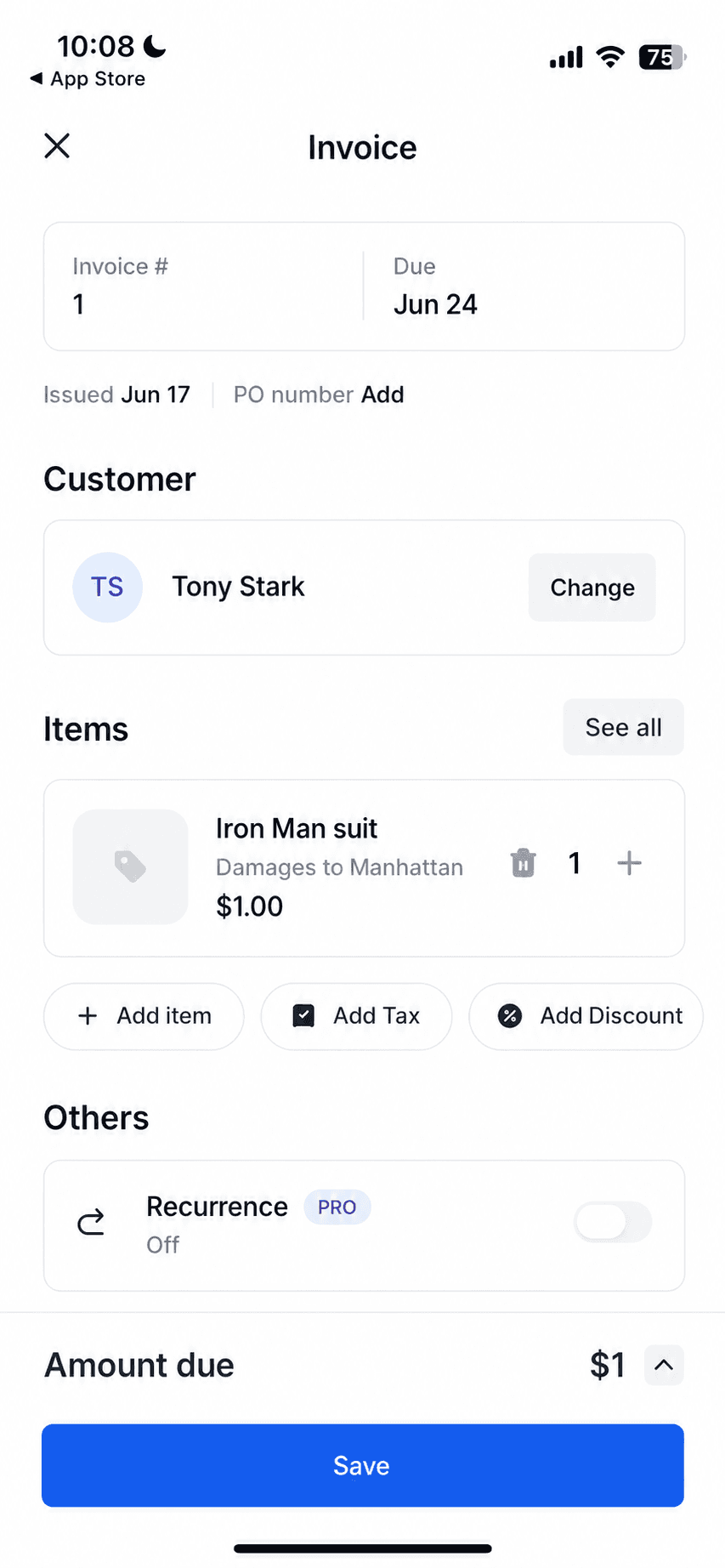
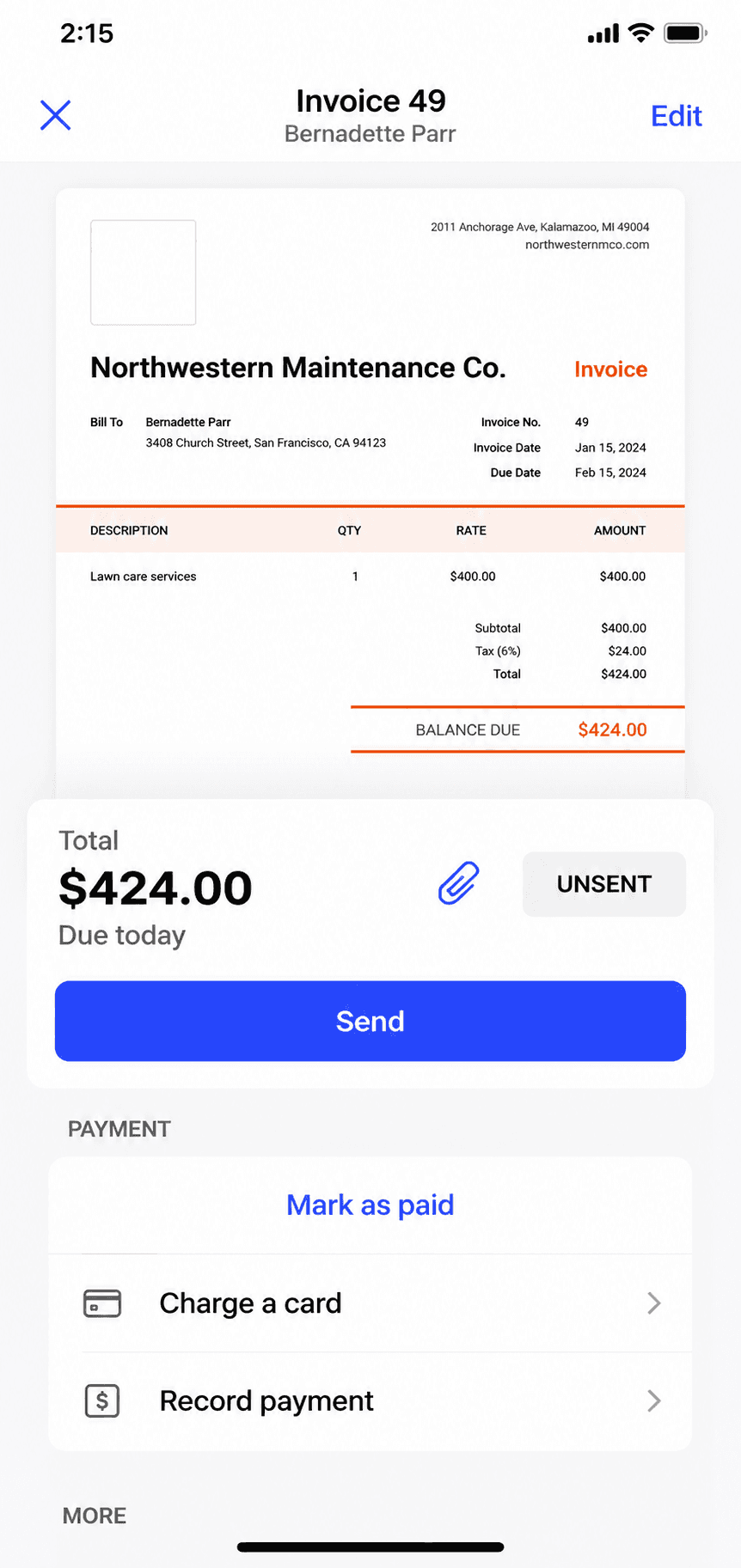
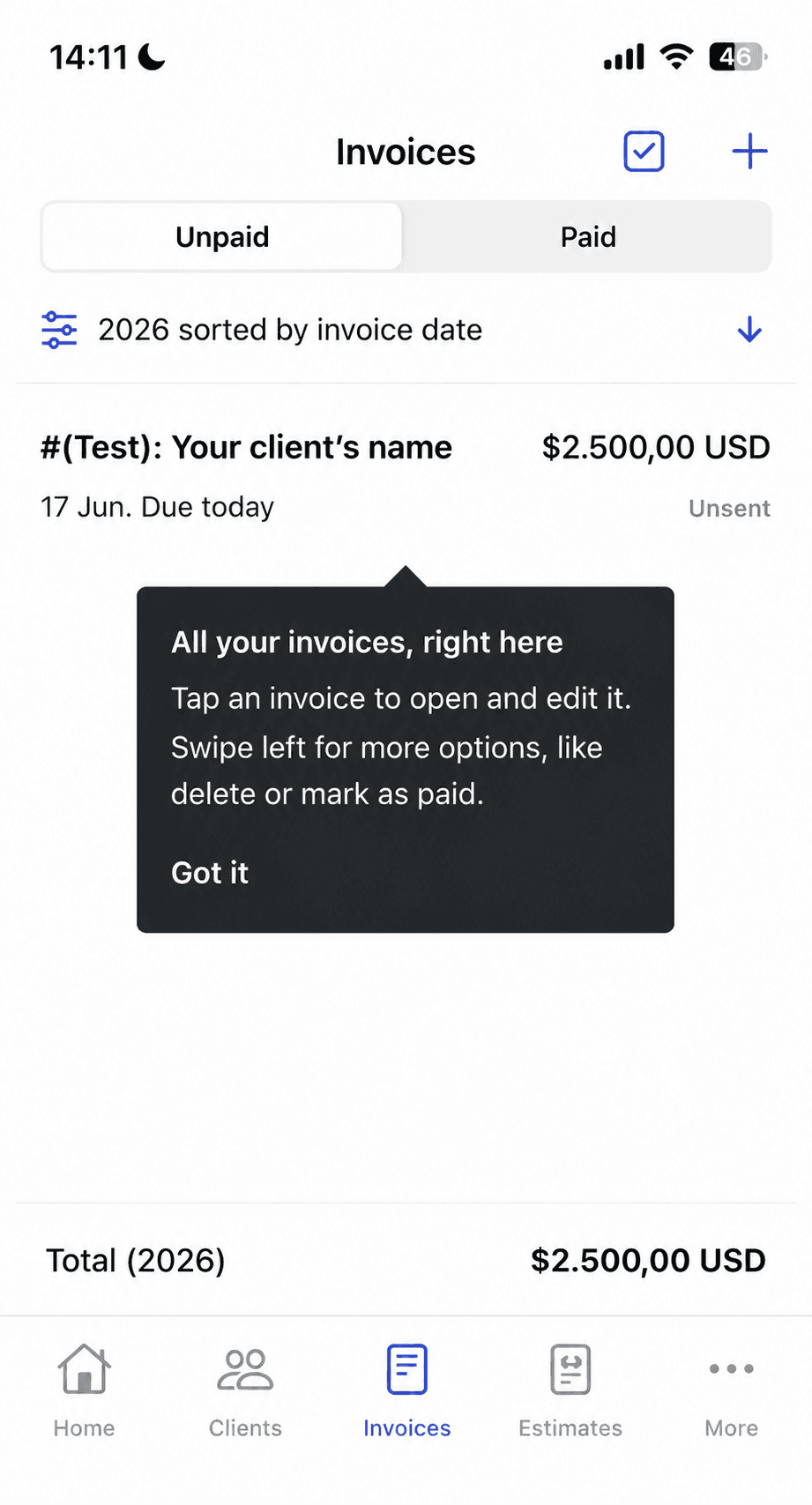
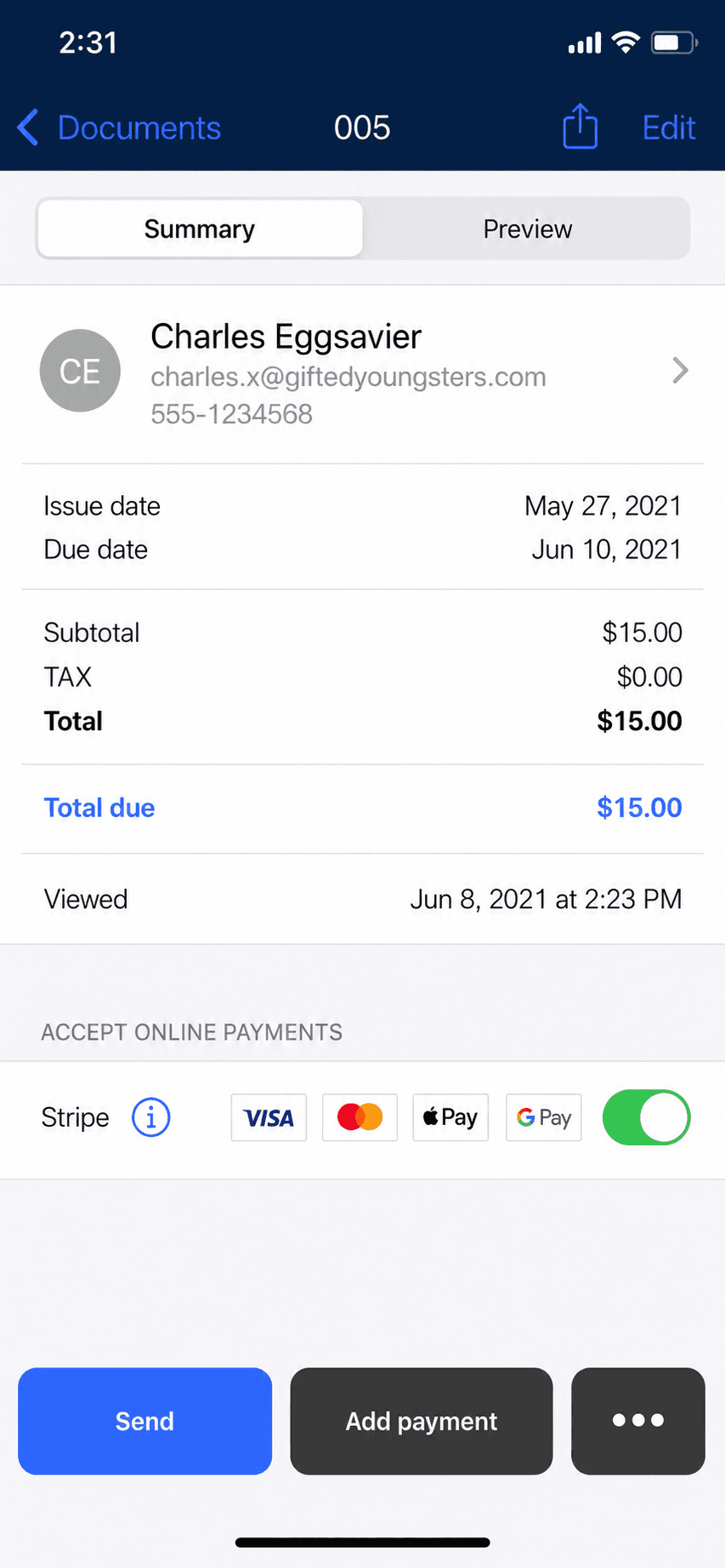
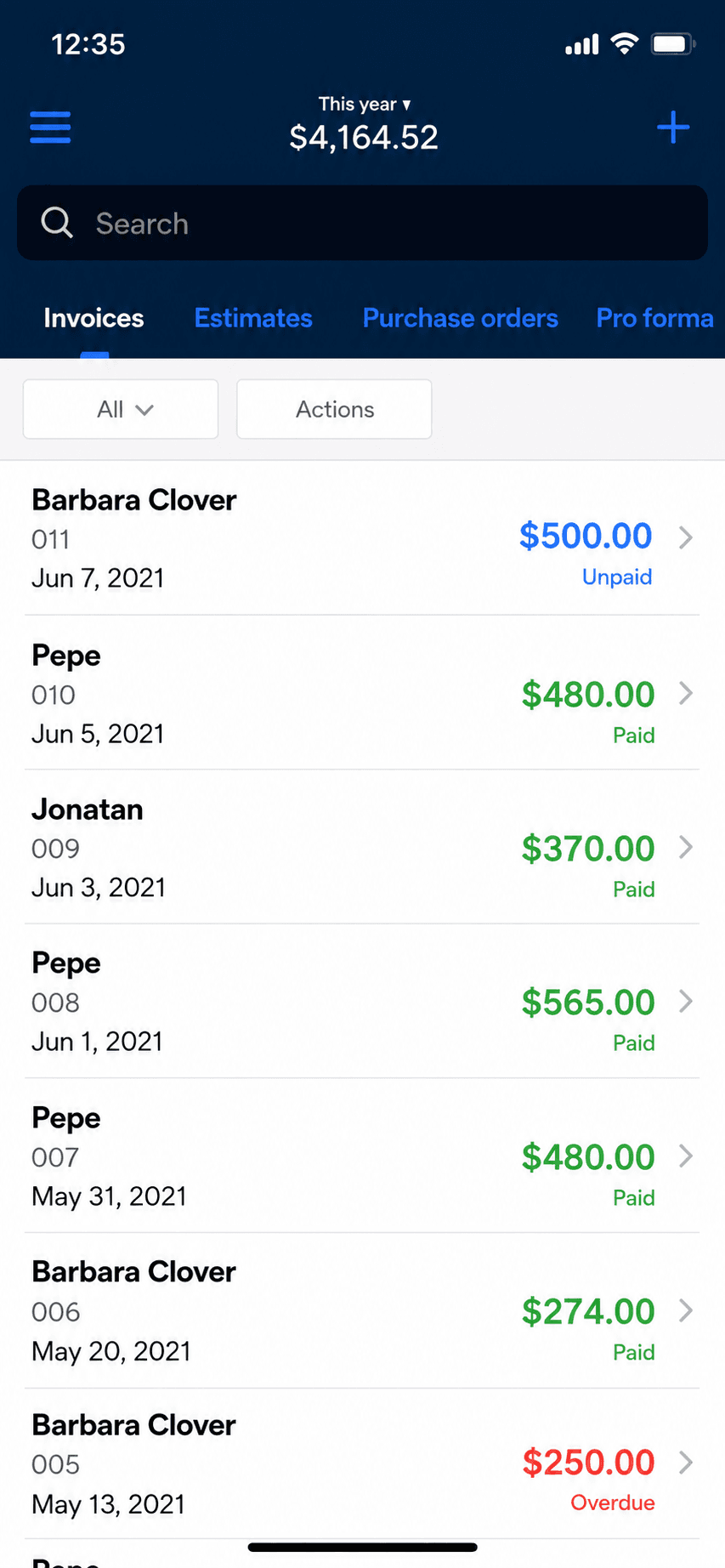
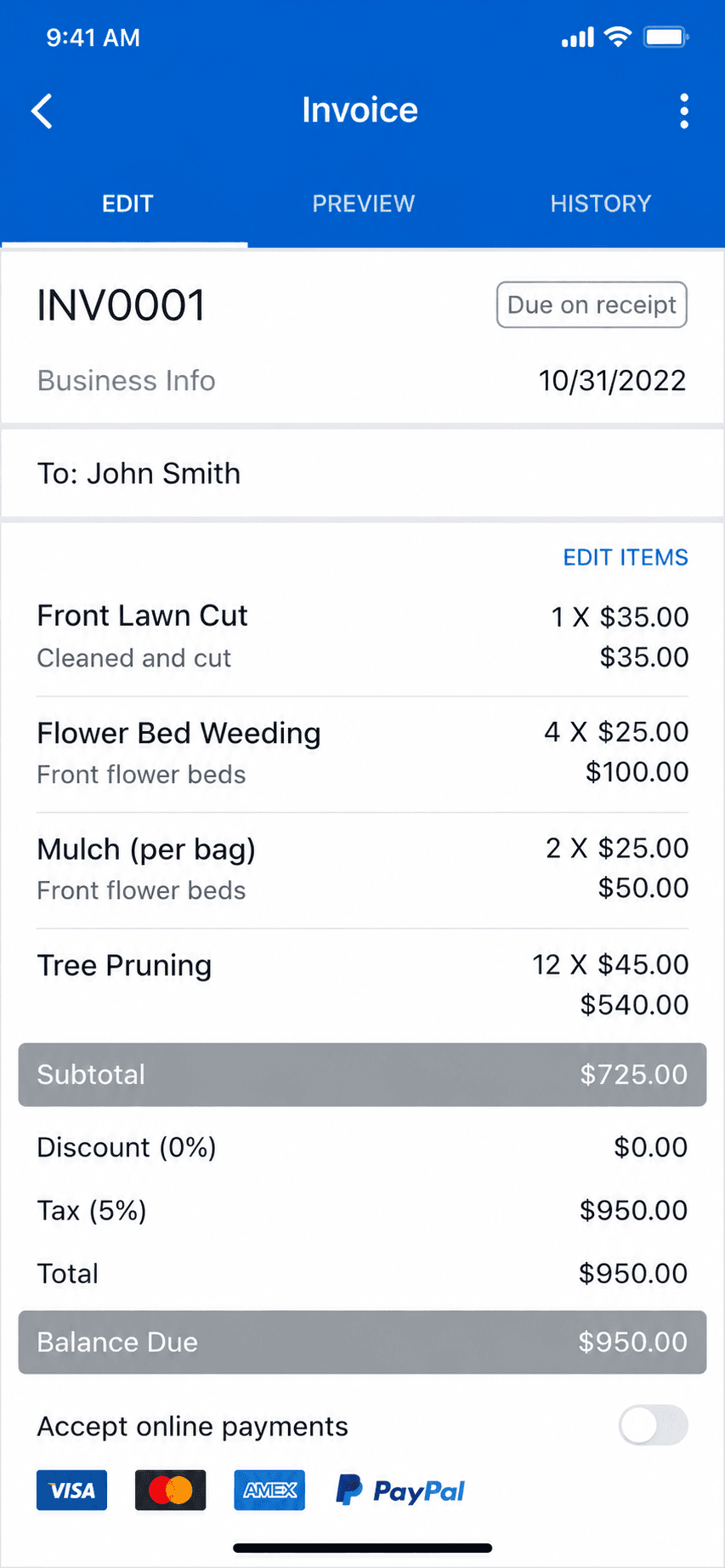
Invoice Simple create-invoice screen on iPhone, the app this guide helps you evaluate leaving
Quick takeaways

The best Invoice Simple alternative, by what you actually need

  • Free or pay-once invoicing

    • Billgami
    • Zoho Invoice
    • Bookipi
    • Square Invoices
    • PayPal Invoicing
  • Subscription invoicing apps

    • Invoice2go
    • Billdu
    • InvoiceFly
    • Tofu
  • Genuinely free, unmetered

    • Billgami
    • Zoho Invoice
  • Best pay-once option

    • Billgami
  • No monthly invoice cap

    • Billgami
    • Zoho Invoice
    • Square Invoices
    • PayPal Invoicing
  • Free but capped (read the catch)

    • Bookipi
  • Get paid directly

    • Billgami
  • When to stay put

    • Keep Invoice Simple
How we chose

How we evaluated these Invoice Simple alternatives

Every Invoice Simple alternative below was judged on the same rubric, so the picks are comparable rather than an affiliate ranking.

  • Free-tier honesty: is 'free' real, capped, or just a trial?
  • Real cost to send the invoices you actually send, not the sticker price.
  • Invoice metering: is there a monthly cap, and does it move?
  • How well it works on a phone, where Invoice Simple's users live.
  • How simple it is to switch without losing your records.
  • What real users say in public, dated App Store reviews.
The honest picks

The 11 best Invoice Simple alternatives

No affiliate ranking, and no needless lane splitting: they are all invoice apps. Billgami leads because it is ours, disclosed up front; after it, one honest list, roughly the freest and cheapest first. Each card is who the tool is for, what it gives up, its real prices and rating, and a verbatim review where one exists.

ToolBest forFromApp Store rating
BillgamiThe simplest, fastest way to send a professional invoice: pick a client, add services, preview, and send in about a minute.$0To be updated
Zoho InvoiceInvoicing-only users who want a free, full-featured web and mobile invoicing tool.$04.86(13,770)
BookipiOccasional invoicers who fit inside 3 free invoices a month, or light users at $9.99.$04.89(16,493)
Square InvoicesSolo pros who want free invoicing and also take card or in-person payments.$0/mo4.83(92,439)
PayPal InvoicingSolo pros whose clients already pay by PayPal, Venmo, or card.$0/mo4.19(29,377)
Invoice NinjaFreelancers who want free, customizable, or self-hosted invoicing.$0/mo4.59(173)
Invoice2goEstablished mobile invoicers who send few invoices and want a polished, payments-connected app.$7.99/mo (iOS)4.85(55,391)
BillduSolo pros and tiny teams who want polished invoicing plus expenses on a modest subscription.$7.99/mo4.82(25,672)
InvoiceFlyMobile-first invoicers happy to pay a yearly subscription for a slick, fast app.$8.99/week4.76(94,699)
TofuPhone-first invoicers who want offline invoicing and may grow into crew scheduling.$29/mo4.83(35,309)
Stay on Invoice SimplePeople who want the most popular, simplest invoice app and send few invoices.$6.99/mo4.87(122,610)

App Store ratings from Apple, pulled July 2026 (saved for audit). Prices as of July 2026; confirm current with each vendor.

1. Billgami

App Store rating: to be updated.

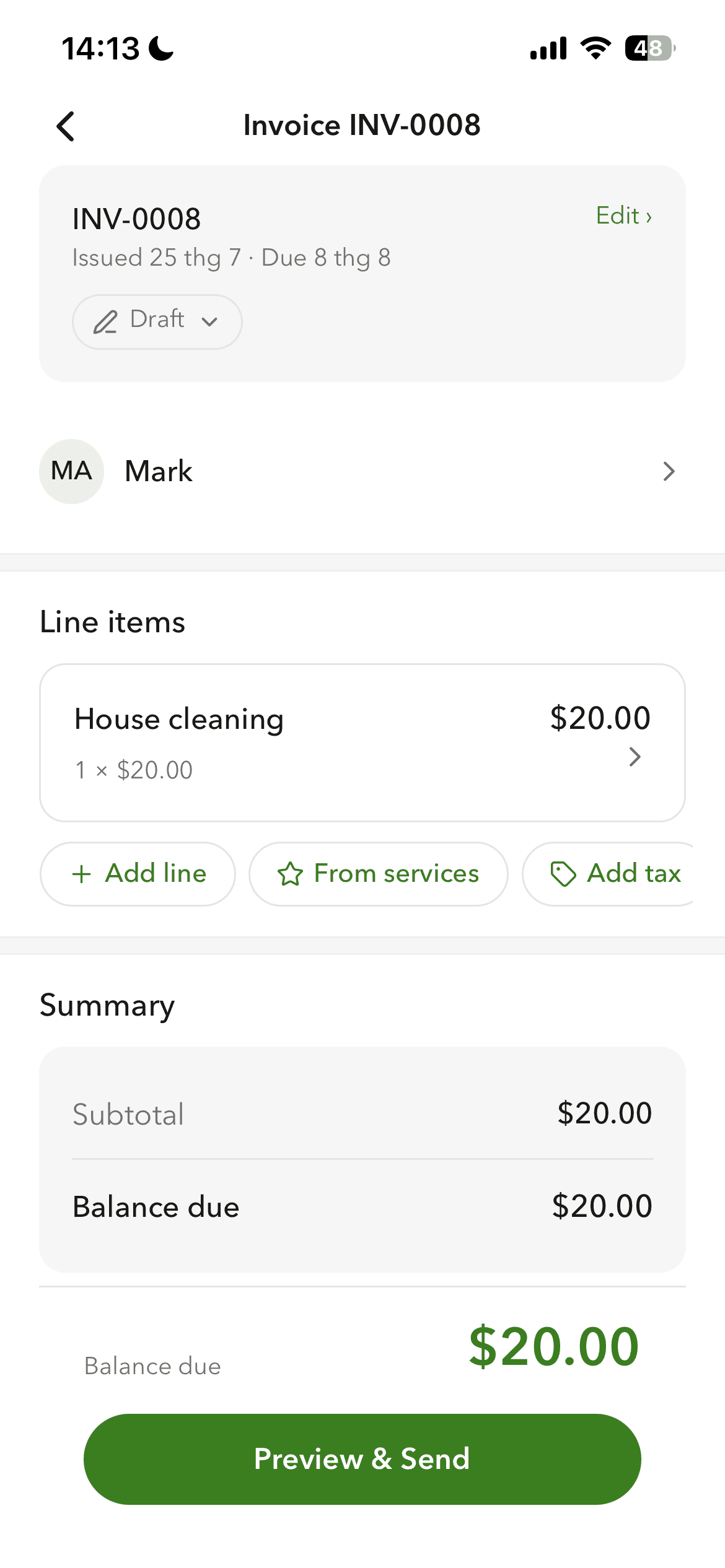
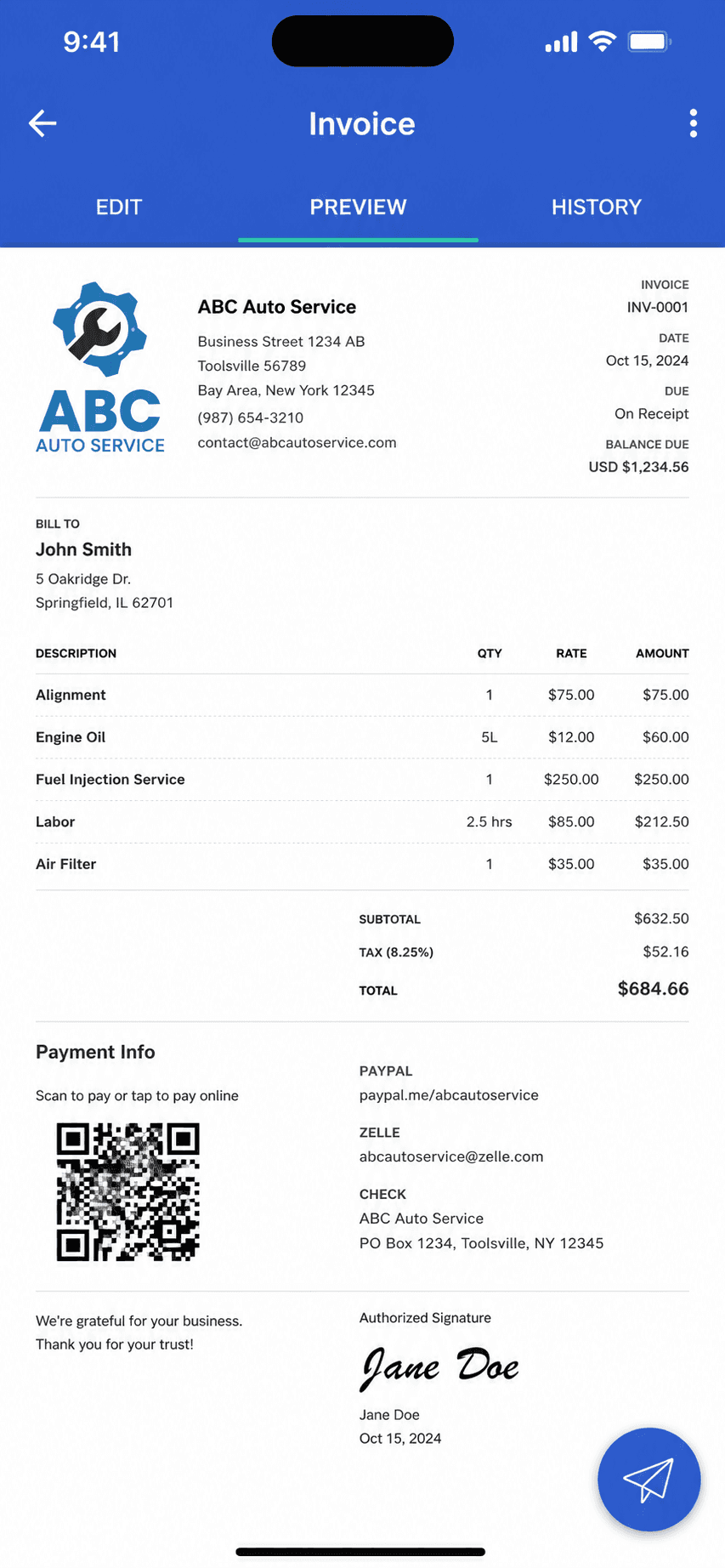
Billgami invoice creation screen on iPhone
Create an invoice in a minute
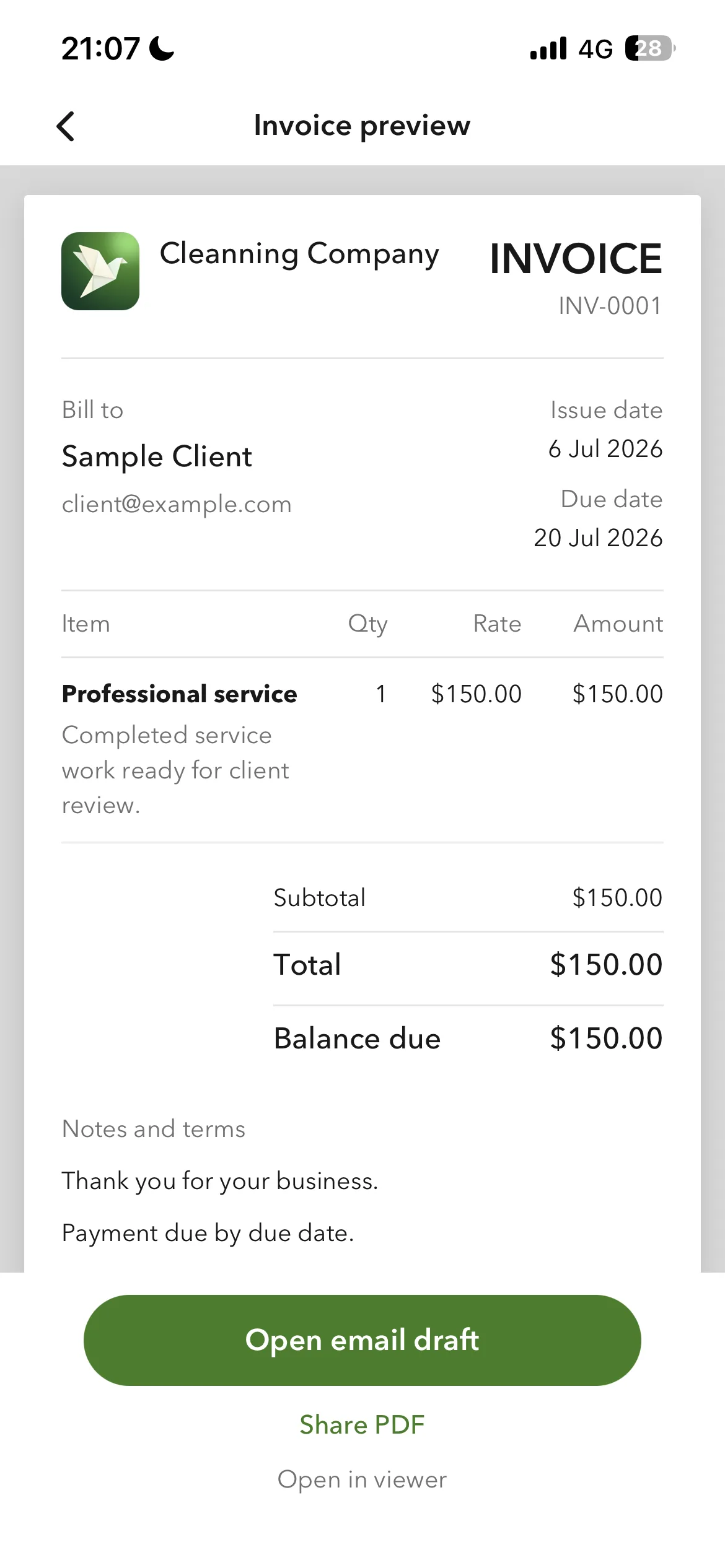
Billgami finished invoice preview
Send it as a PDF
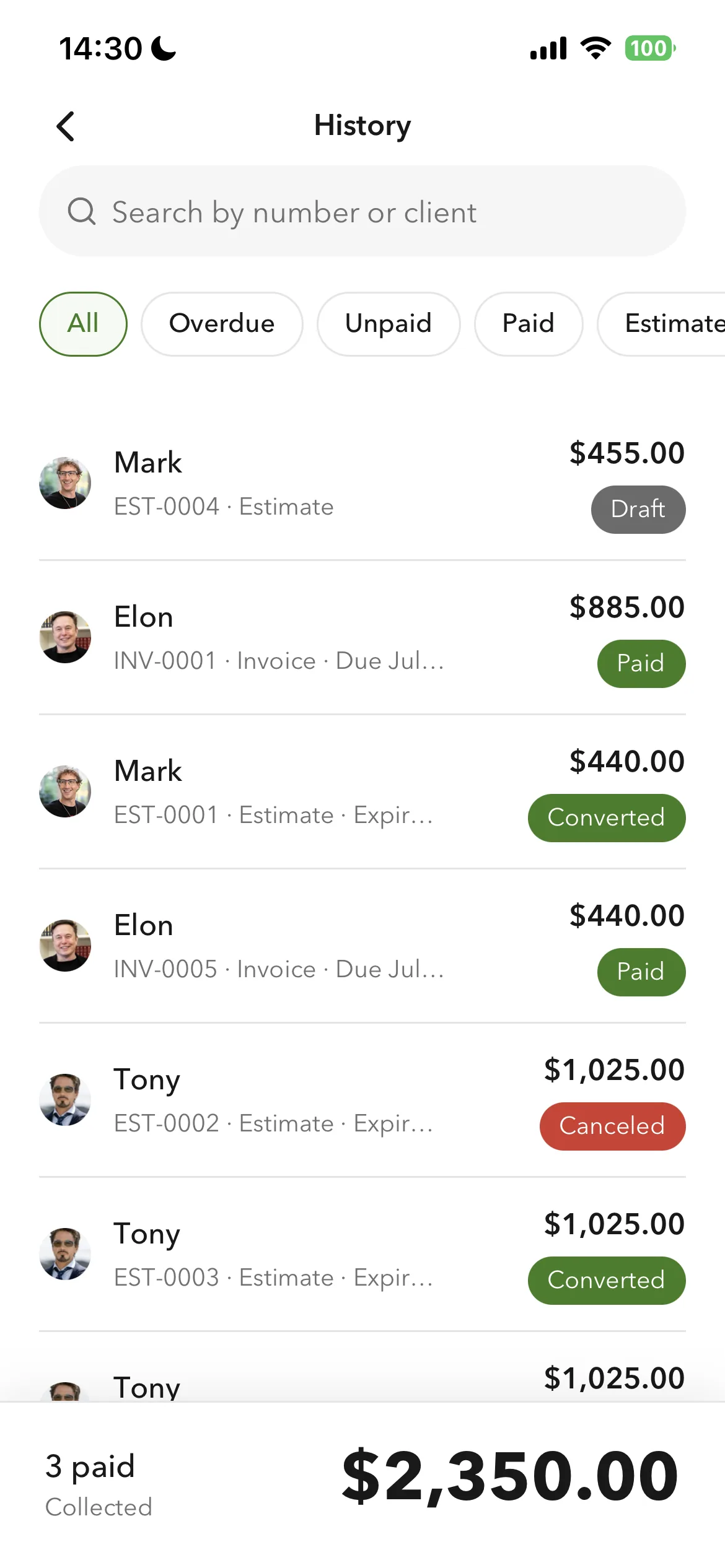
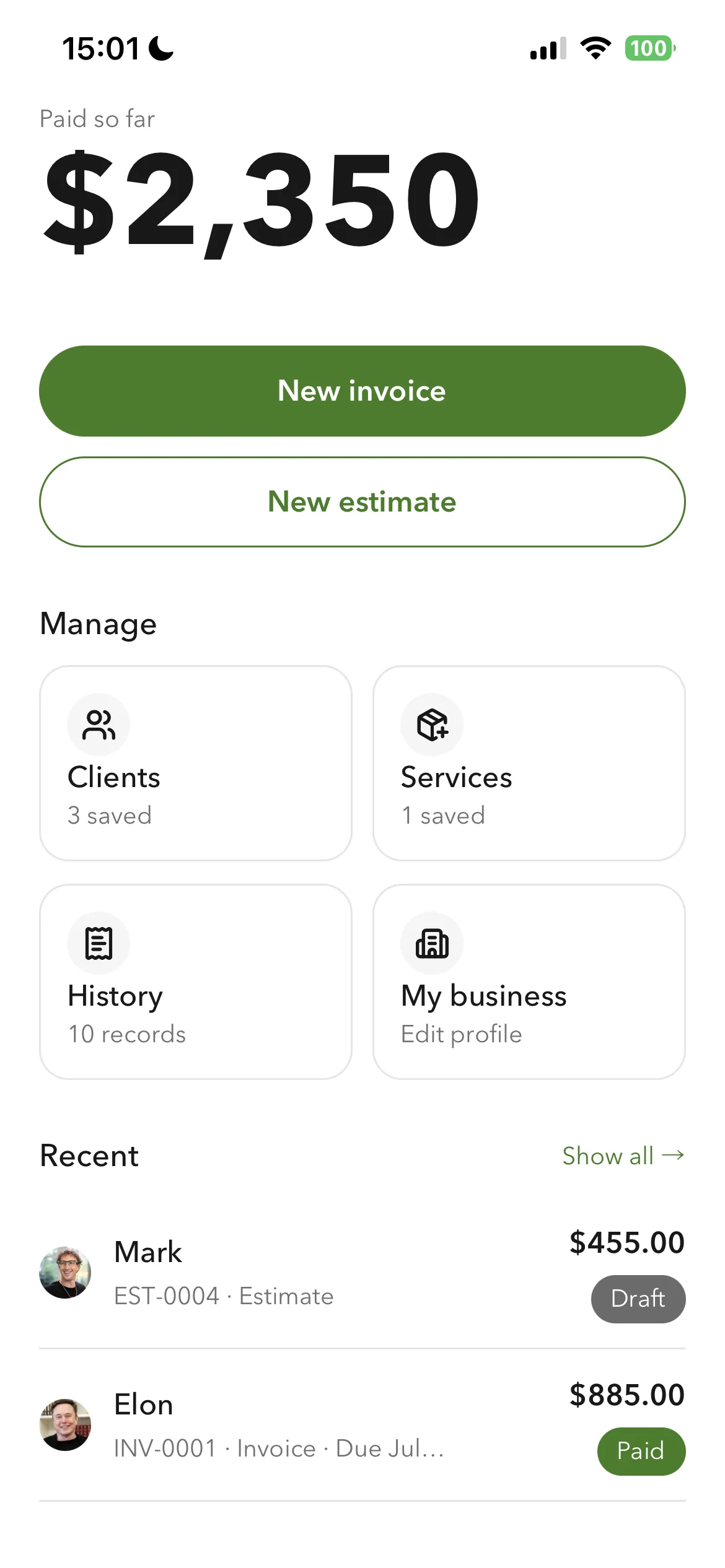
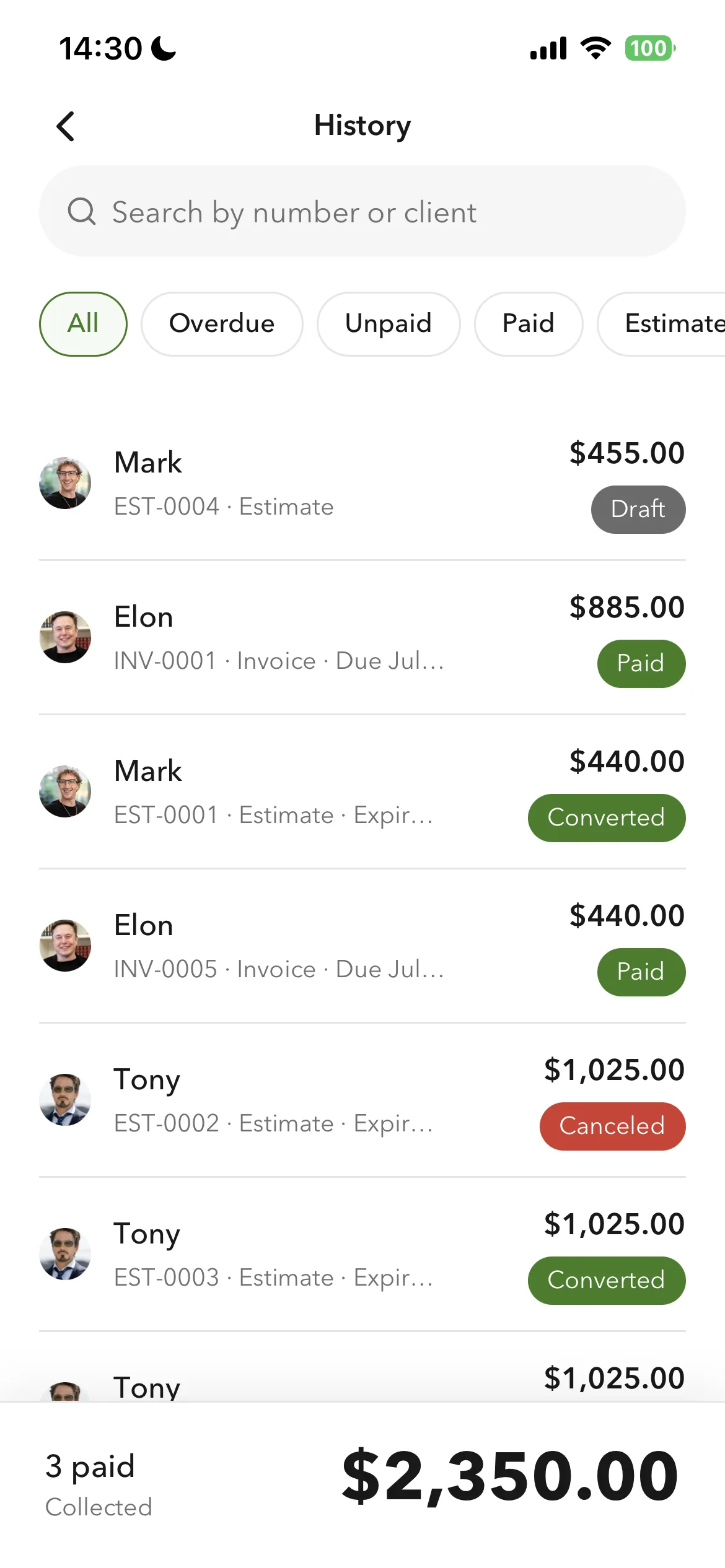
Billgami invoice history and payment tracking
Track paid and unpaid

Pick a client, add services, preview, and send a professional invoice in about a minute, with no monthly cap on how many you send. Track paid, unpaid, and partial payments; clients pay you directly, so Billgami never meters you or holds your money.

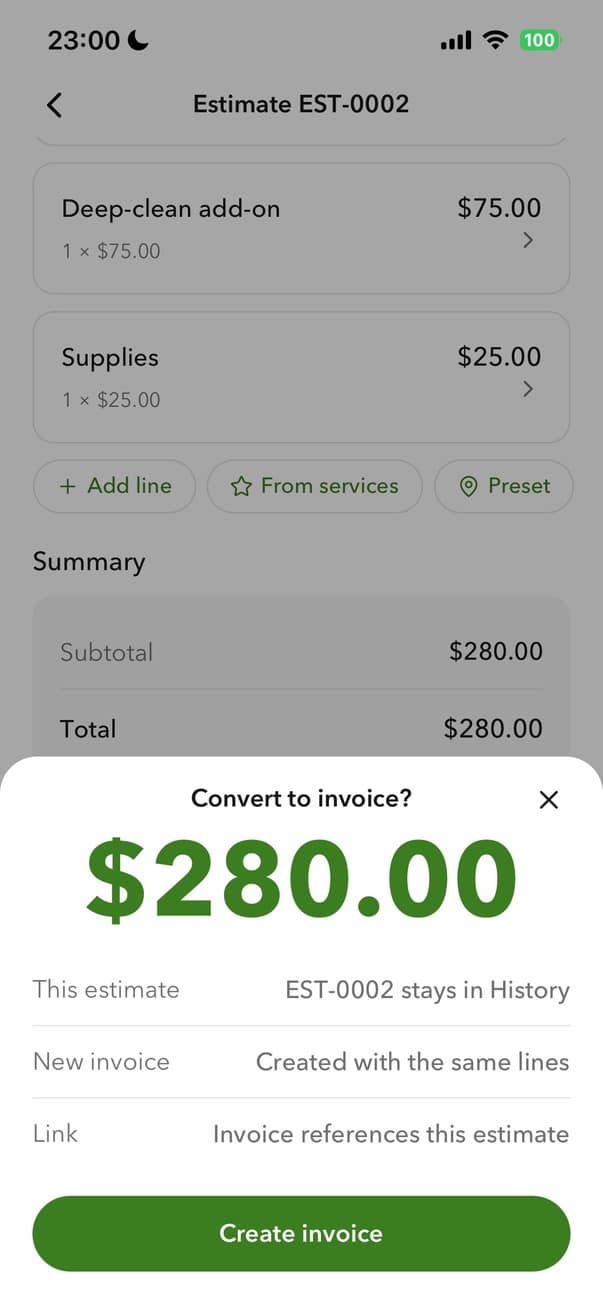
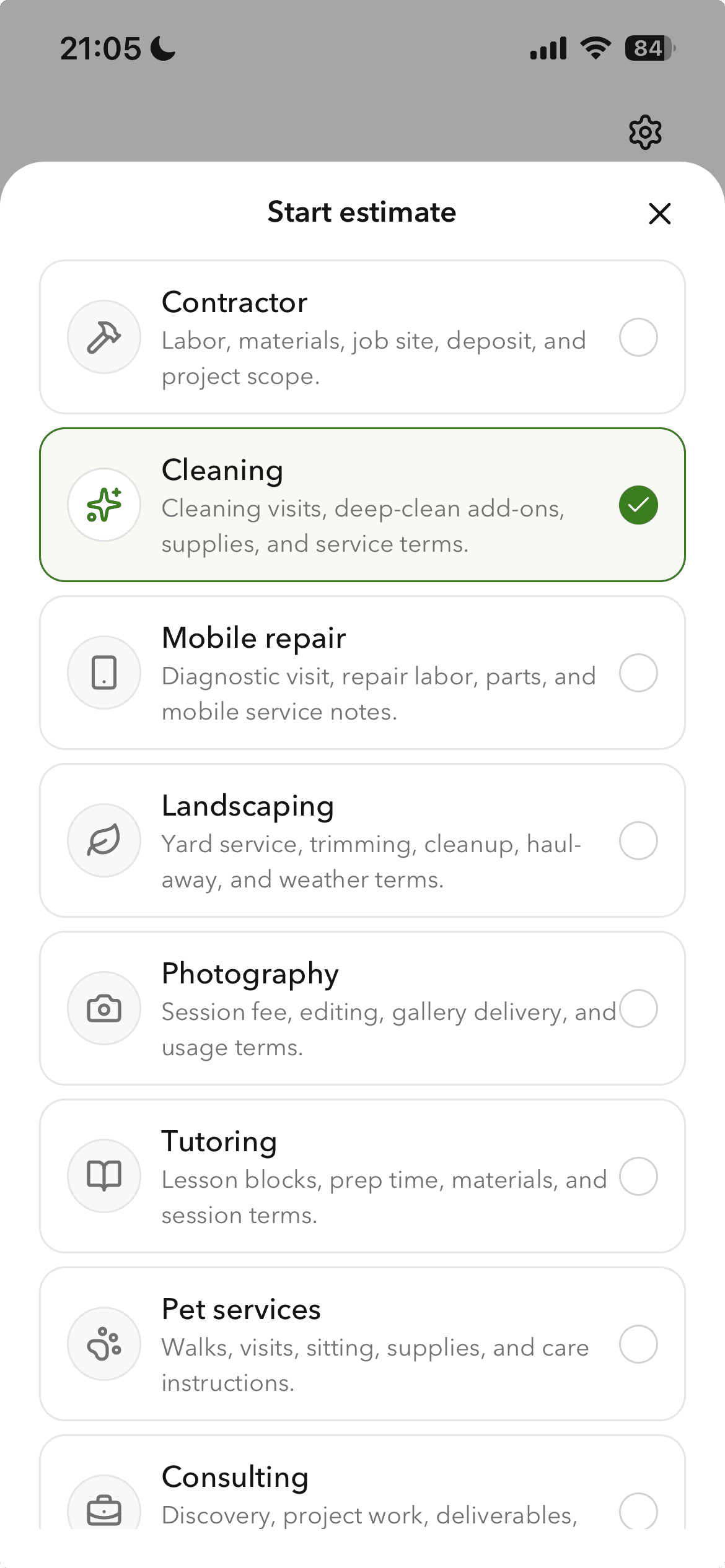
Billgami converting an estimate to an invoice
Turn an estimate into an invoice
Billgami prebuilt invoice templates
Prebuilt templates
Billgami home screen
One home screen

Estimates convert to invoices in one tap, and you can export everything, all PDFs plus a records CSV and a payments CSV, on any plan. Three invoices free to try it, then a one-time $249.99 lifetime option instead of a subscription that keeps rising.

The lean, unmetered invoicing app: invoices and estimates, a searchable client book and service catalogue, and full export on any plan, free to start or a one-time $249.99.

Standout: Documents that carry your own logo, currency, and tax label, built from a saved client book and service catalogue.

Best for: The simplest, fastest way to send a professional invoice: pick a client, add services, preview, and send in about a minute.

Not for: Anyone who needs contracts, scheduling, proposals, or a full accounting suite.

Key features

  • Invoices and estimates from your phone; an estimate converts in one tap
  • No monthly invoice meter on the paid and lifetime tiers
  • Searchable client book with a billing address and a separate job address
  • Service catalogue with a per-service tax flag
  • Full export on any plan: all invoice PDFs, a records CSV, and a payments CSV
  • Clients pay you directly, so it never holds your money or meters you

Pros

  • One design system across the app, with purpose-built controls for money, dates, and discounts
  • Saved clients and services, so a repeat invoice is selection rather than retyping
  • Separate billing and job addresses, which generic invoice apps do not have
  • Full export of PDFs, records, and payments on any plan
  • Free tier, or a one-time $249.99 lifetime option instead of a subscription

Cons

  • No accounting, payroll, inventory, or bank reconciliation
  • Invoicing only, by design, so it cannot keep your books
  • New app, so no App Store rating history yet

Pricing

Free3 invoices in total (not per month); no time limit$0
Monthly$14.99/mo
Yearly$111.99/yr
LifetimePay once, then own it$249.99 one-time

Free: Free tier capped at 3 invoices in total, not per month, with no time limit; paid tiers from $14.99/mo, plus a $249.99 lifetime option if you want to skip subscriptions.

Platforms: iOS

Migrating from Invoice Simple: Almost none: your Invoice Simple invoices are PDFs, not a ledger. Export your client list and you are sending from Billgami in an afternoon.

Bottom line: Pick Billgami if all you need is to send invoices and estimates and track who has paid. If you need books, use accounting software instead.

2. Zoho Invoice

App Store rating: 4.86 out of 5 (13,770 ratings)

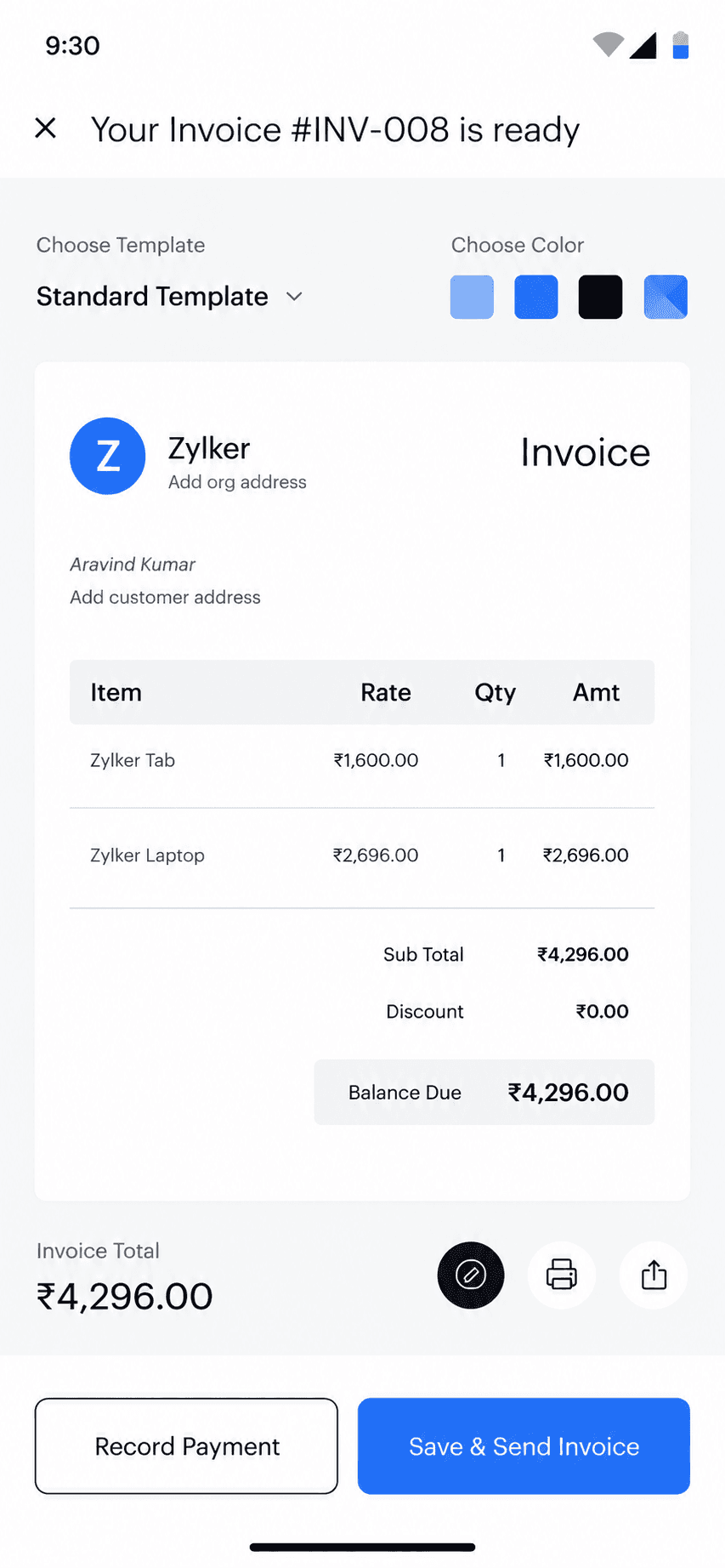
Zoho Invoice mobile app invoice detail view
Invoice detail
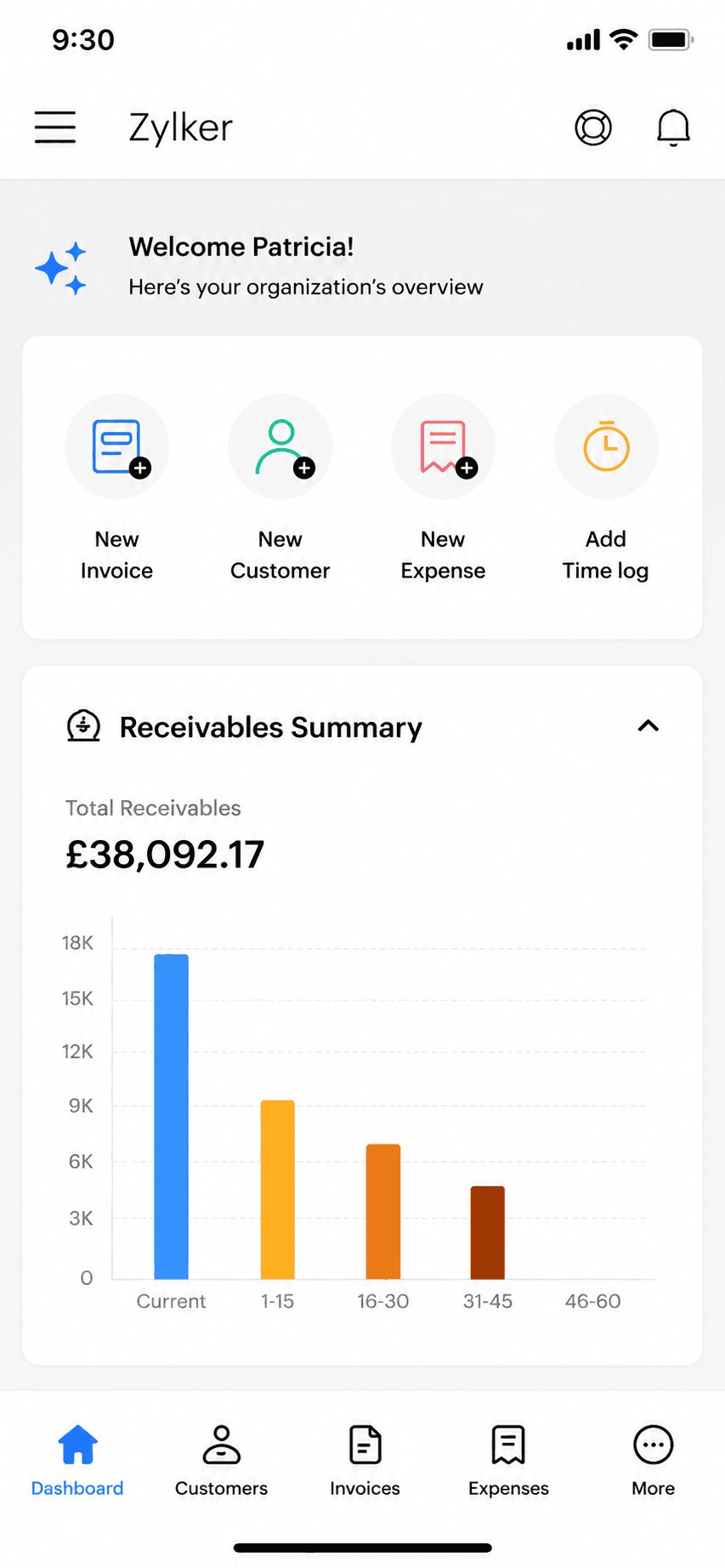
Zoho Invoice mobile app home dashboard
Dashboard

Zoho's completely free invoicing app: invoices, estimates, and a client portal at no cost, as the front door to the wider Zoho ecosystem.

Zoho Invoice went completely free in 2021 and has stayed that way: unlimited-enough invoicing, estimates, time tracking, and a client portal with no paid tiers at all. The honest catch is strategic rather than hidden fees: it exists to bring small businesses into the paid Zoho ecosystem as they grow. It is a genuinely strong free pick if all you need is to send invoices.

Standout: Genuinely 100% free invoicing with no paid tiers at all.

Best for: Invoicing-only users who want a free, full-featured web and mobile invoicing tool.

Not for: Anyone who needs books, or who wants to stay out of vendor ecosystems.

Key features

  • Free invoices, estimates, and client portal
  • Time tracking built in
  • Part of the Zoho ecosystem
  • Web, iOS, and Android apps

Pros

  • Completely free, no tiers or caps to hit
  • Full-featured for pure invoicing
  • Grows into Zoho Books if you ever need books

Cons

  • Caps: 500 invoices/year, 2 users, 3 projects
  • Exists to funnel you into paid Zoho products
  • More setup than a phone-first invoice app

Integrations

  • Zoho ecosystem (Books, CRM)
  • Stripe and PayPal
  • Zoho Payments

Pricing

Free (only plan)500 invoices/yr, 2 users, 3 projects; no ads, no data selling$0

Free: Entire product free: no ads, no card. Free-plan limits: 500 invoices/year, 2 users, 3 projects, 'Powered by Zoho' branding.

Platforms: Web, iOS, Android

Migrating from Invoice Simple: Export clients and start invoicing; nothing to migrate if you kept no books.

Run my business with this app for past 4 years and never had a problem and works perfect.
Zoho Invoice user, App Store review (2026), App Store

Bottom line: Pick Zoho Invoice if you want the most complete free invoicing tool and do not mind joining the Zoho ecosystem.

3. Bookipi

App Store rating: 4.89 out of 5 (16,493 ratings)

Bookipi invoice creation screen
Create invoice
Bookipi finished invoice preview
Invoice preview

A simple mobile invoice maker with a genuinely free 3-invoices-a-month plan, from an independent Australian company.

Bookipi keeps invoicing simple: invoices, estimates, card payments, and reminders from your phone or the web. The free plan is real but tight at 3 invoices a month, which suits very occasional billers; everyone else lands on the $9.99 Starter tier. Its 4.89 App Store rating is among the highest in this set, though its Trustpilot service score is notably lower.

Standout: One of the highest App Store ratings of any invoice app (4.89).

Best for: Occasional invoicers who fit inside 3 free invoices a month, or light users at $9.99.

Not for: Anyone needing books, teams, or heavy monthly volume on the free tier.

Key features

  • Invoices and estimates from your phone
  • Card payments and Tap to Pay
  • Recurring invoices and reminders
  • eSignatures (capped on free)

Pros

  • Real free plan, no card required
  • Top-tier App Store rating (4.89 across 16k ratings)
  • Simple to learn

Cons

  • Free plan caps at 3 invoices a month
  • Trustpilot service score is a middling 3.2
  • No accounting, teams, or time tracking

Integrations

  • Stripe
  • BookiPay (ProPay)
  • Tap to Pay
  • AI add-ons (receptionist, website builder)

Pricing

FreeUp to 3 invoices/month and 3 eSignatures/month$0
StarterUnlimited invoices; $91.20/yr billed annually$9.99/mo
Professional$468/yr billed annually$52/mo

Free: Free plan forever: up to 3 invoices and 3 eSignatures per month, card required for none of it.

Platforms: Web, iOS, Android

Migrating from Invoice Simple: Export clients and start sending; nothing else to move.

One of the best invoice apps to use, simple and easy to use.
Bookipi user, App Store review (2026), App Store

Bottom line: Pick Bookipi if you send a few invoices a month and want a well-rated free mobile app.

4. Square Invoices

App Store rating: 4.83 out of 5 (92,439 ratings)

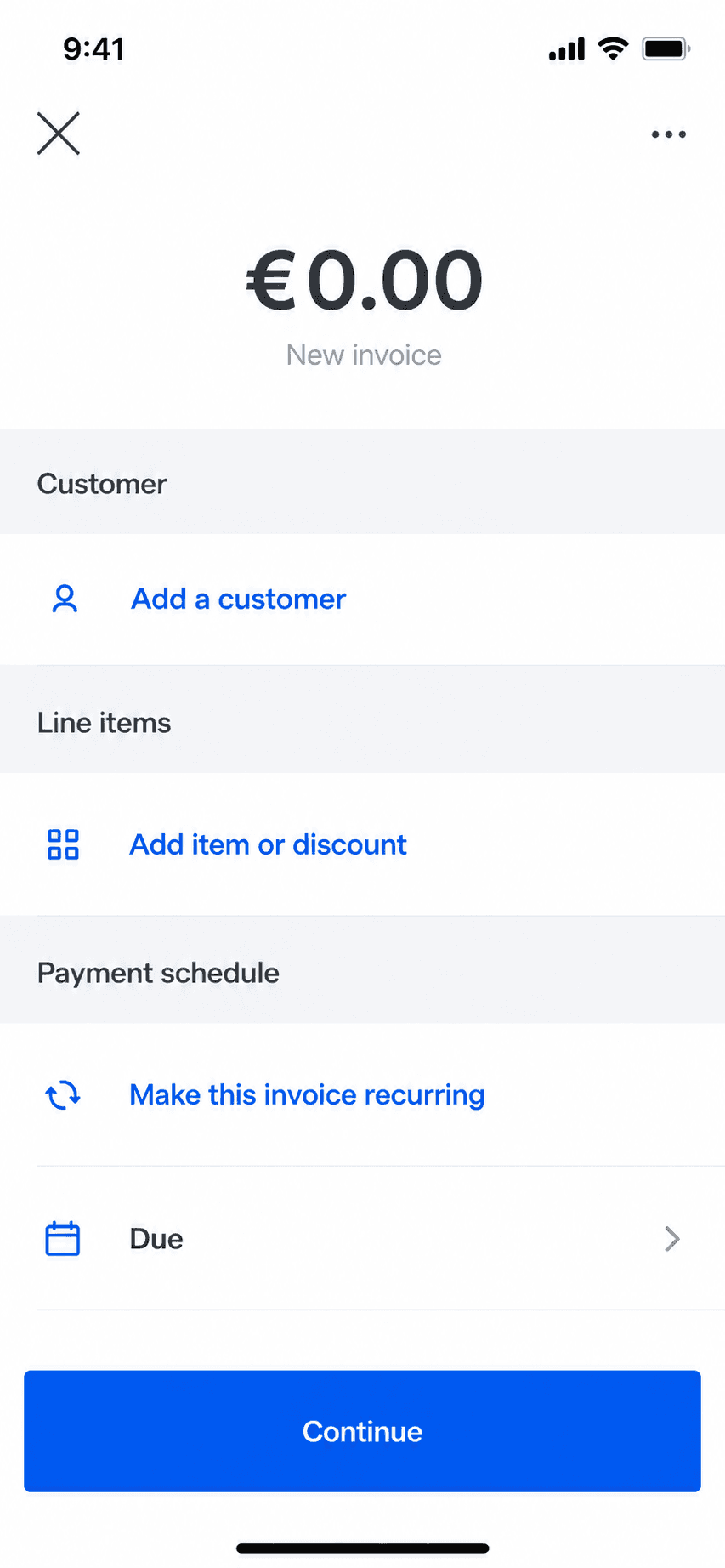
Square Invoices invoice creation screen
Create invoice
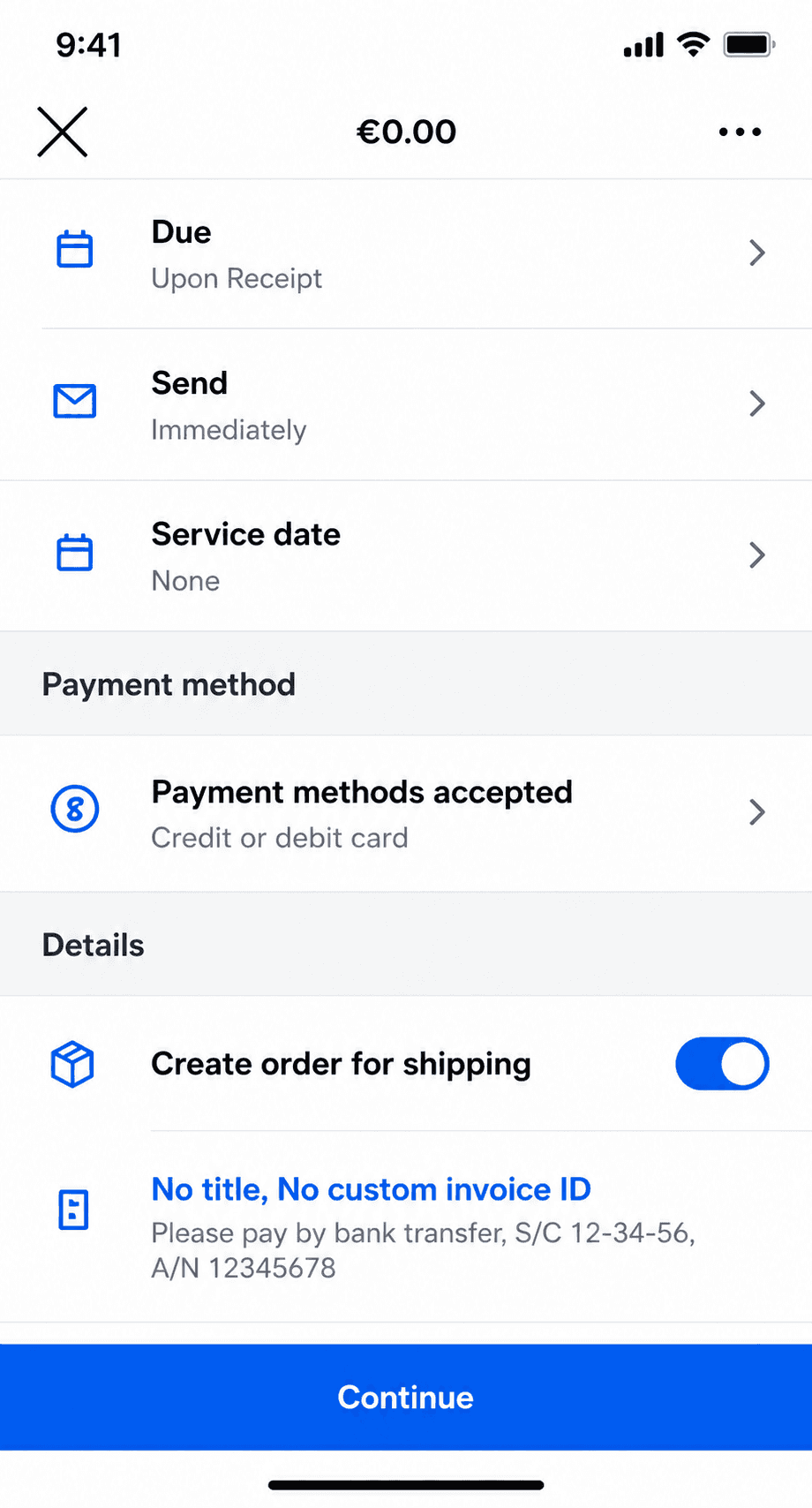
Square Invoices invoice creation, line items step
Create invoice (2)

Free invoicing and estimates that plug straight into Square's card payments, ideal if you also take payments in person.

Square Invoices lets you send unlimited invoices and estimates for free, and get paid by card through Square. Because it shares one account with Square Point of Sale, it is a natural fit for service pros who also sell or take payment in person. It is invoicing and payments, not accounting: there is no general ledger, reconciliation, or tax reporting.

Standout: Free unlimited invoicing tied to Square's payments and point-of-sale.

Best for: Solo pros who want free invoicing and also take card or in-person payments.

Not for: Anyone who needs bookkeeping, expenses, or tax-ready reports.

Key features

  • Unlimited invoices and estimates
  • Card payments through Square
  • Recurring invoices and reminders
  • Shared account with Square Point of Sale

Pros

  • Free to send unlimited invoices
  • Fast card payments, online and in person
  • Very high App Store rating at scale

Cons

  • No accounting or bookkeeping
  • Free-plan card rate is 3.3% + $0.30; the lower rate needs a $49/month plan
  • Best value only inside the Square ecosystem

Integrations

  • Square Point of Sale
  • Square Payments
  • Square Payroll
  • Some accounting sync (Xero, QuickBooks) via connectors

Pricing

Square FreeUnlimited invoices and estimates; invoice/online card rate 3.3% + $0.30$0/mo
Square PlusReplaced the old $20 Invoices Plus; card rate drops to 2.9% + $0.30$49/mo per location
Square PremiumLowest processing rates; 24/7 support$149/mo per location

Free: Free forever to create and send invoices; you only pay when a client pays by card.

Platforms: Web, iOS, Android

Migrating from Invoice Simple: Trivial: if invoicing was all Invoice Simple did for you, export your client list and start sending. Nothing else to move.

Square is by far the best. I love everything about it and it truly helps small businesses grow. We have grown!
Square user, App Store review (2026), App Store

Bottom line: Pick Square Invoices if you want free invoicing and already take card or in-person payments.

5. PayPal Invoicing

App Store rating: 4.19 out of 5 (29,377 ratings)

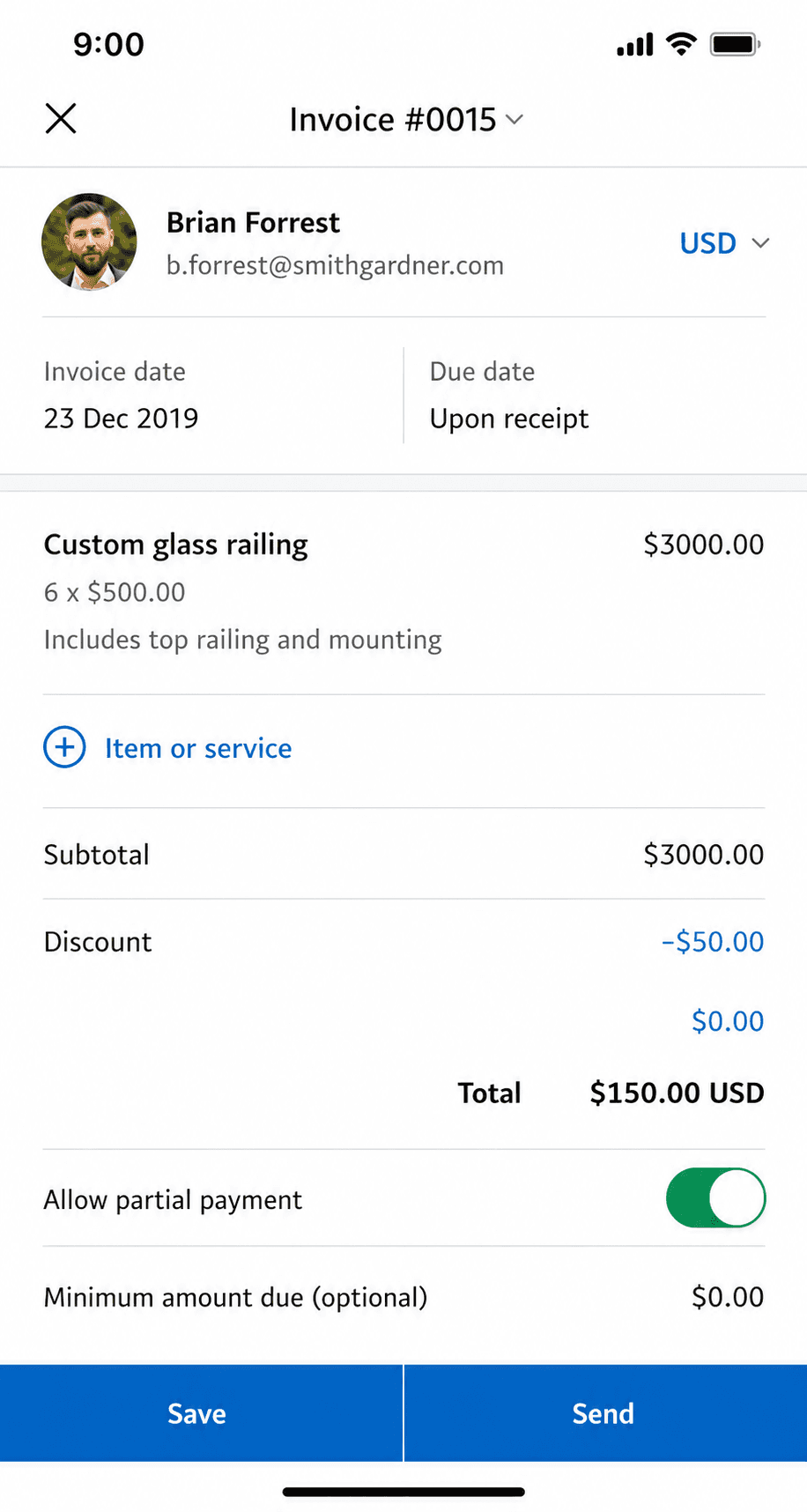
PayPal Business app invoice creation screen
Create invoice
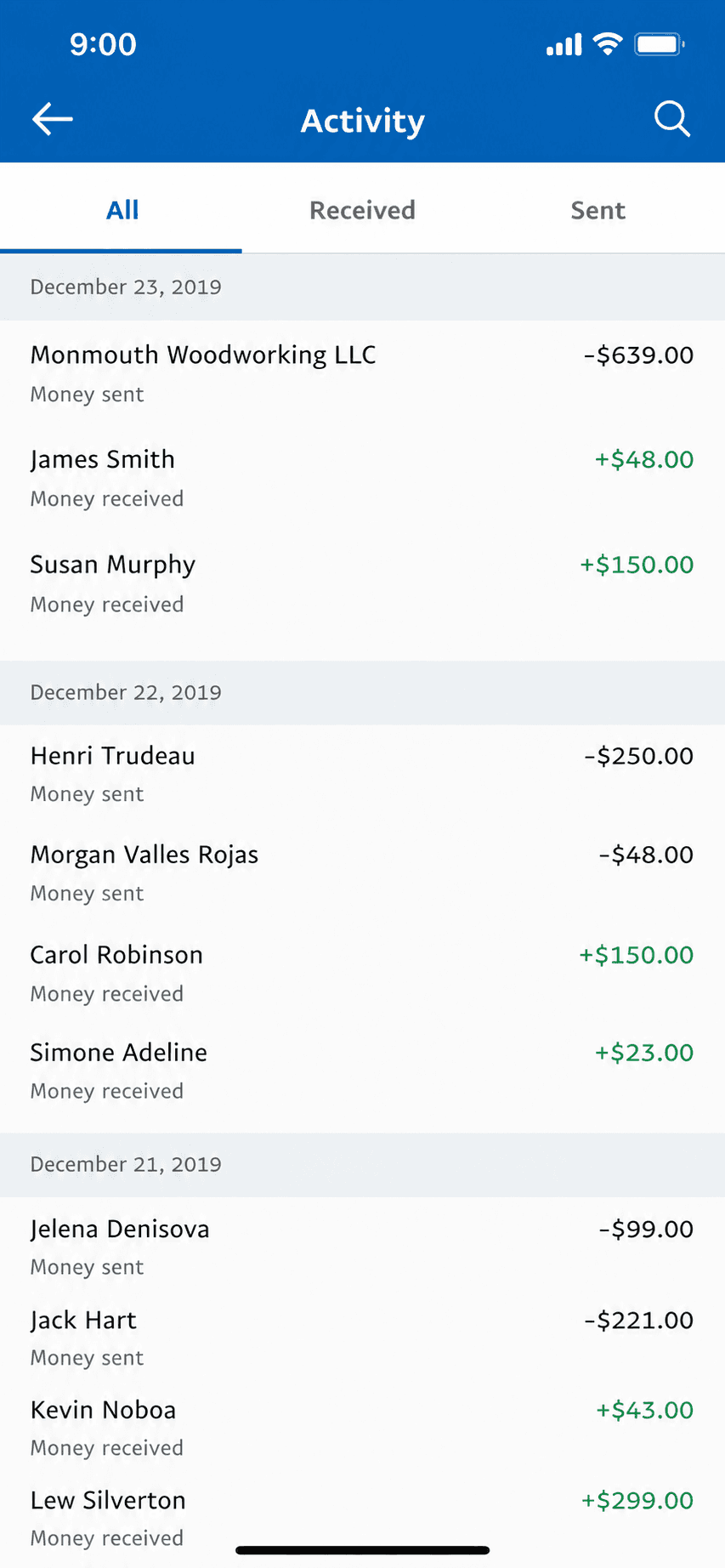
PayPal Business app invoice history
Invoice history

Free invoicing built into the PayPal Business app, where clients can pay with a method they already have.

PayPal Invoicing lets you create and send professional invoices for free from the PayPal Business app, and clients can pay by PayPal, card, or Venmo without an account. It is the path of least resistance for getting paid because so many customers already use PayPal. Like the other free options here, it does invoicing and payments only, with no accounting behind it.

Standout: The invoicing tool your clients already recognize and trust to pay.

Best for: Solo pros whose clients already pay by PayPal, Venmo, or card.

Not for: Anyone who needs bookkeeping, or who wants the lowest processing fees.

Key features

  • Free professional invoices
  • Clients pay by PayPal, card, or Venmo
  • Recurring invoices and reminders
  • Built into the PayPal Business app

Pros

  • Free to create and send invoices
  • Clients already trust and use PayPal
  • Fast setup with an existing PayPal account

Cons

  • No accounting or bookkeeping
  • Wallet/Venmo payments cost 3.49% + $0.49, the way most clients pay
  • The business app rates lower than the invoicing peers here

Integrations

  • PayPal and Venmo
  • Card payments
  • Accounting sync via connectors
  • E-commerce platforms

Pricing

Send invoicesNo fee to create or send$0/mo
Card / Apple Pay payment2.99% + $0.49 per transaction
PayPal / Venmo payment3.49% + $0.49 per transaction
ACH / pay by bank1%, capped at $10

Free: Free to create and send invoices; you only pay when a client pays.

Platforms: Web, iOS, Android

Migrating from Invoice Simple: Nothing to migrate: if invoicing was all you did, start sending from PayPal in minutes.

I've used PayPal for many years and I love it and I shall continue using PayPal.
PayPal user, App Store review (2026), App Store

Bottom line: Pick PayPal Invoicing if your clients already pay by PayPal and you want the least-friction way to get paid.

6. Invoice Ninja

App Store rating: 4.59 out of 5 (173 ratings)

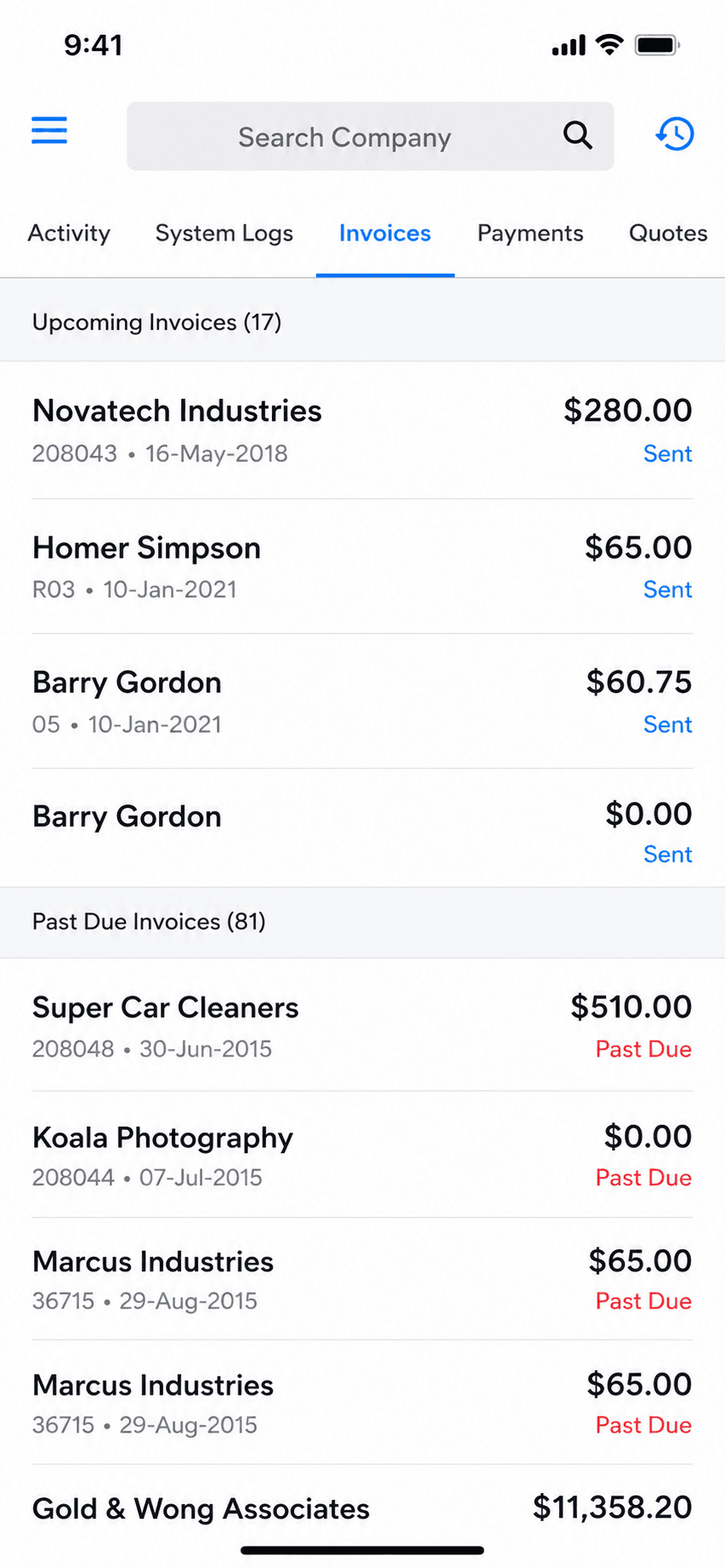
Invoice Ninja invoice list and history
Invoice history
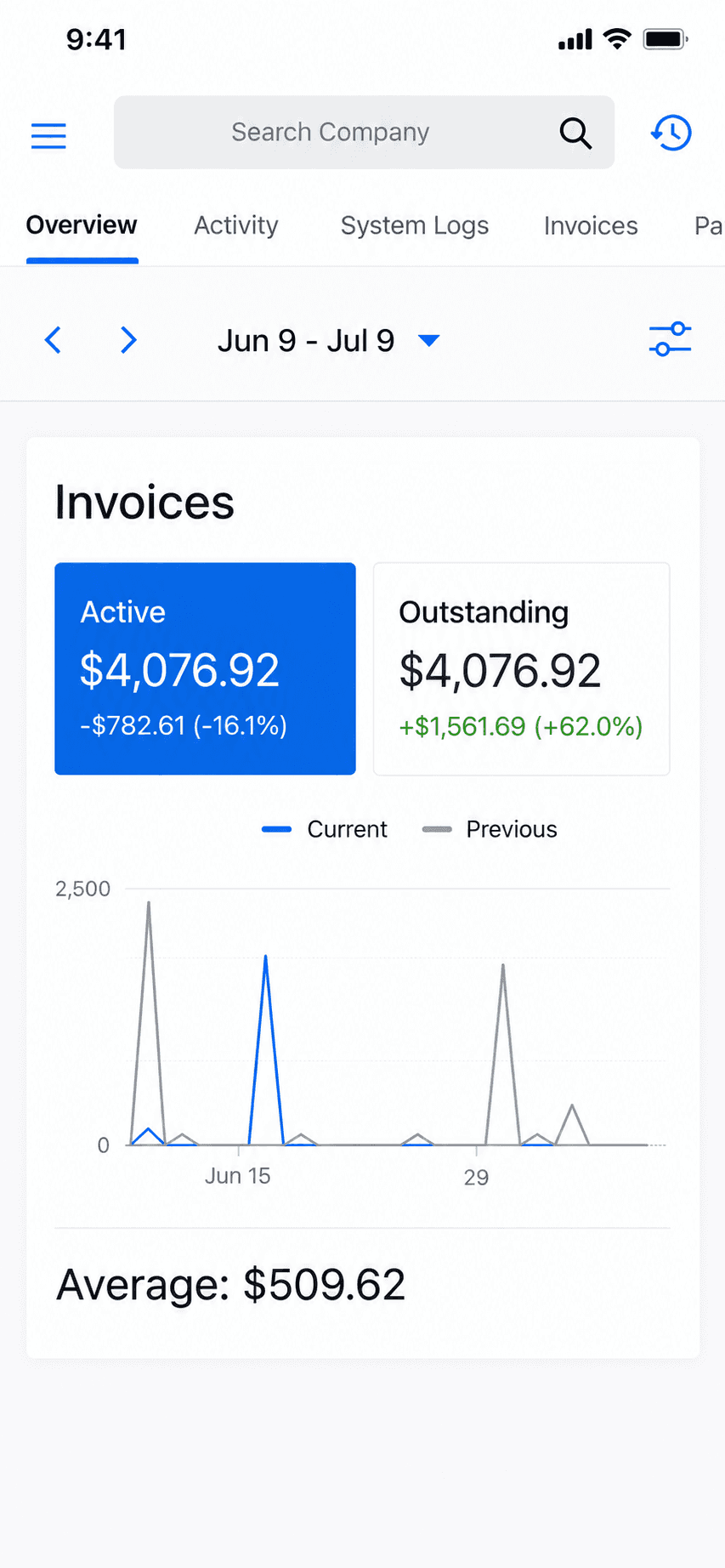
Invoice Ninja home dashboard
Dashboard

An open-source invoicing platform with a genuinely free hosted tier and a self-host option for people who want control.

Invoice Ninja is open-source-rooted invoicing built for freelancers and small businesses. Its hosted Forever Free plan covers real invoicing for up to 5 clients, and technical users can self-host the whole thing for free and own their data. It is invoicing, quotes, and payments, not accounting, with more customization than most invoicing apps.

Standout: Open-source invoicing you can self-host and own outright.

Best for: Freelancers who want free, customizable, or self-hosted invoicing.

Not for: Non-technical users wanting the simplest possible phone-first app, or anyone needing books.

Key features

  • Invoices, quotes, and recurring billing
  • Open-source and self-hostable
  • Many payment-gateway options
  • Deep customization and automation

Pros

  • Genuinely free hosted tier (up to 5 clients)
  • Self-host to own your data outright
  • Highly customizable for invoicing

Cons

  • No accounting or bookkeeping
  • Self-hosting is technical to set up and maintain
  • Smaller, more niche user base

Integrations

  • Stripe, PayPal, and 40+ gateways
  • Zapier
  • Self-hosted API

Pricing

Free (hosted)Up to 5 clients, unlimited invoicing (the old ~20-client limit is gone)$0/mo
Self-hostedFree to self-host; source-available (Elastic License v2)$0
Ninja Pro$140/yr (2 months free); unlimited clients$14/mo
Enterprise1-2 users; scales by user countfrom $18/mo

Free: Hosted Forever Free for up to 5 clients, or self-host the source-available app at no license cost.

Platforms: Web, iOS, Android, Self-hosted

Migrating from Invoice Simple: Import a client list and start invoicing; self-hosting adds setup time but nothing to port if there were no books.

Can't beat the price. Self-hosting on a VPS is insanely cheap.
Invoice Ninja user, App Store review (2026), App Store

Bottom line: Pick Invoice Ninja if you want free, customizable, or self-hosted invoicing and are comfortable with setup.

7. Invoice2go

App Store rating: 4.85 out of 5 (55,391 ratings)

Invoice2go invoice preview before sending
Invoice preview
Invoice2go invoice management list
Invoice management

One of the oldest mobile invoicing apps, now owned by BILL: polished invoices and payments on a subscription with yearly invoice caps on the cheaper tiers.

Invoice2go pioneered phone-first invoicing and still does it well: invoices, estimates, payments, and light extras like time tracking and appointments. Since the BILL acquisition it is a subscription product whose entry tier caps you at 30 invoices a year, with card fees that only drop as you pay for higher tiers.

Standout: A veteran mobile invoicing brand with integrated payments and banking.

Best for: Established mobile invoicers who send few invoices and want a polished, payments-connected app.

Not for: Anyone sending more than a couple of invoices a month on a budget; the caps push you up-tier fast.

Key features

  • Invoices and estimates from your phone
  • Integrated card, PayPal, and ACH payments
  • Time tracking and appointments
  • Expense capture

Pros

  • Mature, polished mobile invoicing
  • Strong 4.85 App Store rating at scale
  • Free ACH payments on all tiers

Cons

  • Entry tier caps invoices at 30 per year
  • Card fees drop only on pricier tiers
  • No free plan, and trial requires a card

Integrations

  • Invoice2go payments (tiered fees)
  • PayPal
  • Invoice2go Money banking (TransPecos Banks)
  • QuickBooks/Xero export

Pricing

StarterCapped at 30 invoices per YEAR; web price unconfirmed (JS-rendered)$7.99/mo (iOS)
ProfessionalCapped at 100 invoices per year$11.95/mo (iOS)
PremiumUnlimited invoices; tier structure per invoice.2go.com/pricing$44.95/mo (iOS)

Free: No free plan; 30-day free trial (card required, refundable within 30 days).

Platforms: Web, iOS, Android

Migrating from Invoice Simple: Export clients and start sending; nothing to migrate if you kept no books.

I'm not great with tech and this app is very easy to use, I can create an estimate in 5 minutes that looks professional, definitely recommend
Invoice2go user, App Store review (2026), App Store

Bottom line: Pick Invoice2go if you send a handful of invoices, want integrated payments, and prefer a long-established brand.

8. Billdu

App Store rating: 4.82 out of 5 (25,672 ratings)

Billdu finished invoice preview
Invoice preview
Billdu invoice management list
Invoice management

A polished mobile-and-web invoicing suite with offline mode and team seats, on a subscription with client-count caps and no free tier.

Billdu does invoicing well: invoices, estimates, expenses with receipt scanning, offline mode, and even small-team seats on higher tiers. There is no free plan; the entry tier caps you at 10 clients, and card fees fall only as your subscription rises. It is a strong subscription pick for a solo operator who wants a bit more than bare invoicing.

Standout: True offline mode with auto-sync, rare in this category.

Best for: Solo pros and tiny teams who want polished invoicing plus expenses on a modest subscription.

Not for: Anyone who wants a free tier, or needs books and reconciliation.

Key features

  • Invoices and estimates on phone and web
  • Offline mode with auto-sync
  • Receipt scanner and expense dashboard
  • Team seats on higher tiers

Pros

  • Polished apps with offline support
  • Expense tracking included
  • Small-team support without suite pricing

Cons

  • No free tier, trial only
  • Client caps on lower tiers
  • Card fees drop only on pricier plans

Integrations

  • Stripe
  • Apple Pay and Google Pay
  • Online store module
  • Inventory companion app

Pricing

Lite$4.99/mo billed annually; max 10 clients, 1 user$7.99/mo
Standard$9.99/mo annually; 50 clients, 2 team members$14.99/mo
Premium$19.99/mo annually; unlimited clients, 10 team members, API$27.99/mo

Free: No free plan; 7-day free trial with all features, no card required.

Platforms: Web, iOS, Android

Migrating from Invoice Simple: Export clients and start sending; the 10-client Lite cap matters if you bring a big client list.

Works well, very user friendly. Made the switch because Quick Books was to expensive
Billdu user, App Store review (2026), App Store

Bottom line: Pick Billdu if you want invoicing plus expenses with offline mode and are happy paying a modest subscription.

9. InvoiceFly

App Store rating: 4.76 out of 5 (94,699 ratings)

InvoiceFly finished invoice preview
Invoice preview
InvoiceFly invoice management list
Invoice management

A fast-growing mobile invoice maker with a huge ratings base, sold on a weekly-anchored subscription with no free tier.

InvoiceFly (by Barcelona studio Labhouse) is one of the most-downloaded invoice makers on the App Store, with 94,000+ ratings. It is quick and modern: invoices, estimates, expenses, and payments through your own Stripe or PayPal. The catch is the pricing: no free tier, a card-required trial, and an $8.99-per-week anchor that steers everyone to the $98.99 yearly plan.

Standout: One of the largest ratings bases of any mobile invoice app (94,699 on iOS).

Best for: Mobile-first invoicers happy to pay a yearly subscription for a slick, fast app.

Not for: Anyone who wants a free tier, a lifetime option, or any bookkeeping.

Key features

  • Fast invoice and estimate creation
  • Expense tracker and receipt scanner
  • Payments via your own Stripe or PayPal
  • Client time tracking

Pros

  • Big, fresh ratings base on both stores
  • Payments settle to your own accounts
  • Modern, fast interface

Cons

  • No free tier and a card-required trial
  • Weekly-anchored pricing nudges the yearly plan
  • Single-user only

Integrations

  • Stripe
  • PayPal
  • Receipt scanner
  • Expense tracker

Pricing

WeeklyFull access; auto-renews$8.99/week
YearlyMarketed as 78% off versus weekly$98.99/yr
Monthly (iOS)Apple in-app purchase tier$17.99/mo

Free: No perpetual free tier; free trial only, card required.

Platforms: iOS, Android, Web

Migrating from Invoice Simple: Export clients and start sending; nothing else to move.

Really helps everything look professional for $5 a week it's paid for itself in 70k of quotes
InvoiceFly user, App Store review (2026), App Store

Bottom line: Pick InvoiceFly if you want a slick, popular mobile invoice app and are comfortable with a yearly subscription.

10. Tofu

App Store rating: 4.83 out of 5 (35,309 ratings)

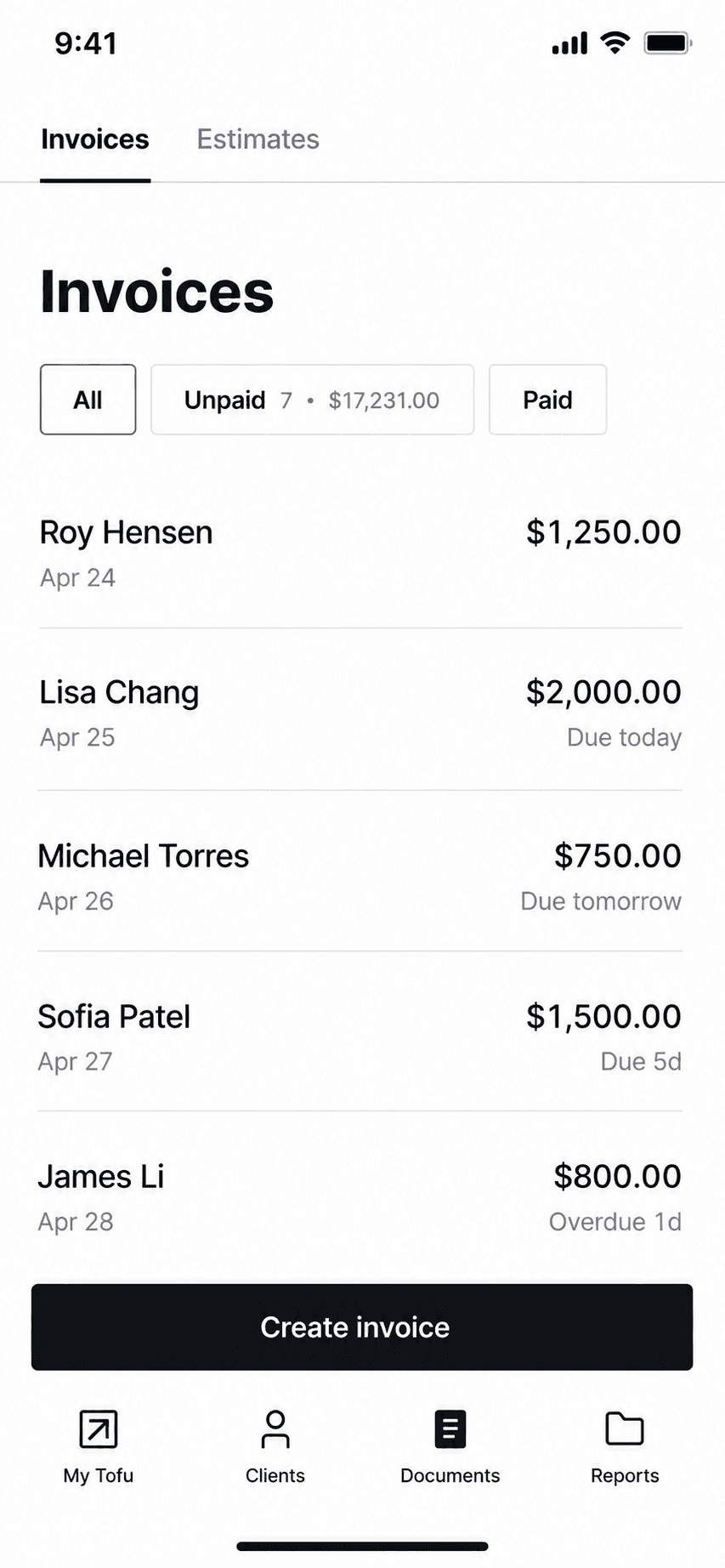
Tofu invoice management list
Invoice management
Tofu home dashboard
Dashboard

GetPaid's invoice maker (long known as 'Invoice Maker Tofu'): offline-capable mobile invoicing now repositioning into field-service plans, with a 1% platform fee on payments.

Tofu built a large iOS following (4.83 across 35,000 ratings) as a fast phone-first invoice and estimate maker with genuine offline support. It is now repositioning toward field-service management with Solo, Team, and Business web plans from $29 a month. Watch the payments math: Tofu adds its own 1% fee on top of Stripe's processing on every transaction.

Standout: True offline invoicing on a large, proven iOS app.

Best for: Phone-first invoicers who want offline invoicing and may grow into crew scheduling.

Not for: Anyone avoiding platform fees on payments, or needing any bookkeeping.

Key features

  • Invoices and estimates offline from your phone
  • Card, Apple Pay, Google Pay, Tap to Pay via Stripe
  • Price book for saved items
  • Crew and job plans as you grow

Pros

  • Strong iOS rating at scale (4.83, 35k ratings)
  • Real offline mode
  • Grows into field-service features

Cons

  • Adds a 1% platform fee on every payment on top of Stripe
  • Weekly-anchored iOS pricing with rotating promos
  • Marketing claims outrun verifiable reviews (Trustpilot shows 2 reviews)

Integrations

  • Stripe (card, Apple Pay, Google Pay, Tap to Pay)
  • Price book
  • Crew scheduling on FSM plans

Pricing

Solo (web)Single user; jobs, scheduling, invoicing, payments$29/mo
Team (web)Up to 5 workers$79/mo
Plus (iOS)In-app subscription differs from web pricing$9.99/week or $99.99/yr

Free: Free download; 7-day free trial on web plans, no payment upfront. No verified perpetual free tier.

Platforms: iOS, Android, Web

Migrating from Invoice Simple: Export clients and start sending; nothing else to move.

Great reliable app that's easy to use and affordable. looks professional to customers as well. Been using this app for about 3 years now and no complaints.
Tofu user, App Store review (2026), App Store

Bottom line: Pick Tofu if you want offline mobile invoicing and might need crew scheduling later, and accept the 1% payment fee.

11. Stay on Invoice Simple

App Store rating: 4.87 out of 5 (122,610 ratings)

Invoice Simple invoice creation and editing screen
Create invoice
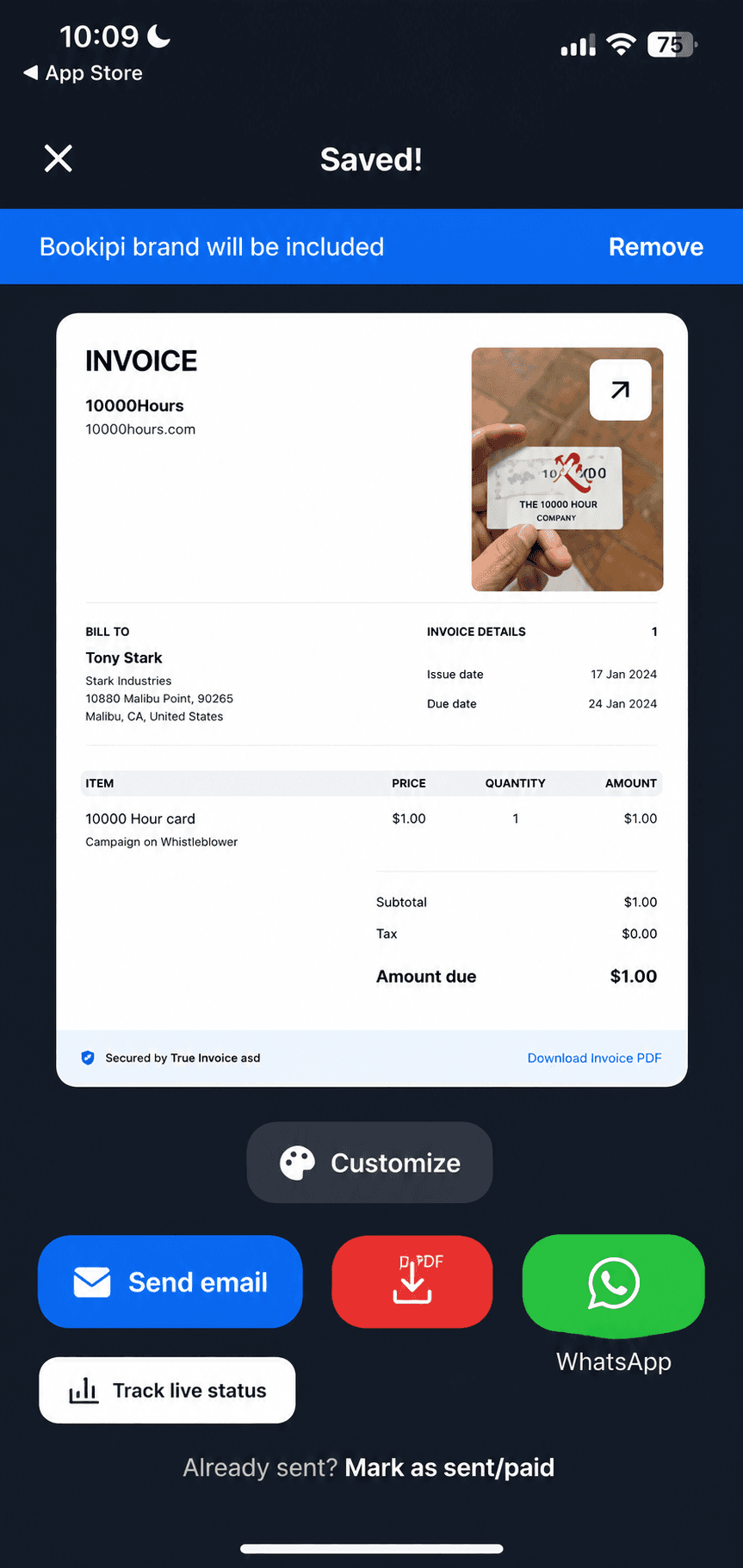
Invoice Simple finished invoice preview
Invoice preview

Sometimes leaving is not worth it. No other alternative page will tell you this, because they are selling the switch.

Invoice Simple is genuinely well built and beloved (4.87 stars across 122,000+ ratings). If you send only a couple of invoices a month, live inside its template library, and the current price does not bother you, staying is reasonable. Just go in clear-eyed: the free tier is metered to three invoices a month, and reviewers document that both the price and the cap have moved against them over time.

Standout: The largest brand and ratings base in mobile invoicing (122k+ iOS ratings).

Best for: People who want the most popular, simplest invoice app and send few invoices.

Not for: Regular invoicers on a budget; the per-month caps make the cheap tiers illusory.

Key features

  • Fast invoice and estimate creation
  • Card and PayPal payments
  • Receipt capture
  • Web and mobile apps

Pros

  • Category-leading ratings at scale
  • Very easy to learn
  • Mature payments integration

Cons

  • 3-invoice monthly cap at $6.99
  • Unlimited costs $21.99/month
  • Documented price-hike history

Integrations

  • Stripe
  • PayPal
  • Receipt capture

Pricing

EssentialsCapped at 3 invoices per MONTH; official pricing page blocks crawlers, price cross-verified via Apple IAP$6.99/mo
PlusCapped at 10 invoices/month$14.99/mo
PremiumUnlimited invoices$21.99/mo

Free: No permanent free tier verified; 14-day Premium trial.

Platforms: Web, iOS, Android

Migrating from Invoice Simple: Export clients and start sending; nothing else to move.

Very simple to use. Saves you time and money.
Invoice Simple user, App Store review (2026), App Store

Bottom line: Pick Invoice Simple if you want the most popular invoice app and your volume fits its meters.

Head-to-head

Invoice Simple vs the honest alternatives

FeatureBillgamiInvoice SimpleInvoice2goBookipiZoho Invoice
Free tier, and what it allows3 in totalNone (trial only)None (trial only)3/month, renewing500/year
Monthly invoice capNone3, then payNo (paid)3 (free)None
One-time / lifetime option$249.99NoNoNoNo
Paid directly (no forced processor)YesYesYesYesYes
Client book & service catalogueYesPartialPartialPartialYes
Separate billing & job addressYesNoNoNoNo
Starting priceFree$6.99/mo$7.99/moFree (capped)Free

Billgami wins the everyday invoicing layer on the paid tiers: a separate job address, export on any plan, and a pay-once option instead of a rising subscription. It does not win on free allowance, where its 3-in-total tier is the tightest here. The subscription apps win on template libraries and cross-platform reach. Pick by which set you actually use.

05The Free-Tier Truth Table

What 'free' actually means, per invoicing app

Every 'best free invoice app' listicle repeats vendor marketing, and AI write-ups have called Bookipi's free tier 'generous' (it is 3 invoices a month) and Billdu 'best overall' (it has no free plan at all). Here is what free actually means for each app, sourced and dated, so you can see the catch before you commit.

AppReal free plan?The catchCost to send unlimited
Invoice SimpleNoMetered to 3 invoices/mo, then locked$21.99/mo
BillgamiYes, unmeteredNone; a $249.99 lifetime option tooFree, or $14.99/mo
Zoho InvoiceYes, fully freePart of the Zoho ecosystemFree
BookipiCappedFree but 3 invoices/mo, not 'generous'Paid tier
BillduNo7-day trial only$7.99/mo
InvoiceFlyNoCheapest tier billed weekly ($8.99/wk)Weekly/monthly plan
Invoice2goNo30-day trial only$7.99/mo
Square / PayPalSend freeProcessing fees per card paymentFree to send + fees
Invoice NinjaYesSelf-host, or hosted up to 5 clientsFree / paid host
How we sourced these prices · How the Free-Tier Truth Table was built

Each 'real free plan?' verdict is taken from the vendor's own pricing page and App Store listing as of July 2026, not from listicles: 'Yes' means a permanent, usable free tier; 'Capped' means free but limited (Bookipi's 3 invoices/month); 'No' means trial-only or paid-only (Billdu, Invoice2go, InvoiceFly). Invoice Simple's free use is metered to three invoices a month, which is why it reads 'No real free tier.' Processing-fee tools (Square, PayPal) are free to send but charge per payment. The table exists because the free-invoice-app space is full of documented vendor and AI misinformation.

  • Free-tier terms from each vendor's own pricing page and App Store listing, July 2026.
  • Vendor pricing pages and App Store listings, July 2026
  • Billgami and Zoho Invoice free tiers verified in-product
The real cost

What Invoice Simple actually costs over 3 years

Alternative guides show this month's price and move on. Here is the 3-year total, and the tier that actually removes the invoice cap ($21.99/mo), because that is what heavy users really commit to.

PlanPer month1 year3 years
Billgami Free3 invoices in total, then a paid tier$0$0$0
Billgami LifetimeOne-time $249.99; cheaper than 3 years of any paid tier hereone-time$249.99$249.99
Invoice Simple (metered)Caps you at 3 invoices/month on this tier$6.99$83.88$251.64
Invoice Simple (unlimited)The tier you need to escape the cap$21.99$263.88$791.64
Invoice2goNo free plan; 30-day trial$7.99$95.88$287.64
BillduNo free plan; 7-day trial$7.99$95.88$287.64
InvoiceFlyCheapest app tier is billed weekly ($8.99/wk)$8.25$99$297
TofuPriciest here$29$348$1,044
BookipiFree but capped at 3 invoices/month$0$0$0
Zoho InvoiceEntirely free, no card$0$0$0
Square InvoicesFree to send; processing fees per card payment$0$0$0
PayPal InvoicingFree to send; fees per payment$0$0$0

Prices as of July 2026. Invoice Simple reviewers document repeated price hikes and a shrinking free-invoice count; verify current pricing in the App Store before deciding. Source: App Store and vendor pricing, July 2026 (https://apps.apple.com/us/app/invoice-maker-invoice-simple/id694831622)

Why people leave

Why people really leave Invoice Simple

First, fairness: Invoice Simple holds a 4.87 out of 5 App Store average across 122,000+ ratings, so most users are happy. This breakdown is its one- and two-star reviews specifically. Of the 500 reviews we pulled, 174 were rated one or two stars; we tagged them by theme and counted. The pattern is overwhelming: this is a pricing and metering revolt, not a quality one.

ComplaintShareWhat reviewers say
Price hikes on a subscription you're locked into69%"the app is works great and I love using it for my invoices, but they keep raising the price"
The free invoice cap keeps shrinking34%"They recently reduced the number of invoices per month to THREE. That's PAID. The upcharge is ridiculous."
Support is slow or absent25%"No support. Been waits weeks for them to fix a problem they acknowledged"
Bugs and lost access to your own invoices15%"I can no longer print or email any invoices/ estimates to my clients. All I get is an error message."
Listed as free, then paywalled8%"One minute it's free the next it doesn't work now you have to pay for it when it's listed as a free app"

Share is the percent of the 174 one- and two-star reviews mentioning each theme; a review can mention more than one, so shares do not sum to 100. Quotes are verbatim; original spelling is preserved. Invoice Simple App Store reviews (Apple, 500 pulled, 174 rated one or two stars), July 2026; per-review theme tags saved for audit.

Free options

Is there a free Invoice Simple alternative?

The most common Invoice Simple alternative search, because Invoice Simple has no real free tier (its free use is metered to 3 invoices/month). These are genuinely free, and each names its catch.

ToolWhat's actually freeThe catch
BillgamiUnmetered invoicing: invoices, estimates, client book, service catalogue, exportNot a suite; no contracts or scheduling
Zoho InvoiceThe entire invoicing product, no card requiredNudges you toward the paid Zoho suite
Square InvoicesUnlimited invoices to create and sendProcessing fees per card payment
Invoice NinjaSelf-hosted forever, or hosted for up to 5 clientsSelf-hosting effort, or a client cap

Free tiers as described by each vendor as of July 2026; confirm current limits before relying on them.

How to leave Invoice Simple without losing your invoices

The thing that keeps people on a metered invoice app is fear of losing their history. With Invoice Simple, that fear is mostly unfounded, and it is worth naming so it stops being a reason to stay. Your invoices are documents, not a locked ledger. Export or re-download the PDFs you have already sent, save your client list, and you have everything that matters. There is no chart of accounts or reconciliation to migrate, because an invoice app never kept those. Most people are switched and sending from a new tool in an afternoon. Here is the part the alternative guides skip: the app you switch to should let you export freely too, or you have just moved from one lock-in to another. Billgami exports all invoice PDFs, a records CSV, and a payments CSV on any plan, including the free one, precisely so leaving is never held over you.

  • Re-download or export the PDFs you have already sent; save your client list.
  • There is no accounting data to migrate, an invoice app never kept it.
  • Pick a new app that exports freely, so you are not trading one lock-in for another.

When Billgami is the wrong answer

Being honest about this is the point of the page.

  • You need contracts, e-signatures, scheduling, or proposals. Billgami does invoicing and client records, not those.
  • You need full accounting: books, payroll, or bank reconciliation.
  • You want the largest template library on the market; the subscription apps carry more.

If any of these is you, pick a suite or an accounting tool instead. Come back to Billgami if your real need is sending professional invoices, fast, without a meter or a rising subscription.

If you send more than a few invoices, try Billgami

Pick a client, add services, preview, and send a professional invoice in about a minute, with no monthly cap and no rising subscription. Keep a client book and service catalogue, export everything on any plan, and get paid directly. Free to start, with a $249.99 lifetime option if you never want to subscribe again.

Last updated: July 27, 2026 | Written by Phuc Doan

Billgami invoice history with paid, unpaid, and partial status on iPhone

FAQ

Common questions

What is the best Invoice Simple alternative?

It depends on how many invoices you send and whether you want to keep paying monthly. If your reason for leaving is the price, you may not need a subscription at all: Zoho Invoice is entirely free up to 500 invoices a year, and Billgami has a one-time $249.99 lifetime option, though its free tier is only 3 invoices in total so it is a trial in practice. If you want a bigger feature set and are fine subscribing, Invoice2go and Billdu compete with Invoice Simple on features. The Free-Tier Truth Table below shows what each app's 'free' actually includes, so you can choose on the fine print rather than the label.

Is there a free Invoice Simple alternative?

Yes, and it matters, because Invoice Simple itself has no real free tier: its free use is metered to three invoices a month. Genuinely free alternatives include Zoho Invoice (the entire product free, no card, up to 500 invoices a year) and Square and PayPal (free to send with no cap, though they charge processing fees per card payment). Billgami has a free tier too, and in fairness ours is the tightest of the three: 3 invoices in total rather than a renewing monthly allowance, though it never expires. Bookipi is free but capped at three invoices a month, so read that catch before relying on it.

Does Invoice Simple have a free plan?

Not a real one. Invoice Simple is subscription-based, and its free use is metered: on the cheaper tiers you can send only about three invoices a month before you are prompted to upgrade, and reviewers report that count has been reduced over time. To send unlimited invoices you need the roughly $21.99/month plan. That metering is the single most common reason people look for an alternative.

How many invoices can you send on Invoice Simple for free?

On its metered tiers, about three invoices per month before a paywall appears, and multiple 2026 reviews say that number was reduced from a higher count during their subscription. Unlimited sending requires the top tier (about $21.99/month). If you routinely send more than a few invoices a month, a tool with no cap, like Billgami or Zoho Invoice, removes the problem entirely.

What is the cheapest Invoice Simple alternative?

For invoicing, free is the cheapest, and Zoho Invoice is the one with real headroom: the whole product free up to 500 invoices a year. Billgami has a free tier too, but at 3 invoices in total it is a way to try the app rather than to run on. If you want to own the app outright, Billgami's one-time $249.99 lifetime option beats years of any monthly subscription, including Invoice Simple's. The cheapest path is matching the tool to how many invoices you actually send rather than paying a rising monthly fee.

Are there cheaper apps like Invoice Simple?

Yes. If you want an app like Invoice Simple that costs less, the honest answer is that the best alternatives to Invoice Simple are often free rather than merely cheaper than Invoice Simple: Zoho Invoice is free for the whole product up to 500 invoices a year, and Square and PayPal are free to send with no cap. Billgami is cheapest over time via its one-time $249.99 lifetime option rather than via its free tier, which is 3 invoices in total. Among paid apps, Invoice2go and Billdu sit near Invoice Simple's price rather than below it. The cheapest path is to match the app to how many invoices you actually send each month, without paying for a plan just to lift a monthly invoice limit you would rarely hit.

Why did Invoice Simple get more expensive?

Invoice Simple has raised prices repeatedly and, according to many 2026 App Store reviews, reduced the number of free invoices allowed per month during people's subscriptions. Price and metering are by far the top themes in its one- and two-star reviews (69% mention price or subscription pressure). It remains highly rated overall (4.87 stars), but the pricing trend is the reason most people start looking for an alternative. Confirm current pricing in the App Store, since it changes.

Can Billgami replace Invoice Simple?

For most Invoice Simple users, yes. Billgami does the same core job, professional invoices and estimates from your phone, and adds a searchable client book, a service catalogue, and full export on any plan. The key differences are in your favor on the paid tiers: no monthly invoice cap once you are on one, a one-time $249.99 lifetime option instead of a rising subscription, and no processing cut because clients pay you directly. Be clear about the free tier though: ours is capped at 3 invoices in total, so it is a way to try the app rather than a plan to run a business on. It does not do contracts, scheduling, or full accounting; if you need those, it is not the right tool.

Is Bookipi's free plan really free?

It is free, but capped. Bookipi's free tier limits you to about three invoices a month, so calling it 'generous,' as some listicles and AI write-ups do, is misleading. It is a genuine free plan for very light users, but if you send more than a few invoices a month you will hit the cap, the same problem people leave Invoice Simple over. For unmetered free invoicing, Billgami and Zoho Invoice are the honest picks.

Invoice Simple vs Invoice2go: which is better?

Both are polished mobile invoice apps, and both are subscription-based with no permanent free tier (Invoice2go offers a 30-day trial; Invoice Simple meters you to a few free invoices). Invoice2go leans toward a broader feature set; Invoice Simple has the larger user base and template library. Neither solves the core complaint, the subscription, so if that is why you are leaving, a free or pay-once app like Billgami or Zoho Invoice fits better than swapping one subscription for another.

What is the best free Invoice Simple alternative for iPhone?

On iPhone specifically, Billgami is built phone-first, and Zoho Invoice's free app is a strong option too. Square and PayPal are free to send from an iPhone but take a processing fee when a client pays by card. If the monthly meter is what sent you looking, note that Billgami's free tier is tighter still at 3 invoices in total; its answer to metering is the paid or lifetime tier, not the free one.

How do I switch from Invoice Simple without losing my invoices?

Your invoices are PDFs, not a locked ledger, so switching is low-risk. Re-download or export the invoices you have already sent, save your client list, and start sending from the new app; there is no accounting data to migrate because an invoice app never kept any. Most people are fully switched in an afternoon. Pick an app that also lets you export freely, Billgami exports all PDFs plus records and payments CSVs on any plan, so you never trade one lock-in for another.

Is Square or PayPal a good Invoice Simple alternative?

For invoicing, yes, if you do not mind the payment model. Both Square Invoices and PayPal Invoicing let you create and send unlimited invoices for free, which already beats Invoice Simple's metered free tier. The catch is that they make their money on processing fees when a client pays by card, so they suit pros who take a lot of card payments. If you want a truly free-to-run invoice app without per-payment fees, Billgami or Zoho Invoice fit better.

How the Free-Tier Truth Table was built

Each 'real free plan?' verdict is taken from the vendor's own pricing page and App Store listing as of July 2026, not from listicles: 'Yes' means a permanent, usable free tier; 'Capped' means free but limited (Bookipi's 3 invoices/month); 'No' means trial-only or paid-only (Billdu, Invoice2go, InvoiceFly). Invoice Simple's free use is metered to three invoices a month, which is why it reads 'No real free tier.' Processing-fee tools (Square, PayPal) are free to send but charge per payment. The table exists because the free-invoice-app space is full of documented vendor and AI misinformation.

  • Vendor pricing pages and App Store listings, July 2026
  • Billgami and Zoho Invoice free tiers verified in-product
Phuc Doan

Phuc Doan

Founder of Billgami·Last updated July 27, 2026

MethodologyPricing and free-tier terms are each vendor's published rates as of July 2026, from their own pricing pages and App Store listings, dated here. The 3-year totals are simple arithmetic locked in code so they cannot drift. The complaint shares come from a real pull of 500 Invoice Simple App Store reviews (174 rated one or two stars), tagged by theme and counted, with the tags saved for audit, and are shown against Invoice Simple's 4.87 App Store average so the negative slice is not read as the whole picture. Billgami is scoped to its confirmed features and recommended only for the invoicing job.

This guide is general information, not business or legal advice. Software prices and features change; confirm current details with each vendor before deciding.