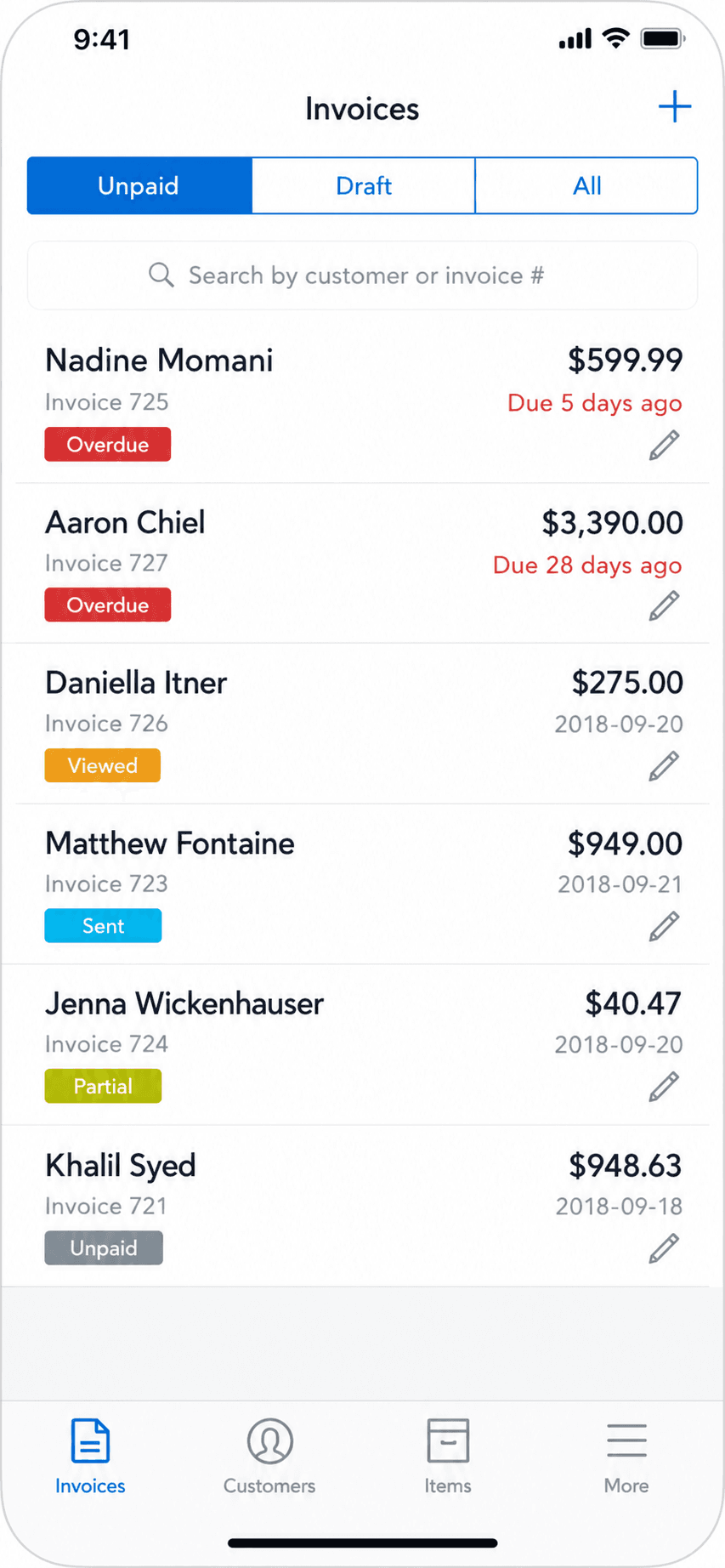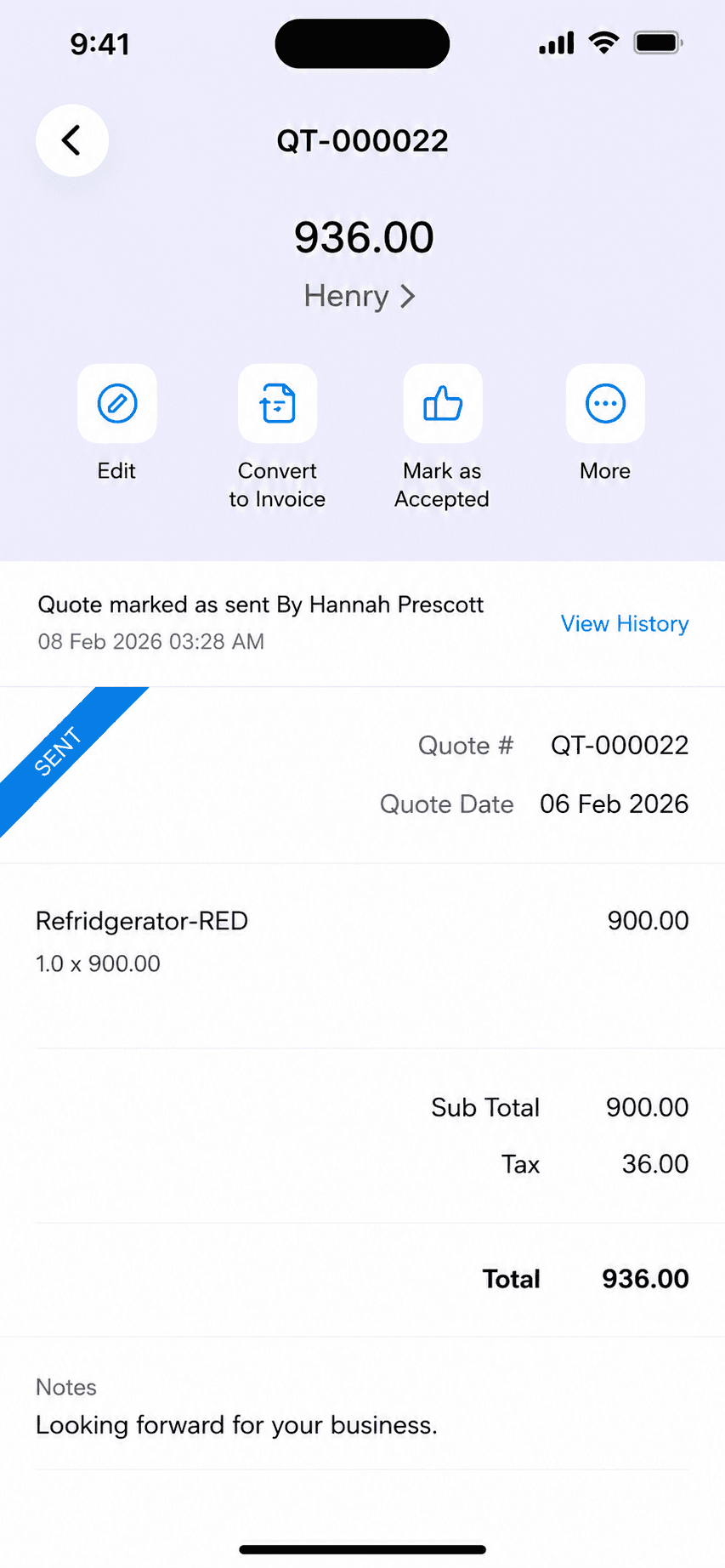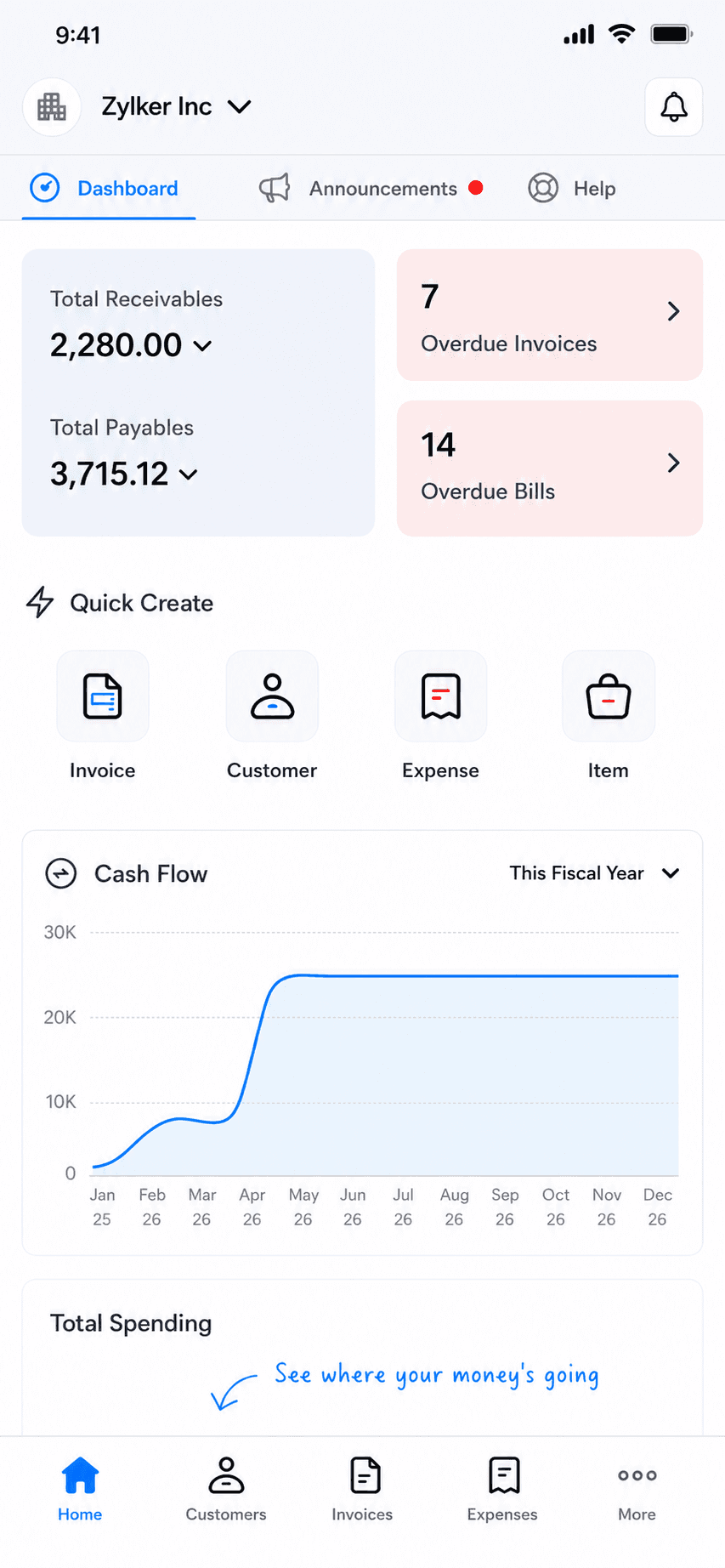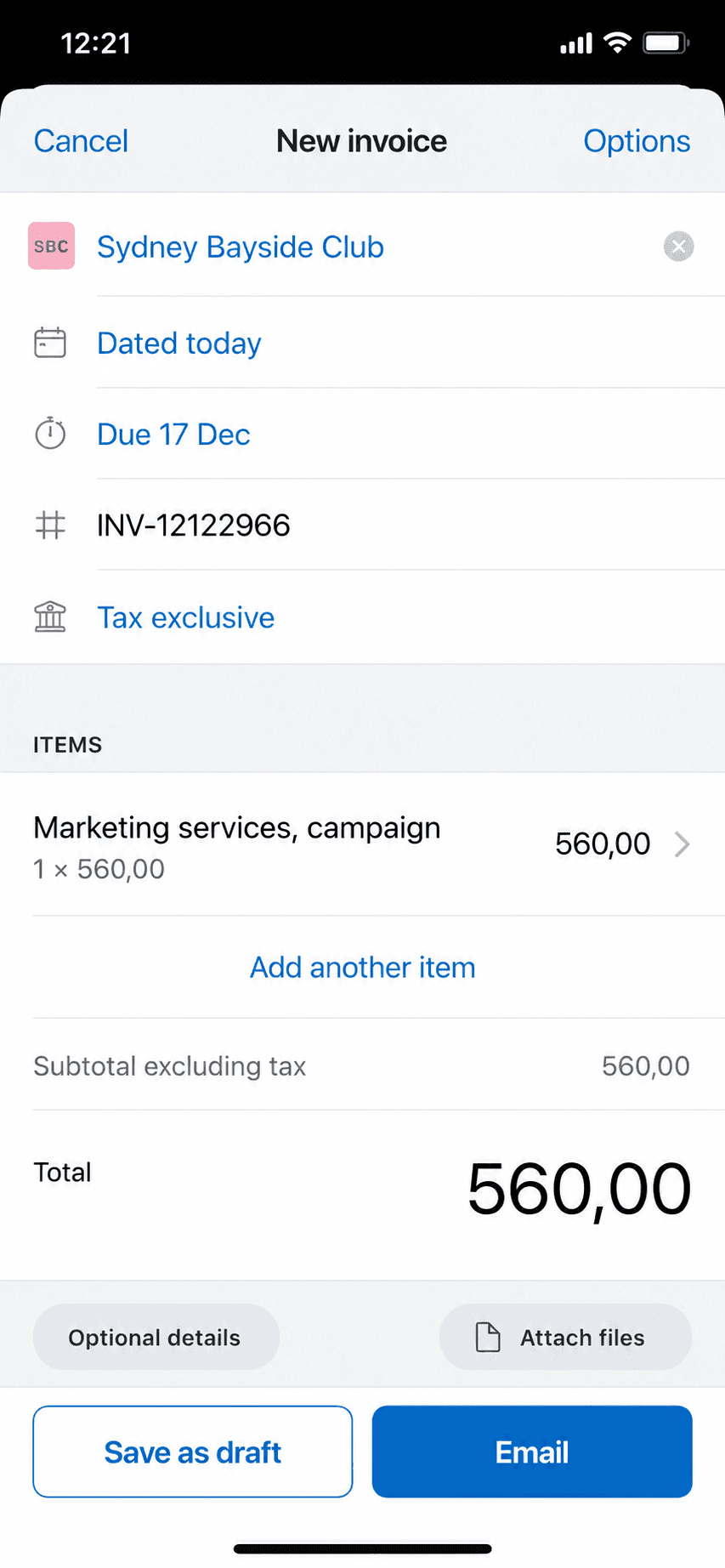

 Zoho Books
 Xero
Xero FreshBooks
 Stay on Wave
 Billgami
 Square Invoices
 PayPal Invoicing
 Invoice Ninja
 Stay on Wave
 Zoho Books
 Xero
Xero FreshBooks
 Billgami
 Square Invoices
 PayPal Invoicing
 Invoice Ninja
1. Billgami
App Store rating: to be updated.
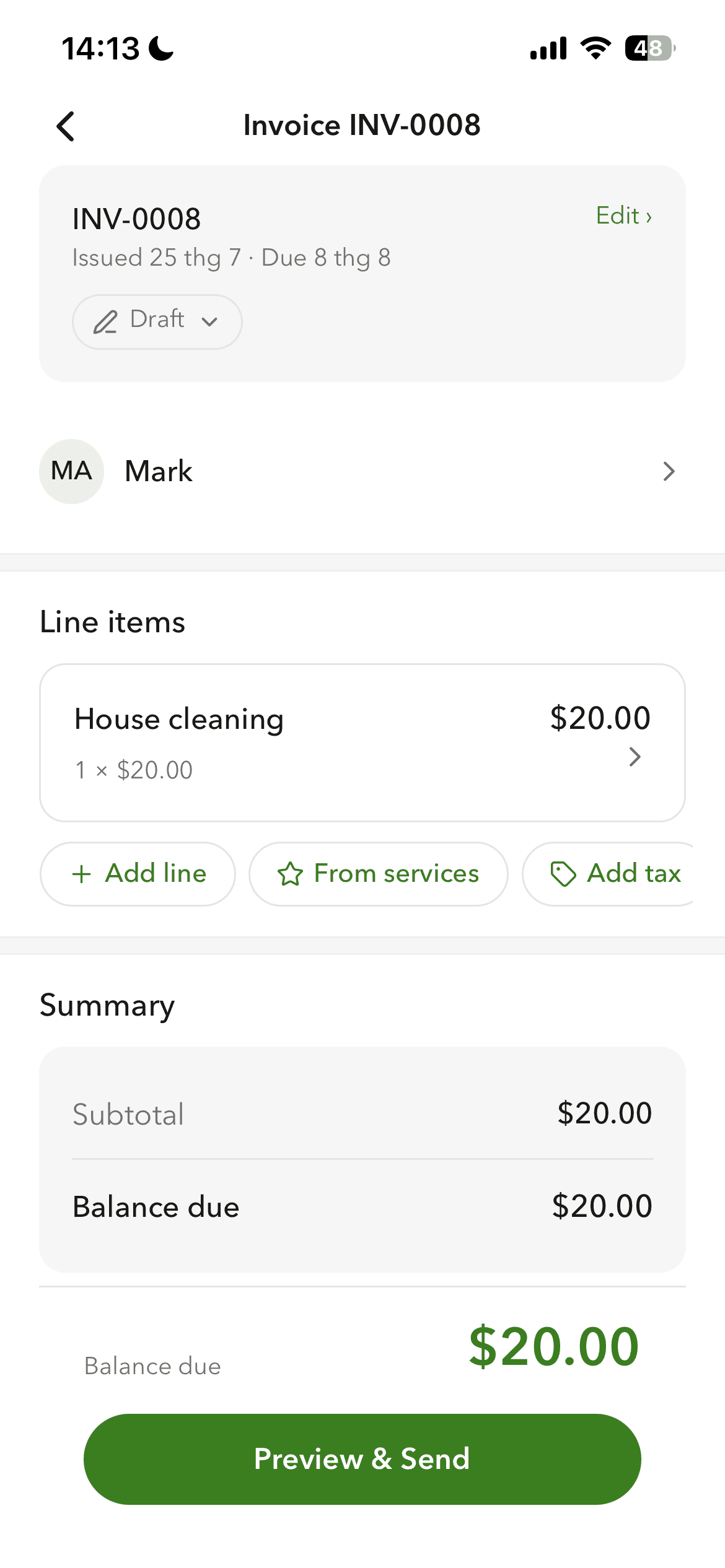
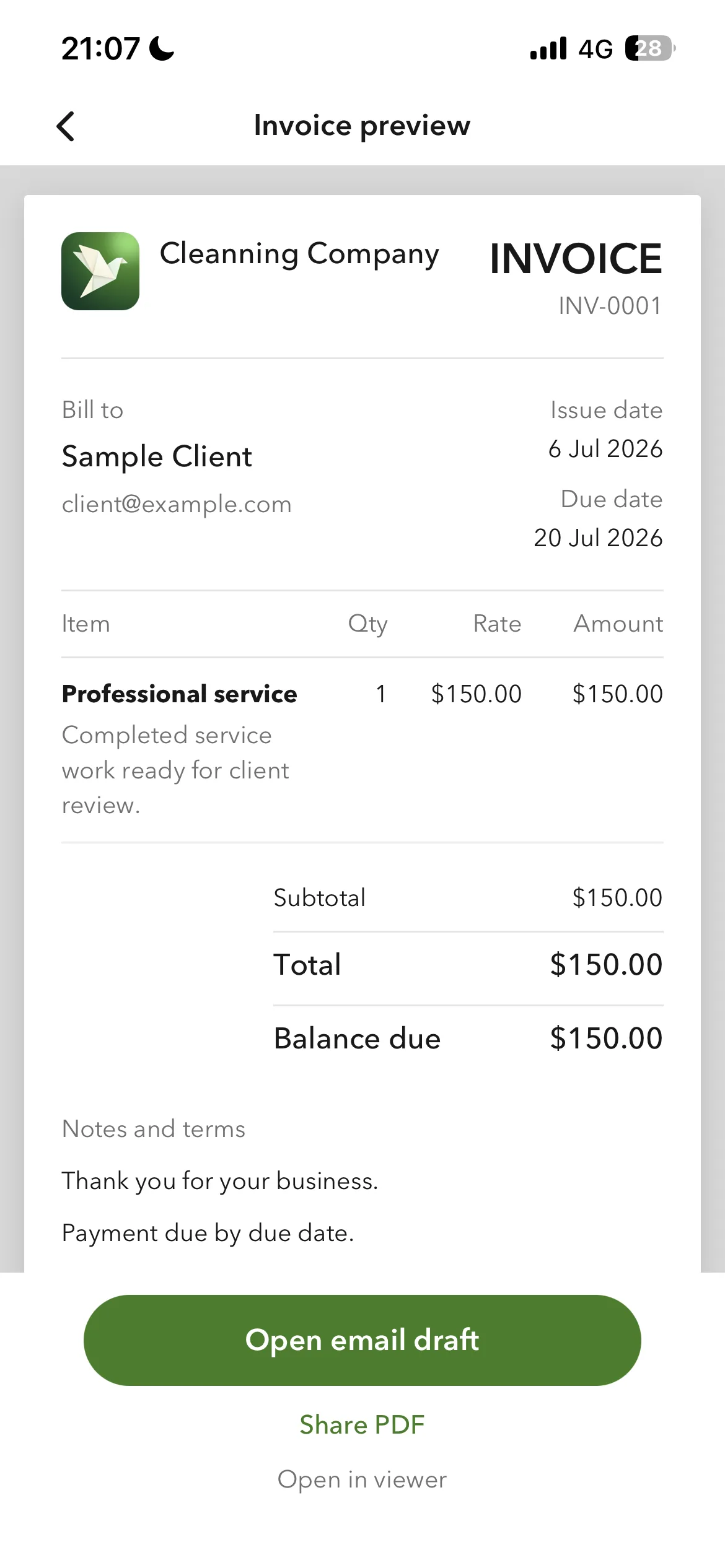
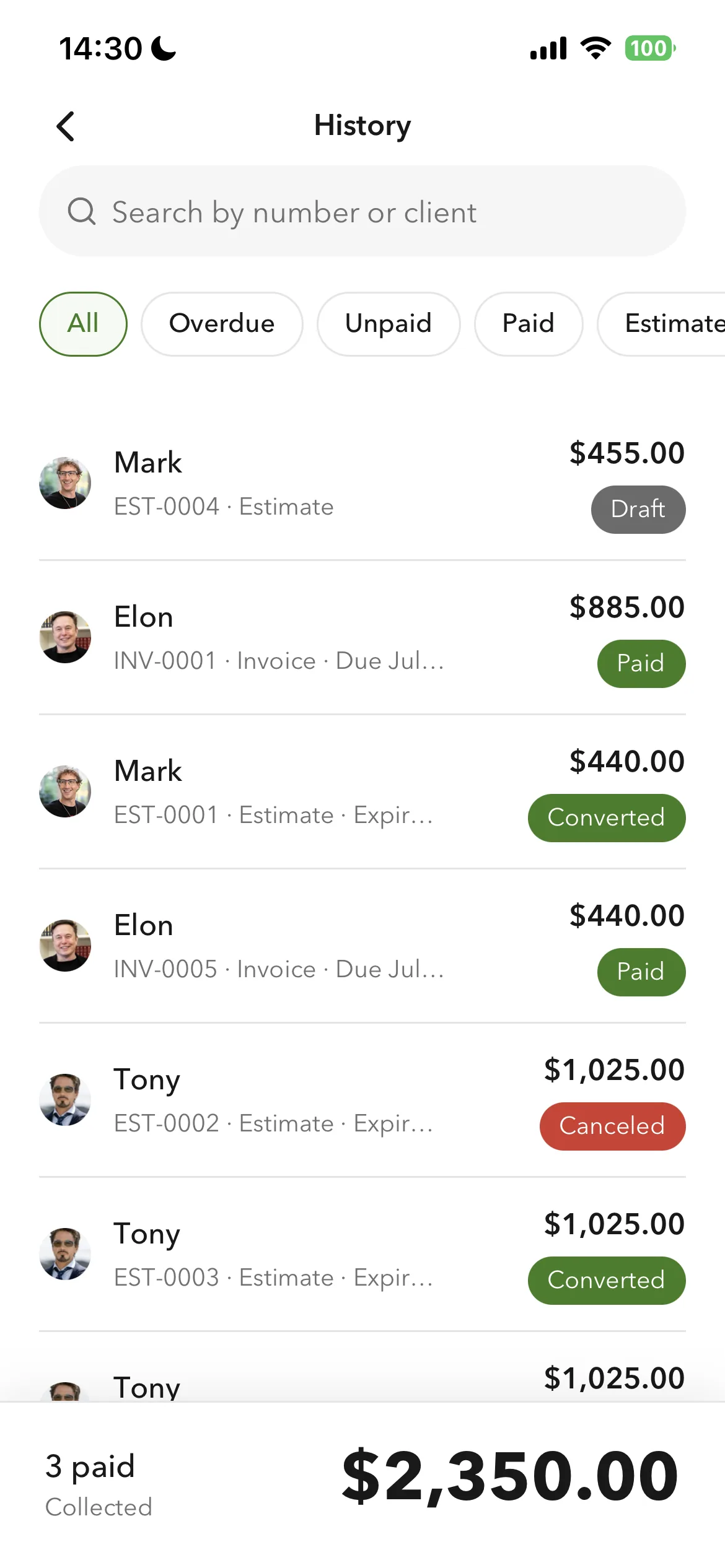
Create a professional invoice from your phone in about a minute, with line-item totals computed automatically. Every document carries your business profile, your logo, currency, tax label, and payment instructions, and clients and services come from a saved, searchable book so you are not retyping them. Customers pay you directly through the method you already use, so there is no processing layer taking 2.9% or holding your money, the money problems Wave users cite most.
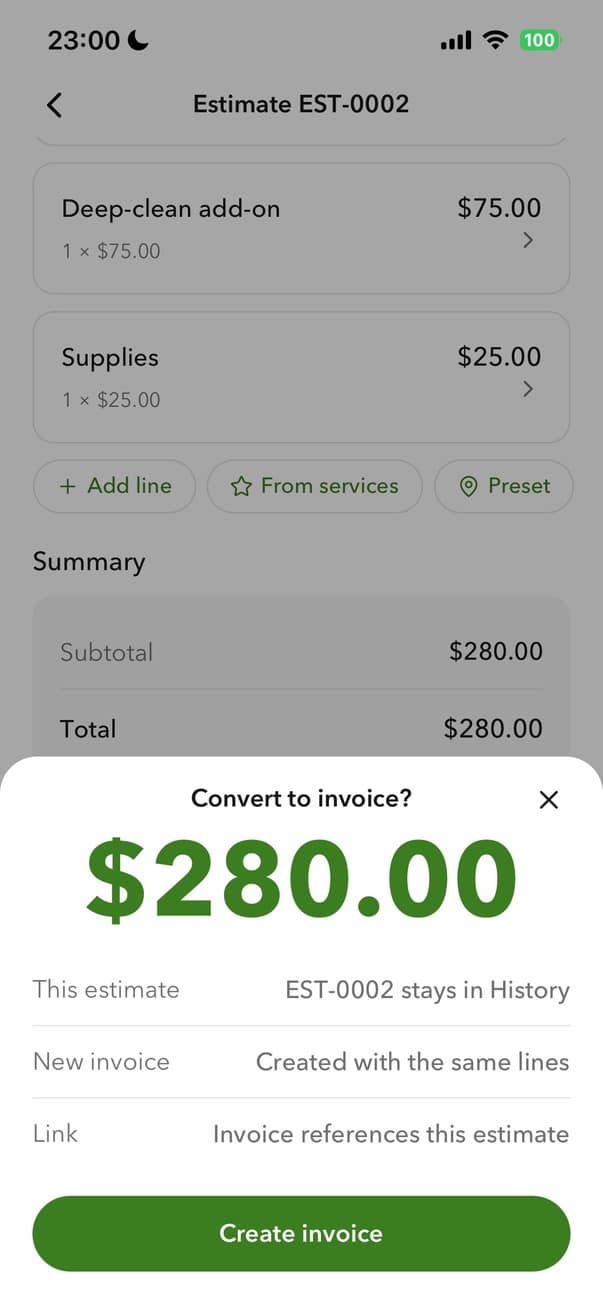
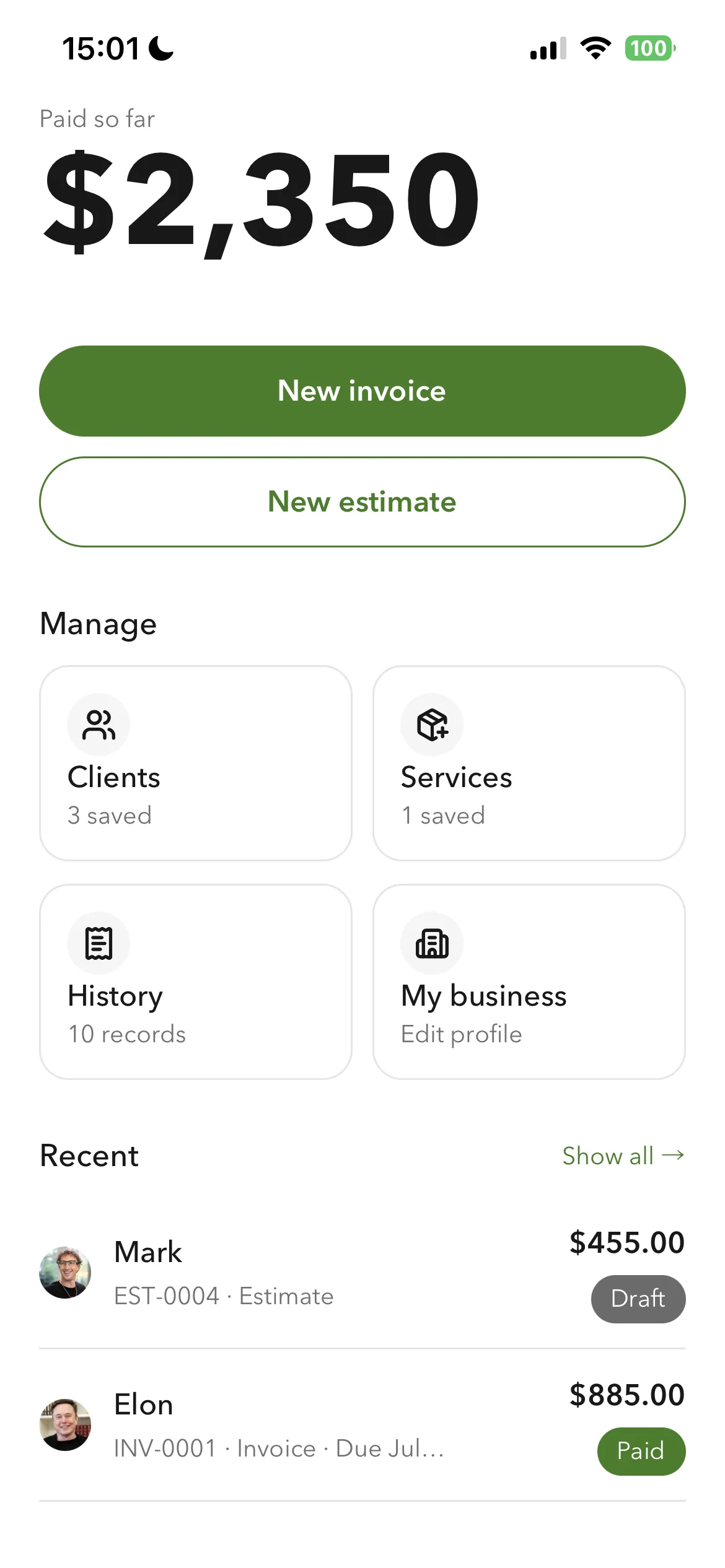
Accepted estimates convert straight into invoices, and a client's billing address and job address are stored separately, which most invoicing tools do not do. Everything exports on any plan as PDFs and CSVs, so leaving is never a lock-in. Not accounting software, on purpose: no books, payroll, or reconciliation.
The phone-first invoice app for the lane that only ever invoiced: send professional invoices and estimates, manage clients and services, and export everything, with no payment processor taking a cut or holding your money.
Standout: Full export on any plan, including the free tier: every invoice PDF, a records CSV, and a payments CSV. Your data is never locked behind a subscription, which matters when you are leaving a tool.
Versus QuickBooks: Wave is free accounting funded by card fees and fund holds; Billgami has no payments to charge or hold, replaces only the invoicing half, and lets you export everything on any plan so you are never locked in.
Best for: The simplest, fastest way to send a professional invoice: pick a client, add services, preview, and send in about a minute.
Not for: Anyone who needs books, payroll, inventory, or bank reconciliation.
Key features
- Professional invoices and estimates from your phone
- Searchable client book, each client with a separate billing and job address
- Service catalogue, each service carrying its own tax setting
- Business profile on every document: logo, currency, tax label, and payment instructions
- Accepted estimates convert to invoices in a tap
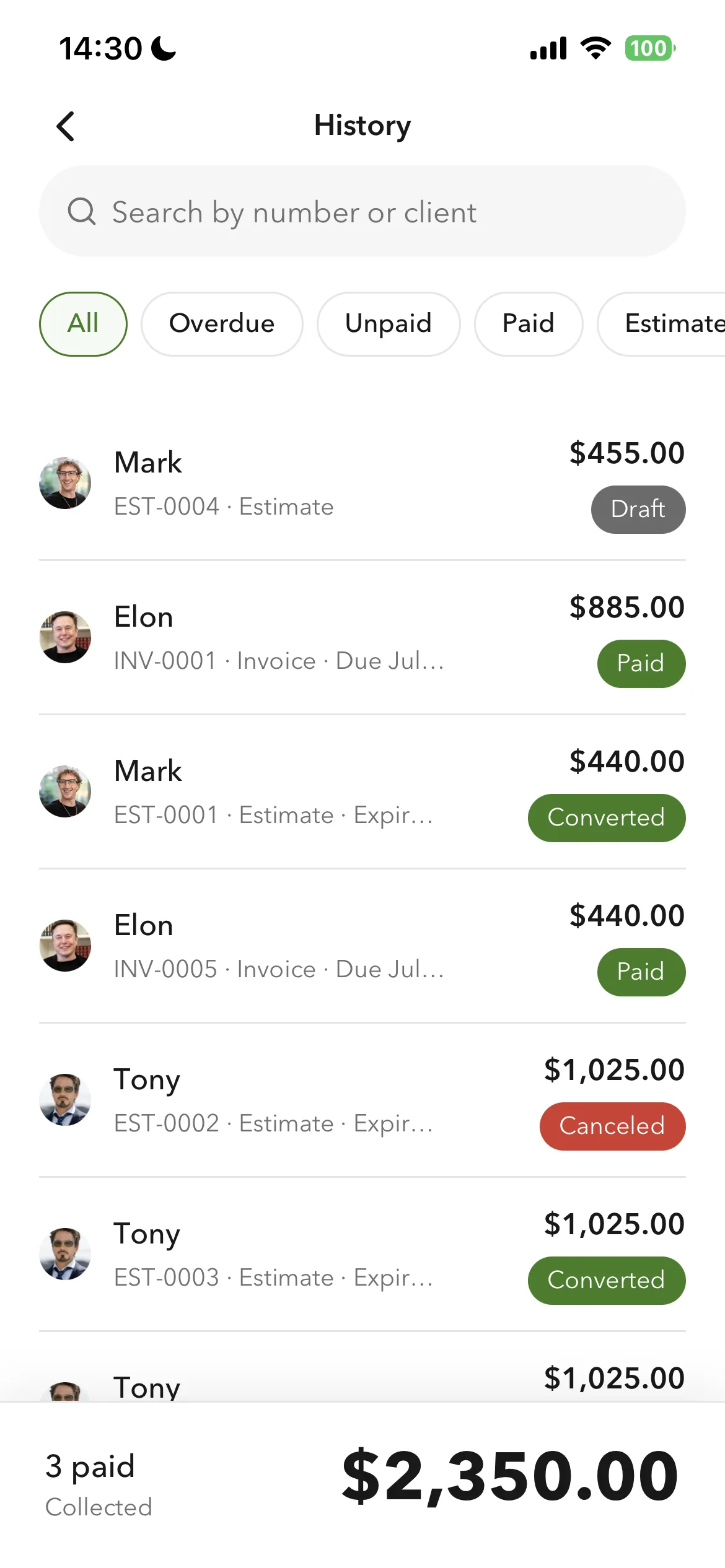
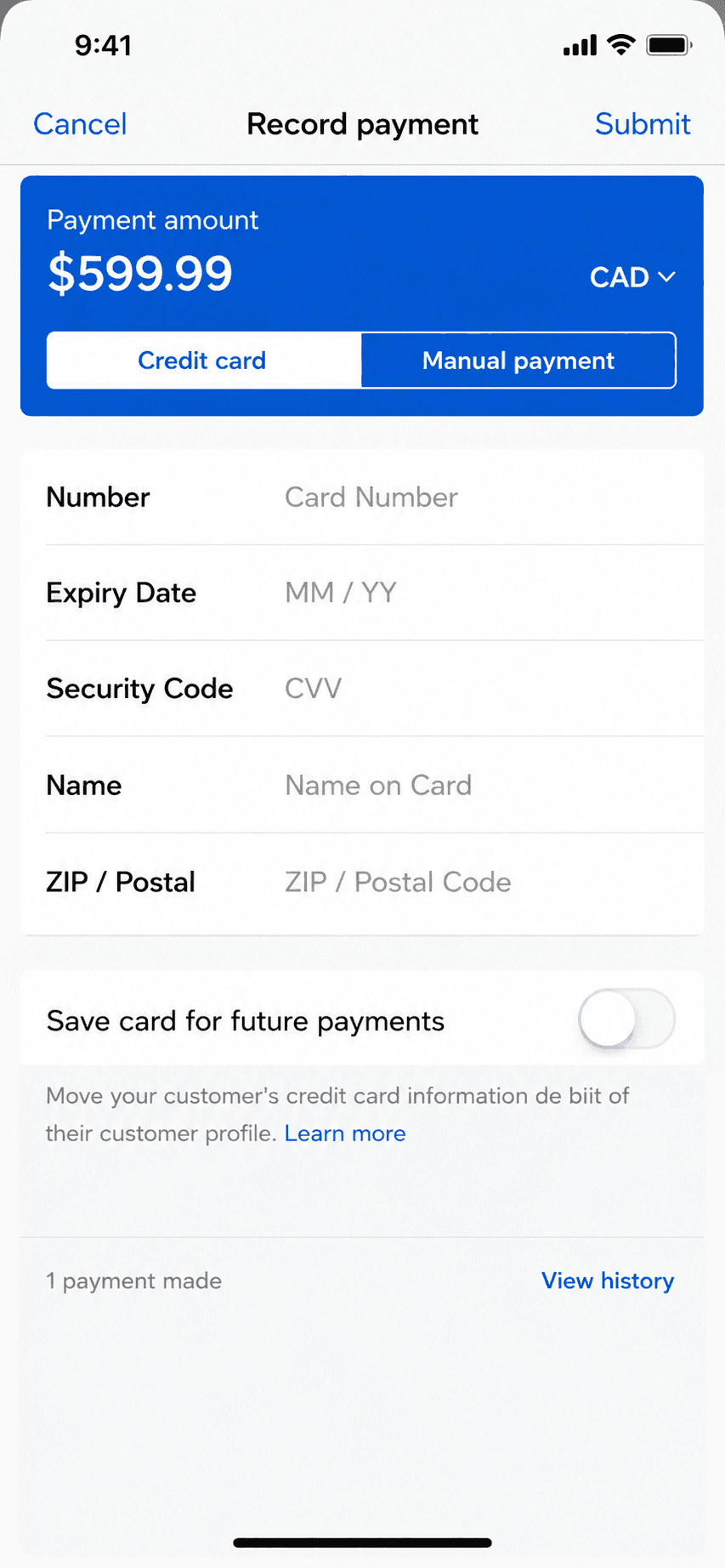
- Paid, unpaid, and partial payment tracking
- Full export on any plan: invoice PDFs, records CSV, payments CSV
- Automatic per-line totals from quantity and rate
Pros
- One consistent design system, not a thin companion app bolted onto a web tool
- Separate billing and job addresses, which most invoicing tools do not offer
- Full data export on any plan, so you are never locked in
- No payment processor to take a cut or hold your funds
- Free tier, with a $249.99 lifetime option if you want to skip the subscription cycle
Cons
- No accounting, payroll, inventory, or bank reconciliation
- Invoicing only, by design, so it cannot keep your books
- New app, so no App Store rating history yet
Pricing
| Free3 invoices in total (not per month); no time limit | $0 |
| Monthly | $14.99/mo |
| Yearly | $111.99/yr |
| LifetimePay once, then own it | $249.99 one-time |
Free: Free tier capped at 3 invoices in total, not per month, with no time limit; paid tiers from $14.99/mo, plus a $249.99 lifetime option if you want to skip subscriptions.
Platforms: iOS
Migrating from Wave: Almost none: if invoicing was all you used your old app for, export your client list and start invoicing in an afternoon.
Bottom line: Pick Billgami if you only need the invoicing half of Wave and want off the card-fee and fund-hold model. It does not keep books; if you need those, stay on Wave or use Zoho Books or Xero.