What is the best Jobber alternative?
It depends on which of Jobber's five jobs you actually use. If you run a crew and need scheduling, dispatch, and client automations, Housecall Pro is the closest like-for-like swap, Workiz is a strong SMB rival, and ServiceTitan is the enterprise step up. If you are solo and only ever used the invoice and estimate side, you do not need field service software at all: an invoice app like Billgami, Joist, or Square Invoices covers it for a fraction of the cost. Take the five-job test above to see which lane you are in.
Is there a free alternative to Jobber?
For invoicing only, yes: Billgami has a real free tier, and Square Invoices sends unlimited invoices free with card fees per payment. For full field service management, genuinely free options are thin: Yardbook is free with ads for lawn care specifically, and Workiz's former free plan no longer appears on its pricing page as of July 2026, though many listicles still recommend it. If a free FSM tier matters to you, verify it exists on the vendor's own pricing page the week you sign up.
Why are people leaving Jobber?
We tagged and counted the 177 critical reviews among Jobber's 500 most recent App Store reviews. The top themes are app reliability, crashes, freezes, and slow loading (24%), customer support (17%), payment holds (4%), price for what you use (3%), and features gated to higher plans (2%). The cost story that dominates community threads, per-user fees stacking up as crews grow, shows up less in app reviews and more when businesses do their renewal math. Both point the same way: the unhappy users are either fighting the app itself or paying for more bundle than they use.
How much does Jobber cost, really?
Jobber pricing as of July 2026: Core is $49 a month for exactly one user ($39 with a 1-year commitment, $29 prepaid annually). Connect is $139 a month with five seats at the published July 2026 plans, and it is the step a crew takes past solo Core. Jobber experiments with seat add-ons and promotions, so confirm the tier boundaries on their pricing page the week you decide. Past five, each extra seat is $29 a month. Grow is $199 and Plus is $499. Over three years that is $1,764 solo, $5,004 for a small crew, and $6,048 at six users, before add-ons like the Marketing Suite ($79/mo) or card fees. Jobber changes prices, so confirm on their pricing page.
Does Jobber hold your money?
It can. Jobber Payments applies holds and reserves in some situations, and this is documented policy, not rumor: Jobber's own Help Center pages, Jobber Payments Holds and Reviews and Why Are Funds Being Held, explain that its risk team may delay payouts or hold reserves for new accounts, unusual spikes, or higher-risk industries. It also appears in the review data: 4% of the critical reviews we tagged mention held funds or payout delays. If uninterrupted cash flow is critical, read those policies before moving your payment volume, or keep payments outside your field service tool entirely.
Jobber vs ServiceTitan: which should I pick?
Pick by size. Jobber fits solo operators up to small crews and publishes its prices. ServiceTitan is enterprise software for multi-truck commercial operations: custom-quoted, reportedly with multi-year contracts and implementation fees, and far deeper operationally. Two things to check before upgrading: model the full contract cost, and have your field crew demo the ServiceTitan mobile app first, because it rates 2.97 out of 5 from 1,625 App Store ratings, the lowest on this page. If you are leaving Jobber to save money, ServiceTitan is the wrong direction; look at Workiz or an invoice app depending on your lane.
Joist vs Jobber: which is better for a contractor?
Joist is contractor paperwork: professional estimates that convert to invoices and collect payment, from $10 a month, with no scheduling layer. Jobber is contractor operations: the same paperwork plus scheduling, dispatch, and client automations, from $49 solo. If you win work by estimate and bill when it is done, Joist covers your actual workflow for a fifth of the price. If you coordinate crews or recurring maintenance, Joist will feel thin and Jobber earns its price. The five-job test above is the decision.
What about Jobber vs Housecall Pro?
They are the two closest rivals in the category, and the honest comparison deserves its own page rather than a paragraph. The short version: solo pricing favors Jobber ($49 vs $79), both gate features by plan, and the decision usually turns on Housecall Pro's booking and marketing tools versus Jobber's quoting flow. Everything on this page about the five-job test applies to both: if you only use the paperwork jobs, neither is the right purchase.
Do I need field service software or just an invoicing app?
Count which of the five jobs you used last month: scheduling and dispatch, client follow-ups, quoting, invoicing, payments. If you touched only quoting and invoicing, you need an invoice app, not field service software, and the difference is hundreds to thousands of dollars over three years. If you dispatched a helper, sent automatic reminders, or took payments through the platform, you need the real thing. The tell is coordination: field service software earns its price when more than one person has to be in the right place at the right time.
Can Billgami replace Jobber?
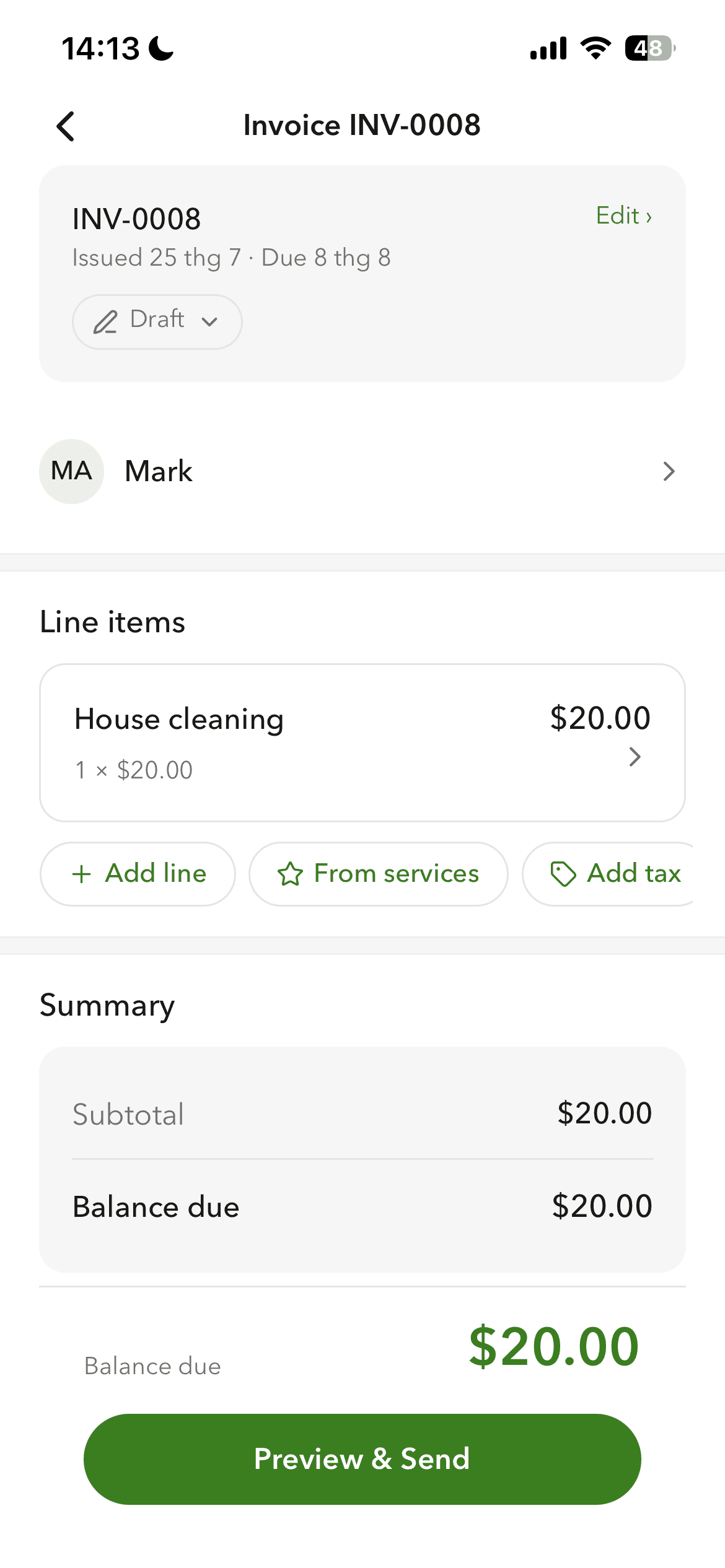
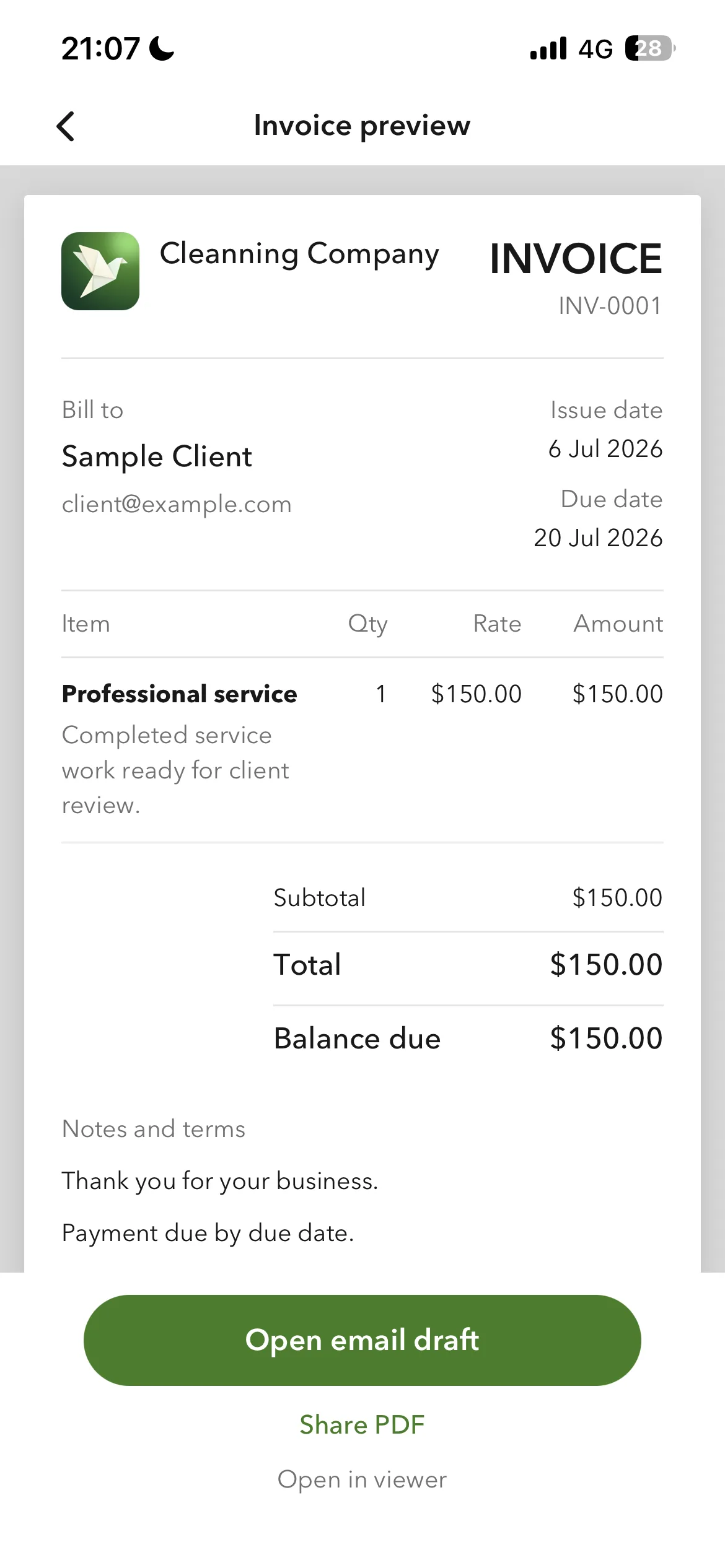
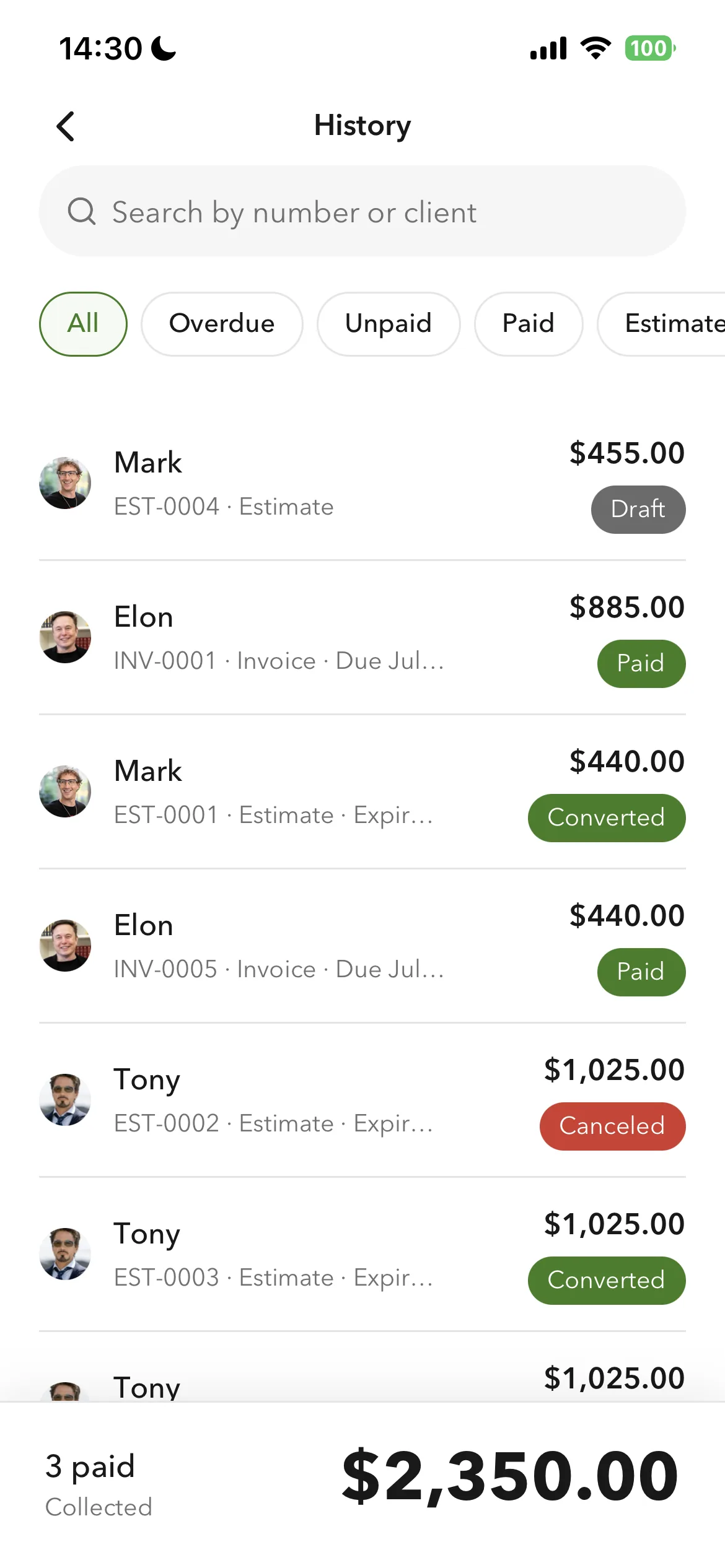
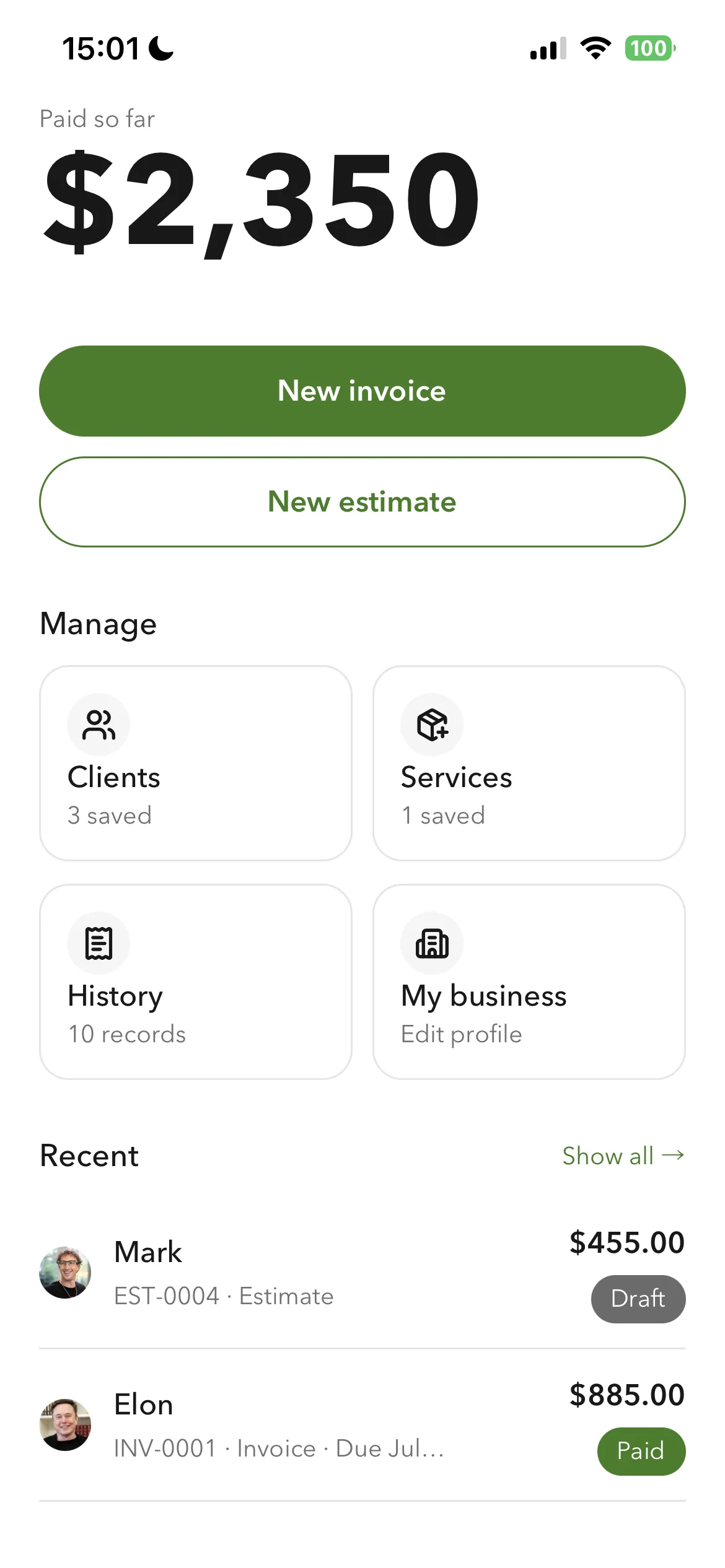
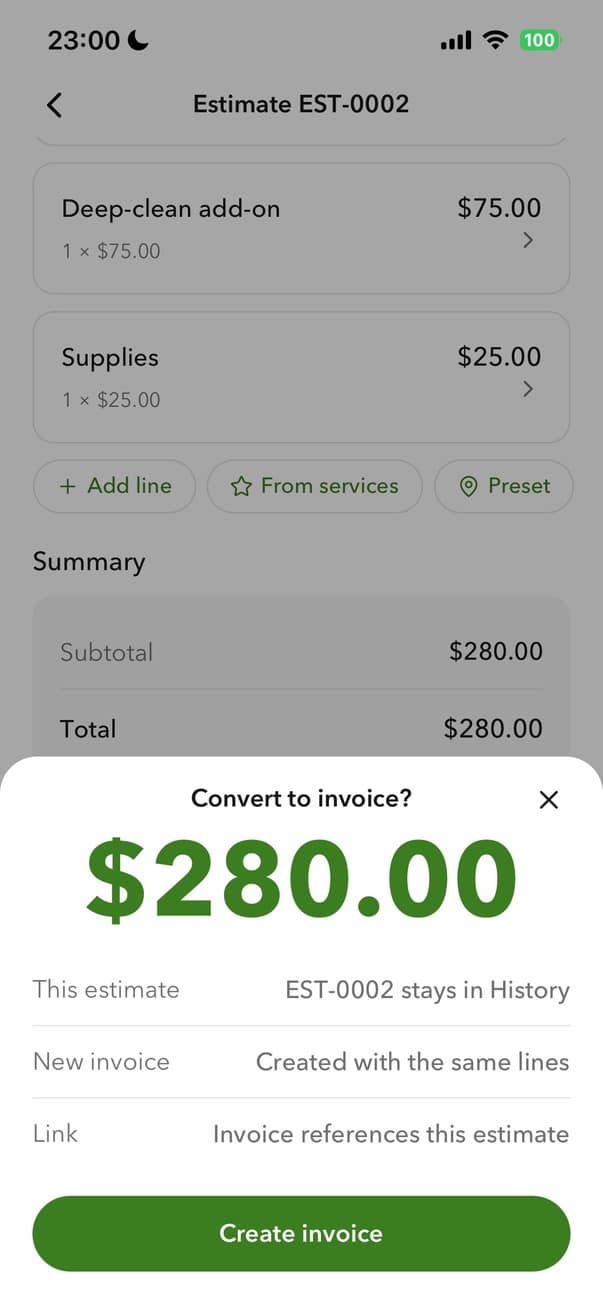
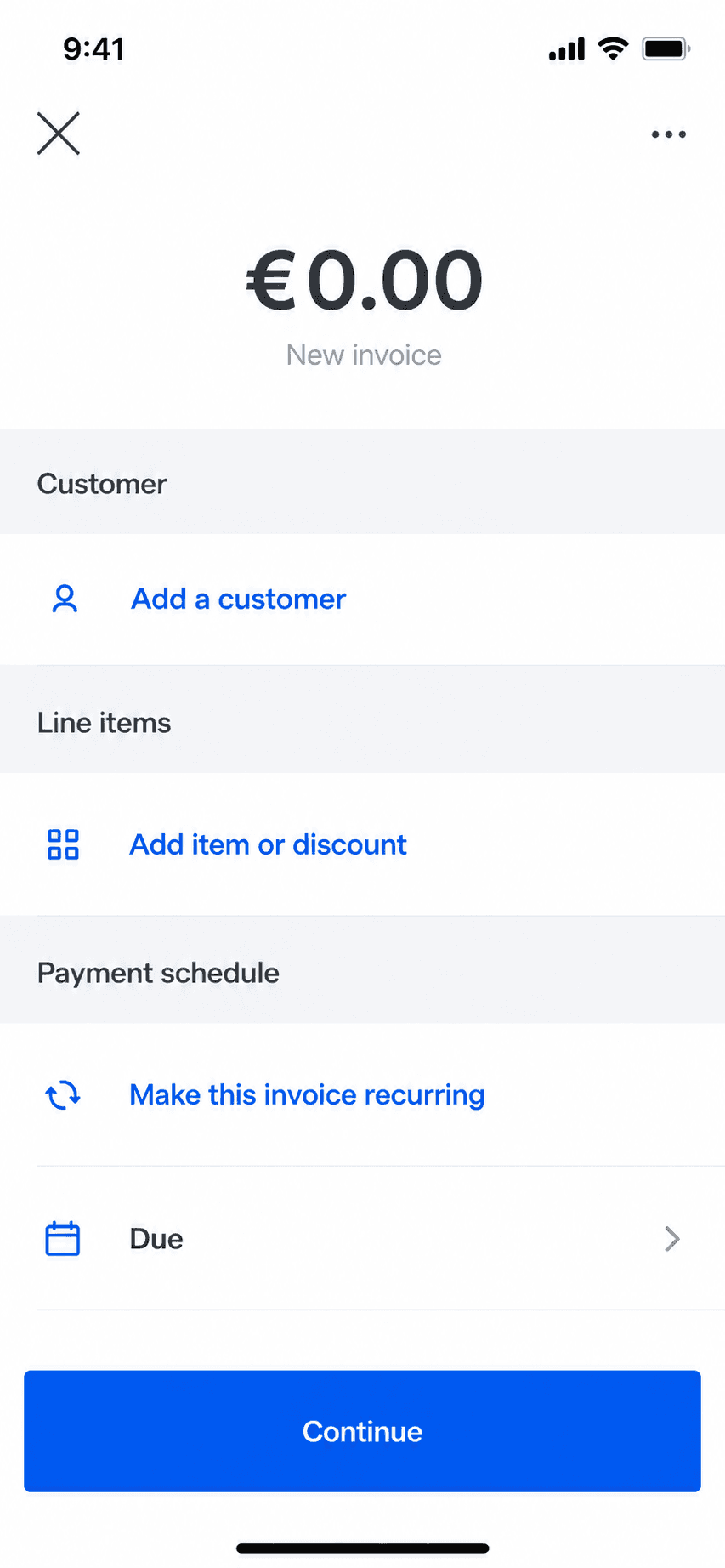
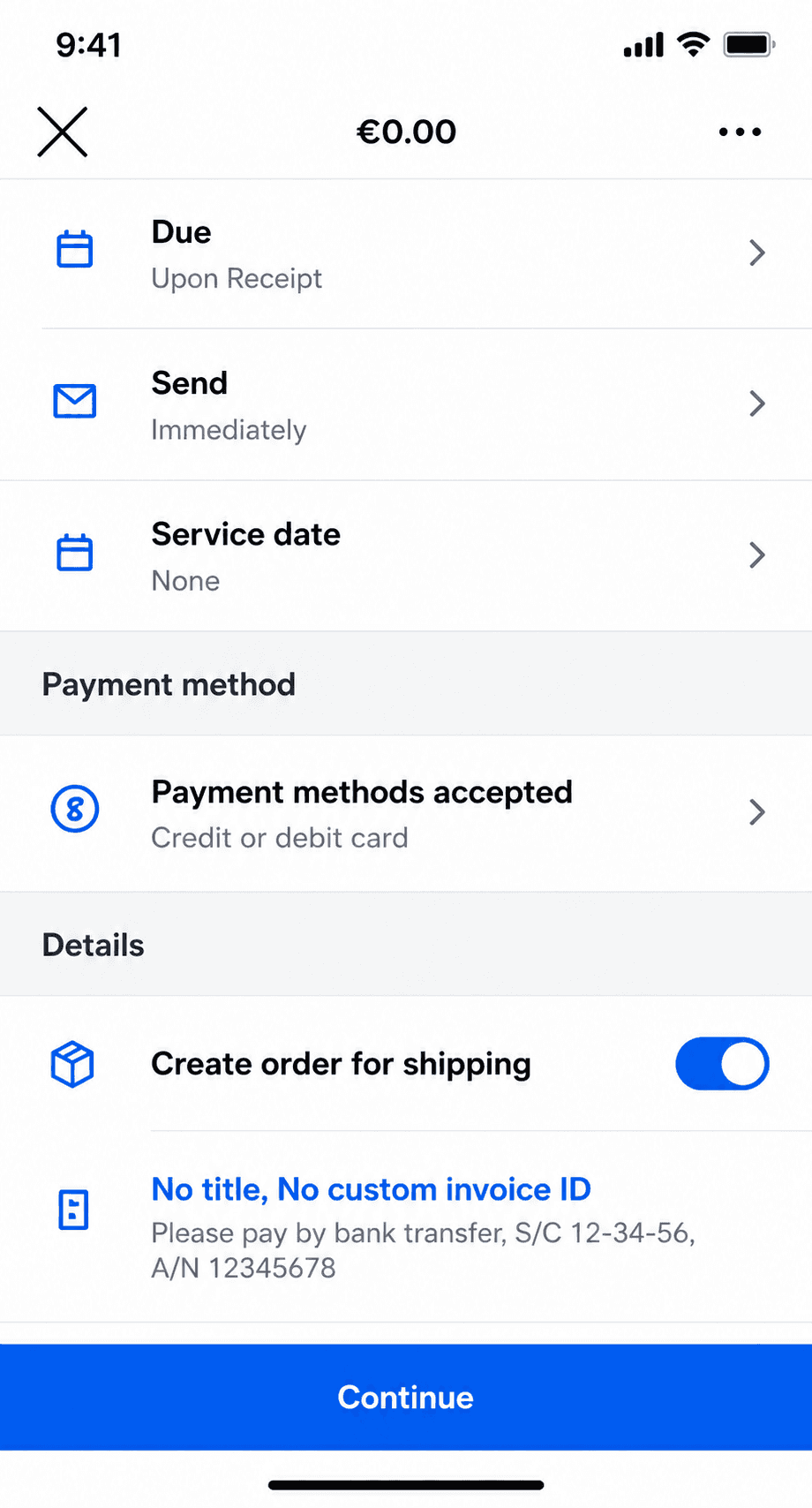
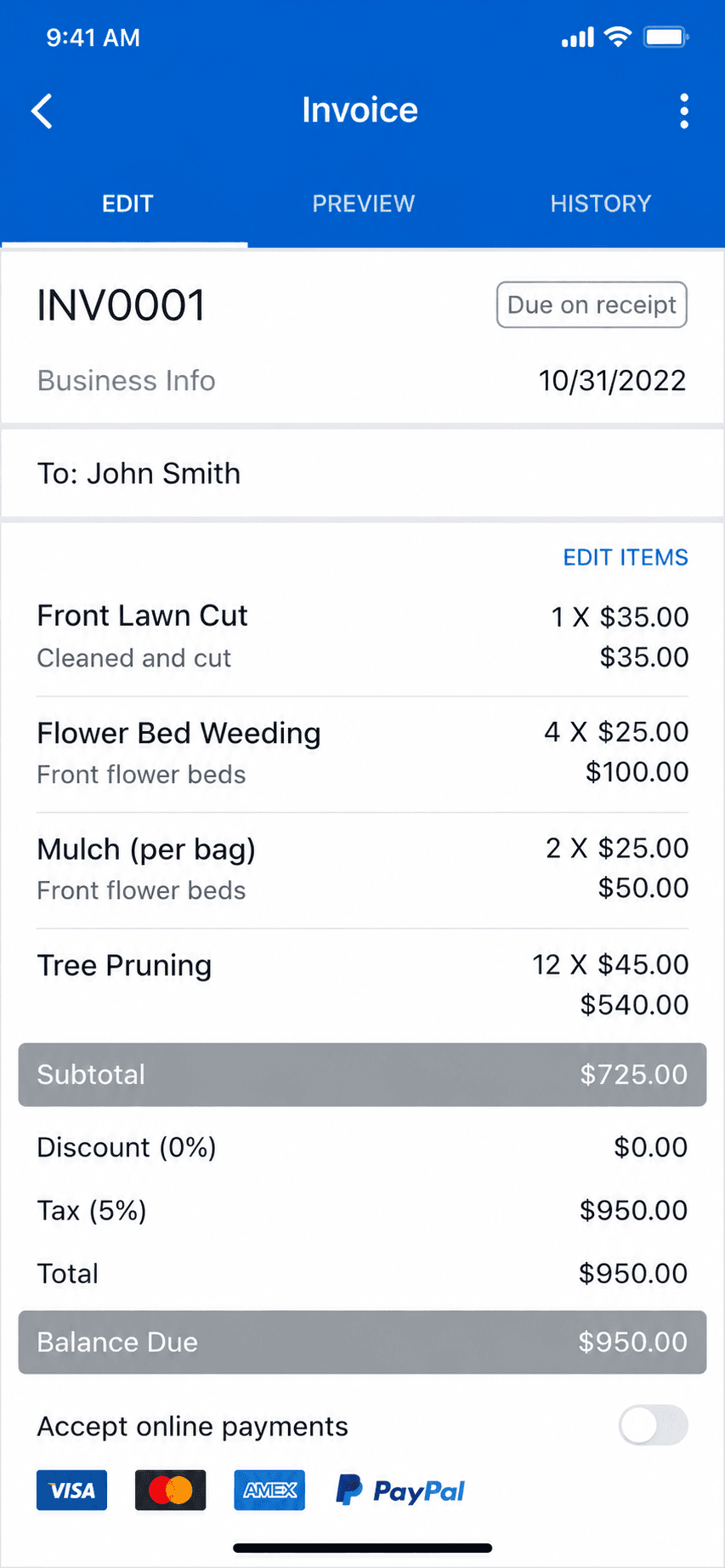
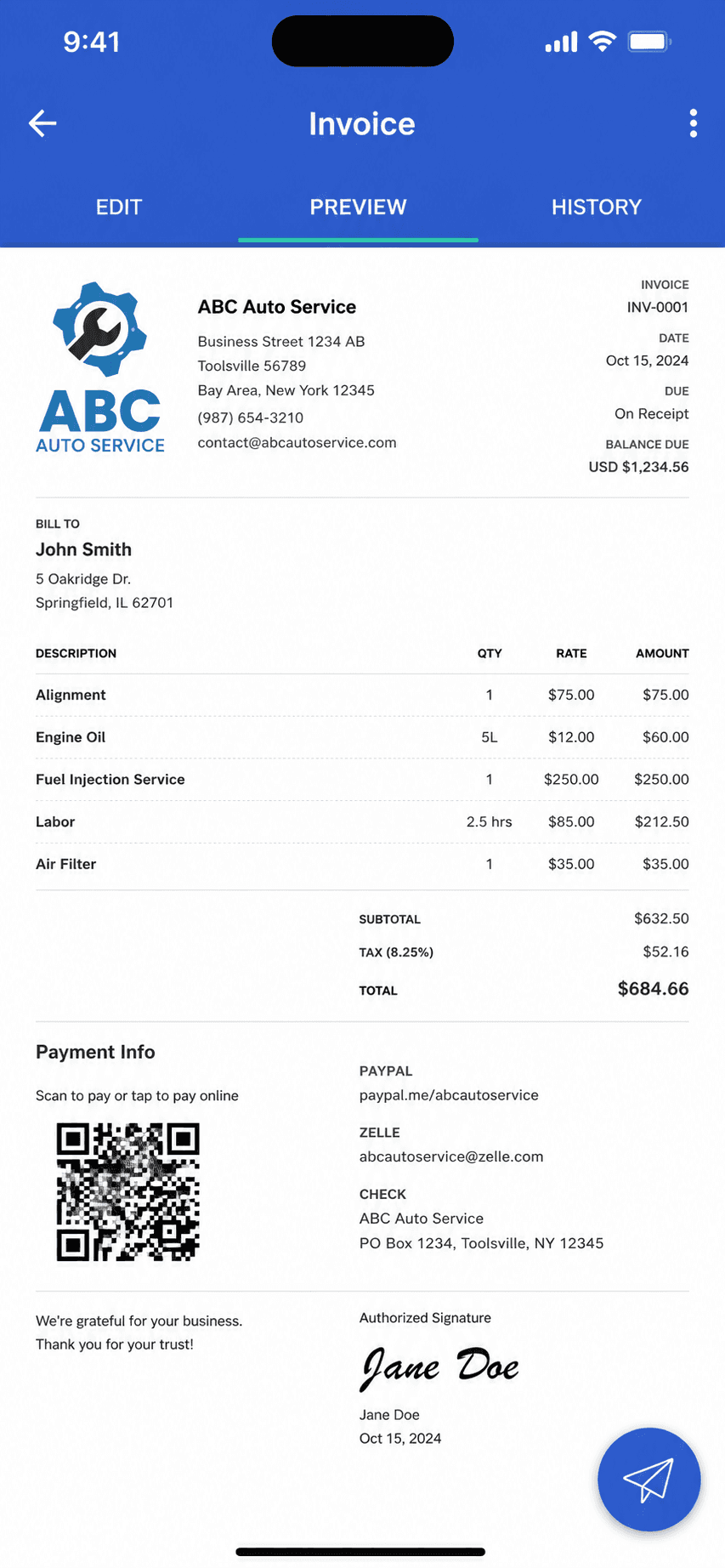
Only for invoices and estimates, and only if that was all you used. Billgami creates professional invoices and estimates, converts accepted estimates to invoices, tracks paid, unpaid, and partial status, and keeps PDF records, from your phone, free to start with a $249.99 lifetime option. It does no scheduling, no dispatch, no CRM, no automatic reminders, and no payment processing, and it is not trying to. For most Jobber users, who run crews, Billgami is the wrong answer and this page says so. For the solo operator using Jobber as an expensive invoice maker, it replaces that job outright.
What is the cheapest way to replace Jobber?
Match the tool to your lane. Invoicing only, all far cheaper than Jobber if paperwork is all you use: Billgami free or $249.99 once, Square Invoices free with card fees, or Joist from $10 a month. Real field service on a budget: Housecall Pro starts at $79 solo, and Yardbook is free with ads if you are specifically in lawn care. The expensive mistake is replacing Jobber with another five-job suite when you used one job; the other expensive mistake is forcing a crew onto an invoice app that cannot schedule. The five-job test above prevents both.
What happened to Workiz's free plan?
As of July 2026, Workiz's pricing page no longer shows a free plan or its former Lite tier; all three plans (Standard, Pro, Ultimate) are request-pricing, with a 7-day trial. Third-party reports say the free tier was discontinued in 2026. Plenty of Jobber-alternative listicles still recommend the free plan, which is a good reminder to verify any pricing claim on the vendor's own page the week you decide, including the ones on this page: prices here are dated July 2026.
Are apps like Jobber worth it for a one-person business?
Sometimes. A solo cleaner with recurring weekly clients gets real value from automatic scheduling and reminders, which is Jobber working as designed. A solo handyman quoting one-off jobs mostly needs estimates and invoices, and the rest of the bundle sits unused at $49 to $588 a year. The five-job test is more useful than any blanket answer: field service software is worth it exactly when the coordination features are the features you use.
Does Jobber raise prices or lock you in?
Jobber's promo pricing assumes commitment: the advertised $39 Core price requires a 1-year term, and the $29 figure requires prepaying the year. Month-to-month is $49. There is no long-term lock-in beyond that, which is genuinely better than the multi-year contracts reported at the enterprise end of this category. The cost creep to watch is structural instead: seats ($29 each past your plan), plan upgrades to unlock features, and add-ons like the Marketing Suite at $79 a month.


 Billgami
 Joist
Joist Square Invoices
 Invoice Simple
 Invoice2go
 Zoho Invoice
 Housecall Pro
 Workiz
 ServiceTitan
 Yardbook
 Stay on Jobber
 Housecall Pro
 Workiz
 ServiceTitan
 Stay on Jobber
 Joist
Joist Square Invoices
 Invoice Simple
 Billgami