FAQ
What do painters ask about invoice templates?
Clear answers on painting invoice templates, per-room versus per-square-foot billing, prep and coats, deposits, and how solo painters send professional PDFs from the job.
What should be on a painter invoice?
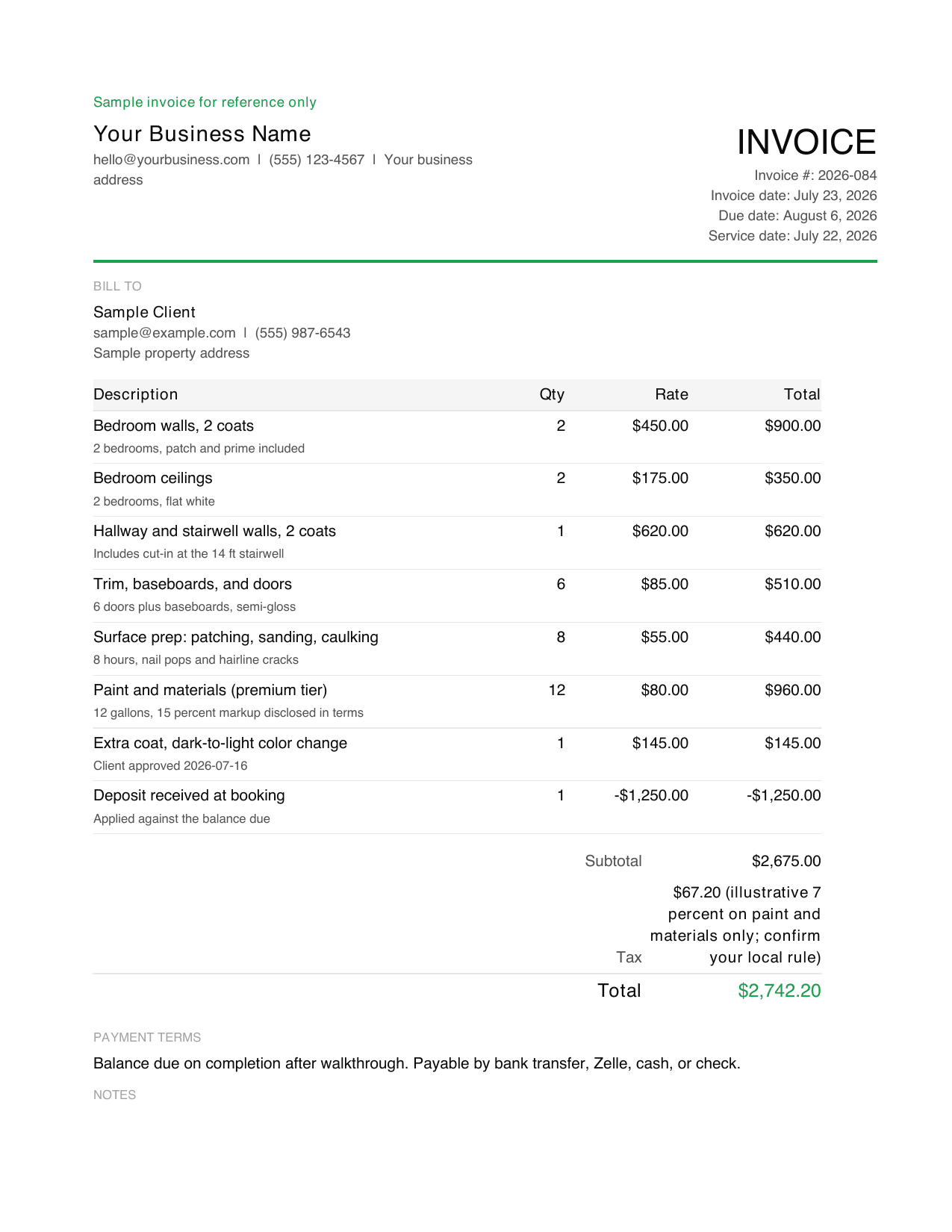
A painter invoice should include your business name and contact information, your license number if your state requires one, the client's name and property address, a unique invoice number, the estimate or job reference, each room or surface with the number of coats, surface prep on its own line, paint and materials with the grade named and markup disclosed, any approved color change referenced to its approval date, sales tax if it applies in your area, any deposit credited, the balance due, and payment terms.
Is this a painting contractor invoice template?
Yes. This works for solo painters, painting contractors, and small crews. It supports per-room and per-square-foot billing, prep work as separate lines, cabinet and trim units, paint tiers with markup, deposit credits, and approved color changes. It also doubles as a commercial painting invoice template: add the purchase order or work order number and bill per unit or per address. Adapt the line items to your market before sending.
Can I use this as a house painting invoice template?
Yes. A house painting invoice template needs the same core fields as any painting invoice: the property address, the rooms or exterior surfaces painted, coats, prep, paint and materials, and the balance due. For exterior work, add pressure washing and any height or scaffolding surcharge as separate lines.
Should I send a painting estimate before an invoice?
Send an estimate first when the scope or price needs client approval before work starts, which is most painting jobs. Send the invoice after the walkthrough is complete and the balance is due. If the job runs multiple weeks, progress bill at agreed milestones instead of waiting until the end.
How do I invoice per room versus per square foot?
Per room is simpler for interior repaints and is what most residential clients expect. Per square foot is more defensible on large or irregular jobs and on exteriors. Either works, but pick one basis and state it on every line so the client can follow the math. Do not mix the two on the same invoice without labeling which is which.
How do I bill for prep work and extra coats?
Keep prep on its own line, priced hourly or as a percentage surcharge on labor, so the client sees that patching, sanding, and caulking are real work. Quote the coats you expect, then bill any additional coat as a separate line. A dark-to-light color change usually needs an extra coat, and that should be approved before you apply it.
Does Billgami process painter payments?
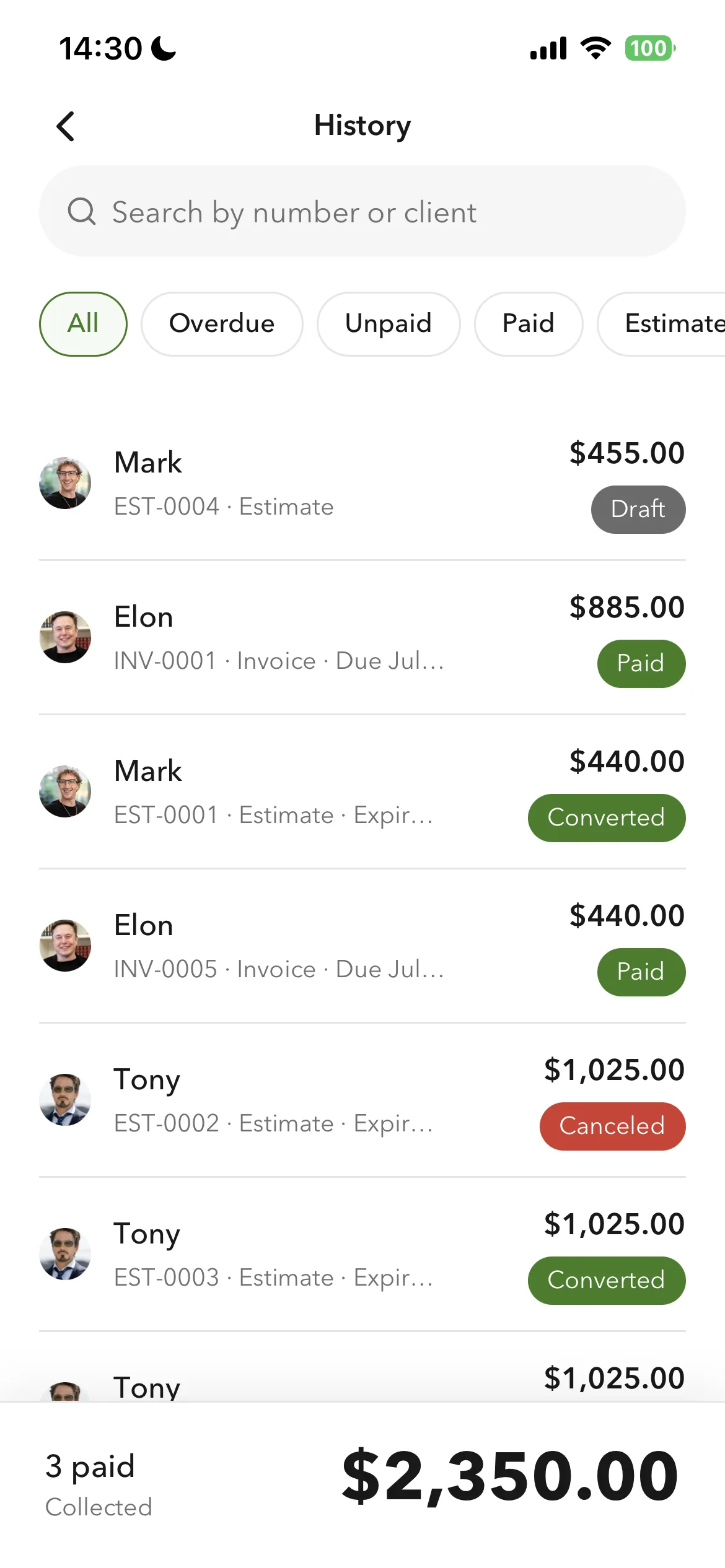
No. Billgami does not hold money, process payments, or collect on the invoice. The client pays you directly through the method you list, such as bank transfer, ACH, Zelle, check, cash, or a third-party card processor you already use. Billgami helps you create, send, export, and manually track the invoice record.
What's the fastest way to invoice after the final walkthrough?
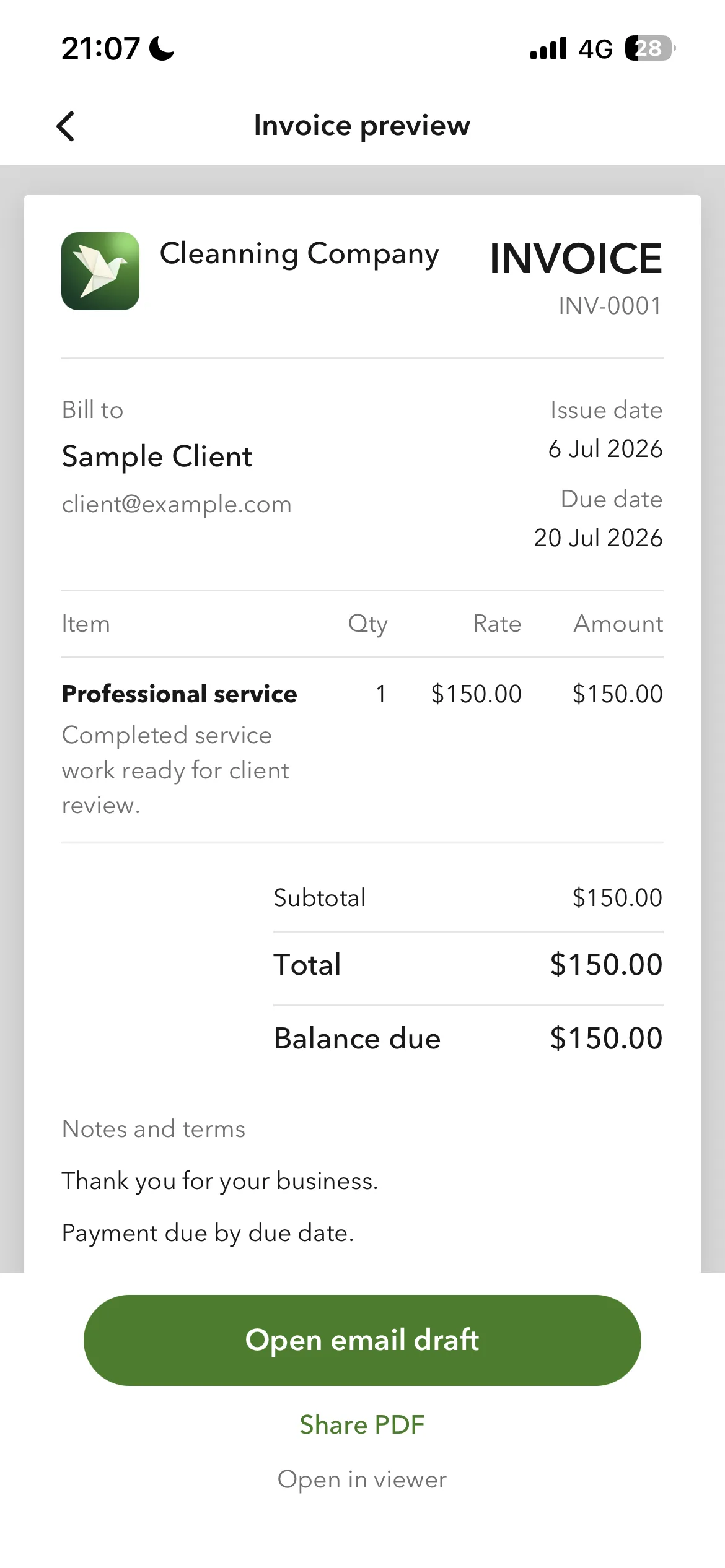
Save your client, the property, and your common room, prep, and paint lines once, then reuse them on the next job. Billgami is built for that iPhone workflow: add the client, add the lines, credit the deposit, preview the PDF, and share it before you leave the property.
Is Billgami full accounting software?
No. Billgami is for invoices, estimates, quotes, receipts, PDF records, and manual status tracking. It is not tax, payroll, bookkeeping, or payment processing software.
Can I send PDFs from my iPhone?
Yes. Billgami is built around creating professional PDFs and sharing them through the iPhone share sheet or email workflows you already use.