FAQ
Landscaping invoice template FAQ
Clear answers on invoice templates, pricing, and how solo service pros send professional PDFs from a phone.
What should be on a landscaping invoice?
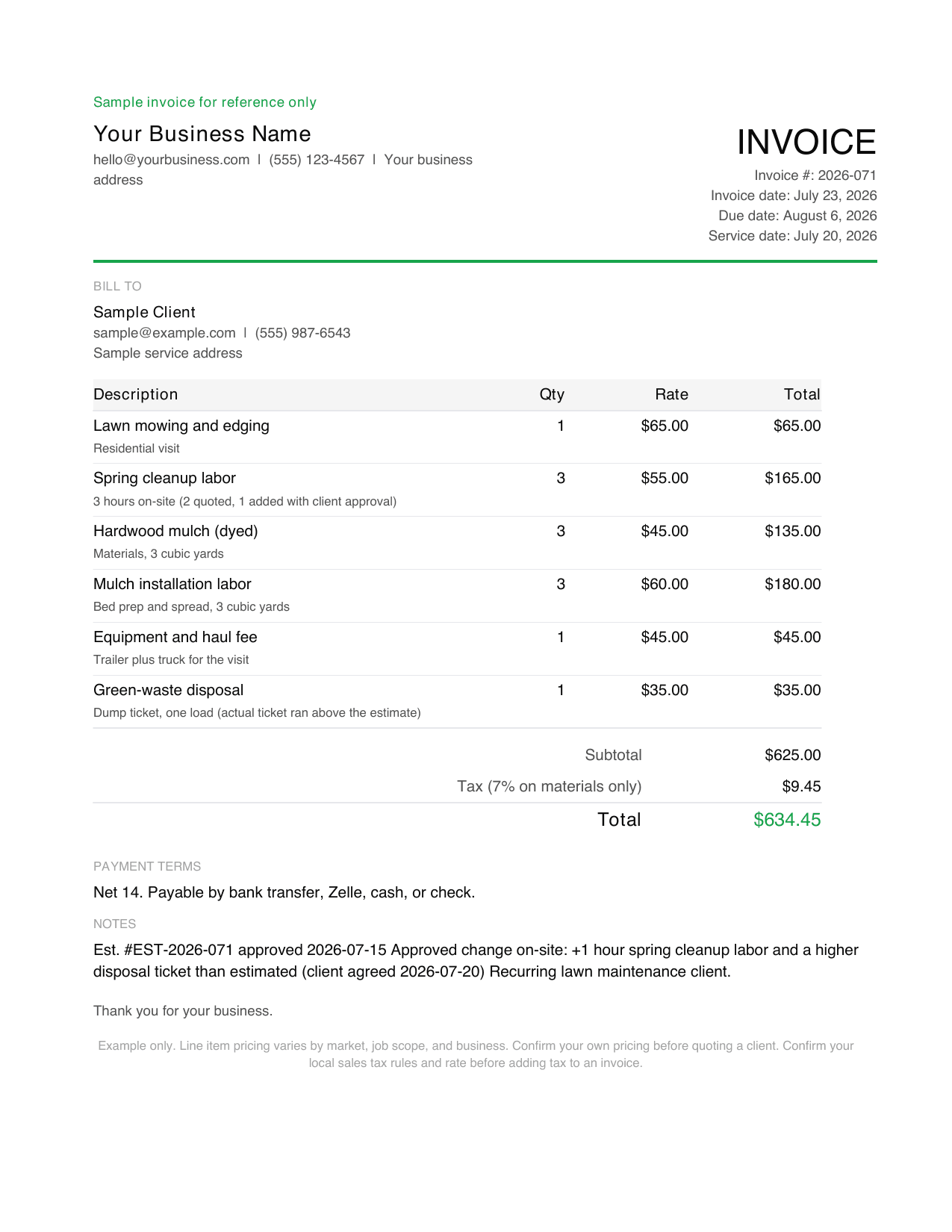
A landscaping invoice should include your business name and contact information, the client's name and the property service address, the service date or billing period, itemized services with unit and rate, materials on their own lines, equipment and disposal fees, the subtotal, sales tax if it applies in your state, the total due, payment terms, and an estimate reference with any approved change noted.
How do I invoice for weekly mowing?
Most landscapers invoice recurring mowing monthly under the client agreement, with each visit date listed as its own line. That way the client can verify every visit against the calendar. A lawn care invoice template works the same way, and this template covers both. If the client prefers per-visit billing, send the invoice the same day as the visit.
Should materials be separate from labor on a landscaping invoice?
Yes. List mulch, sod, plants, and fertilizer as their own lines with quantity and unit price, and keep installation labor separate. Clients accept material costs they can see, and the split also matters for sales tax, since some states tax materials but not labor.
How do I handle a weather-delayed job on the invoice?
Invoice the original scope after the rescheduled visit and note both the originally scheduled date and the actual service date. If a recurring visit was skipped entirely and the client is owed a credit, show the credit as its own line so nothing looks double-billed.
Do I charge sales tax on landscaping services?
It depends on your state. Some states tax landscaping services in full, some tax only materials, and some do not tax this work at all. Confirm your state and local rules before adding tax, and when it applies, show the rate and amount as a separate line. The tax shown in our sample is illustrative only.
Can I send a landscaping invoice from my phone?
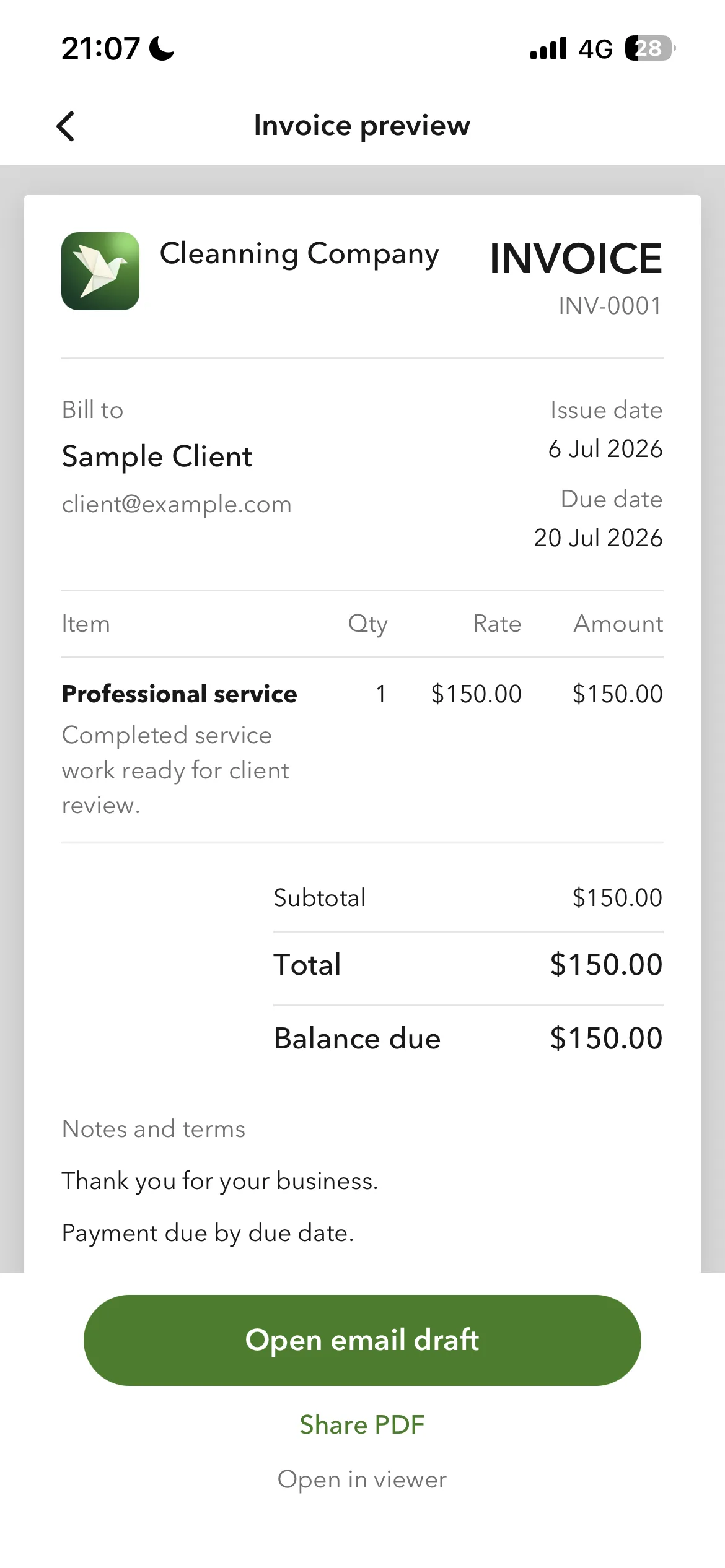
Yes. Save the client and your common service lines once, then reuse them on the next invoice. Billgami is built for that iPhone workflow: add the client, add service and material lines, preview the PDF, and share it before you leave the property. The PDF download above also works as a lawn care invoice pdf for mowing-only clients.
Is Billgami full accounting software?
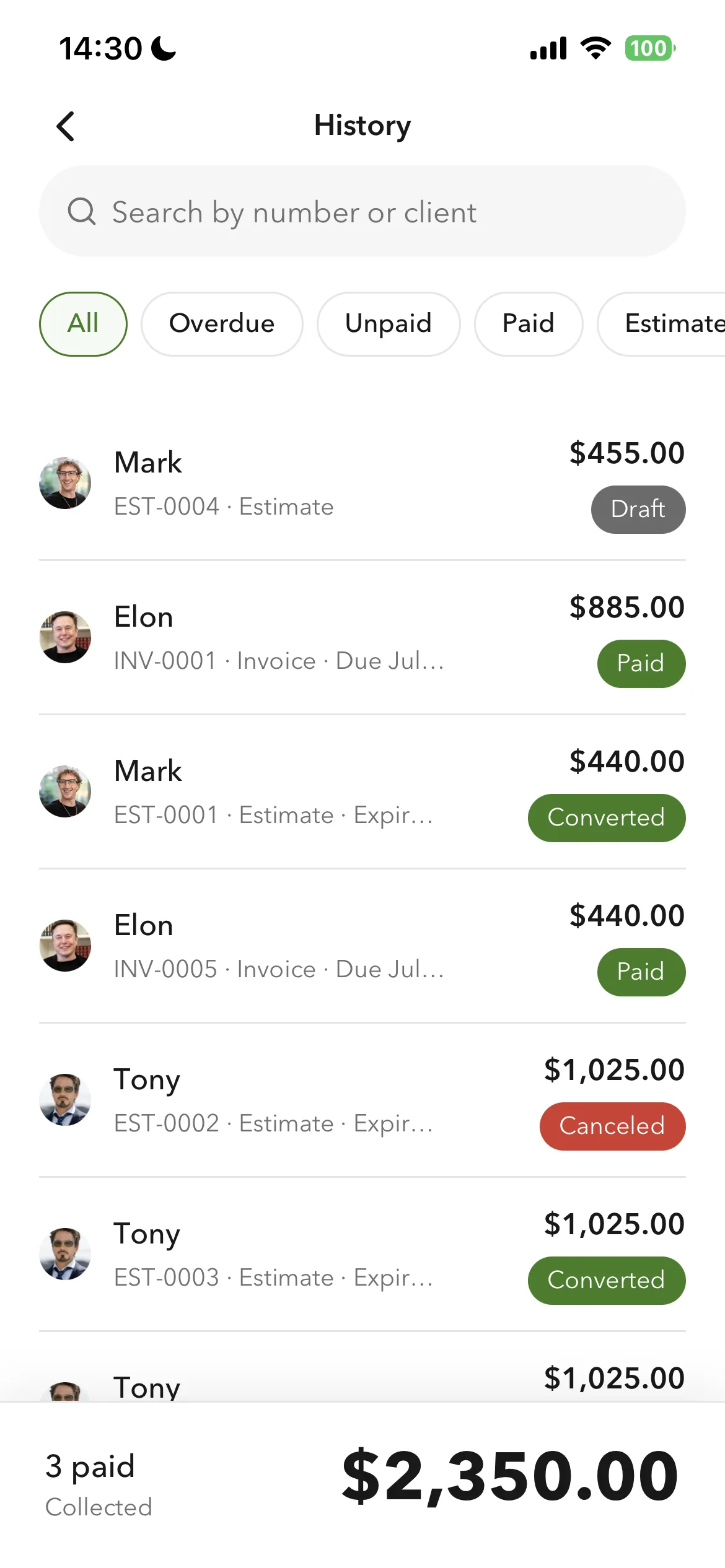
No. Billgami is for invoices, estimates, quotes, receipts, PDF records, and manual status tracking. It is not tax, payroll, bookkeeping, or payment processing software.
Can I send PDFs from my iPhone?
Yes. Billgami is built around creating professional PDFs and sharing them through the iPhone share sheet or email workflows you already use.